
1. Introduzione
This manual provides detailed instructions for the installation, operation, and maintenance of your Byron DIC-21525 Wireless Audio Doorbell system for two apartments. Please read this manual thoroughly before installation and use to ensure proper functionality and safety.
The Byron DIC-21525 is a wireless audio intercom system designed for small apartment groups or homes, offering two-way communication, adjustable volume, and multiple melodies. It supports door opening functionality if connected to an electric door opener.
2. Contenuto della confezione
Verificare che tutti i componenti siano presenti nella confezione:
- 1 x Outdoor Unit (Doorbell Panel)
- 2 x Indoor Units (Receivers)
- 1 x Power Adapter for Indoor Unit
- Mounting Plate for Outdoor Unit
- Screws and Plugs for installation
- Manuale di istruzioni (questo documento)

Figura 2.1: Sopraview of the Byron DIC-21525 system components and key features.
3. Configurazione e installazione
3.1 Installazione dell'unità esterna
The outdoor unit is weather-resistant (IP44 rated) and designed for outdoor placement. It features an illuminated doorbell button and a nameplate.
- Scegli la posizione: Select a suitable location near your entrance, ensuring it is easily accessible for visitors and within the wireless range of the indoor units (up to 125m in open field).
- Montaggio: Use the provided mounting plate, screws, and plugs to securely attach the outdoor unit to a wall or door frame. Ensure it is mounted at an appropriate height for all users.
- Alimentazione elettrica: The outdoor unit can be powered by batteries (not included) or via existing 2-wire doorbell wiring.
- Potenza della batteria: Insert the required batteries into the outdoor unit. (Note: Door opening function is not available when using battery power only).
- Alimentazione cablata: Connect the outdoor unit to existing 2-wire doorbell wiring (8-24V DC). Always check your existing wiring for compatibility. This method enables the electric door opener function.
- Targhetta: Insert your name(s) into the illuminated nameplate slot.
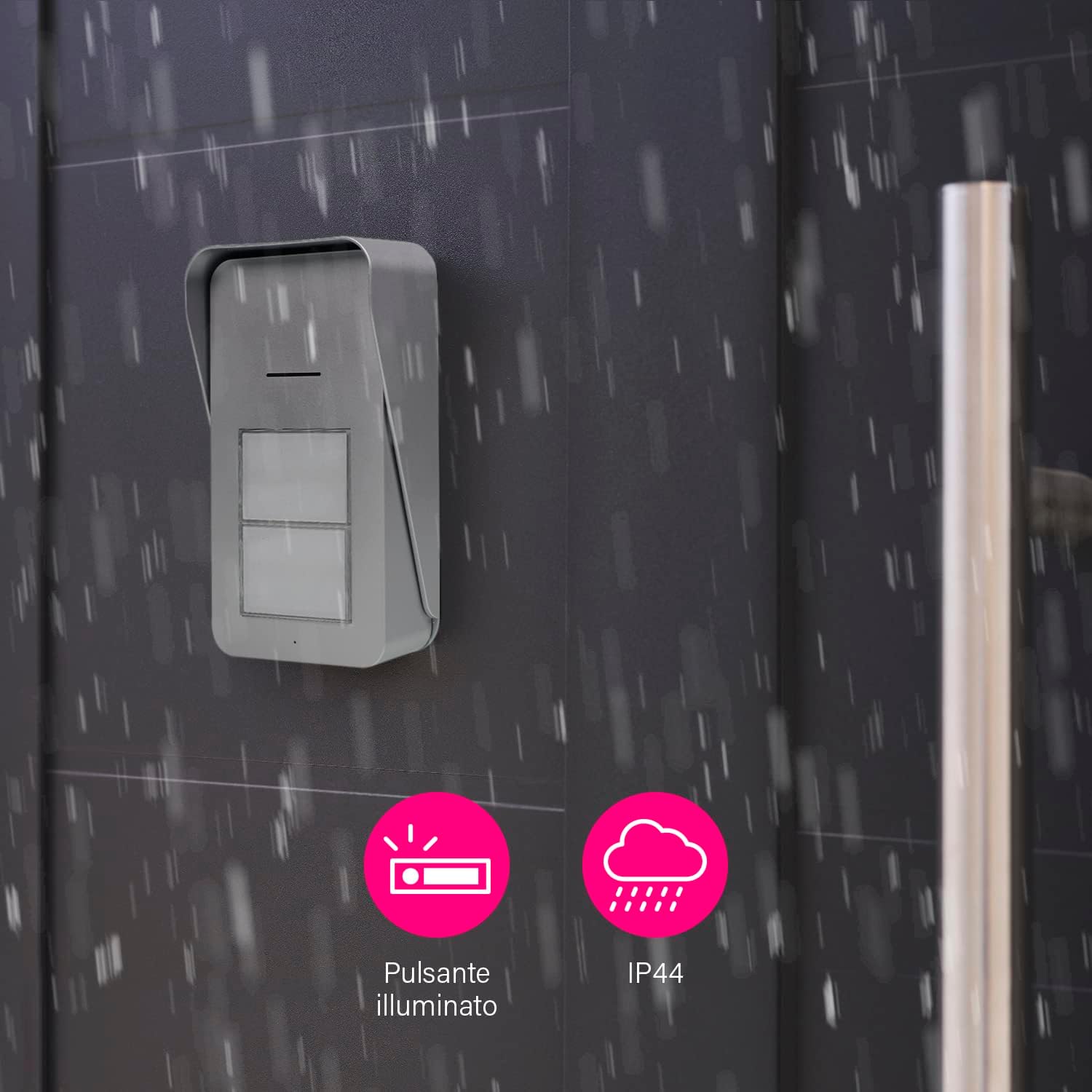
Figura 3.1: Outdoor unit with illuminated button and IP44 weather resistance.

Figura 3.2: User interacting with the outdoor unit.
3.2 Posizionamento dell'unità interna
The slim indoor units can be placed anywhere within your apartment, provided they are within range of the outdoor unit.
- Alimentazione elettrica: Connect each indoor unit to a power outlet using the provided adapter.
- Posizionamento: Position the indoor units in locations where the doorbell chime can be easily heard. Avoid placing them near large metal objects or other electronic devices that might interfere with the wireless signal.
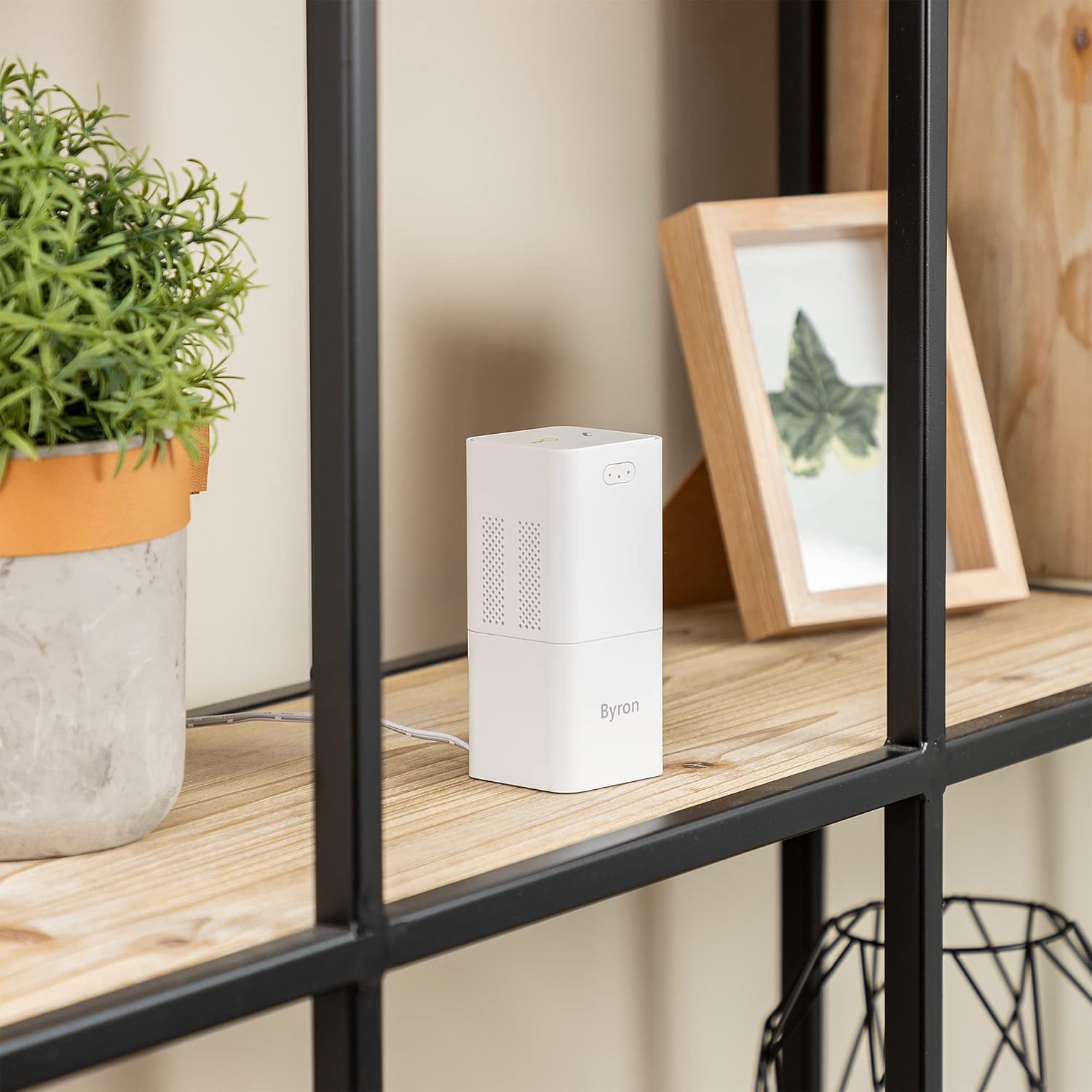
Figura 3.3: Indoor unit discreetly placed on a shelf.
3.3 Abbinamento (se necessario)
The units are typically pre-paired. If pairing is required or if you add additional units:
- Refer to the specific pairing instructions in the full manual (not provided in this summary). Generally, this involves a pairing button on both units.
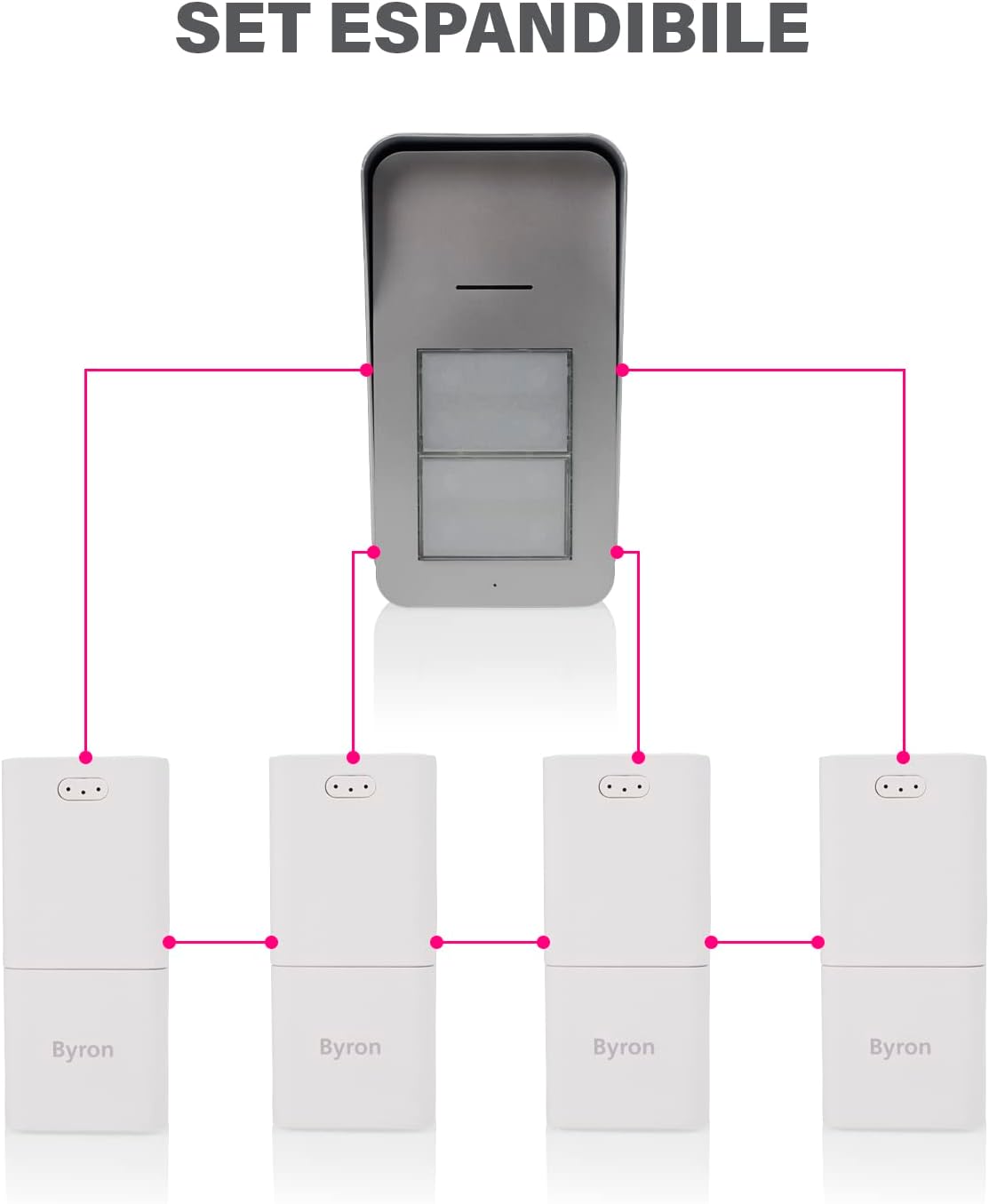
Figura 3.4: The system is expandable, allowing connection to multiple indoor units.
4. Istruzioni per l'uso
4.1 Ricezione di una chiamata
- When a visitor presses a doorbell button on the outdoor unit, the corresponding indoor unit(s) will chime.
- To answer the call, press the talk button on the indoor unit. You can now engage in two-way audio communication with the visitor.
- To end the conversation, press the talk button again or the call will automatically end after a set period.
4.2 Adjusting Volume and Melody
Each indoor unit allows for customization of its chime settings.
- Controllo del volume: The indoor unit has 5 volume levels, up to 80 dB. Use the volume buttons to adjust the sound level to your preference.
- Selezione della melodia: Choose from 15 available melodies. Refer to your indoor unit's specific buttons for melody selection.

Figura 4.1: Indoor unit sound level (80 dB) and outdoor unit IP44 rating.
4.3 Door Opening Function (Optional)
If the outdoor unit is wired to an electric door opener (and powered via 2-wire connection), you can unlock the door from the indoor unit.
- During an active conversation (after pressing the talk button), press the door unlock button on the indoor unit.
- The electric door opener will activate, allowing the visitor to enter.
- Nota: This function is only available when the outdoor unit is powered via a wired connection (8-24V DC) and the indoor unit is in "off-hook" mode (active conversation).
5. Manutenzione
- Pulizia: Clean the outdoor and indoor units with a soft, damp panno. Non usare detergenti abrasivi o solventi.
- Sostituzione della batteria (unità esterna): If the outdoor unit is battery-powered, replace batteries when the low battery indicator appears or performance degrades. Use the recommended battery type.
- Controlli regolari: Periodically check the mounting of the outdoor unit to ensure it remains secure.
6. Risoluzione Dei Problemi
| Problema | Possibile causa | Soluzione |
|---|---|---|
| No sound from indoor unit when doorbell is pressed. |
|
|
| Qualità audio scadente. |
|
|
| La funzione di apertura della porta non funziona. |
|
|
7. Specifiche
- Modello: DIC-21525
- Marca: Byron
- Tipo: Wireless Audio Intercom System (2 Apartments)
- Frequenza wireless: 868 MHz
- Portata wireless: Fino a 125 metri (campo aperto)
- Potenza unità esterna: Batteries (not included) or 2-wire (8-24V DC)
- Indoor Unit Power: Mains adapter (included)
- Livelli del volume: 5 (fino a 80 dB)
- Melodie: 15 selezionabili
- Weather Resistance (Outdoor Unit): Grado di protezione IP44
- Dimensioni (Unità Esterna): Circa 16.5 cm (A) x 9 cm (L) x 5 cm (P)
- Dimensioni (unità interna): Circa 11 cm (A) x 5 cm (L) x 5 cm (P)
- Componenti inclusi: 2 x Indoor unit, 1 x Outdoor unit, 1 x Adapter, Mounting plate, Screws and plugs, Manual
8. Garanzia e supporto
For warranty information and technical support, please refer to the documentation provided with your purchase or visit the official Byron websito. Conservare la prova d'acquisto per eventuali reclami in garanzia.
Produttore: Byron