
Introduzione
This manual provides detailed instructions for the installation, operation, and maintenance of your LAXIHUB P2 Indoor Security Camera. Please read this manual thoroughly before using the product to ensure proper function and safety. Keep this manual for future reference.
Prodotto finitoview
The LAXIHUB P2 is a versatile indoor security camera designed for monitoring pets, babies, or general home surveillance. It features 1080P Full HD video, 355° horizontal pan and 60° vertical tilt for comprehensive coverage, super IR night vision, motion and sound detection, and two-way audio communication. The camera is compatible with Amazon Alexa and Google Assistant for convenient voice control.
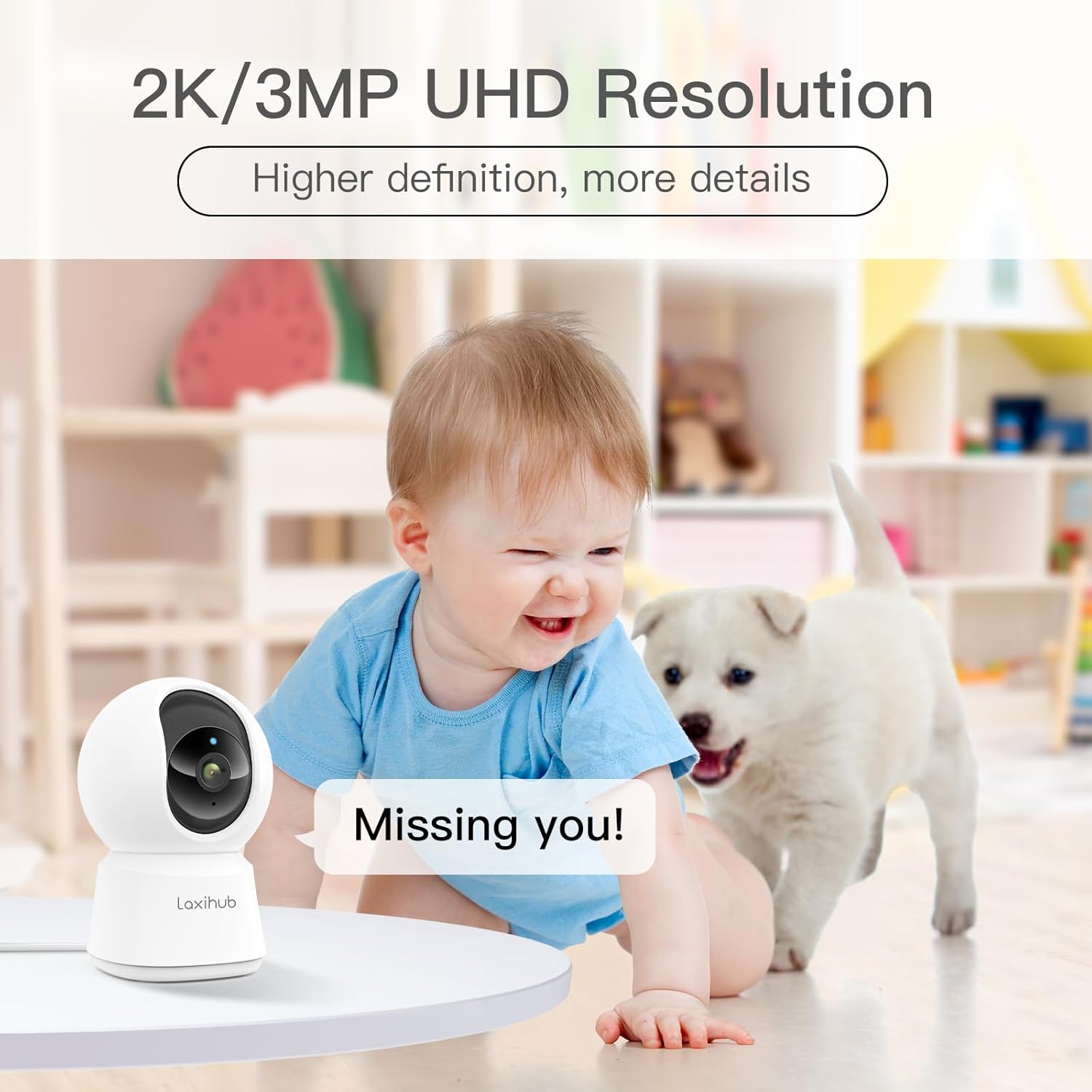
Immagine: Frontale view of the LAXIHUB P2 Indoor Security Camera, showcasing il suo design compatto.
Guida all'installazione
1. Installazione dell'app
To begin, download the Arenti app from your smartphone's app store (Google Play Store for Android or Apple App Store for iOS). Cercare "Arenti" and install the application.
2. Accensione
Connect the camera to a power source using the provided USB cable and power adapter. The camera will power on automatically, and an indicator light will begin to flash, signaling it is ready for setup.
Video: This video demonstrates the initial setup process, including powering on the camera and preparing for app connection.
3. Connessione al Wi-Fi
- Open the Arenti app and create an account or log in.
- Tocca l'icona '+' per aggiungere un nuovo dispositivo.
- Select the P2 camera model from the list of devices.
- Follow the in-app instructions to connect the camera to your 2.4 GHz Wi-Fi network. Note: The camera only supports 2.4 GHz Wi-Fi.
- The app will display a QR code. Position your phone 5-8 inches in front of the camera lens for the camera to scan the code. You will hear a tone when the scan is successful.
- Once connected, you can name your device and access live view.
4. Opzioni di montaggio
The LAXIHUB P2 camera offers flexible installation options. It can be placed on a flat surface or mounted to a wall or ceiling using the included mounting bracket. Ensure the camera is securely fastened and has a clear line of sight to the desired monitoring area.

Image: The LAXIHUB P2 camera demonstrating its pan and tilt capabilities, providing a wide view of a living room.
Istruzioni per l'uso
1. Controllo Pan/Tilt
Dal vivo view in the Arenti app, use the on-screen controls to remotely pan (355° horizontally) and tilt (60° vertically) the camera lens to adjust your viewing angle and cover a wider area.
Video: This video illustrates the 355° pan and 60° tilt functionality of the P2 camera, showing its ability to cover a full 360° view.
2. Audio bidirezionale
The camera features a built-in microphone and speaker, allowing for two-way communication. Tap the microphone icon in the app to speak through the camera, or listen to audio from the camera's environment.

Image: The LAXIHUB P2 camera positioned near a dog on a couch, symbolizing the two-way audio feature for pet interaction.
3. Rilevamento di movimento e suono
The P2 camera is equipped with advanced motion and sound detection capabilities. When motion or sound is detected, the camera can send instant alerts to your smartphone. You can customize sensitivity levels and alert preferences within the app settings.

Image: The LAXIHUB P2 camera capturing motion from two dogs, with a smartphone displaying an alert notification.
4. Super IR Night Vision
The camera's super IR night vision provides clear video footage even in low-light or complete darkness, with a range of up to 32 feet (10 meters). This ensures continuous monitoring around the clock.
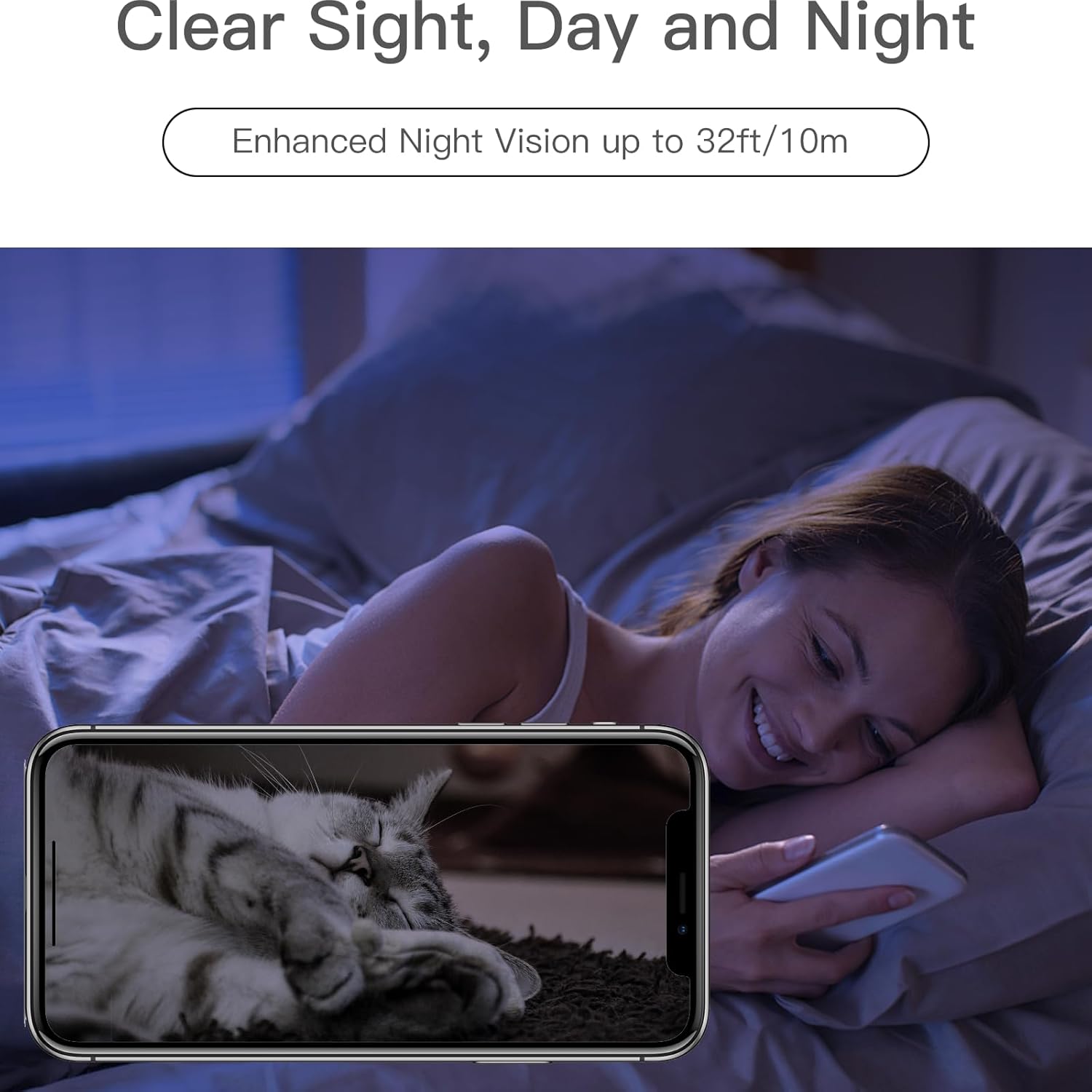
Image: A smartphone displaying clear night vision footage from the LAXIHUB P2 camera, showing a cat sleeping in a dark room.
5. Modalità Privacy
Activate Privacy Mode through the app to temporarily disable video recording and monitoring when you desire privacy. This feature can be scheduled or manually toggled.
6. Riproduzione e archiviazione video
Pippo registratotage can be stored locally on a microSD card (not included) or via cloud storage services (subscription may be required). Access and review recorded videos through the Arenti app.
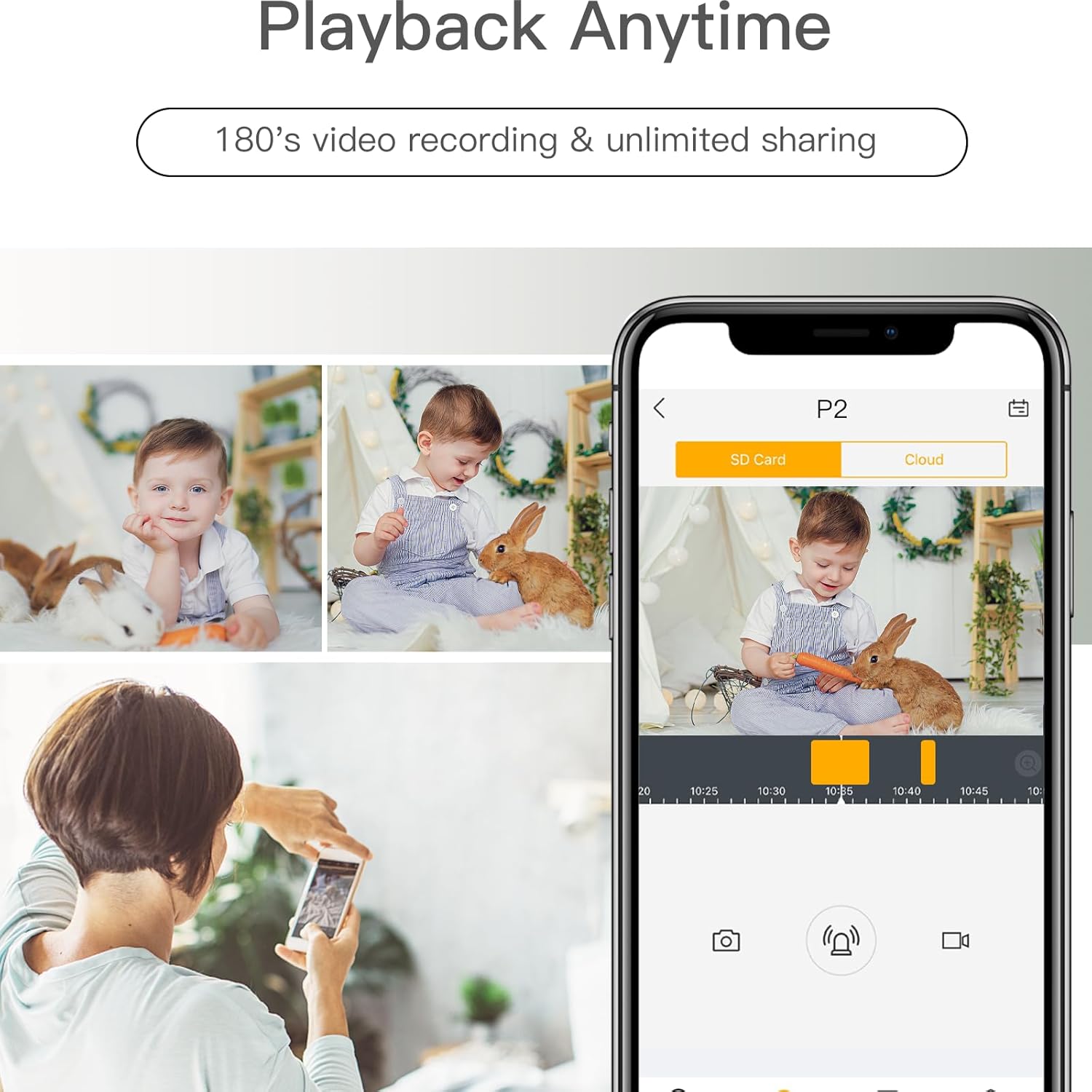
Image: The Arenti app interface on a smartphone, showing options for SD card and cloud storage, with a video playback of a baby.
7. Integrazione della casa intelligente
The LAXIHUB P2 camera works with Amazon Alexa and Google Assistant. Link your camera to these platforms through the Arenti app settings to enable voice commands for live view e altre funzioni.
Video: A short video demonstrating the LAXIHUB P2 camera's compatibility with smart home devices like Alexa and Google Assistant, showing live feed on a smart display.
Manutenzione
1. Pulizia
To maintain optimal performance, regularly clean the camera lens and exterior with a soft, dry cloth. Avoid using harsh chemicals or abrasive materials that could damage the device.
2. Aggiornamenti del firmware
Ensure your camera's firmware is up to date by checking for updates within the Arenti app. Firmware updates often include performance improvements, new features, and security enhancements.
Risoluzione dei problemi
- La fotocamera non si connette al Wi-Fi: Ensure your Wi-Fi network is 2.4 GHz. Check your Wi-Fi password and router settings. Move the camera closer to the router.
- Nessun feed video: Verifica che la telecamera sia accesa e connessa al Wi-Fi. Controlla la tua connessione Internet.
- Scarsa qualità video: Ensure the lens is clean. Check your internet speed. Adjust video resolution settings in the app if available.
- Gli avvisi di movimento/suono non funzionano: Check alert settings in the app, including sensitivity and notification preferences. Ensure Privacy Mode is not active.
- Problemi audio bidirezionali: Check microphone and speaker volumes in the app. Ensure there is no obstruction to the microphone or speaker on the camera.
Specifiche
| Caratteristica | Specificazione |
|---|---|
| Modello | P2 |
| Risoluzione video | 1080P Full HD (720p listed in specs, but product title states 1080P) |
| Pan Range | 355° |
| Gamma di inclinazione | 60° |
| Gamma di visione notturna | Fino a 32 piedi (10 metri) |
| Connettività | Wi-Fi a 2.4 GHz |
| Audio | Audio bidirezionale |
| Rilevamento | Motion Sensor, Sound Detection |
| Compatibilità con la casa intelligente | Amazon Alexa, Assistente Google |
| Opzioni di archiviazione | Scheda MicroSD (fino a 128 GB, non inclusa), archiviazione cloud (abbonamento richiesto) |
| Uso interno/esterno | Al chiuso |
Garanzia e supporto
For warranty information and technical support, please refer to the official LAXIHUB webo contattare direttamente il servizio clienti. Conservare la ricevuta d'acquisto come prova d'acquisto per eventuali reclami in garanzia.