
Introduzione
Grazie per l'acquistoasing the Cuifati A100 Mini Cartoon Kids Camera. This camera is designed for children aged 3-12, offering a fun and safe way to explore photography and videography. Its compact, lightweight, and durable design, made from food-grade ABS material, ensures a comfortable and secure grip for small hands. This manual provides essential information for setting up, operating, and maintaining your camera.
The camera features a 2.0-inch color display, 20MP photo resolution, 720P video recording, and includes various photo frames and filters to enhance creativity. It is equipped with a built-in 400mAh rechargeable battery for extended use.
Informazioni sulla sicurezza
- This product is intended for children aged 3-12. Adult supervision is recommended during use.
- The camera is made from food-grade ABS material, ensuring it is safe for children.
- Do not expose the camera to extreme temperatures, direct sunlight for prolonged periods, or moisture.
- Evitare di far cadere la fotocamera o di sottoporla a forti urti.
- Tenere le parti di piccole dimensioni, come le schede di memoria, fuori dalla portata dei bambini molto piccoli per evitare rischi di soffocamento.
- Use only the provided charging cable or a compatible DC5V 1A charger.
- The battery is built-in and non-detachable. Do not attempt to replace it.
Contenuto della confezione
Si prega di controllare il pacco per assicurarsi che siano presenti tutti gli articoli:
- 1 x Cuifati A100 Children Camera
- 1 x cinghia di fissaggio
- 1 x Anti-lost Rope
- 1 cavo di ricarica USB

Figura 1: Package contents including the camera, straps, and charging cable.
Prodotto finitoview
The Cuifati A100 camera features a user-friendly design with a durable, rounded body for comfortable handling.

Figura 2: The camera's light and round design.
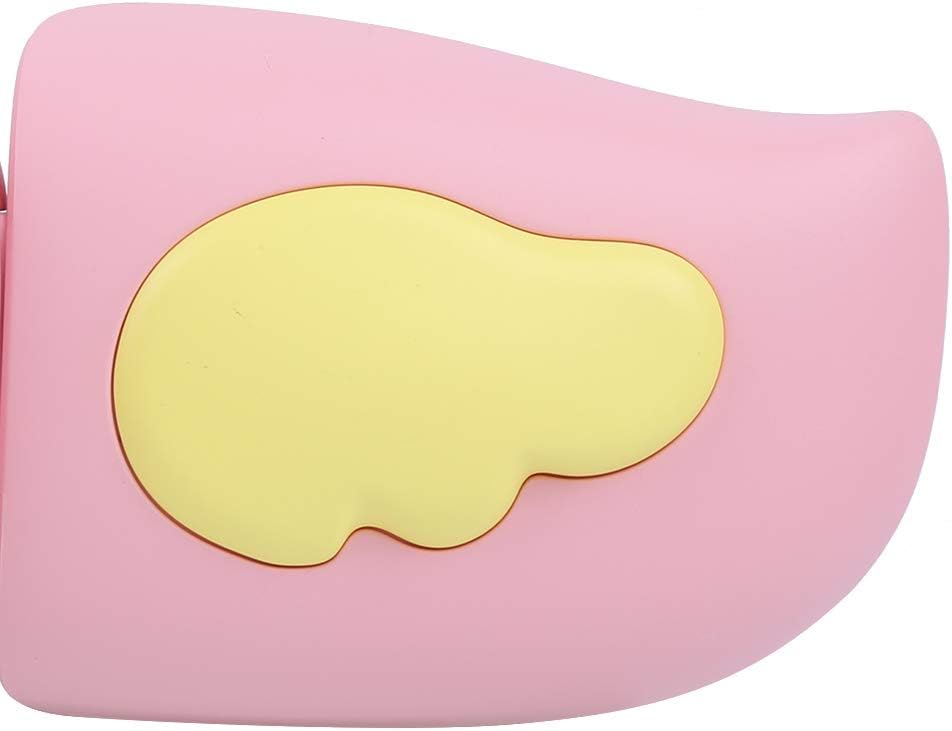
Figura 3: Detail of the camera's ergonomic design.
Caratteristiche principali:
- Display a colori da 2.0 pollici: Per viewscattare foto, video e navigare nei menu.
- Lente fissa: 100° viewing angle for capturing wide scenes.
- Pulsanti intuitivi: Comandi intuitivi per un utilizzo semplice.
- Interfaccia USB: Per la ricarica e il trasferimento dei dati.
- Slot per scheda di memoria: Supports up to 32GB (card not included).
Impostare
1. Caricare la fotocamera
Before first use, fully charge the camera's built-in 400mAh battery. The camera features a large capacity battery for strong endurance.
- Collegare il cavo di ricarica USB in dotazione alla porta USB della fotocamera.
- Connect the other end of the USB cable to a DC5V 1A USB power adapter (not included) or a computer's USB port.
- La spia di carica si illuminerà. Una volta completata la carica, la spia potrebbe cambiare colore o spegnersi.
2. Inserimento di una scheda di memoria
A memory card (MicroSD card, up to 32GB) is required to save photos and videos. It is not included in the package.
- Individuare lo slot della scheda di memoria sul lato della fotocamera.
- Gently insert a MicroSD card into the slot with the metal contacts facing the front of the camera until it clicks into place.
- Per rimuovere la scheda, spingerla delicatamente di nuovo finché non scatta fuori.
Istruzioni per l'uso
1. Accensione/spegnimento
- Per accendere: Premere e tenere premuto il pulsante di accensione (solitamente contrassegnato con Ⓜ or a similar icon) for a few seconds until the screen lights up.
- Per spegnere: Premere e tenere premuto nuovamente il pulsante di accensione finché lo schermo non si spegne.

Figura 4: Camera in hand, showing the display and control buttons.
2. Scattare foto
- Accendi la fotocamera. Solitamente è impostata sulla modalità foto.
- Frame your shot using the 2.0-inch color display.
- Press the Shutter button (often a prominent button on top or side) to take a picture.
- La fotocamera supporta una risoluzione fotografica di 20 MP.
- Utilize the 4 types of photo stickers and 9 kinds of filters for creative effects.
- Time-lapse shooting for selfies can be set for 3 or 5 seconds.
3. Registrazione di video
- From photo mode, navigate to video mode using the mode button (usually marked 'M' or a video camera icon).
- Premere il pulsante di scatto per avviare la registrazione. Sullo schermo apparirà un indicatore di registrazione.
- Premi nuovamente il pulsante Otturatore per interrompere la registrazione.
- The camera records videos in 720P (1080x720) resolution.
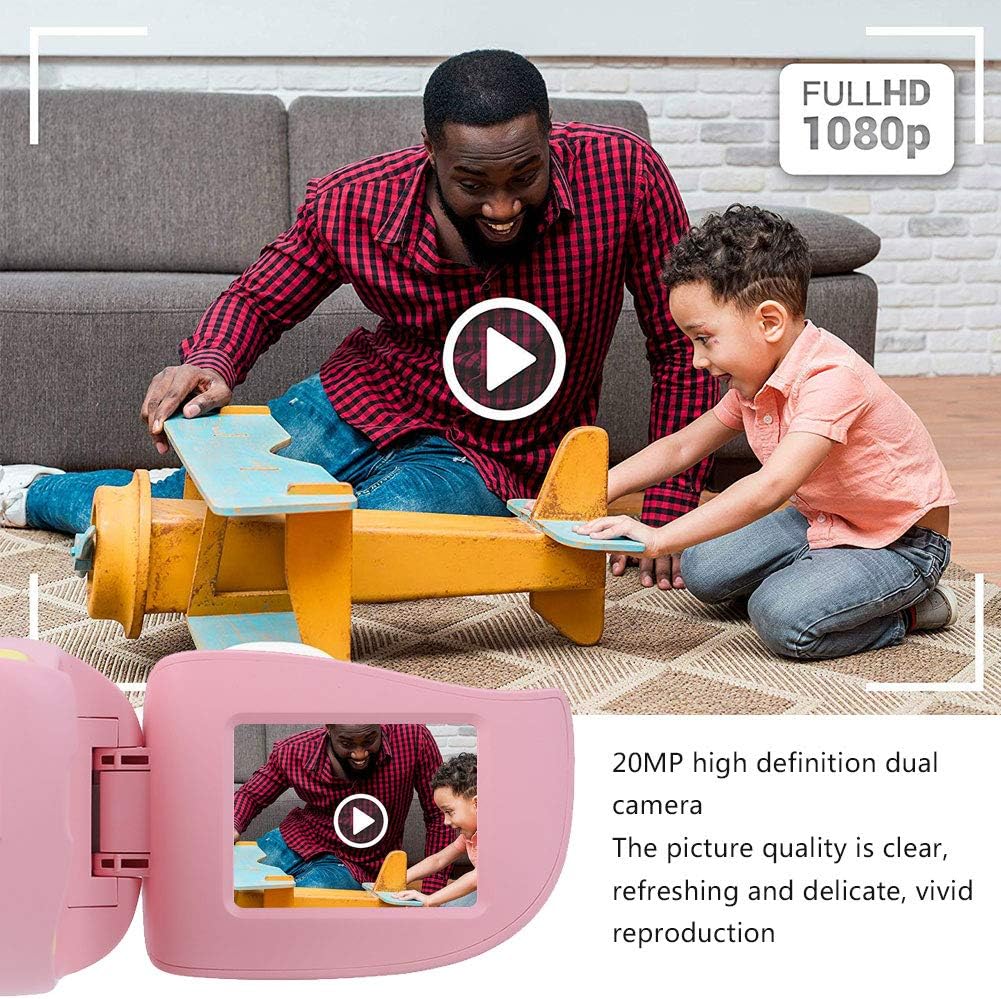
Figura 5: Illustrating the camera's 20MP photo and 720P video capabilities.
4. Modalità di riproduzione
- Enter playback mode using the mode button.
- Use the navigation buttons (up/down or left/right arrows) to browse through your photos and videos.
- Press the OK/Shutter button to view una foto o riprodurre un video.
5. Settings and Games
- Access the settings menu via the mode button or a dedicated menu button. Here you can adjust language (Chinese, English, Russian, Korean, Japanese), date/time, and other camera parameters.
- The camera supports a variety of built-in games for entertainment. Navigate to the game section through the menu.
Manutenzione
- Pulizia: Utilizzare un panno morbido e asciutto per pulire il corpo macchina. Per l'obiettivo, utilizzare un panno specifico per la pulizia delle lenti. Non utilizzare detergenti liquidi o materiali abrasivi.
- Magazzinaggio: Quando non viene utilizzata, conservare la fotocamera in un luogo fresco e asciutto, lontano dalla luce solare diretta e dall'umidità.
- Cura della batteria: Per prolungare la durata della batteria, evitare di scaricarla completamente frequentemente. Caricare la fotocamera regolarmente, anche se non viene utilizzata per lunghi periodi.
Risoluzione dei problemi
| Problema | Possibile causa | Soluzione |
|---|---|---|
| La fotocamera non si accende. | La batteria è scarica o esaurita. | Charge the camera using the USB charging cable. |
| Non è possibile scattare foto/registrare video. | Nessuna scheda di memoria inserita oppure la scheda è piena/danneggiata. | Insert a compatible MicroSD card (up to 32GB). Check if the card has sufficient space or try formatting it (this will erase all data). |
| Le immagini/i video sono sfocati. | L'obiettivo è sporco o l'illuminazione è scarsa. | Clean the lens with a soft cloth. Ensure adequate lighting for your shots. |
| La fotocamera si blocca o non risponde più. | Problema software. | Press and hold the Power button for an extended period (e.g., 10-15 seconds) to force a restart. If the issue persists, ensure the battery is charged. |
Specifiche
| Modello | A100 |
| Materiale | ABS alimentare |
| Schermo | 2.0 Inch Color Display Screen (LCD) |
| Lente | Fixed Lens, 100° Viewangolo di ing |
| Supporto di memorizzazione | Memory Card (MicroSD), Maximum Support 32GB (Not Included) |
| Formato immagine | Formato JPG |
| Formato video | Formato JPEG |
| Risoluzione video | 720P (1080x720) |
| Pixel foto | Risoluzione effettiva delle immagini fisse: 20 MP |
| Cornici fotografiche | 4 tipi |
| Effetti filtro | Tipi 9 |
| Ingresso volumetage | CC5V 1A |
| Funzioni | Taking Pictures, Video Recording, Games |
| Lingue supportate | Chinese, English, Russian, Korean, Japanese |
| Batteria | Built-in, Non-Detachable 400mAh Lithium Battery |
| Peso | Circa 220 g |
| Dimensioni (circa) | 13 x 11 x 7 cm (Dimensioni del pacco) |
| Connettività | USB, Wi-Fi |
| Tecnologia del sensore fotografico | CMOS |
| Controllo dell'esposizione | Manuale |
| Modalità di scatto | Sportivi |
| Scatto continuo | 30 fotogrammi al secondo |
| Fascia di età | Bambino (3-12 anni) |
Garanzia e supporto
Specific warranty information is not provided in this manual. For details regarding warranty coverage, technical support, or service, please refer to the documentation included with your purchase or contact the retailer where the product was acquired. You may also visit the official Cuifati brand store for additional information.
Cuifati Brand Store: Visita il negozio