
Introduzione
This manual provides comprehensive instructions for the installation, operation, and maintenance of your Eonon R0020 HD 720P Dashcam. Designed for seamless integration with compatible Android car stereos, this dashcam enhances your driving experience by recording road conditions. Please read this manual thoroughly before use to ensure proper functionality and safety.
Prodotto finitoview
Caratteristiche principali
- High-Definition 720P Recording: Cattura video nitiditage con risoluzione 1280x720.
- Compatibilità con l'unità principale Android: Integrates with various Eonon Android car stereos for viewing e controllo.
- Registrazione in loop senza interruzioni: Sovrascrive automaticamente i vecchi footage quando la scheda di memoria è piena, garantendo una registrazione continua.
- Sensore G per la registrazione di emergenza: Automatically locks important video clips to prevent overwriting during sudden impacts or events.
- Angolo dell'obiettivo regolabile: Allows for optimal recording angle adjustment.
- Installazione semplice: Plug-and-play USB connection with automatic power on/off.
Componenti
- Eonon R0020 Dashcam Unit
- Supporto di aspirazione
- Cavo USB
- Manuale d'uso
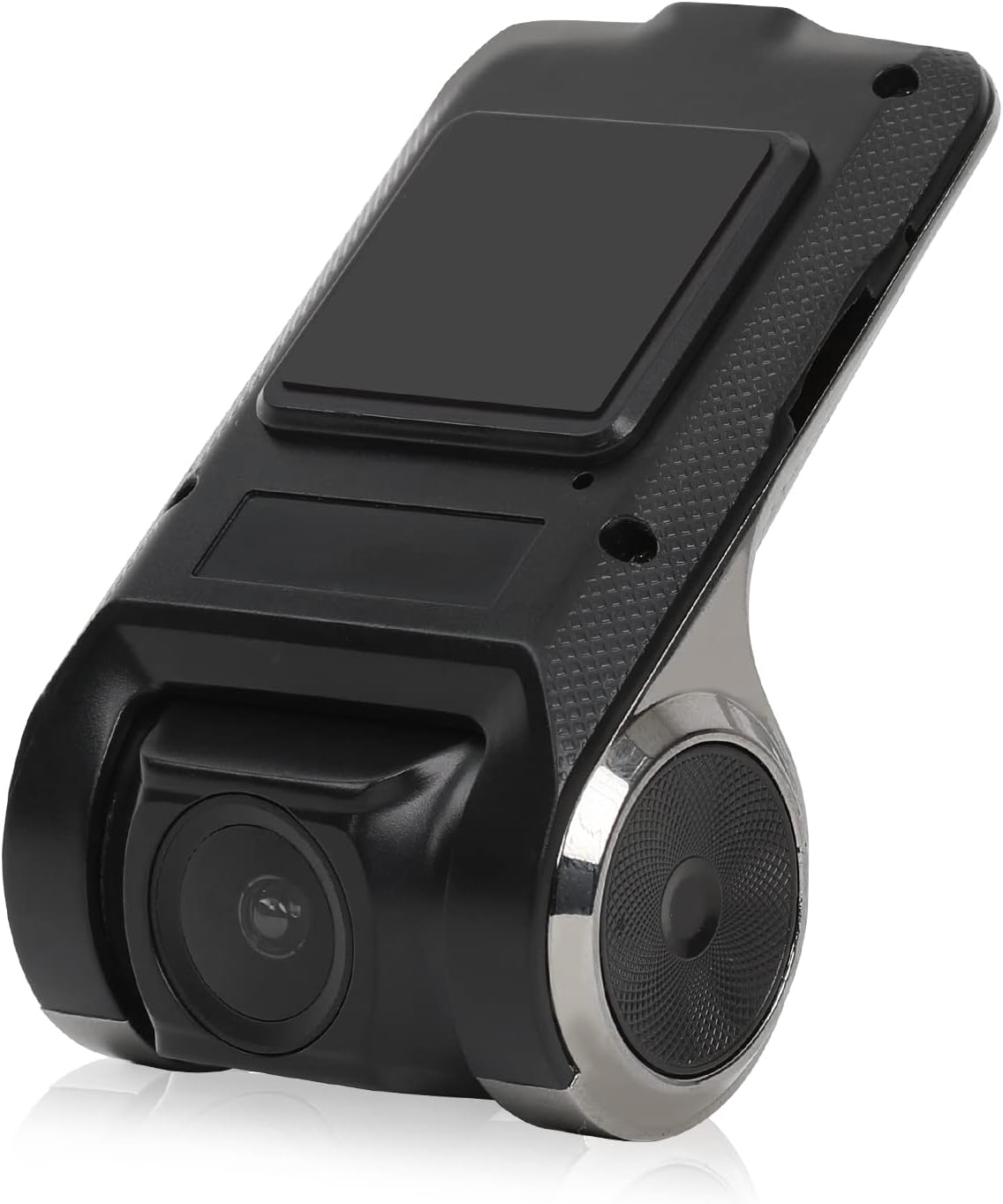
Figure 1: Eonon R0020 Dashcam Unit. This image displays the compact design of the dashcam, highlighting its lens and mounting area.
Impostare
Cosa c'è nella scatola
- 1x Eonon R0020 Dashcam
- 1x Supporto a ventosa
- 1x Manuale utente
Fasi di installazione
- Preparare l'area di montaggio: Clean the area on your windshield where you intend to mount the dashcam. Ensure it is free of dust and grease for optimal adhesion of the suction mount.
- Fissare il supporto a ventosa: Securely attach the suction mount to the dashcam unit. Then, press the suction mount firmly onto the cleaned windshield area, ensuring a stable position that does not obstruct your view.
- Inserire la scheda MicroSD: Insert a compatible MicroSD card (up to 32GB, not included) into the dashcam's card slot. Ensure it is inserted correctly until it clicks into place.
- Collegare il cavo USB: Connect one end of the provided USB cable to the dashcam unit. Route the cable neatly along the windshield trim and dashboard to avoid interference with driving.
- Connetti all'unità principale Android: Plug the other end of the USB cable into an available USB port on your compatible Eonon Android car stereo.
- Accensione: The dashcam is designed for plug-and-play operation and will automatically power on/off with your vehicle's ignition.
- Regola l'angolazione dell'obiettivo: Once powered on, adjust the lens angle up or down to capture the desired view della strada.
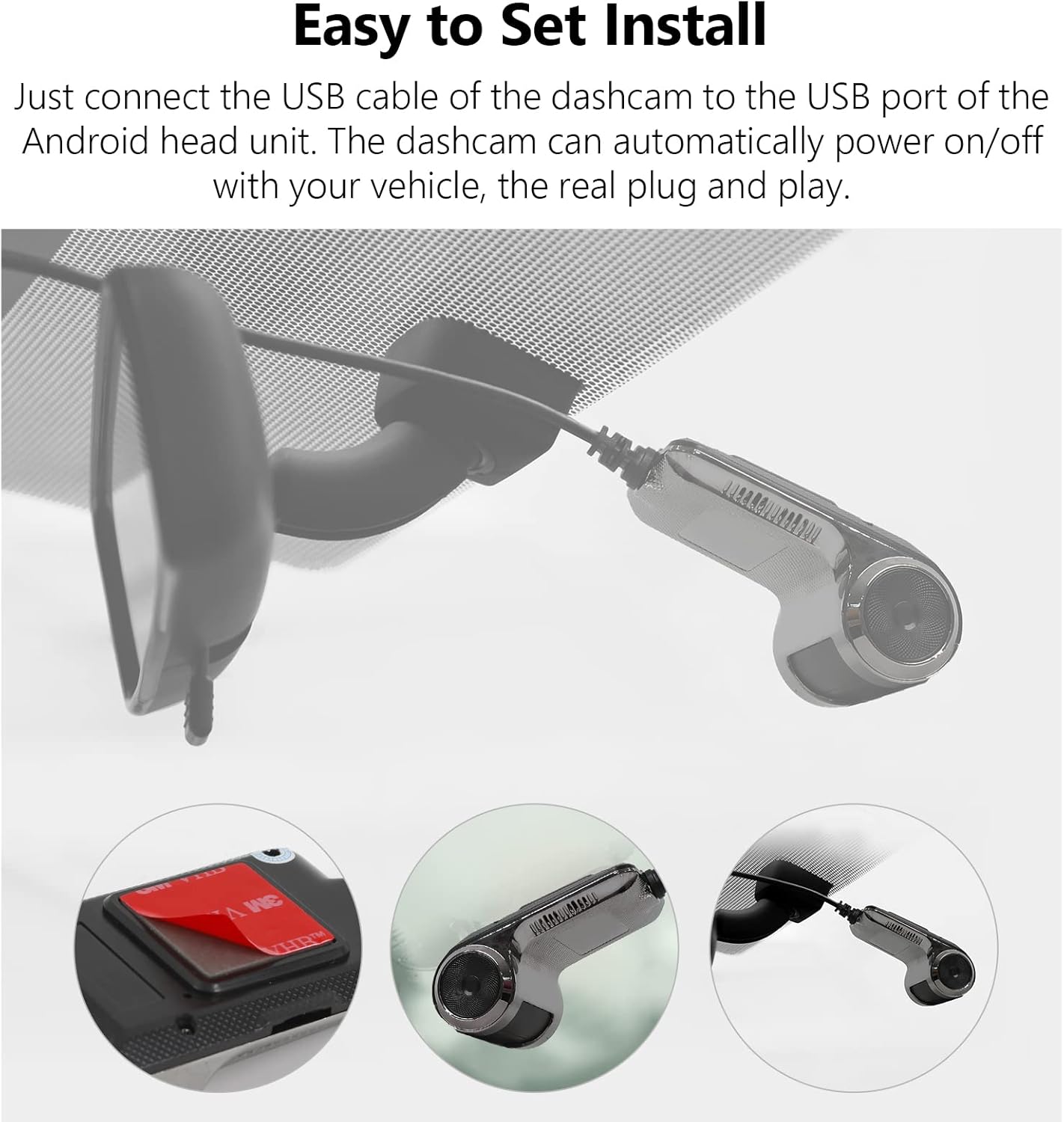
Figure 2: Easy Installation. This image illustrates the simple steps for mounting the dashcam and connecting it via USB.
Istruzioni per l'uso
Funzionamento di base
- Registrazione automatica: The dashcam begins recording automatically when your vehicle's ignition is turned on and stops when the ignition is turned off.
- Viewing Footage: Access recorded videos directly through the interface on your compatible Eonon Android car stereo. The dashcam's application will typically launch automatically or can be found in your stereo's app menu.
- Monitoraggio in tempo reale: View live road conditions on the large screen of your head unit for enhanced awareness.

Figure 3: Compatible with Android Head Units. The dashcam's live feed is displayed on a car stereo screen, showing integration.
Registrazione in loop
The dashcam utilizes seamless loop recording. When the MicroSD card reaches its full capacity, the oldest video fileLe registrazioni vengono sovrascritte automaticamente dalle nuove registrazioni. Ciò garantisce un funzionamento continuo senza interventi manuali.
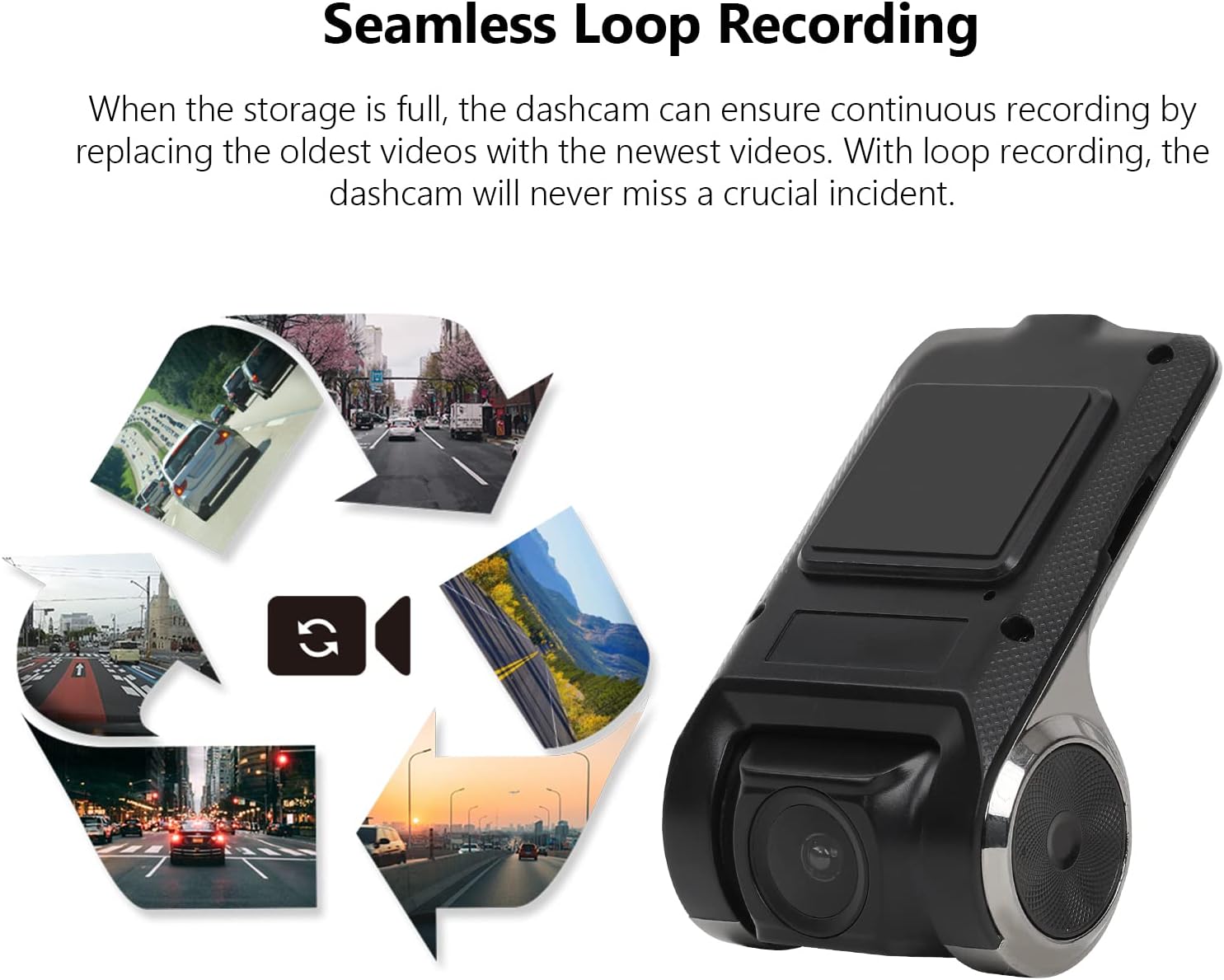
Figure 4: Seamless Loop Recording. This image visually explains how older footage is replaced by new recordings to maintain continuous operation.
Locking Important Footage
In the event of a sudden impact or emergency, the built-in G-Sensor will automatically detect the event and lock the current video segment. This prevents the footage from being overwritten by loop recording, preserving critical evidence.

Figure 5: Retain the Important Footage. A lock icon on the screen indicates that a video segment has been protected from overwriting.
Manutenzione
- Gestione della scheda MicroSD: Regularly check the MicroSD card for errors or degradation. It is recommended to format the card periodically (e.g., monthly) through the dashcam's settings to maintain optimal performance. The dashcam supports MicroSD cards up to 32GB.
- Pulizia della lente: Use a soft, lint-free cloth to gently clean the dashcam lens. Avoid abrasive materials or harsh chemicals that could scratch the lens.
- Aggiornamenti del firmware: Check the Eonon website periodically for any available firmware updates for your R0020 Dashcam. Keeping the firmware updated ensures the best performance and access to new features.
Risoluzione dei problemi
- La dashcam non si accende:
- Ensure the USB cable is securely connected to both the dashcam and the Android head unit.
- Verify that the Android head unit is powered on and functioning correctly.
- Test the USB port on the head unit with another device to confirm it is supplying power.
- MicroSD card not detected or recording:
- Ensure the MicroSD card is inserted correctly and fully seated in the slot.
- Verify that the MicroSD card is 32GB or less. Larger capacity cards may not be recognized.
- Try formatting the MicroSD card through the dashcam's settings menu on the Android head unit.
- Test with a different, known-good MicroSD card to rule out card failure.
- Scarsa qualità video:
- Clean the dashcam lens with a soft, lint-free cloth.
- Ensure the windshield area in front of the dashcam is clean and free of obstructions.
- Adjust the lens angle to avoid glare or reflections.
Specifiche
| Caratteristica | Specificazione |
|---|---|
| Marca | EONON |
| Nome del modello | R0020 |
| Risoluzione di acquisizione video | 720p (1280x720) |
| Caratteristica speciale | Registrazione in loop |
| Tecnologia di connettività | USB |
| Tipo di montaggio | Supporto di aspirazione |
| Metodo di controllo | Touch (via Android Head Unit) |
| Colore | Nero |
| Peso dell'articolo | 6.7 once |
| Dimensioni del pacco | 6.65 x 4.96 x 2.05 pollici |
Garanzia e supporto
For warranty information, technical support, or service inquiries, please refer to the contact details provided in the packaging or visit the official Eonon websito. Conservare la ricevuta d'acquisto come prova d'acquisto per eventuali reclami in garanzia.


