
garinosen DF-580
Emergency Radio Waterproof Bluetooth Speaker User Manual
Model: DF-580 | Brand: garinosen
1. Introduzione
Grazie per l'acquistoasing the garinosen Emergency Radio Waterproof Bluetooth Speaker. This versatile device is designed to provide reliable communication, entertainment, and emergency power in various situations, from daily use to outdoor adventures and emergency preparedness. Please read this manual carefully to understand its features and ensure proper operation and maintenance.
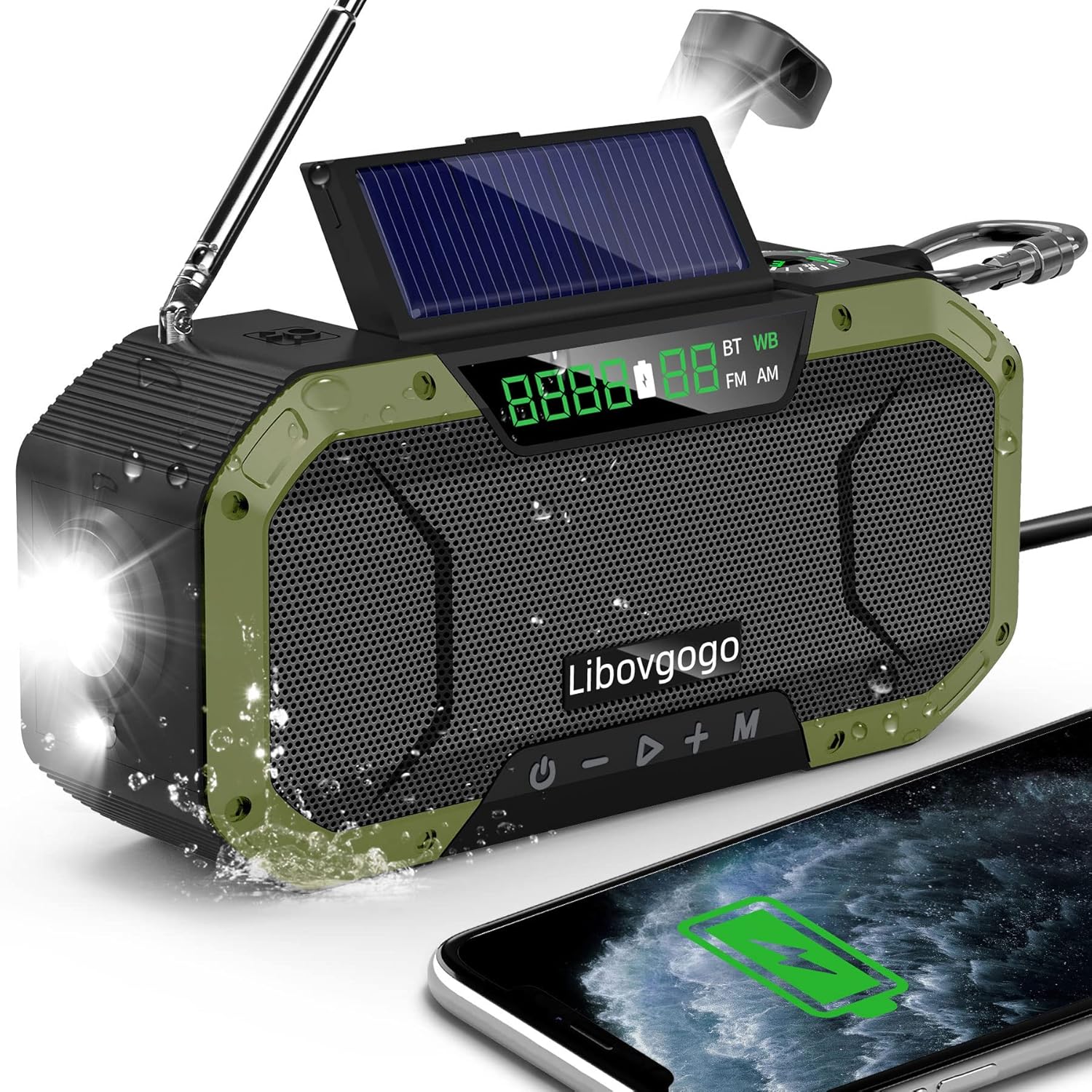
The garinosen Emergency Radio, showcasing its waterproof design and ability to charge a smartphone.
2. Caratteristiche del prodotto
- Auto Scan Function: Automatically searches and stores channels for AM/FM and 7 NOAA stations.
- Altoparlante Bluetooth: Connects wirelessly to smartphones and tablets for clear audio.
- Batteria ricaricabile da 5000 mAh: Powers the device and charges external devices via USB.
- Illuminazione di emergenza: Features a 3W flashlight and foldable reading lamp, with SOS alert functionality.
- Design durevole e portatile: Built to withstand outdoor conditions, with a compact size and IPX5 waterproof construction.
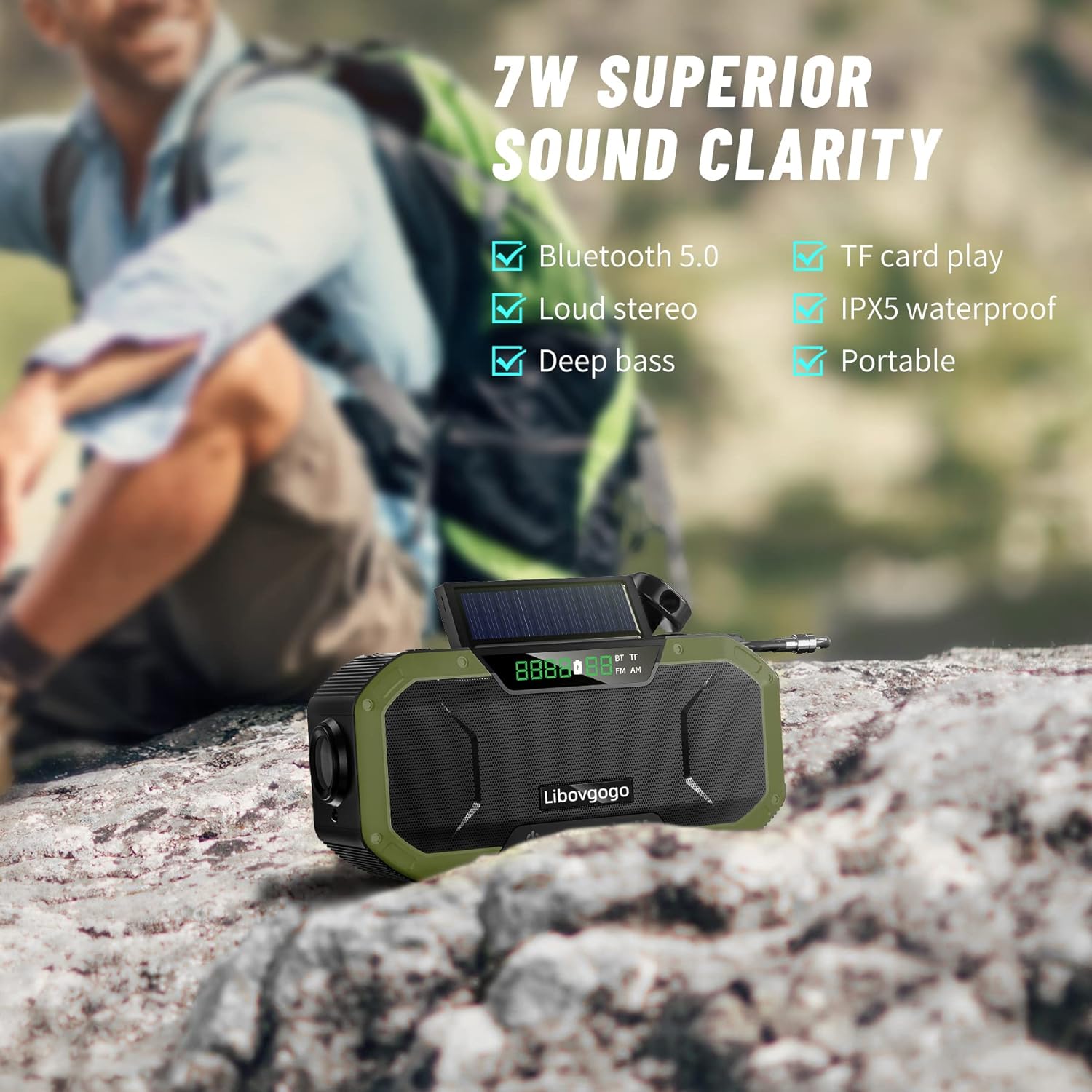
Illustration of the radio's 7W superior sound clarity, highlighting Bluetooth 5.0, loud stereo, deep bass, TF card play, IPX5 waterproof, and portability.

The radio's 5000mAh battery backup, capable of charging devices like an iPhone 12 (1.7 charges) and providing extended radio (30 hours), speaker (20 hours), and flashlight (70 days) usage.

The radio's instant NOAA weather alert feature, crucial for receiving warnings about natural disasters like tornadoes, floods, hurricanes, snowstorms, and earthquakes.
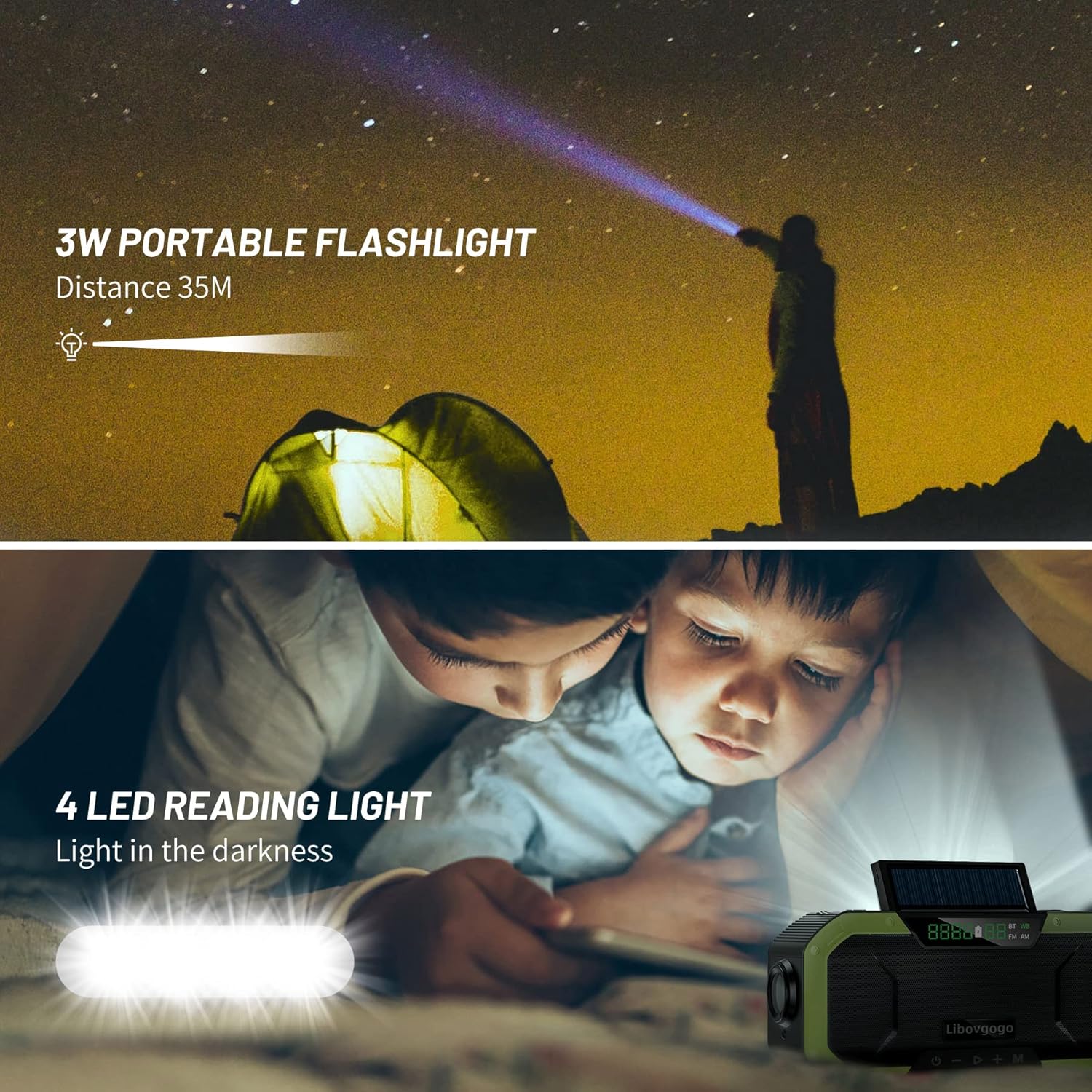
The radio's integrated 3W portable flashlight, capable of illuminating up to 35 meters, and a 4-LED reading light for use in dark environments.
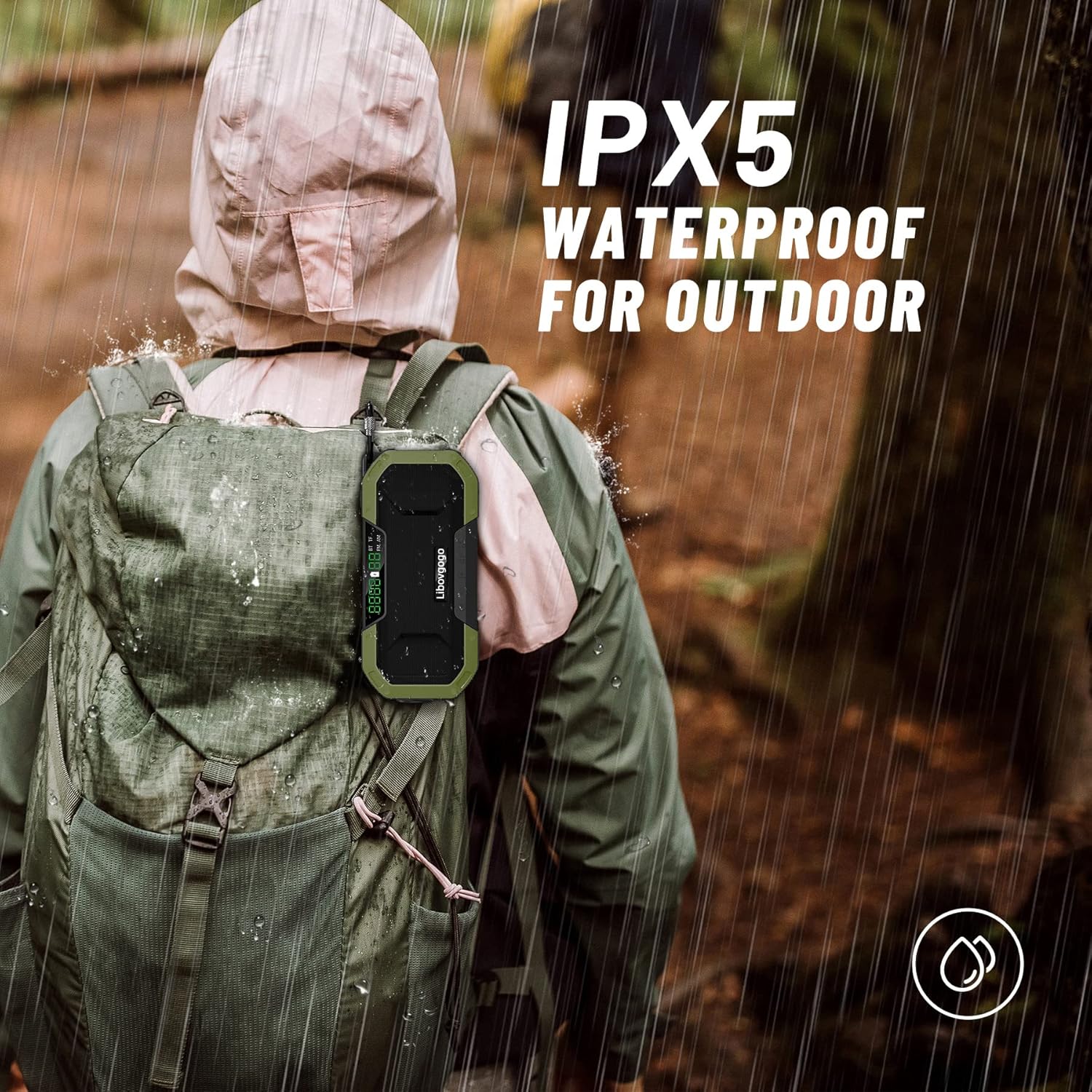
The radio's IPX5 waterproof rating, making it suitable for outdoor use and resistant to splashing water from any direction.
3. Contenuto della confezione
Si prega di controllare la confezione per verificare la presenza dei seguenti elementi:
- 1 x garinosen Emergency Radio (Model DF-580)
- 1 x Cavo di ricarica tipo-C USB
- 1 x Manuale utente
4. Controlli e componenti
Familiarize yourself with the various parts and controls of your emergency radio:
Davanti view of the garinosen Emergency Radio, highlighting its display, speaker, and control buttons.
- Schermo LCD: Shows frequency, battery level, and mode indicators (BT, WB, FM, AM).
- Pulsante di accensione (U): Tenere premuto per accendere/spegnere. Premere brevemente per cambiare modalità.
- Pulsante Volume giù / Traccia precedente (-): Short press for volume down. Long press for previous track/station.
- Play/Pause / Scan Button (▶): Short press to play/pause. Long press to auto-scan radio stations.
- Pulsante Volume su / Traccia successiva (+): Short press for volume up. Long press for next track/station.
- Pulsante Modalità (M): Short press to cycle through AM, FM, WB (Weather Band), and Bluetooth modes.
- Antenna telescopica: Estendi per una migliore ricezione radio.
- Pannello solare: For trickle charging in direct sunlight.
- Manovella: Per la generazione manuale di energia.
- Torcia elettrica: Situato su un'estremità della radio.
- Lettura Lamp: pieghevole lamp on the top surface.
- Pulsante SOS: Activates emergency alarm and flashlight.
- Porta di ingresso USB-C: Per caricare la radio.
- Porta di uscita USB-A: Per caricare dispositivi esterni.
- Bussola: Integrato per l'assistenza alla navigazione.
5. Impostazione
5.1 Carica iniziale
Before first use, it is recommended to fully charge the radio using the USB-C port.
- Connect the provided USB-C cable to the radio's USB-C input port and the other end to a USB power adapter (not included) or a computer USB port.
- The battery indicator on the LCD display will show charging progress.
- Una carica completa richiede in genere diverse ore.
5.2 Metodi di ricarica alternativi
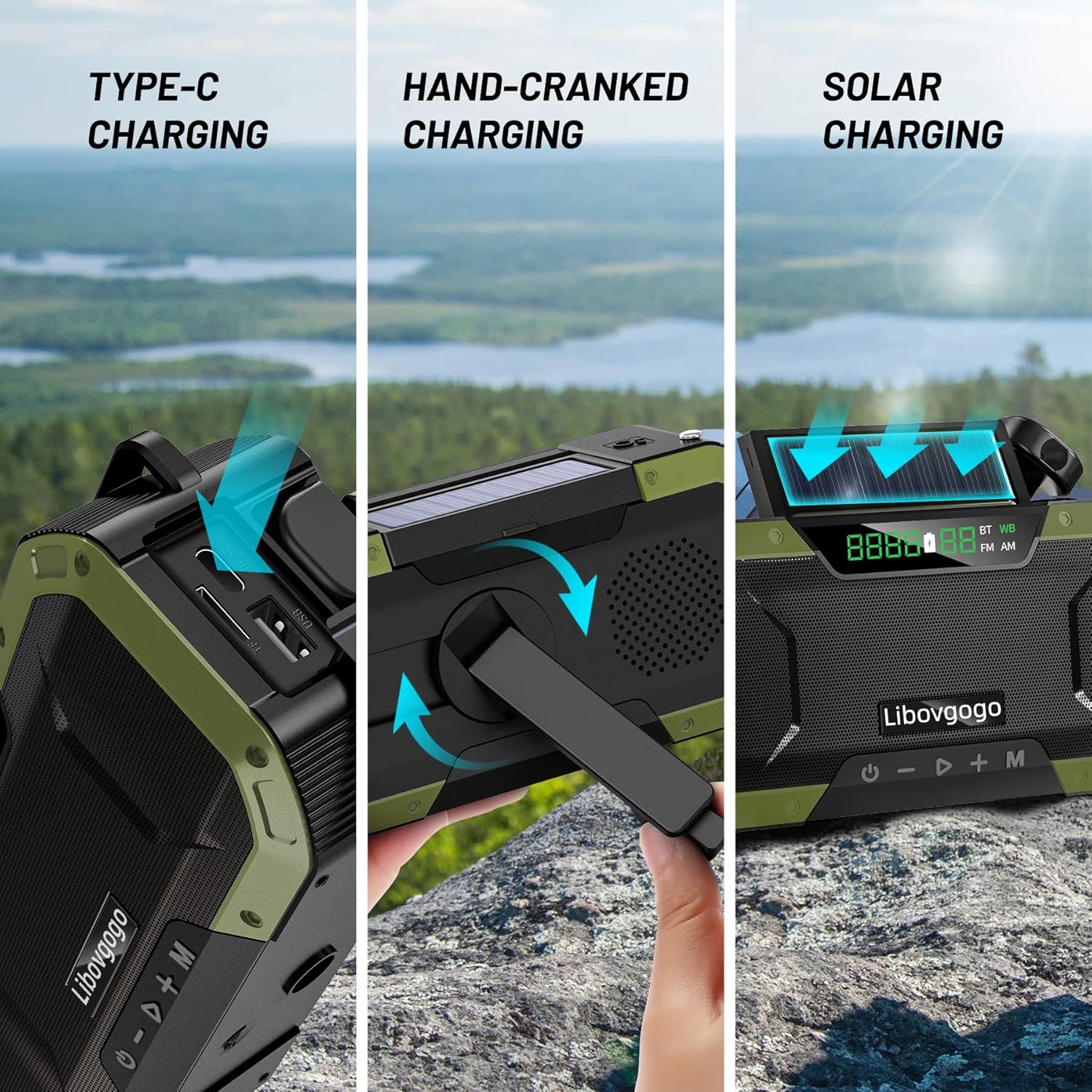
Visual representation of the three primary charging methods: USB Type-C, hand-crank, and solar panel.
- Hand-Cranked Charging: Unfold the hand crank and rotate it clockwise or counter-clockwise at a steady pace (approx. 130-150 RPM) for emergency power. One minute of cranking can provide several minutes of radio use or flashlight power.
- Ricarica solare: Place the radio with the solar panel facing direct sunlight. This method is primarily for maintaining battery charge or for very slow charging in emergency situations. It is not intended for a full charge.
6. Istruzioni per l'uso
6.1 Accensione/spegnimento
- Premere e tenere premuto il tasto U button for 2-3 seconds to turn the radio on or off.
6.2 Radio Functions (AM/FM/WB NOAA)
- Selezione della modalità: Premere brevemente il tasto M button to cycle through FM, AM, and WB (Weather Band) modes. The current mode will be displayed on the LCD.
- tuning: In modalità FM o AM, premere brevemente il tasto - or + pulsanti per sintonizzarsi manualmente sulla successiva stazione disponibile.
- Scansione automatica: In modalità FM o AM, premere a lungo il tasto ▶ pulsante per eseguire la scansione e la memorizzazione automatica delle stazioni disponibili.
- Fascia meteorologica NOAA: In WB mode, the radio will automatically scan for NOAA weather alerts. Ensure the telescopic antenna is extended for optimal reception.
- Regolazione del volume: Premere brevemente il tasto - or + Pulsanti per regolare il volume.
6.3 Modalità altoparlante Bluetooth
- Accesso alla modalità Bluetooth: Premere brevemente il tasto M button until 'BT' appears on the LCD display. The radio will enter pairing mode.
- Abbinamento: On your smartphone or tablet, enable Bluetooth and search for 'DF-580' (or similar name). Select it to pair. A confirmation sound will indicate successful pairing.
- Controllo della riproduzione: Utilizzare il ▶ button for play/pause, and long press - or + per la traccia precedente/successiva.
6.4 Torcia e lettura Lamp
- Torcia elettrica: Press the dedicated flashlight button (usually on the side) to turn the flashlight on/off.
- Lettura Lamp: Lift the foldable reading lamp from the top of the radio to activate it. Fold it back down to turn it off.
6.5 Funzione di allarme SOS
- Premere il tasto sos button (usually located near the solar panel) to activate a loud siren and flashing flashlight for emergency signaling.
- Premere il tasto sos nuovamente il pulsante per disattivare l'allarme.
6.6 Funzione Power Bank
- Collega il tuo smartphone o un altro dispositivo alimentato tramite USB alla porta di uscita USB-A della radio utilizzando il cavo di ricarica del dispositivo.
- The radio's internal 5000mAh battery will begin charging your connected device.
7. Cura e manutenzione
- Pulizia: Pulire la radio con un panno morbido, damp stoffa. Non utilizzare prodotti chimici aggressivi o detergenti abrasivi.
- Magazzinaggio: Quando non viene utilizzata per lunghi periodi, conservare la radio in un luogo fresco e asciutto, lontano dalla luce solare diretta e da temperature estreme.
- Cura della batteria: To prolong battery life, fully charge the radio at least once every three months, even if not in use. Avoid completely draining the battery frequently.
- Resistenza all'acqua: While IPX5 waterproof, avoid submerging the radio in water. Ensure all port covers are securely closed to maintain water resistance.
8. Risoluzione Dei Problemi
| Problema | Possibile causa | Soluzione |
|---|---|---|
| La radio non si accende. | La batteria è scarica. | Charge the radio using the USB-C cable, hand crank, or solar panel. |
| Ricezione radiofonica scadente. | Antenna non estesa o area con segnale debole. | Estendi completamente l'antenna telescopica. Prova a spostarti in un'area aperta o vicino a una finestra. |
| L'associazione Bluetooth non riesce. | Radio not in pairing mode; device too far; previously paired. | Ensure radio is in BT mode. Keep devices within 10 meters. Forget device on your phone and re-pair. |
| Non è possibile caricare dispositivi esterni. | Batteria della radio troppo scarica; cavo errato; dispositivo non compatibile. | Ensure radio has sufficient charge. Use a proper USB-A to device cable. Check device compatibility. |
| La ricarica tramite manovella o tramite energia solare è lenta. | These are emergency charging methods. | This is normal. For faster charging, use the USB-C port. |
9. Specifiche tecniche
| Caratteristica | Specificazione |
|---|---|
| Modello | DF-580 |
| Marca | garinosen |
| Dimensioni (L x P x A) | Dimensioni: 16.51 x 4.57 x 7.62 cm |
| Peso | 435.45 grammi |
| Capacità della batteria | Polimero di litio da 5000 mAh |
| Ingresso di ricarica | USB Type-C, Hand Crank, Solar Panel |
| Potenza in uscita | USB-A (per caricare dispositivi esterni) |
| Bande radiofoniche | AM, FM, 7 NOAA Weather Bands |
| Versione Bluetooth | Bluetooth 5.0 (implied by "Bluetooth Speaker" feature and common standards) |
| Potenza di uscita dell'altoparlante | 7 Watt |
| Potenza della torcia | 3W |
| Resistenza all'acqua | Grado di protezione IPX5 |
| Materiale | Acrilonitrile Butadiene Stirene (ABS) |
10. Garanzia e supporto
10.1 Informazioni sulla garanzia
This product comes with a standard manufacturer's warranty against defects in materials and workmanship. Please refer to the product packaging or contact customer support for specific warranty terms and duration.
10.2 Assistenza clienti
For any questions, technical assistance, or warranty claims, please contact garinosen customer support through the following channels:
- Supporto online: Visit the official garinosen store on Amazon: garinosen Amazon Store
- E-mail: Per assistenza diretta via e-mail, fare riferimento alla documentazione relativa all'acquisto.
When contacting support, please have your product model (DF-580) and purchase details ready.
Ask a question about this manual
Ask about setup, troubleshooting, compatibility, parts, safety, or missing instructions. Manuals+ will review the question and use this page’s manual context to help answer it.