
1. Introduzione
This manual provides instructions for the installation, operation, and maintenance of your WiZ Smart LED Imageo Spotlight Plate. This smart lighting system offers versatile illumination with adjustable white and colored light, motion detection via SpaceSense technology, and voice control capabilities.

Figura 1: WiZ Smart LED Imageo Spotlight Plate with three GU10 bulbs and its product packaging.
2. Contenuto della confezione
- 1x WiZ Smart LED Imageo Spotlight Plate (White)
- 3x GU10 5W Smart LED Bulbs
- Installation Hardware (screws, wall plugs)
- Manuale dell'utente (questo documento)
3. Informazioni sulla sicurezza
- Prima dell'installazione o della manutenzione, assicurarsi che l'alimentazione sia scollegata.
- In caso di dubbi, l'installazione deve essere eseguita da un elettricista qualificato.
- Non esporre il prodotto all'acqua o a umidità eccessiva.
- Utilizzare solo lampadine GU10 come specificato.
4. Installazione
- Spegni: Prima di iniziare l'installazione, disattivare l'alimentazione principale tramite l'interruttore automatico.
- Montaggio della piastra: Secure the circular ceiling plate to your desired location using the provided screws and wall plugs. Ensure the mounting surface is suitable to support the fixture's weight.
- Cablaggio: Connect the electrical wires from your ceiling to the terminal block on the spotlight plate. Follow local electrical codes and ensure proper grounding.
- Inserire le lampadine: Gently insert the three GU10 smart LED bulbs into the spotlight sockets.
- Regola i riflettori: Adjust the direction of each spotlight as needed.
- Accensione: Restore power at the circuit breaker. The lights should turn on.

Figura 2: Visual guide for installing WiZ smart lights and downloading the app.
5. Configurazione iniziale e connessione dell'app
- Scarica l'app WiZ: Scarica l'app WiZ dall'Apple App Store o dal Google Play Store.
- Creare un account: Apri l'app e segui le istruzioni sullo schermo per creare un nuovo account WiZ o accedere a uno esistente.
- Abbinamento: In the app, select "Add Device" and follow the pairing process. Ensure your Wi-Fi network is active and your phone is connected to the 2.4GHz band during setup.
- Assegnazione della stanza: Assign your new spotlight plate to a room within the app for organized control.
6. Operating Your WiZ Smart LED Spotlight
6.1. Basic Control (WiZ App)
- Acceso/Spento: Accendi o spegni le luci direttamente dall'app.
- dimming: Adjust the brightness level using the dimmer slider in the app.
- Regolazione della luce bianca: Change the white light from warm (yellowish) to cool (bluish) tones to suit your preference or time of day.
- Selezione del colore: Choose from millions of colors to create various ambiances.
- Scene preimpostate: Utilize pre-programmed lighting scenes for different activities or moods.

Figura 3: The WiZ spotlight plate can produce light from warm white to cool white.

Figura 4: The WiZ spotlight plate offers millions of color options for personalized lighting.
6.2. SpaceSense Motion Detection
The WiZ SpaceSense technology uses Wi-Fi signals to detect movement in a room without requiring additional sensors. This allows your lights to turn on automatically when you enter and off when you leave.
- Attivazione: Enable SpaceSense in the WiZ app for the desired room.
- Regolazione della sensibilità: Adjust the sensitivity settings in the app to fine-tune motion detection. You can set it to detect all movement or only human movement, ignoring pets.
- No Extra Sensors: This feature works using the existing WiZ lights and your Wi-Fi network, eliminating the need for separate motion sensors or batteries.
1 video: Demonstration of WiZ SpaceSense technology, showing lights automatically turning on and off based on movement detection.
6.3. Controllo vocale
The WiZ Smart LED Spotlight Plate is compatible with popular voice assistants, allowing for hands-free control.
- Piattaforme supportate: Works with Amazon Alexa, Apple HomeKit, and Google Home.
- Impostare: Link your WiZ account to your preferred voice assistant app (e.g., Alexa app, Google Home app).
- Comandi: Use voice commands such as "Alexa, turn on the living room lights," "Hey Google, dim the kitchen spotlights to 50%," or "Siri, set the bedroom lights to blue."
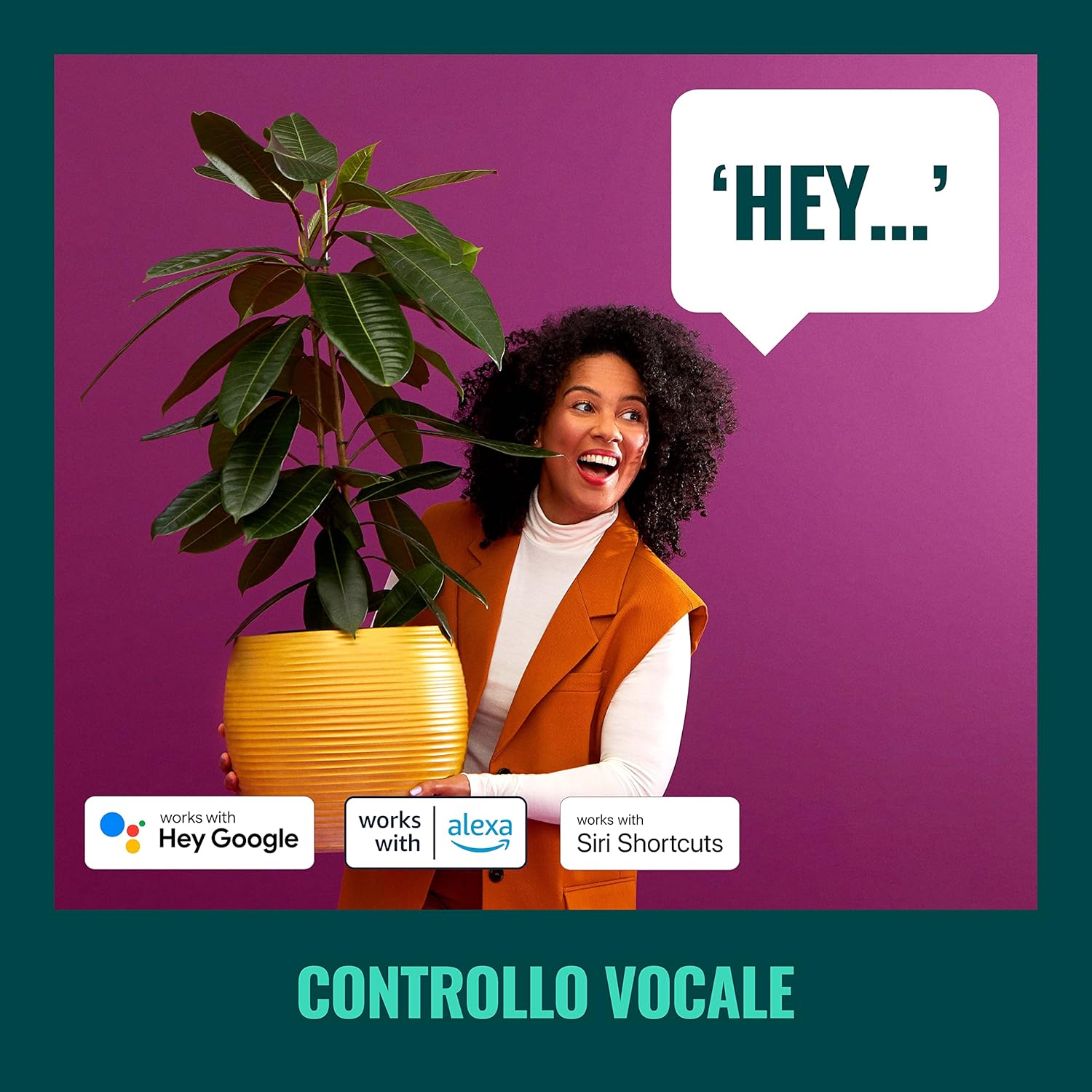
Figura 5: The WiZ system supports voice control via popular smart home platforms.
6.4. Schedules and Routines
Automate your lighting to fit your daily routine.
- Pianificazione: Set specific times for lights to turn on/off, change brightness, or alter color.
- Ritmo circadiano: Enable Circadian Rhythm to automatically adjust light color and brightness throughout the day to mimic natural light patterns, promoting well-being.

Figura 6: Sopraview of advanced control features including scene personalization, remote control, scheduling, and circadian rhythm.
7. Manutenzione
- Pulizia: Scollegare l'alimentazione prima di pulire. Pulire l'apparecchio con un panno morbido e asciutto. Non utilizzare detergenti abrasivi o solventi.
- Sostituzione della lampadina: Ensure power is off. Allow bulbs to cool before handling. Twist and pull to remove old GU10 bulbs, then insert new ones by aligning and twisting.
- Aggiornamenti software: Regularly check the WiZ app for firmware updates to ensure optimal performance and access to new features.
8. Risoluzione Dei Problemi
- Le luci non rispondono:
- Controllare che l'interruttore di alimentazione principale sia acceso.
- Assicurati che la tua rete Wi-Fi sia attiva e stabile.
- Verify that the WiZ app is connected to the correct Wi-Fi network.
- Try power cycling the spotlight plate (turn off for 10 seconds, then on).
- Abbinamento di difficoltà:
- Durante l'associazione, assicurati che il telefono sia connesso a una rete Wi-Fi da 2.4 GHz.
- Avvicinati al router Wi-Fi.
- Reset the bulbs by turning them on/off three times (on for 1-2 seconds, off for 1-2 seconds) until they flash.
- SpaceSense Not Detecting Movement:
- Increase the sensitivity setting in the WiZ app.
- Ensure there are at least two WiZ lights in the room for optimal detection.
- Check for obstructions that might block Wi-Fi signals.
- Problemi di controllo vocale:
- Confirm that your WiZ account is correctly linked to your voice assistant.
- Controlla la tua connessione Internet.
- Ensure the device name in the WiZ app matches the name used in voice commands.
9. Specifiche
| Caratteristica | Specificazione |
|---|---|
| Marca | WiZ |
| Numero di modello | 929003210801 |
| Dimensioni del prodotto | Dimensioni: 12 x 11 x 26 cm |
| Peso | 1 kg |
| Colore | Bianco |
| Materiale | Metal (fixture), Plastic (shade) |
| Stile | Contemporaneo |
| Numero di luci | 3 |
| Tipo di lampadina | GUIDATO |
| Base della lampadina | GU10 |
| Cosatage (per lampadina) | 5 Watt |
| Flusso luminoso | 1350 lumens (total) |
| Voltage | 230 Volt (CA) |
| Grado di protezione IP | Grado di protezione IP20 |
| Durata media della vita | 15,000 ore |
| Caratteristiche speciali | Dimmable, Energy Saving, SpaceSense Technology, Voice Control |
10. Garanzia e supporto
For warranty information and technical support, please refer to the official WiZ websito o contattare il servizio clienti. Conservare la ricevuta d'acquisto come prova d'acquisto.
Risorse online: Visitare il WiZ Brand Store per ulteriori informazioni e supporto sul prodotto.