Introduzione
This manual provides detailed instructions for the Parsonver LW45 Smart Watch. Please read this guide thoroughly to understand the watch's functions, setup, and maintenance, ensuring optimal performance and longevity of your device.
Contenuto della confezione
Dopo aver aperto la confezione, verificare che siano presenti tutti gli elementi:
- Orologio intelligente Parsonver LW45
- Cavo di ricarica
- Manuale d'uso
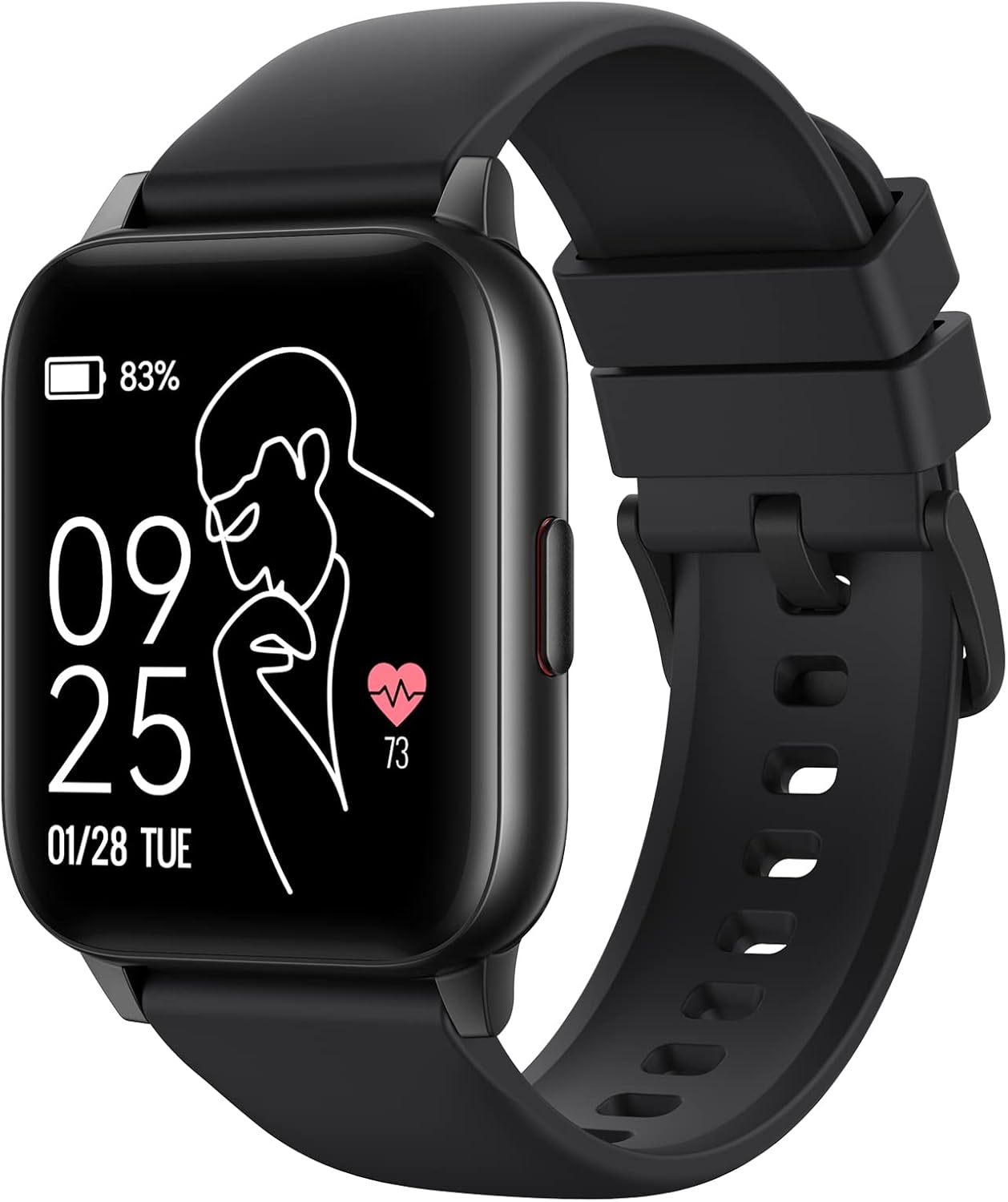
Image: The Parsonver LW45 Smart Watch, black model, displaying time and health metrics.
Guida all'installazione
1. Carica del dispositivo
Before initial use, fully charge the smart watch. Connect the charging cable to the charging port on the back of the watch and to a USB power source. The watch display will indicate charging status.
2. Installazione e associazione dell'app
- Download the official Parsonver app from your smartphone's app store (compatible with iOS 10.0/Android 5.0 or above).
- Assicurati che il Bluetooth sia abilitato sul tuo smartphone.
- Apri l'app e segui le istruzioni sullo schermo per creare un account o accedere.
- Select "Add Device" or similar option within the app to search for your LW45 Smart Watch.
- Conferma la richiesta di associazione sia sullo smartphone che sull'orologio.
Nota: The watch connects via Bluetooth 5.0. Maintain proximity between the watch and your smartphone for a stable connection.

Image: A smartphone displaying the Parsonver app, illustrating the device connection process.
Istruzioni per l'uso
Navigazione di base
- Schermo tattile: Scorri verso sinistra/destra, verso l'alto/verso il basso per navigare nei menu e accedere alle funzioni. Tocca per selezionare.
- Pulsante laterale: Premere per tornare alla schermata iniziale o riattivare il dispositivo.
Modalità Sportive
The LW45 Smart Watch features 16 default sports modes. Over 100 additional sports modes can be customized and added via the companion app. These include activities such as walking, running, cycling, swimming, yoga, and strength training.
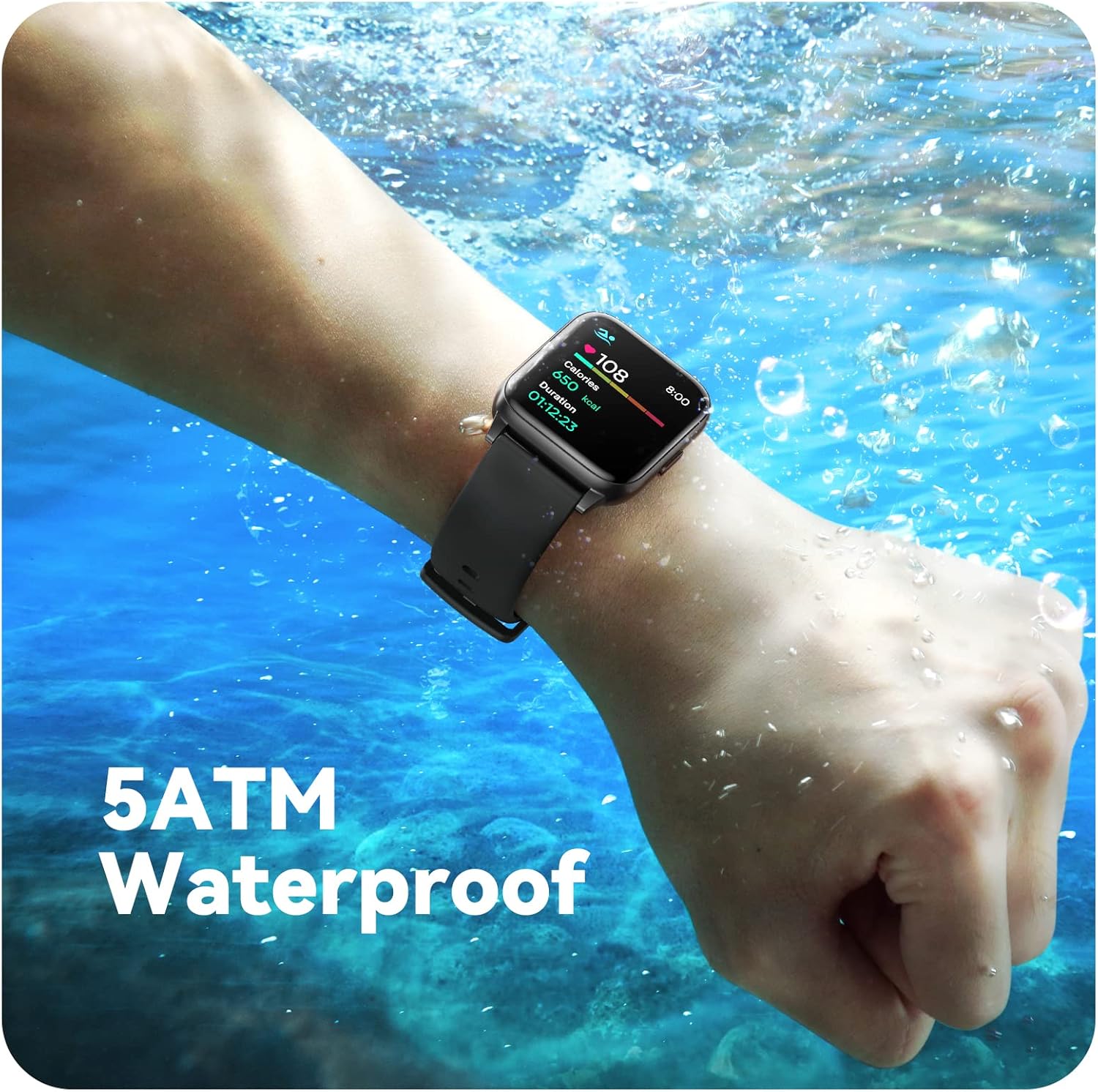
Image: A person engaged in soccer, wearing the smart watch, demonstrating its use during sports activities.

Image: A smartphone screen displaying a wide selection of sports modes within the Parsonver application.
Monitoraggio della salute
- Monitoraggio della frequenza cardiaca: Provides 24/7 real-time heart rate data.
- Monitoraggio dell'ossigeno nel sangue: Misura i livelli di ossigeno nel sangue.
- Monitoraggio del sonno: Automatically monitors sleep patterns, including deep sleep, light sleep, and awake times (from 9:00 PM to 12:00 PM the next day).
- Hydration and Sedentary Alerts: The watch can provide reminders for hydration and prolonged inactivity.
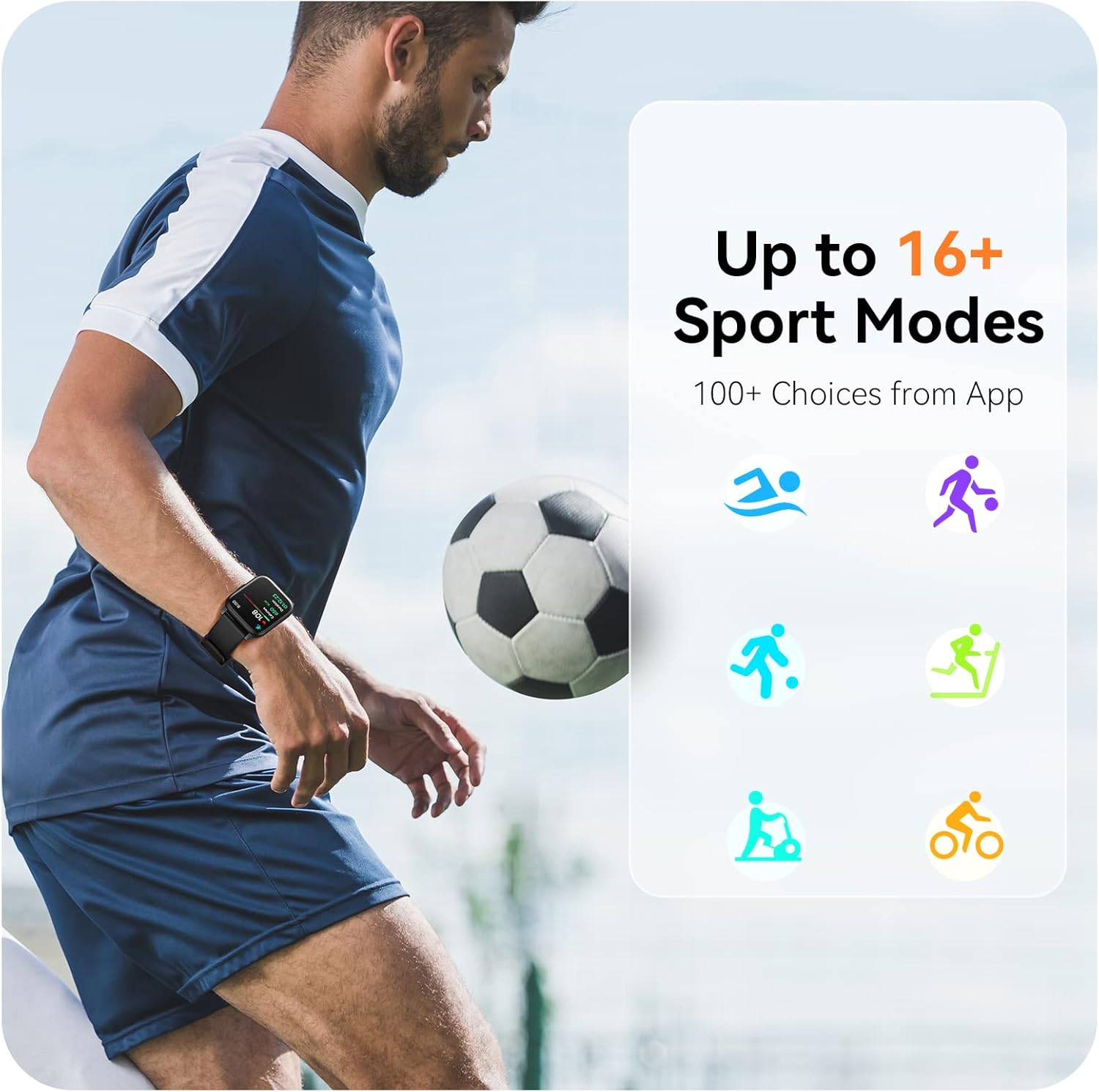
Image: A man running, with the smart watch on his wrist showing real-time fitness data.

Image: A person sleeping, with the smart watch tracking sleep and displaying data on a connected phone.
Notifiche
Receive notifications for incoming calls, SMS messages, emails, and alerts from social media applications (WhatsApp, LinkedIn, Instagram, Twitter) when connected to your smartphone. You can reject calls directly from the watch, but cannot answer or reply to messages.
Image: The smart watch screen showing icons for different types of notifications.
Funzioni aggiuntive
The 1.69-inch high-definition touch screen provides access to various features:
- Previsioni del tempo
- Sveglia
- Timer e cronometro
- Controllo remoto della telecamera
- Controllo della riproduzione musicale
Image: The smart watch screen showing a weather forecast display.
Personalizzazione
Personalizza la tua esperienza con l'orologio:
- Volti dell'orologio: Scegli tra una varietà di quadranti preinstallati o scaricane altri tramite l'app.
- Sfondi personalizzati: Set your own photos as watch face backgrounds through the app.
- Time and Unit Formats: Adjust time display (12/24 hour) and measurement units (Metric/Imperial, Celsius/Fahrenheit) in the app settings.
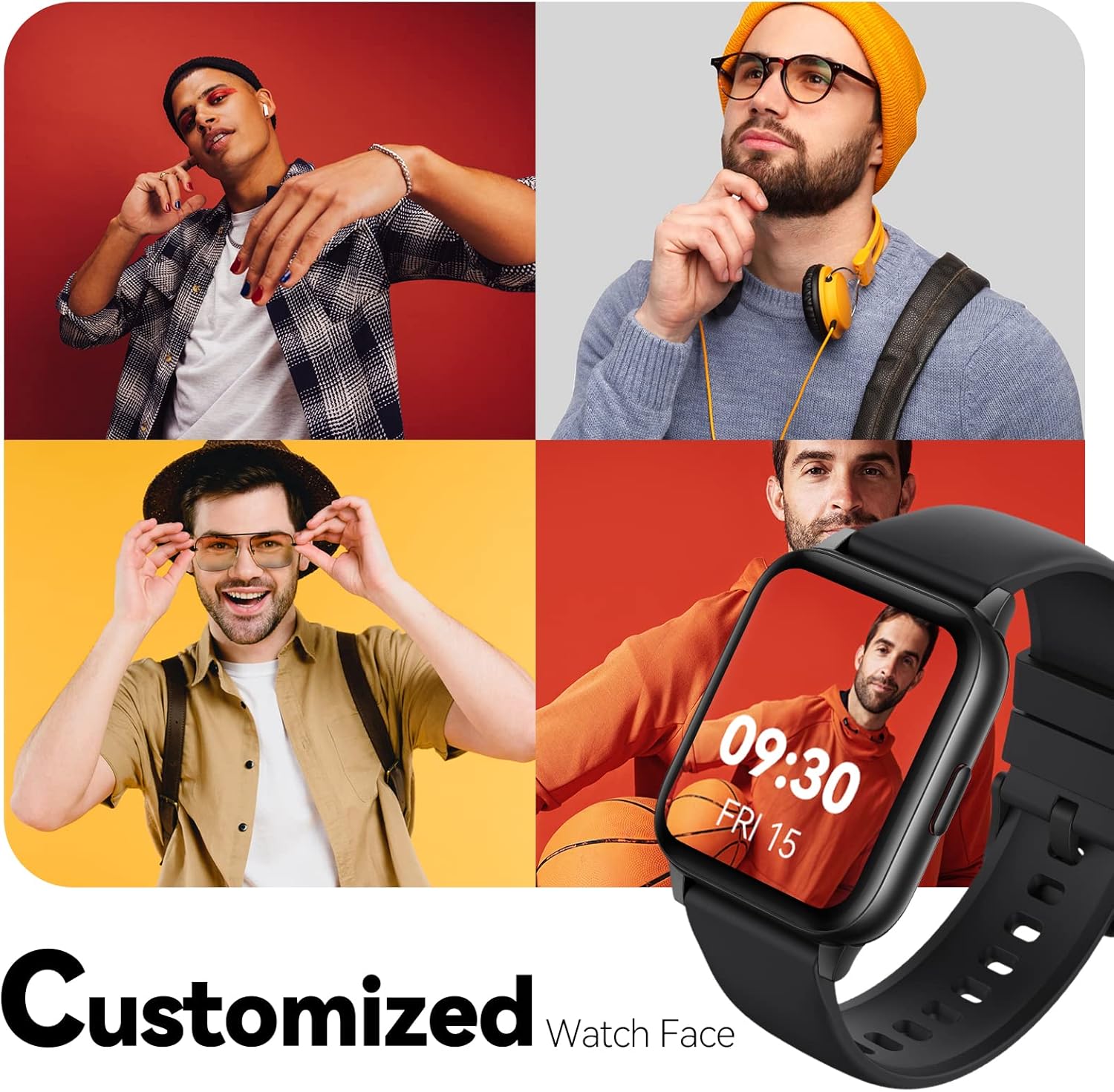
Image: Multiple watch face designs shown on the smart watch, highlighting customization.

Image: A visual guide demonstrating how to adjust time formats, units, and customize watch faces via the companion app.
Resistenza all'acqua
The Parsonver LW45 Smart Watch is rated 5ATM waterproof, meaning it is water-resistant up to 50 meters. This allows for use during swimming, showering, and in various weather conditions like rain or snow. Importante: non premere alcun pulsante mentre l'orologio è immerso nell'acqua.

Image: The smart watch submerged in water, illustrating its 5ATM waterproof capability.
Manutenzione
- Pulizia: Pulire regolarmente l'orologio e il cinturino con un panno morbido e asciutto. Per lo sporco ostinato, utilizzare un panno leggermenteamp panno e sapone neutro, quindi risciacquare e asciugare accuratamente.
- Contatti di ricarica: Per garantire una ricarica corretta, mantenere puliti e privi di detriti i contatti di ricarica sul retro dell'orologio.
- Magazzinaggio: Quando non lo si utilizza, conservare l'orologio in un luogo fresco e asciutto.
- Evitare i prodotti chimici: Non esporre l'orologio a sostanze chimiche aggressive, solventi o detergenti, poiché potrebbero danneggiarne i materiali.
Risoluzione dei problemi
| Problema | Possibile soluzione |
|---|---|
| L'orologio non si accende o non si carica | Ensure the charging cable is securely connected to both the watch and a working USB power source. Clean the charging contacts. Try a different USB port or adapter. |
| Impossibile associare allo smartphone | Ensure Bluetooth is enabled on your phone. Restart both the watch and phone. Make sure the watch is within Bluetooth range. Check if other Bluetooth devices are interfering. Uninstall previous watch apps if present. |
| Notifiche non ricevute | Verify that notification permissions are enabled for the Parsonver app in your phone's settings. Ensure the watch is connected via Bluetooth. Check app settings for specific notification toggles. |
| Inaccurate step count or sleep data | Ensure the watch is worn snugly on your wrist. Calibrate the watch through the app if available. Note that some activities (like driving) might register as steps. Sleep tracking is active from 9:00 PM to 12:00 PM the next day. |
Specifiche
| Caratteristica | Dettaglio |
|---|---|
| Nome del modello | LW45 |
| Dimensioni dello schermo | 1.69 pollici |
| Resistenza all'acqua | 5 ATM (fino a 50 metri) |
| Peso | 40 grammi |
| Compatibilità del sistema operativo | iOS 10.0/Android 5.0 o versioni successive |
| Connettività | Bluetooth 5.0 |
| Capacità della batteria | 300 milioneamp Ore |
| Capacità di archiviazione della memoria | 128 MB |
| GPS | Tramite Smartphone |
| Componenti inclusi | Orologio intelligente |
Supporto e garanzia
For technical assistance or warranty inquiries, please contact Parsonver customer service. Refer to the product packaging or the official Parsonver websito per le informazioni di contatto più aggiornate.
Email del servizio clienti: support@parsonver.com

Image: The official Parsonver brand logo.

Image: A graphic indicating 24/7 online customer support availability.
Informazioni importanti sulla sicurezza
- Non tentare di smontare o modificare l'orologio.
- Tenere l'orologio lontano da temperature estreme.
- Consult a medical professional before starting any new exercise regimen, especially if you have pre-existing health conditions. The health monitoring features are for informational purposes and not for medical diagnosis.
- Smaltire il dispositivo e la batteria secondo le normative locali.