1. Introduzione
Thank you for choosing the HXSJ L800 3-Mode 61-Key RGB Mechanical Gaming Keyboard. This keyboard offers versatile connectivity options including 2.4GHz wireless, Bluetooth 5.0, and wired USB-C, making it suitable for various devices and usage scenarios. Its compact 61-key layout is designed for portability and efficiency, providing ample space for mouse movement. The keyboard features durable two-color injection molded ABS keycaps and vibrant RGB backlighting for an enhanced user experience. This manual provides detailed instructions for setup, operation, maintenance, and troubleshooting to ensure optimal performance.
2. Contenuto della confezione
- 1 x HXSJ L800 Mechanical Gaming Keyboard
- 1 x ricevitore USB (per connessione wireless a 2.4 GHz)
- 1 x Type-C Cable (for wired connection and charging)
- 1 x Manuale utente

3. Impostazione
3.1 Modalità di connettività
The HXSJ L800 keyboard supports three connection modes: 2.4GHz wireless, Bluetooth 5.0, and wired USB-C. You can switch between these modes based on your device and preference.
3.1.1 Connessione wireless a 2.4 GHz
- Individuare il ricevitore USB incluso nella confezione.
- Collegare il ricevitore USB a una porta USB disponibile sul computer o su un dispositivo compatibile.
- Assicurati che l'interruttore della modalità della tastiera (solitamente sul retro o sul lato) sia impostato sulla modalità wireless 2.4G.
- The keyboard should automatically connect. If not, press and hold the Fn + R keys simultaneously for a few seconds to initiate pairing.
Connessione Bluetooth 5.0 3.1.2
La tastiera può connettersi contemporaneamente a un massimo di tre dispositivi Bluetooth.
- Assicurarsi che l'interruttore della modalità della tastiera sia impostato sulla modalità Bluetooth.
- Sul tuo dispositivo (computer, tablet, smartphone), attiva il Bluetooth e cerca nuovi dispositivi.
- To connect to the first device, press and hold Fn+Z (BT1) until the indicator light flashes rapidly.
- To connect to the second device, press and hold F+X (BT2) until the indicator light flashes rapidly.
- To connect to the third device, press and hold Fn+C (BT3) until the indicator light flashes rapidly.
- Select "HXSJ L800" or a similar name from your device's Bluetooth list to pair.

3.1.3 Connessione USB-C cablata
- Collegare un'estremità del cavo Type-C in dotazione alla porta Type-C della tastiera.
- Collega l'altra estremità del cavo a una porta USB del computer.
- La tastiera passerà automaticamente alla modalità cablata e inizierà a caricarsi.
3.2 Compatibilità del sistema
The HXSJ L800 keyboard is compatible with a wide range of operating systems, including IBM PC, Win98SE, Me, 2000, XP, VISTA, WIN 7, and WIN10. It also supports Mac OS, iOS, and Android systems.
4. Istruzioni per l'uso
4.1 Funzioni chiave
The 61-key layout is compact but retains all essential functions. Many keys have secondary functions accessible via the Fn key. Refer to the keyboard's keycap legends for specific Fn combinations (e.g., Fn + number row for F1-F12, Fn + arrow keys for page navigation).
4.1.1 Blue Mechanical Switches
The keyboard is equipped with blue mechanical switches, known for their distinct tactile bump and audible click. This provides clear feedback for each keystroke, preferred by many for typing and gaming.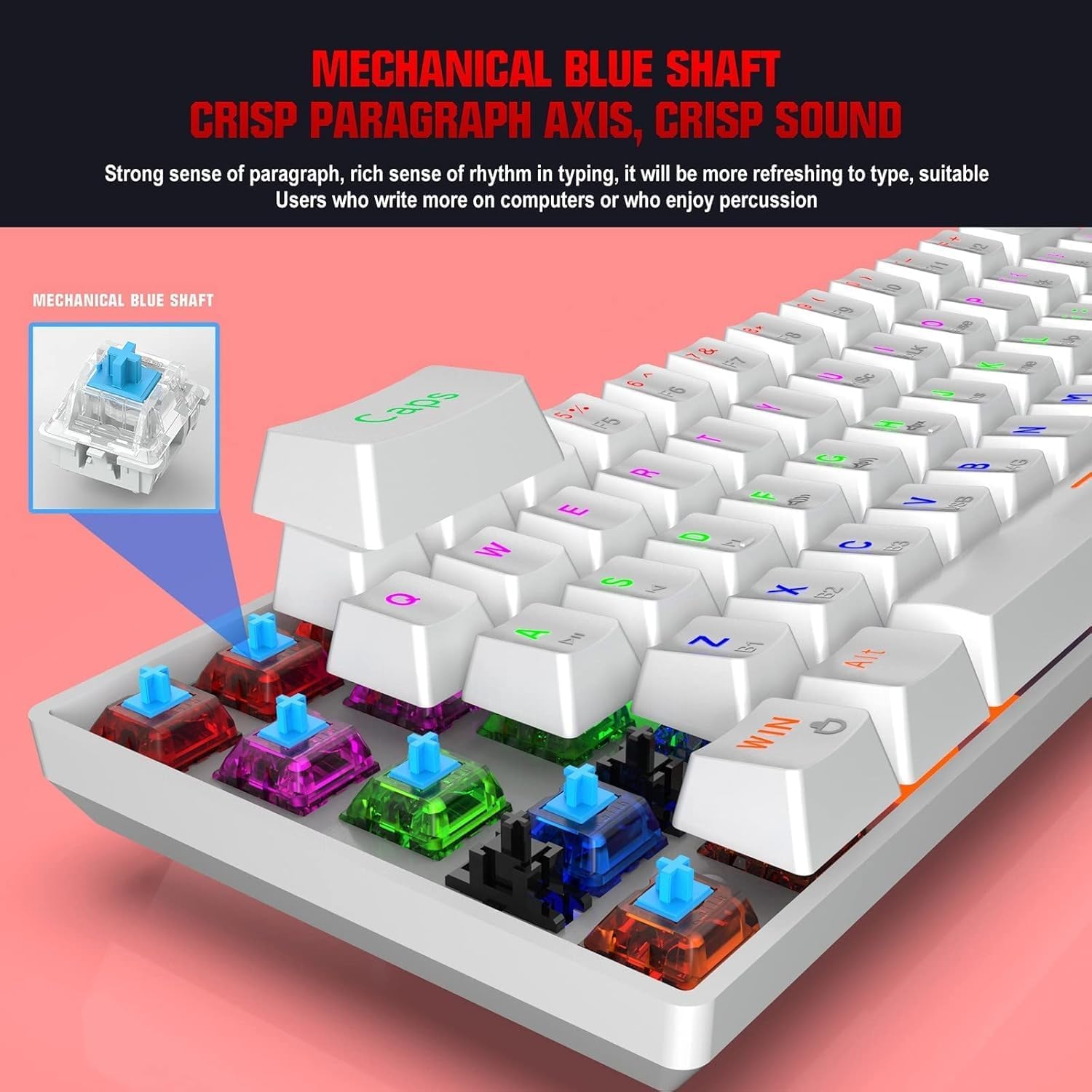
4.2 Retroilluminazione RGB
The keyboard features dynamic RGB backlight effects. Use specific Fn key combinations (e.g., Fn + \|) to cycle through different lighting modes, adjust brightness, or change colors. Consult the full user manual for a complete list of lighting controls.
4.3 Ricarica della tastiera
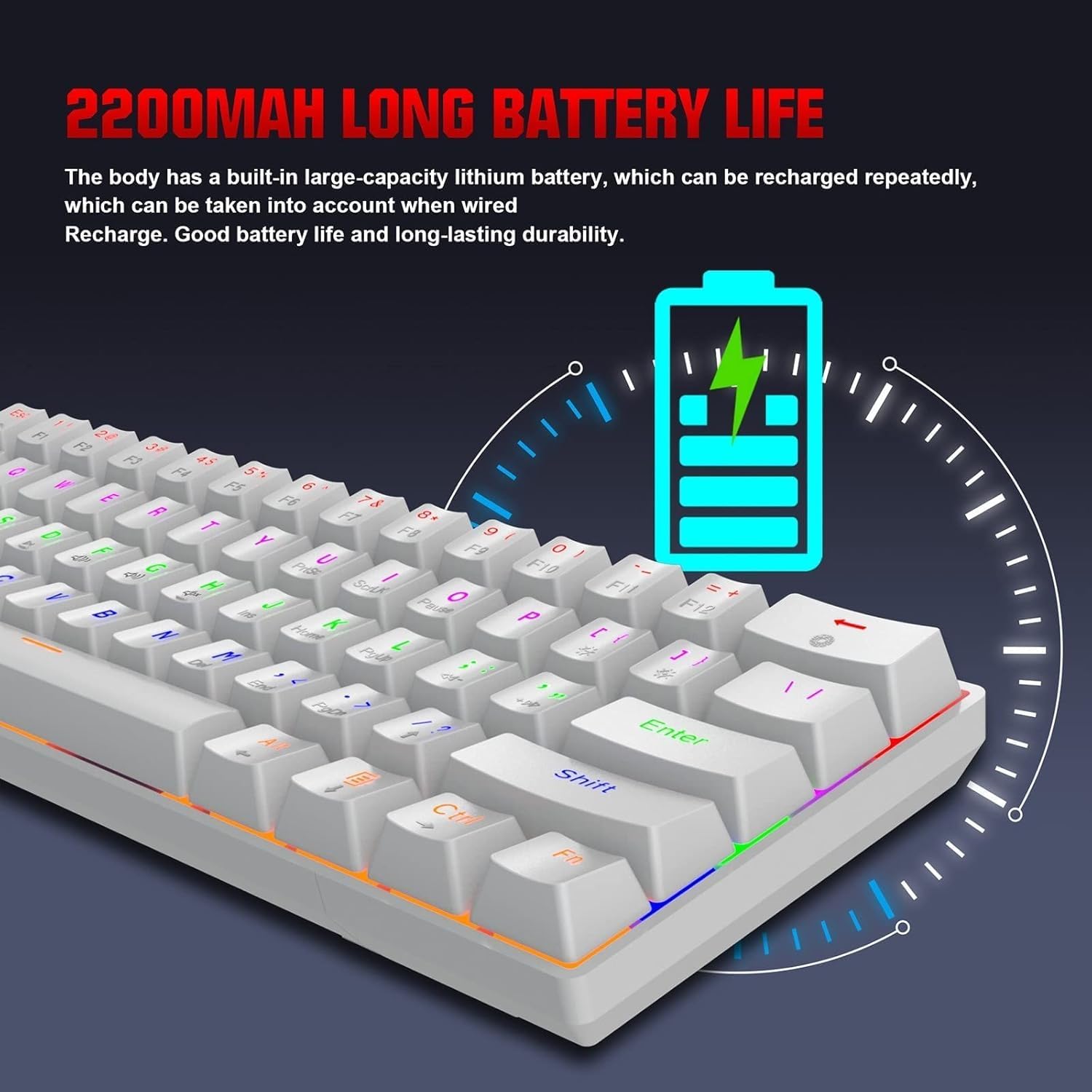
The HXSJ L800 has a built-in 2200mAh rechargeable lithium battery. When the battery is low, the indicator light may flash or change color. Connect the keyboard to a USB power source using the provided Type-C cable to charge. The indicator light will typically show charging status and turn off or change color when fully charged.
5. Manutenzione
Per garantire la longevità e le prestazioni ottimali della tastiera HXSJ L800, seguire queste linee guida per la manutenzione:
- Pulizia: Regularly clean the keyboard with a soft, dry cloth. For deeper cleaning, use compressed air to remove dust and debris from between the keycaps. You may carefully remove keycaps using a keycap puller (not included) for thorough cleaning, but ensure to reattach them correctly.
- Tasti: The two-color injection molded ABS keycaps are designed for durability and resistance to fading. Avoid using harsh chemicals or abrasive materials that could damage the keycap surface.
- Magazzinaggio: Conservare la tastiera in un luogo fresco e asciutto, lontano dalla luce solare diretta e da temperature estreme.
- Esposizione al liquido: Avoid spilling liquids on the keyboard. If a spill occurs, immediately disconnect the keyboard, turn it upside down to drain, and allow it to dry completely before reconnecting.
6. Risoluzione Dei Problemi
If you encounter issues with your HXSJ L800 keyboard, refer to the following common troubleshooting steps:
| Problema | Possibile soluzione |
|---|---|
| La tastiera non risponde (cablata) | Assicurati che il cavo USB-C sia collegato saldamente sia alla tastiera che al computer. Prova una porta USB o un cavo diverso. |
| Keyboard not connecting (2.4GHz wireless) | Ensure the USB receiver is plugged in and the keyboard is in 2.4G mode. Try re-pairing by pressing Fn + R. Check battery level. |
| La tastiera non si connette (Bluetooth) | Ensure the keyboard is in Bluetooth mode and discoverable (Fn + Z/X/C). Check your device's Bluetooth settings. Forget and re-pair the device. Check battery level. |
| La retroilluminazione RGB non funziona o è bloccata | Ensure the backlight is not turned off. Use Fn key combinations to cycle through modes or adjust brightness. Check battery level. |
| Le chiavi non vengono registrate o digitate due volte | Clean under the affected keycap. Ensure the switch is not damaged. Try updating keyboard drivers if available. |
| Durata breve della batteria | Ensure the keyboard is fully charged. Reduce backlight brightness or turn it off when not needed. |
7. Specifiche
| Caratteristica | Dettaglio |
|---|---|
| Marca | HXSJ |
| Modello | L800 |
| Tipo di prodotto | 3-Mode Mechanical Gaming Keyboard |
| Connettività | Type-C Wired + 2.4GHz Wireless + Bluetooth 5.0 |
| Colore | Bianco |
| Retroilluminazione | RGB Backlight Effect |
| Disposizione dei tasti | 61 Chiavi |
| Vita chiave | 50 milioni di volte |
| Interruttore meccanico | Interruttore blu |
| Materiale del copritastiera | addominali |
| Tecnologia dei tasti | Two-color Injection Molded Keycaps |
| Capacità della batteria integrata | 2200mAh |
| Volume di eserciziotage | DC 5V + 5% |
| Corrente nominale | 150mA (Max) |
| Porta di interfaccia | Tipo C |
| Lunghezza del cavo | 1.75 metri |
| Dimensioni (L×W×H) | ca. 289 × 101 × 38 mm |
| Peso | 590g |
| Supporto del sistema operativo | IBM PC Win98SE/Me/2000/XP/VISTA/WIN 7/WIN10, Mac OS, iOS, Android |
8. Informazioni sulla garanzia
This product is covered by a standard manufacturer's warranty against defects in materials and workmanship. The warranty period typically begins from the date of purchase. Please retain your proof of purchase for warranty claims. The warranty does not cover damage caused by misuse, accident, unauthorized modification, or normal wear and tear. For specific warranty terms and conditions, please refer to the documentation provided at the time of purchase or contact your retailer.
9. Supporto
If you require further assistance or have questions not covered in this manual, please contact the seller or manufacturer's customer support. You may find contact information on the product packaging or the retailer's website. When contacting support, please have your product model (L800) and purchase details ready.