
1. Introduzione
Grazie per l'acquistoasing the LENRUE A15 Bluetooth Speaker. This portable wireless speaker is designed to deliver high-quality audio with deep bass, extended playtime, and robust waterproof capabilities, making it ideal for both home and outdoor use. This manual provides detailed instructions on how to set up, operate, and maintain your speaker to ensure optimal performance and longevity.
2. Prodotto finitoview
The LENRUE A15 speaker features a durable design with intuitive controls and a convenient carrying strap. Its IPX7 waterproof rating allows for use in various environments, including near water.

Figura 2.1: Davanti view of the LENRUE A15 Bluetooth Speaker, showcasing its sleek black design and water resistance.
2.1. Contenuto della confezione
- 1 x LENRUE A15 Bluetooth Speaker
- 1 x Manuale utente
- 1 cavo di ricarica USB
- Cavo 1 x AUX
2.2. Funzioni dei pulsanti
| Pulsante | Funzione |
|---|---|
| Pulsante di accensione (Icona di alimentazione) | Tenere premuto per accendere/spegnere. Premere brevemente per riprodurre/mettere in pausa. |
| Pulsante Modalità (M) | Premere brevemente per passare tra le modalità Bluetooth, scheda TF e AUX. |
| Abbassa il volume (-) | Premere brevemente per diminuire il volume. Premere a lungo per tornare alla traccia precedente. |
| Alza il volume (+) | Premere brevemente per aumentare il volume. Premere a lungo per passare alla traccia successiva. |
| Riproduci/Pausa (Icona Riproduci/Pausa) | Short press to play/pause. (Note: This function is often integrated with the Power button on some models, refer to specific product for confirmation). |
| Pulsante Bassi+ (Bass+) | Premere brevemente per attivare/disattivare la modalità Bass Boost. |
3. Configurazione e utilizzo iniziale
3.1. Ricarica dell'altoparlante
Before first use, fully charge the speaker. Connect the provided USB charging cable to the speaker's charging port and the other end to a USB power adapter (not included) or a computer's USB port. The charging indicator light will show charging status and turn off when fully charged. A full charge takes approximately 24 hours.
3.2. Accensione/spegnimento
- To power on: Press and hold the Power button for 2-3 seconds until you hear an audible prompt.
- To power off: Press and hold the Power button for 2-3 seconds until you hear an audible prompt.
3.3. Accoppiamento Bluetooth
L'altoparlante entrerà automaticamente in modalità di associazione Bluetooth quando viene acceso per la prima volta o se non è connesso alcun dispositivo. La spia Bluetooth lampeggerà rapidamente.
- Assicurati che il Bluetooth del tuo dispositivo sia abilitato.
- Cercare "LENRUE A15" in your device's Bluetooth settings.
- Select "LENRUE A15" to connect. Once connected, the Bluetooth indicator light will remain solid, and you will hear a confirmation sound.
Se disponibile, l'altoparlante si riconnetterà automaticamente all'ultimo dispositivo associato quando viene acceso.
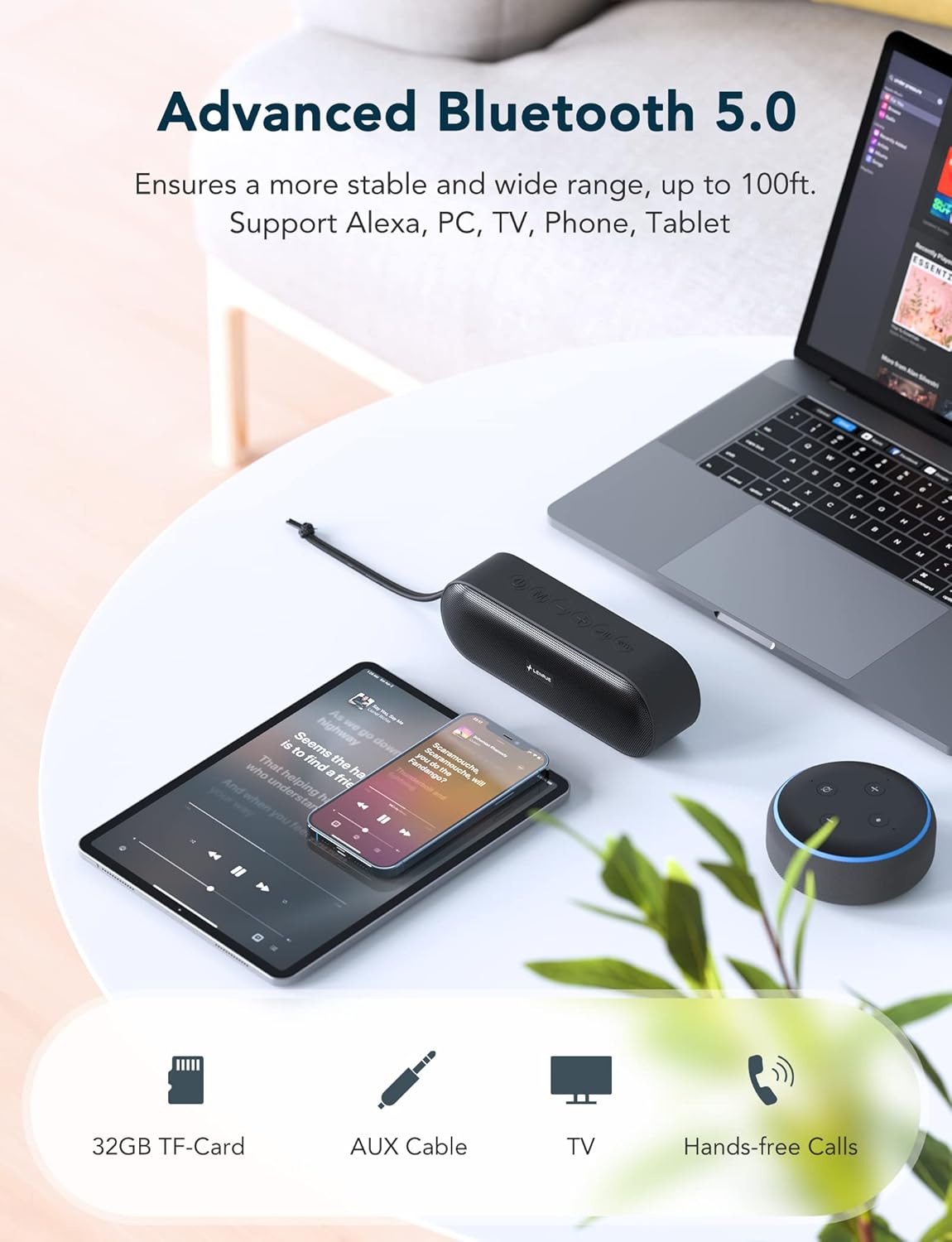
Figura 3.1: The LENRUE A15 speaker demonstrating its versatile connectivity with various Bluetooth-enabled devices.
3.4. Accoppiamento True Wireless Stereo (TWS)
TWS allows you to pair two LENRUE A15 speakers together for a true stereo sound experience.
- Assicurarsi che entrambi gli altoparlanti siano accesi e non connessi ad alcun dispositivo Bluetooth.
- Su uno degli speaker (che sarà quello principale), premi due volte il pulsante di accensione. Sentirai un messaggio che indica la modalità di associazione TWS.
- The primary speaker will automatically search for the secondary speaker. Once connected, both speakers will emit a confirmation sound, and their Bluetooth indicator lights will synchronize.
- Ora collega il tuo dispositivo all'altoparlante principale tramite Bluetooth come descritto nella Sezione 3.3.

Figura 3.2: Two LENRUE A15 speakers set up for True Wireless Stereo, providing a wider soundstage.
4. Istruzioni per l'uso
4.1. Riproduzione di musica
- Riproduci/Pausa: Premi brevemente il pulsante di accensione.
- Controllo del volume: Premere brevemente il pulsante '+' per aumentare il volume, il pulsante '-' per diminuirlo.
- Traccia successiva: Premere a lungo il pulsante '+'.
- Traccia precedente: Premere a lungo il pulsante '-'.
- Aumento dei bassi: Short press the Bass+ button to toggle bass enhancement.

Figura 4.1: The internal components of the LENRUE A15 speaker, highlighting its dual high-performance drivers for rich sound and deep bass.
4.2. Chiamate in vivavoce
With the built-in microphone, you can answer calls directly through the speaker when connected to your phone via Bluetooth.
- Rispondi alla chiamata: Premi brevemente il pulsante di accensione.
- Termina chiamata: Premi brevemente il pulsante di accensione.
- Rifiuta chiamata: Premere a lungo il pulsante di accensione.
- Assistente vocale: Short press the Mode (M) button to activate your device's voice assistant (e.g., Siri, Google Assistant, Alexa).
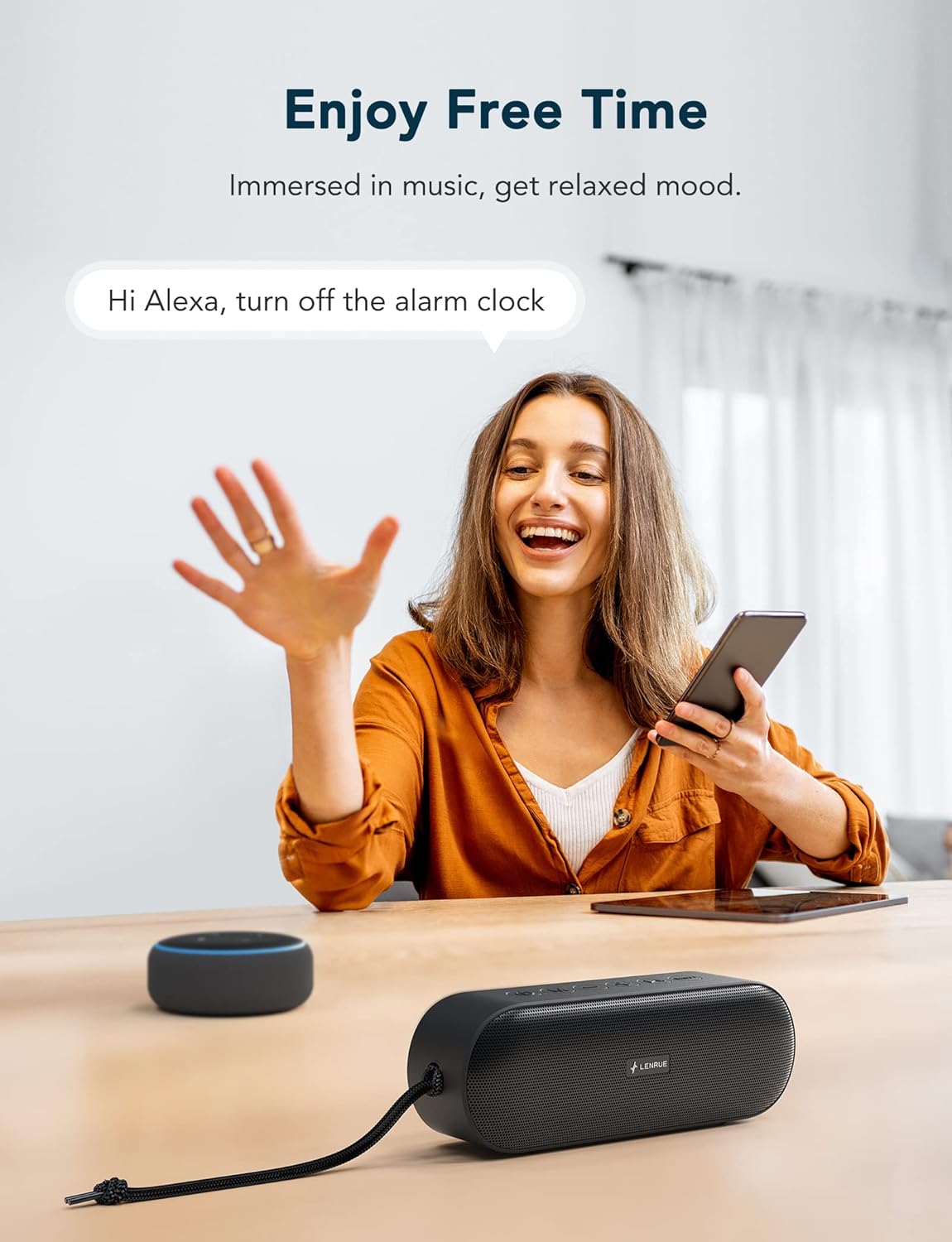
Figura 4.2: The LENRUE A15 speaker's hands-free calling and voice assistant integration, allowing for convenient control.
4.3. Modalità scheda TF
Inserire una scheda TF (MicroSD) con audio MP3 files into the TF card slot. The speaker will automatically switch to TF Card mode and begin playing music. Use the Play/Pause, Volume, and Track buttons as described above.
4.4. Modalità AUX
Connect an external audio device (e.g., MP3 player, computer) to the speaker's AUX-in port using the provided 3.5mm audio cable. The speaker will automatically switch to AUX mode. Volume control can be managed via both the speaker and the connected device.
5. Waterproof Information (IPX7)
The LENRUE A15 speaker is IPX7 rated, meaning it can be submerged in water up to 1 meter (3.3 feet) for up to 30 minutes. This makes it suitable for use by the pool, at the beach, or in the shower.
- Assicurarsi che il coperchio della porta di ricarica sia ben chiuso prima di esporre l'altoparlante all'acqua.
- Do not submerge the speaker in saltwater or other chemicals, as this may damage the device.
- Dopo l'esposizione all'acqua, asciugare l'altoparlante con un panno morbido prima di caricarlo o di aprire il coperchio della porta.

Figura 5.1: The LENRUE A15 speaker's portability and durability, suitable for outdoor adventures and resistant to rain.
6. Manutenzione e cura
- Pulisci l'altoparlante con un panno morbido eamp stoffa. Non utilizzare prodotti chimici aggressivi o detergenti abrasivi.
- Conservare l'altoparlante in un luogo fresco e asciutto quando non viene utilizzato.
- Evitare di esporre l'altoparlante a temperature estreme (caldo o freddo) o alla luce solare diretta per periodi prolungati.
- Non tentare di smontare o riparare l'altoparlante da soli, poiché ciò invaliderebbe la garanzia.
7. Risoluzione Dei Problemi
| Problema | Possibile soluzione |
|---|---|
| L'altoparlante non si accende. | Assicurati che l'altoparlante sia completamente carico. Collegalo a una fonte di alimentazione e riprova. |
| Impossibile effettuare l'associazione tramite Bluetooth. |
|
| Nessun suono o volume basso. |
|
| L'associazione TWS non riesce. |
|
| Distorsione del suono. |
|
8. Specifiche
| Caratteristica | Dettaglio |
|---|---|
| Nome del modello | KML-0015 |
| Potenza di uscita dell'altoparlante | 20 Watt |
| Dimensioni del driver audio | 40 millimetri |
| Tecnologia di connettività | Bluetooth 5.0 |
| Portata Bluetooth | Fino a 100 piedi (circa 30 metri) |
| Livello di resistenza all'acqua | IPX7 (impermeabile) |
| Durata della batteria | Fino a 20 ore (al 50% del volume) |
| Capacità della batteria | 7200 mAh |
| Tempo di ricarica | Circa 24 ore |
| Dimensioni del prodotto (LxWxH) | 5.91" x 1.98" x 2.76" (15 cm x 5 cm x 7 cm) |
| Peso dell'articolo | 350 grammi (12.3 once) |
| Microfono | Built-in (for Hands-Free Calling) |
| Modalità supportate | Bluetooth, scheda TF, AUX |
| Caratteristiche speciali | Bass Boost, Portable, TWS Pairing |
9. Garanzia e supporto
The LENRUE A15 Bluetooth Speaker comes with a limited warranty. For detailed warranty information, product support, or technical assistance, please refer to the contact information provided with your purchase or visit the official LENRUE website. We offer hassle-free 7x24 hours after-sale service.