
Introduzione
Grazie per l'acquistoasing the G Keni K-2993W Wooden Alarm Clock. This device combines a digital alarm clock with a 10W fast wireless charger, FM radio, Bluetooth speaker, and USB charging port. This manual provides detailed instructions for setup, operation, and maintenance to ensure optimal performance and longevity of your product.

Image: The G Keni K-2993W alarm clock highlighting its integrated features: alarm clock, FM radio, wireless charger, and Bluetooth connectivity.
Contenuto della confezione
- G Keni K-2993W Alarm Clock Radio
- Adattatore di alimentazione
- Manuale di istruzioni
Prodotto finitoview
Familiarize yourself with the various components and controls of your G Keni K-2993W alarm clock.

Immagine: dettagliata views of the alarm clock, illustrating the front display, top control panel, side speaker, and rear ports including power input, USB charging, and AUX-in.
Pulsanti di controllo (pannello superiore)
- VOL- / VOL+: Regola il volume.
- TEMPO: Set time.
- AL1/AL2: Set Alarm 1 and Alarm 2.
- DIMENSIONATORE: Adjust display brightness.
- SNOOZE / DORMIRE: Snooze alarm or set sleep timer.
- SCANSIONE: Scan for FM radio stations.
- CH-/CH+: Change FM radio channels.
- MODALITÀ: Switch between functions (FM Radio, Bluetooth, AUX-IN).
- ENERGIA: Turn the unit on/off.
Porte posteriori
- Ingresso CC: Power adapter connection.
- USCITA USB: USB charging port for external devices.
- AUX IN: Audio input for external audio sources.
Impostare
- Collegamento di potenza: Connect the provided power adapter to the "DC IN" port on the back of the alarm clock and plug it into a wall outlet. The display will light up.
- Batteria di backup (opzionale): For time and alarm settings retention during power outages, insert 2 AAA batteries (not included) into the battery compartment on the bottom of the unit.
- Impostazione dell'ora iniziale:
- Premere e tenere premuto il tasto TEMPO pulsante.
- Utilizzare il vol- E Volume+ pulsanti per regolare l'ora. Premere TEMPO di nuovo per confermare.
- Utilizzare il vol- E Volume+ pulsanti per regolare i minuti. Premere TEMPO nuovamente per confermare e uscire dalla modalità di impostazione dell'ora.
- Luminosità dello schermo: Premere il tasto DIMENSIONATORE button repeatedly to cycle through brightness levels: High, Medium, Low, and Off. Select your preferred brightness.

Image: Visual representation of the adjustable display brightness settings, from bright to off, for comfortable viewin varie condizioni di illuminazione.
Istruzioni per l'uso
Setting Alarms (Dual Alarm)
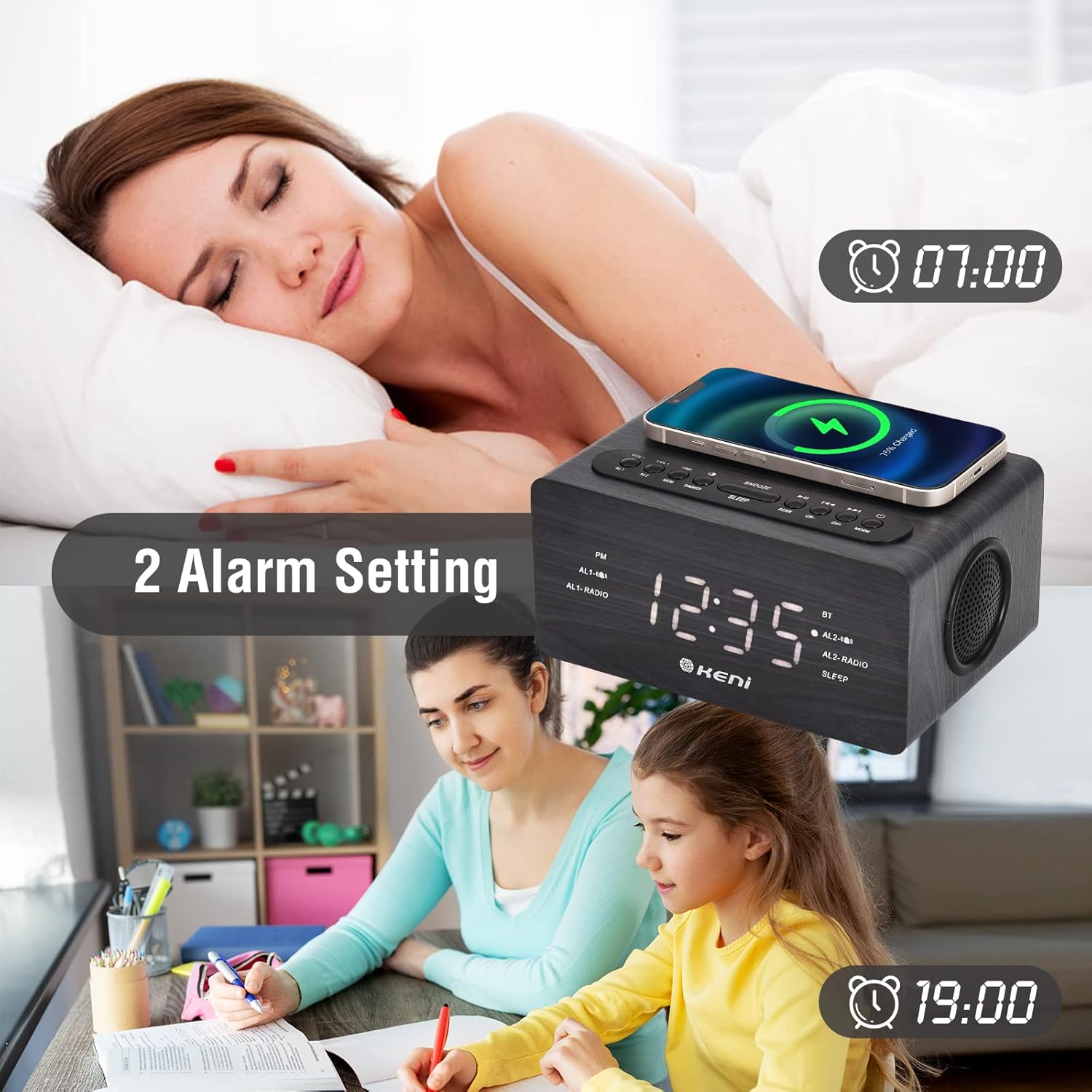
Image: The alarm clock displaying two distinct alarm times, illustrating its dual alarm capability for different schedules.
- Premere e tenere premuto il tasto AL1 or AL2 button to set the desired alarm.
- Utilizzo vol- E Volume+ per regolare l'ora, quindi premere AL1 / AL2 per confermare.
- Utilizzo vol- E Volume+ to adjust the minute, then press AL1 / AL2 per confermare.
- Utilizzo vol- E Volume+ to select the alarm source (FM Radio or Buzzer). Press AL1 / AL2 per confermare.
- Per attivare/disattivare un allarme, premere brevemente AL1 or AL2. Un'icona di allarme apparirà/scomparirà sul display.
- Quando suona un allarme, premere il tasto POSTICIPARE button for 9 minutes of extra sleep. To turn off the alarm, press any other button.
Funzionamento della radio FM

Image: The alarm clock in FM radio mode, showing the frequency range (87.5MHz-108MHz) and indicating features like volume control, snooze timer, and AUX-in capability.
- Premere il tasto MODALITÀ button to switch to FM Radio mode. The display will show the frequency.
- Premere il tasto SCANSIONE pulsante per eseguire la scansione automatica e salvare le stazioni FM disponibili.
- Utilizzare il CH- E CH+ pulsanti per navigare tra le stazioni salvate.
- Regolare il volume utilizzando il vol- E Volume+ pulsanti.
Connessione Bluetooth

Image: The alarm clock displaying its Bluetooth status, alongside a smartphone screen confirming a successful connection to the "K-2993W" device.
- Premere il tasto MODALITÀ per passare alla modalità Bluetooth. Il display mostrerà "BT" e lampeggerà, indicando che il dispositivo è pronto per l'associazione.
- Sul tuo smartphone o altro dispositivo abilitato Bluetooth, attiva il Bluetooth e cerca i dispositivi disponibili.
- Select "K-2993W" from the list of devices to pair. Once connected, "BT" will stop flashing.
- You can now play audio from your device through the alarm clock's speaker.
Ricarica wireless
- Place your Qi-enabled smartphone on the wireless charging pad located on the top of the alarm clock.
- Ensure the phone is centered on the charging pad for optimal charging. A charging indicator may appear on your phone's screen.
- The charger supports 5W, 7.5W, and 10W adaptive charging.
- Nota: Thick phone cases or metal objects between the phone and the charging pad may interfere with charging.
Porta di ricarica USB
- Connect your device's USB charging cable to the "USB OUT" port on the back of the alarm clock to charge other electronic devices like a second phone, power bank, or smartwatch.
Timer di spegnimento
- Durante la riproduzione della radio FM o dell'audio Bluetooth, premere il tasto SONNO button repeatedly to set a sleep timer (e.g., 15, 30, 60, 90 minutes). The audio will automatically turn off after the set time.
Manutenzione
- To clean the alarm clock, gently wipe the surface with a soft, dry cloth.
- Non utilizzare detergenti abrasivi, cere o solventi poiché potrebbero danneggiare la finitura.
- Tenere il dispositivo lontano dall'acqua e dall'umidità eccessiva.
- Ensure the wireless charging pad is free of dust and debris for efficient charging.
Risoluzione dei problemi
| Problema | Possibile causa/soluzione |
|---|---|
| Il display dell'orologio è spento o poco luminoso. |
|
| L'allarme non suona. |
|
| La ricarica wireless non funziona. |
|
| La ricezione della radio FM è scarsa. |
|
| Il dispositivo Bluetooth non riesce a connettersi. |
|
Specifiche
| Caratteristica | Dettaglio |
|---|---|
| Marca | G Keni |
| Numero di modello | K-2993W |
| Tipo di visualizzazione | Digitale |
| Fonte di alimentazione | Elettrico con cavo |
| Materiale | Legno, Plastica |
| Uscita di ricarica wireless | 10W (Adaptive 5W/7.5W/10W) |
| Porta di ricarica USB | SÌ |
| Frequenza radio FM | 87.5 MHz - 108 MHz |
| Versione Bluetooth | (Non specificato nell'input) |
| Doppio allarme | SÌ |
| Funzione snooze | Sì (9 minuti) |
| Timer di spegnimento | SÌ |
| Dimmer del display | 4 levels (High/Middle/Low/Off) |
| Batteria di backup | Richiede 2 batterie AAA (non incluse) |
| Peso dell'articolo | 700 grammi |
Garanzia e supporto
Informazioni sulla garanzia
This G Keni product is covered by a Garanzia di 12 mesi from the date of purchase. We also offer a Garanzia di rimborso di 30 giorni.
Assistenza clienti
For any questions, technical assistance, or warranty claims, please contact our customer service team. We provide Servizio clienti 24 ore su 7, XNUMX giorni su XNUMX to assist you. Refer to the product packaging or the retailer's websito per dettagli di contatto specifici.