
Introduzione
Thank you for choosing the Roadstar RS-870BR Bioimpedance Smart Scale. This advanced scale is designed to help you monitor your health and fitness progress by measuring up to 12 key body indices. With Bluetooth connectivity and the intuitive FitGo app, you can easily track your data, set goals, and integrate with popular health platforms like Apple Health, Fitbit, and Google Fit. This manual provides essential information for safe and effective use of your new smart scale.
Informazioni importanti sulla sicurezza
- Do not use this device for medical diagnosis or treatment. Consult a healthcare professional for any health concerns.
- Place the scale on a hard, flat surface. Using it on soft surfaces like carpets may affect accuracy.
- Mantenere la bilancia asciutta. Evitare il contatto con acqua o altri liquidi.
- The maximum weight capacity is 180 kg (397 lb). Do not exceed this limit.
- Non salire sulla bilancia e non utilizzarla per scopi diversi dalla pesatura.
- Individuals with pacemakers or other implanted medical devices should not use this scale due to the bioelectrical impedance analysis (BIA) technology.
- Pregnant women should consult their doctor before using this scale.
Contenuto della confezione
Si prega di selezionare la casella per i seguenti elementi:
- 1x Roadstar RS-870BR Bioimpedance Smart Scale
- 1x USB Charging Cable (usually included, though not explicitly listed in components)
- Manuale dell'utente (questo documento)
Guida all'installazione
1. Disimballaggio e posizionamento
Carefully remove the scale from its packaging. Place the scale on a hard, flat, and stable surface. Avoid soft surfaces like carpets or rugs, as this can affect measurement accuracy. Ensure the scale is level.
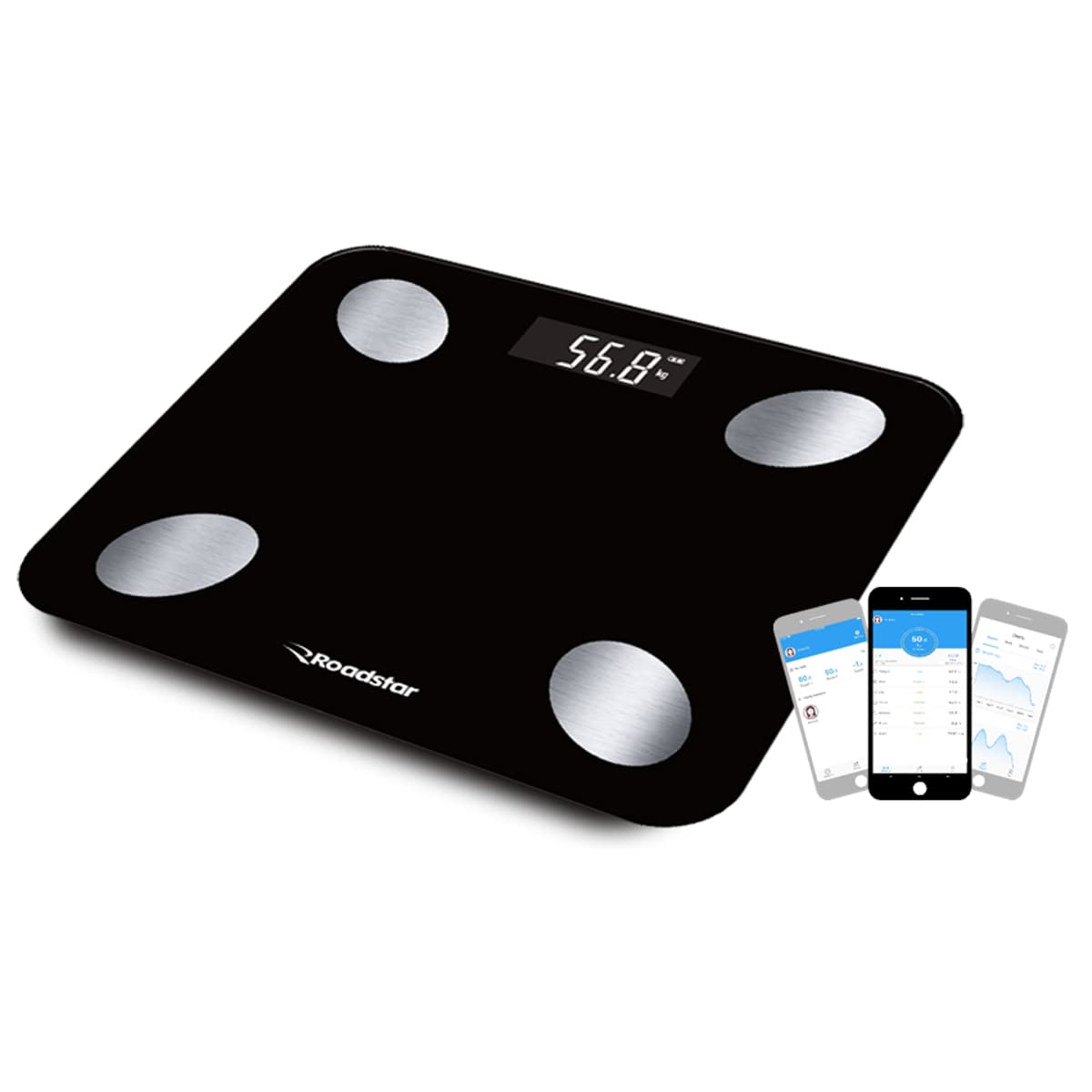
Image: The Roadstar RS-870BR Bioimpedance Smart Scale, black with four silver electrodes, displayed on a flat surface.
2. Caricare la bilancia
The RS-870BR scale features an internal battery and charges via USB. Before first use, or if the display shows a low battery indicator, connect the scale to a USB power source using the provided cable. The display will indicate charging status.
3. Installazione e associazione dell'app
To unlock the full potential of your smart scale, download the FitGo app on your smartphone or tablet. The app is compatible with Android (4.3 and above) and iOS (7.0 and above) devices.
- Cercare "FitGo" in the Apple App Store or Google Play Store and install the app.
- Assicurati che il Bluetooth sia abilitato sul tuo smartphone.
- Open the FitGo app and follow the on-screen instructions to create your user profile.
- Step onto the scale to activate it. The app should automatically detect and pair with your RS-870BR scale. If not, follow the app's instructions to manually add a device.
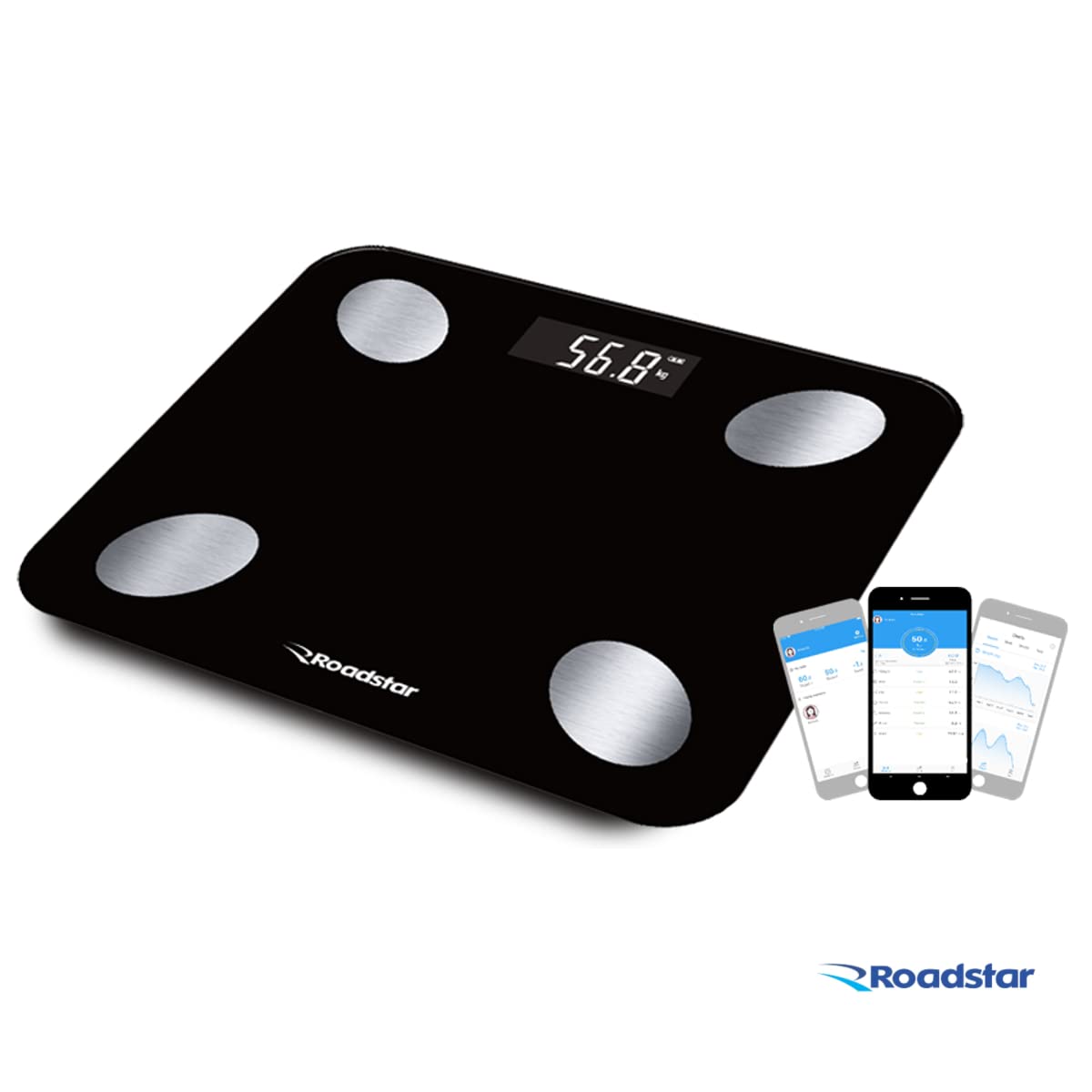
Image: The Roadstar RS-870BR scale shown alongside a smartphone displaying the FitGo application, illustrating the connectivity.
Video: This video provides additional information about the Bioimpedance Scale, demonstrating its features and how it works with the app. It shows the scale in use and the data displayed on a smartphone.
Istruzioni per l'uso
1. Effettuare una misurazione
For accurate bioimpedance measurements, it is crucial to follow these steps:
- Assicurati che i tuoi piedi siano puliti e asciutti.
- Step onto the scale barefoot, placing your feet directly on the four silver electrodes. Stand still and balanced.
- The scale will display your weight first, then transmit all 12 body indices to the FitGo app.
- View your detailed results in the FitGo app.

Image: A person's feet are shown correctly positioned on the four silver electrodes of the Roadstar RS-870BR scale for an accurate measurement.
2. Understanding Body Indices
The Roadstar RS-870BR scale measures 12 different body indices using Bioelectrical Impedance Analysis (BIA). This technology sends a small, safe electrical current through your body to estimate body composition. The indices include:
- Peso: Your total body weight.
- BMI (indice di massa corporea): Misura del grasso corporeo basata su altezza e peso.
- Grasso corporeo: percentualetage del peso corporeo totale che è grasso.
- Massa muscolare: Il peso totale dei muscoli del tuo corpo.
- Contenuto di acqua: percentualetage del peso corporeo totale che è acqua.
- Tasso di proteine: La percentualetage di proteine nel tuo corpo.
- Grasso viscerale: Grasso accumulato attorno agli organi addominali.
- Metabolismo basale: Il numero di calorie di cui il tuo corpo ha bisogno per svolgere le funzioni basilari di sostentamento della vita.
- Massa ossea: Il peso totale delle ossa presenti nel tuo corpo.
- Età corporea: An estimation of your body's physiological age based on your body composition.
- Ideal Weight: A calculated healthy weight range for your profile.
- Tipo di corpo: Categorization of your physique based on muscle and fat distribution.

Image: An infographic illustrating the 12 body indices measured by the scale, including weight, BMI, body fat, muscle mass, and more, along with an indication of memory for up to 8 users.
3. Using the FitGo App
The FitGo app is your central hub for all your health data. It allows you to:
- View detailed reports and historical data for each body index.
- Track your progress over days, weeks, months, and years.
- Crea fino a 8 utenti professionistifiles, making it suitable for the whole family.
- Synchronize your data with Apple Health, Fitbit, and Google Fit for a comprehensive health overview.
Cura e manutenzione
- Pulizia: Pulisci la superficie della bilancia con un panno morbido eamp panno. Non utilizzare detergenti abrasivi né immergere la bilancia in acqua.
- Magazzinaggio: Conservare la bilancia in un luogo fresco e asciutto. Evitare temperature estreme e la luce solare diretta.
- Batteria: Recharge the scale when the low battery indicator appears to ensure continuous operation.
Risoluzione dei problemi
| Problema | Possibile causa | Soluzione |
|---|---|---|
| La bilancia non si accende. | Batteria scarica. | Caricare la bilancia tramite il cavo USB. |
| Letture imprecise. | Scale on soft surface; feet not properly placed; scale not calibrated. | Place on hard, flat surface. Ensure bare feet are on electrodes. Step on and off quickly to calibrate to zero before weighing. |
| L'app non si connette alla bilancia. | Bluetooth off; app not open; scale not active. | Ensure Bluetooth is on. Open FitGo app. Step on scale to activate. Try restarting both app and scale. |
| Viene visualizzato "Lo". | Batteria scarica. | Ricaricare la bilancia. |
| Viene visualizzato "Err". | Sovraccarico o errore di misurazione. | Ensure weight is within 180 kg limit. Step off and on again. |
Specifiche tecniche
| Caratteristica | Specificazione |
|---|---|
| Marca | Stella della strada |
| Modello | RS-870BR |
| Colore | Nero |
| Capacità massima | 180 kg / 397 lb / 28st: 5lb |
| Divisioni | 0.1 kg / 0.2 lb / 1 lb |
| Unità | kg / lb / st: lb |
| Tipo di visualizzazione | LCD |
| Materiale della piattaforma | High-Resistance Tempered Glass |
| Body Indices Measured | Weight, BMI, Body Fat, Muscle Mass, Water Content, Protein Rate, Visceral Fat, Basal Metabolism, Bone Mass, Body Age, Ideal Weight, Body Type (12 total) |
| Memoria utente | Fino a 8 utenti |
| Alimentazione elettrica | Internal Battery, USB Charging |
| Connettività | Bluetooth |
| Compatibilità software | FitGo App (Android 4.3+, iOS 7.0+), Apple Health, Fitbit, Google Fit |
| Peso dell'articolo | 1420 grammi |
Garanzia e supporto
Your Roadstar RS-870BR Bioimpedance Smart Scale comes with a Garanzia del produttore di 3 mesiLa presente garanzia copre i difetti di materiali e di fabbricazione in normali condizioni di utilizzo.
For technical support, warranty claims, or any questions regarding your product, please refer to the contact information provided by your retailer or the official Roadstar website. Please have your purchase receipt and product model number (RS-870BR) ready when contacting support.