
1. Introduzione
Thank you for choosing the FEANS Q8 Wireless Earbuds. These earbuds are designed to provide a high-quality audio experience with advanced features for daily use, gaming, and calls. This manual will guide you through the setup, operation, and maintenance of your new earbuds.
The FEANS Q8 earbuds incorporate a Qualcomm QCC3040 chip for stable Bluetooth 5.2 connectivity, CVC8.0 noise cancellation for clear calls, and aptX audio support for enhanced sound quality. They are compatible with a wide range of devices including iPhone, Android, and Windows systems.
2. Cosa c'è nella scatola
- FEANS Q8 Wireless Earbuds
- Custodia di ricarica
- Cavo di ricarica USB (tipo C)
- Multiple sizes of soft ear tips (Small, Medium, Large)
- Manuale d'uso
3. Prodotto finitoview e caratteristiche principali
The FEANS Q8 earbuds are engineered with several key technologies to optimize your listening experience:
- Chip Qualcomm QCC3040 e Bluetooth 5.2: Ensures seamless, high-speed transmission and low-latency audio. Supports HSP/HFP/A2DP/AVRCP protocols.
- Qualcomm CVC8.0 & 4 Microphones: Advanced call noise reduction technology filters environmental sound to enhance voice clarity during calls.
- AptX High Quality Sound: Features 6mm dynamic drivers for deep bass, clear mids, and bright highs, delivering balanced premium sound.
- Durata prolungata della batteria: Up to 7 hours of playback on a single charge. The charging case provides approximately 4 additional charges.
- Hall Switch & IPX5 Water Resistance: Enables quicker pairing upon opening the case. IPX5 rating provides sweat-resistant and waterproof protection for daily use and light rain.
- TrueWireless Mirroring Technology: Ensures stable connection and automatic pairing with the last connected device.
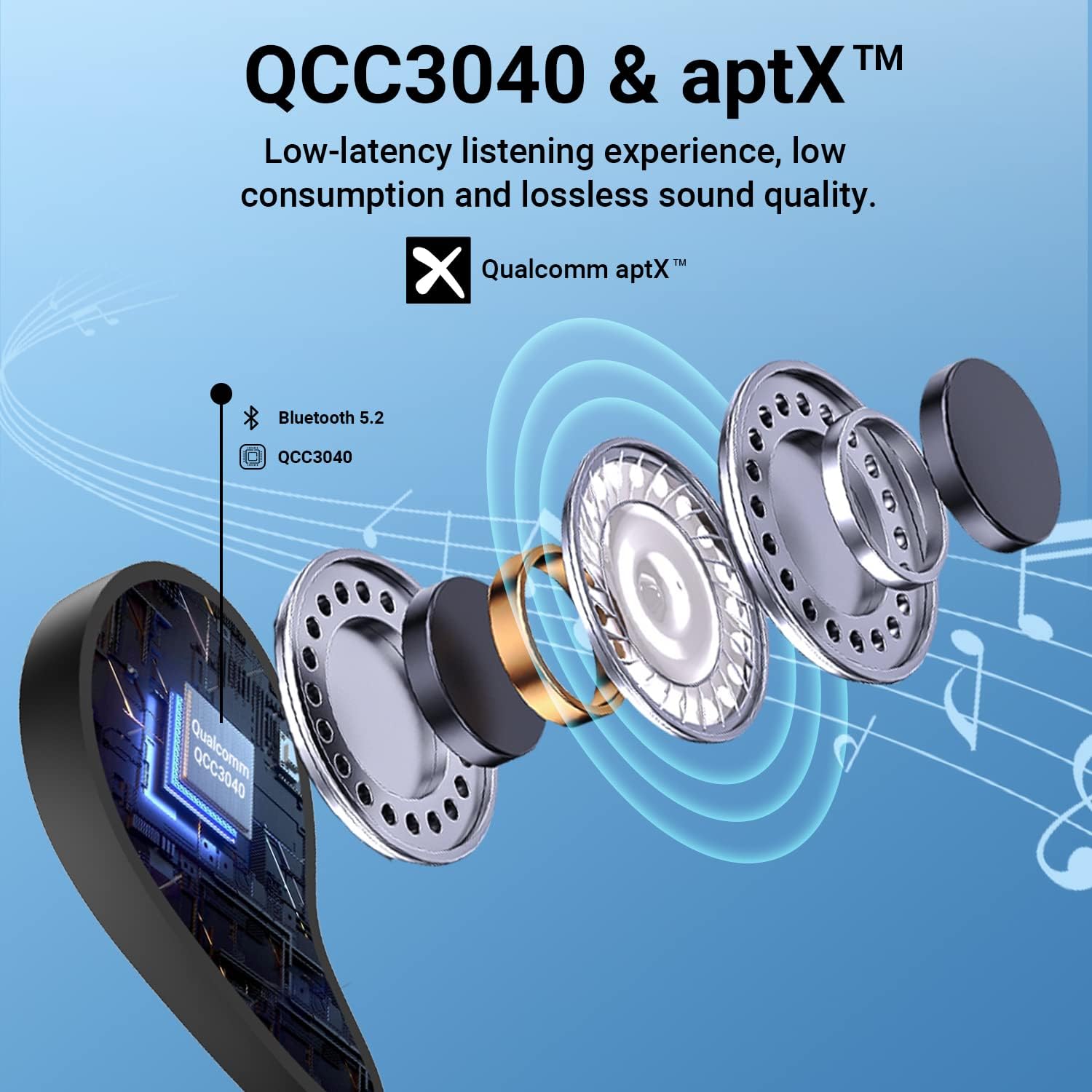
Figure 1: Internal structure highlighting the QCC3040 chip and Bluetooth 5.2.

Figure 2: CVC 8.0 technology for clear call quality.
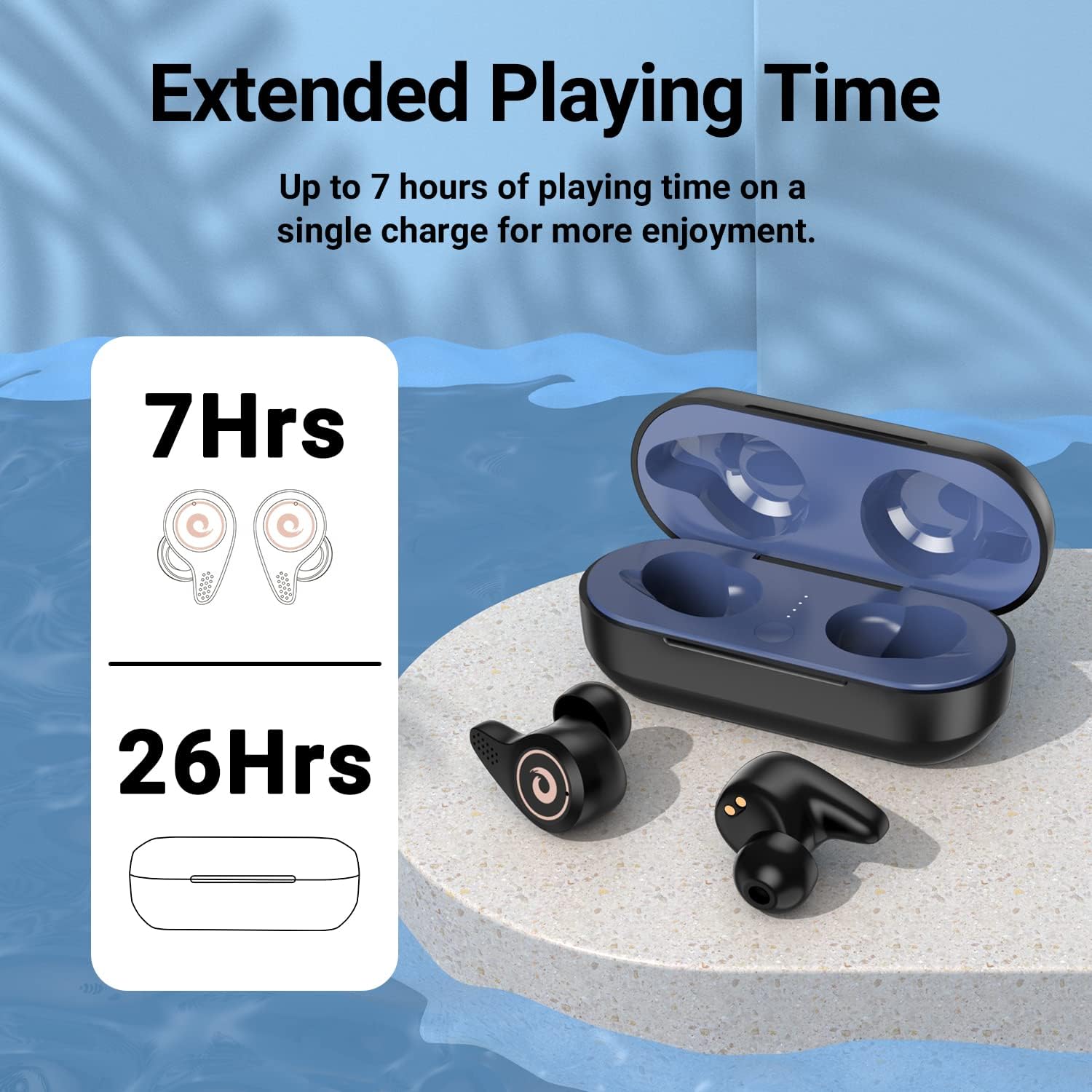
Figure 3: Battery life indication for earbuds and charging case.
4. Impostazione
- Carica iniziale:
- Before first use, ensure the earbuds and charging case are fully charged.
- Open the charging case. Remove any protective plastic films from the charging contacts on the earbuds.
- Place the earbuds back into the charging case. Connect the USB Type-C cable to the charging port on the case and to a power source.
- The LED indicators on the charging case will show the charging status. A full charge is indicated by all four blue lights being solid.
- Selezione degli auricolari:
- Select the ear tips that provide the most comfortable and secure fit for your ears. A good seal is crucial for optimal sound quality and noise isolation.
- Associazione con il tuo dispositivo:
- Assicurati che il Bluetooth del tuo dispositivo sia attivato.
- Aprire il coperchio della custodia di ricarica. Gli auricolari entreranno automaticamente in modalità di associazione.
- Sul tuo dispositivo, cerca i dispositivi Bluetooth e seleziona "Q8" dall'elenco.
- Una volta effettuata la connessione, sentirai un segnale acustico di conferma e gli auricolari saranno pronti per l'uso.
- The Hall Switch feature allows for quick re-connection to the last paired device simply by opening the case.
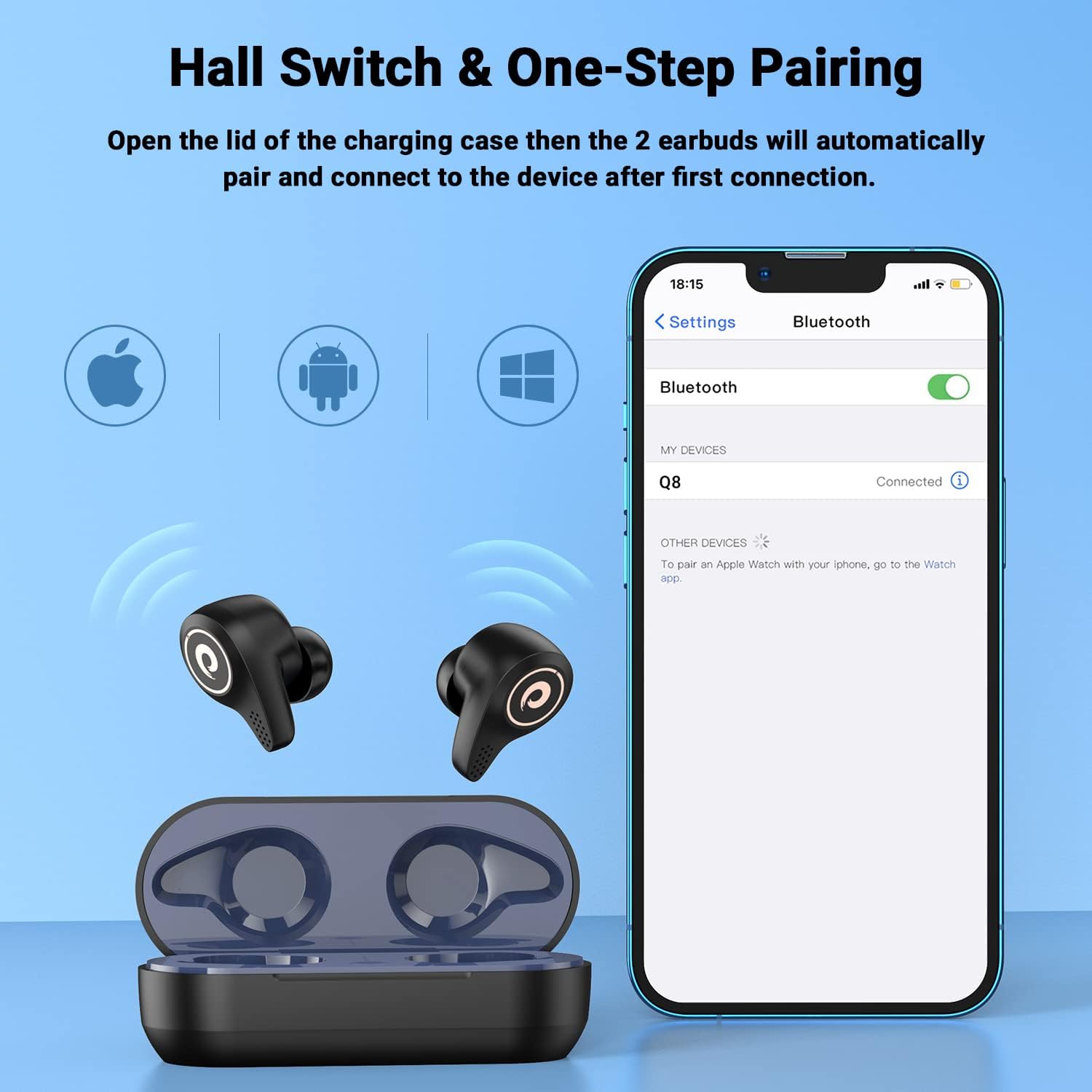
Figure 4: Hall Switch and one-step pairing process.
5. Istruzioni per l'uso
- Accensione/spegnimento:
- To power on, open the charging case. The earbuds will automatically turn on.
- To power off, place the earbuds back into the charging case and close the lid. They will automatically disconnect and begin charging.
- Controlli touch:
- The earbuds feature intuitive touch controls for media playback and call management. Refer to the quick start guide for specific tap functions (e.g., single tap for play/pause, double tap for next track, etc.).
- Modalità di gioco:
- For a lag-free gaming experience, triple tap the left earbud to enter gaming mode. This reduces latency for synchronized audio and visuals.
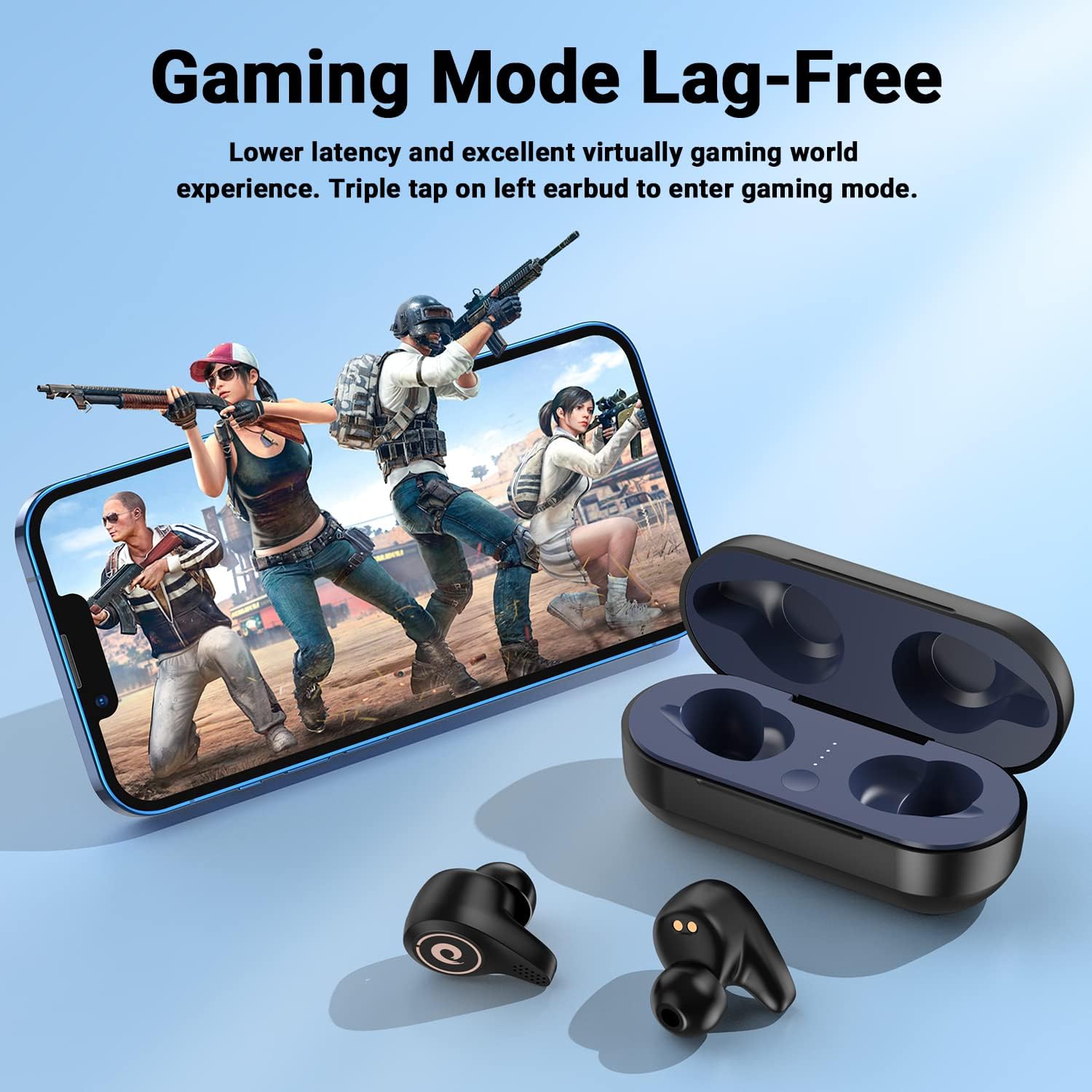
Figure 5: Activating Gaming Mode for reduced latency.
- Chiamate:
- Utilize the CVC8.0 noise cancelling technology and four microphones for clear conversations in various environments.
6. Manutenzione
- Pulizia:
- Pulisci regolarmente gli auricolari e la custodia di ricarica con un panno morbido e asciutto.
- Rimuovere i gommini auricolari e, se necessario, pulirli con acqua e sapone neutro, assicurandosi che siano completamente asciutti prima di riattaccarli.
- Keep charging contacts on both earbuds and case free from dust and debris.
- Resistenza all'acqua (IPX5):
- The earbuds are IPX5 water-resistant, meaning they can withstand sweat and light rain. They are not designed for submersion in water.
- Evitare di esporre la custodia di ricarica all'acqua.
- If earbuds get wet, wipe them dry thoroughly before placing them back in the charging case.

Figure 6: IPX5 water resistance for daily use.
7. Risoluzione Dei Problemi
- Gli auricolari non si associano:
- Assicurarsi che gli auricolari siano carichi e rimossi dalla custodia di ricarica.
- Disattiva e riattiva il Bluetooth del tuo dispositivo, quindi prova a effettuare nuovamente la ricerca.
- Se è già stato associato, prova a eliminare il dispositivo dal telefono e ad associarlo nuovamente.
- Gli auricolari non si caricano:
- Check that any protective plastic films have been removed from the earbud charging contacts.
- Assicurarsi che il cavo di ricarica sia collegato saldamente sia alla custodia sia alla fonte di alimentazione.
- Verify that the charging case itself has power (check LED indicators).
- Volume basso o scarsa qualità del suono:
- Regola il volume sia sul dispositivo che sugli auricolari.
- Ensure ear tips are properly seated and provide a good seal in your ear canal. Try different sized ear tips.
- Pulisci eventuali detriti dagli altoparlanti degli auricolari.
8. Specifiche
| Nome del modello | Q8 |
| Marca | FEANI |
| Tecnologia di connettività | Senza fili (Bluetooth 5.2) |
| Tecnologia di comunicazione wireless | Bluetooth |
| Versione Bluetooth | 5.2 |
| Portata Bluetooth | 10 metri |
| Tipo di driver audio | Dynamic Driver (6mm diameter) |
| Durata della batteria (auricolari) | Fino a 7 ore |
| Costi aggiuntivi per la custodia di ricarica | Circa 4 volte |
| Livello di resistenza all'acqua | Grado di protezione IPX5 |
| Metodo di controllo | Tocco |
| Caratteristica speciale | Noise Cancellation (CVC8.0) |
| Dispositivi compatibili | Cellphones, Laptops, Desktops, Tablets (iOS/Android/Windows) |
| Peso dell'articolo | 4.2 once |
9. Video ufficiale del prodotto
Video 1: Un overview of the FEANS Q8 Wireless Bluetooth Earbuds, showcasing their design, features, and functionality. This video provides a visual guide to the product's capabilities and highlights key selling points.
10. Garanzia e supporto
For warranty information, technical support, or any inquiries regarding your FEANS Q8 Wireless Earbuds, please refer to the contact details provided on the product packaging or visit the official FEANS webluogo. Conserva la ricevuta di acquisto per eventuali richieste di garanzia.