
Pyle PLTLD19
Manuale utente del televisore LED RV Pyle da 18.5 pollici 768p
Modello: PLTLD19
Introduzione
This manual provides comprehensive instructions for the setup, operation, and maintenance of your Pyle 18.5 Inch 768p LED RV Television. Designed for versatility, this flat screen monitor features an integrated multimedia disk combo, multiple input options, and is suitable for both RV and home use. Please read this manual thoroughly before operating the device to ensure proper use and longevity.
Cosa c'è nella scatola

Image: The Pyle 18.5 Inch LED RV Television and its included accessories, such as the remote control, power adapter, and various cables.
- TV digitale ELED per camper da 18.5''
- Full Function Remote Control (requires 2 x 'AAA' batteries, included)
- Adattatore di alimentazione (100/240 V, 50/60 Hz)
- Removable Base Stands
- Manuale dell'utente (questo documento)
Impostare
1. Attaching the Base Stand
If you intend to place the television on a flat surface, attach the included base stands. Align the stand with the designated slots on the bottom of the TV and secure it using the provided screws. Ensure the stand is firmly attached for stability.
2. Montaggio a parete (opzionale)
The television is compatible with universal VESA mounting standards (100mm x 100mm). If wall mounting, remove the base stands. Use a compatible VESA wall mount kit (sold separately) and follow the instructions provided with your wall mount. Ensure the wall can support the weight of the television (approximately 8.64 lbs).

Image: A person demonstrating the wall mounting process for the Pyle RV Television, highlighting its VESA compatibility.
3. Collegamento di dispositivi esterni
The television offers various input and output interfaces:

Immagine: Un dettaglio view of the back panel of the Pyle RV Television, illustrating the various input and output ports available for connectivity.
- HDMI: For high-definition audio and video from devices like Blu-ray players, gaming consoles, or set-top boxes.
- Audio CVBS (segnale di trasmissione video composito) / RCA (L/R): Per video in definizione standard e audio stereo da dispositivi più vecchi.
- VGA/PC e audio PC: To connect the TV as a monitor for a computer.
- RF (Antenna): To connect an antenna for receiving over-the-air broadcast signals.
- Uscita audio coassiale (digitale): Per l'uscita audio digitale su un sistema audio.
- Cuffie: Per l'ascolto privato.
- Uscita audio (analogica): For analogue audio output to external speakers or sound systems.
- USB: Per la riproduzione multimediale da dispositivi di archiviazione USB.
Nota: When connecting a coaxial cable for antenna input, a 90-degree adapter may be beneficial due to the placement of the speaker near the input port, as noted by some users.
4. Collegamento elettrico
Connect the power adapter to the DC IN port on the television and then plug the adapter into a standard electrical outlet (100-240V, 50/60Hz). For RV use, the TV supports 12V/24V car adapters.
Istruzioni per l'uso
1. Controlli di base
The television can be operated using the included remote control or the side panel buttons.

Image: Close-up of the side panel controls on the Pyle RV Television, indicating buttons for Play/Pause, Eject, Volume, Channel, Menu, Source, and Power.
- Energia: Press to turn the TV On or Off.
- Volume (+/-): Regola il volume dell'audio.
- Canale (+/-): Cambia il canale televisivo.
- Fonte: Selects the input source (HDMI, AV, VGA, RF, USB, DVD).
- Menu: Accede al menu OSD (On-Screen Display) per la regolazione delle impostazioni.
Nota: Some users have reported a loud voice alert when turning the TV on/off or changing settings. This feature is internal and cannot be disabled or volume-adjusted.
2. Funzionamento del lettore DVD
The television features a built-in slot-in DVD player. Insert a DVD disc into the slot on the side of the TV. The TV will automatically switch to the DVD source or you can select it manually using the 'Source' button. Use the remote control for playback functions (Play, Pause, Stop, Skip, Eject).

Image: A hand demonstrating the insertion of a DVD disc into the integrated slot-in DVD player on the side of the Pyle RV Television.
3. Display Modes and PC Compatibility
The TV supports various display modes including 16:9, 4:3, Zoom, and Cinema. These can be adjusted via the OSD menu. The television is compatible with both Mac and PC systems, allowing it to function as an external monitor.
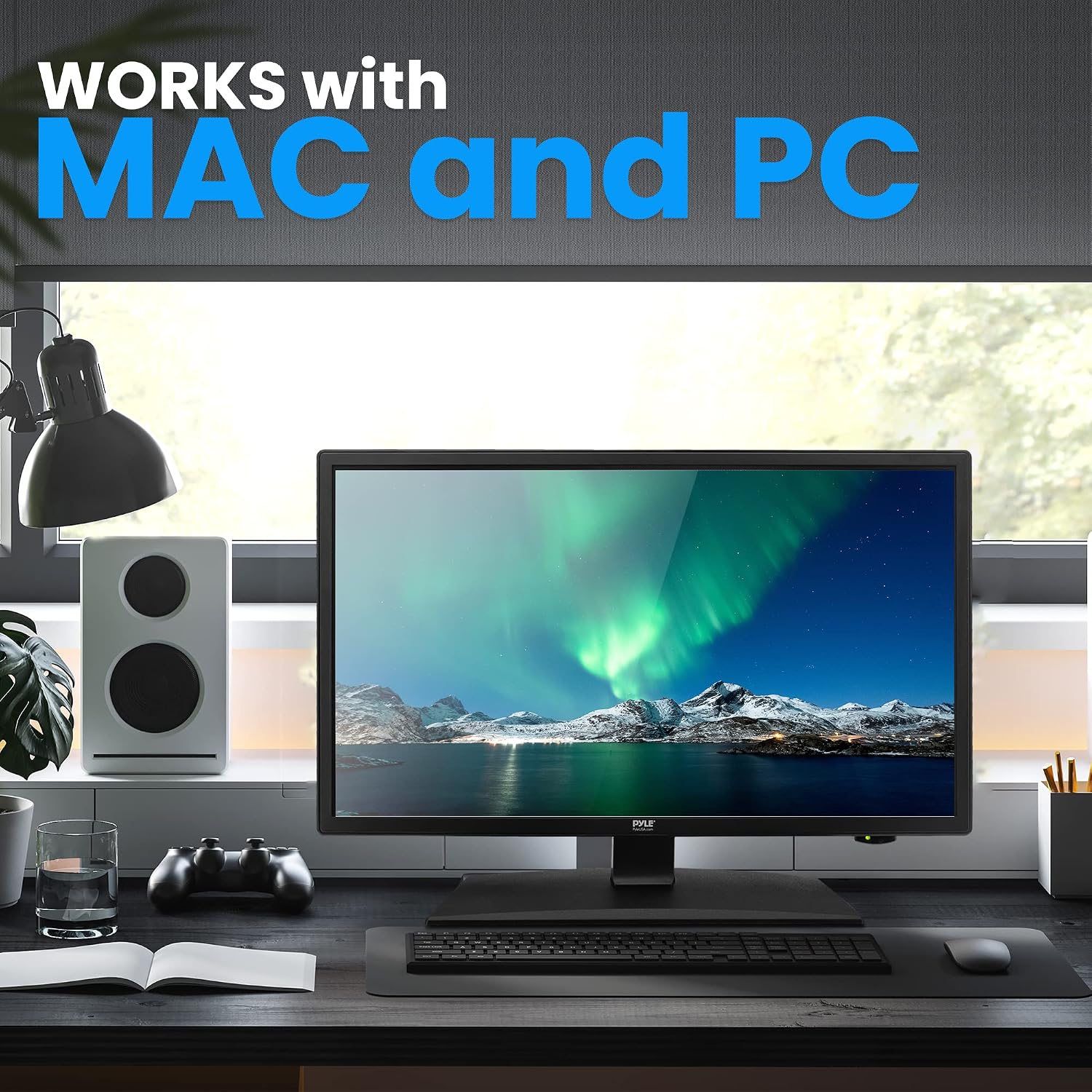
Image: The Pyle RV Television integrated into a desktop computer setup, illustrating its compatibility and use as a monitor for both Mac and PC systems.
4. Funzionalità avanzate
- V-Chip: Allows parental control over programming based on ratings.
- Sottotitoli: Visualizza sullo schermo il testo della parte audio di un programma.
- Sveglia: Sets the TV to automatically turn off after a specified period.
These features can be accessed and configured through the TV's main menu.
Manutenzione
- Pulizia: Utilizzare un panno morbido e asciutto per pulire lo schermo e l'esterno. Per i segni ostinati, strofinare leggermenteampLavare il panno con acqua. Evitare prodotti chimici aggressivi o detergenti abrasivi.
- Ventilazione: Assicurare una ventilazione adeguata attorno al televisore. Non ostruire le aperture di ventilazione.
- Magazzinaggio: If storing the TV for an extended period, disconnect it from power and store it in a cool, dry place, protected from dust.
Risoluzione dei problemi
| Problema | Possibile causa/soluzione |
|---|---|
| Nessuna alimentazione / La TV non si accende |
|
| Nessuna immagine / Nessun segnale |
|
| Poor sound quality / Tinny sound |
|
| DVD player not working |
|
| Il telecomando non risponde |
|
Specifiche
| Caratteristica | Dettaglio |
|---|---|
| Dimensioni dello schermo | 18.5 pollici (diagonale) |
| Tipo di visualizzazione | Retroilluminazione E-LED |
| Risoluzione dello schermo | 1366 x 768 Pixels (HD 768p) |
| Supporto del segnale | Risoluzione: 1080p, 1080i, 720p, 480p, 480i |
| Modalità di visualizzazione | 16:9, 4:3, Zoom, Cinema |
| Viewangolo di ing | 178° Verticale, 178° Orizzontale |
| Potenza dell'altoparlante | (2) 3 Watt, 4Ω |
| Frequenza di aggiornamento | 60 Hz |
| Sintonizzatore TV | ATSC/NTSC |
| Tempo di risposta | 14 millisecondo |
| Massimo Colore | 16.7 milioni |
| Contrasto | 1000:1 (10,000:1 dinamico) |
| Luminosità | 200 cd/m2 |
| Montaggio VESA | 100 mm x 100 mm |
| Potenza in ingresso | 100/240V, 50/60Hz (supports 12V/24V car adapter) |
| Consumo energetico | 36W |
| Dimensioni del prodotto (con supporto) | 17.17’’ x 6.3’’ x 12’’ -inches (L x W x H) |
| Product Dimensions (without Stand) | 17.17’’ x 1.8’’ x 10.2’’ -inches (L x W x H) |
| Peso | 8.64 libbre |

Image: A visual representation of the Pyle RV Television's dimensions, including width, height, and screen diagonal, along with its weight.
Garanzia e supporto
Per informazioni sulla garanzia e supporto tecnico, fare riferimento al sito ufficiale Pyle website or contact their customer service. The user manual PDF is also available for download Qui.
Pyle support is available in the U.S. for assistance with product inquiries and troubleshooting.