
Introduzione
Thank you for choosing the MAJORITY Tru 1 Wireless Bluetooth Earbuds. This manual provides essential information for setting up, operating, and maintaining your new earbuds. Please read these instructions carefully before use and retain them for future reference.
For optimal performance and safety, always follow the guidelines provided in this manual.
Contenuto della confezione

Image: The retail packaging for the MAJORITY Tru 1 earbuds, displaying the earbuds, charging case, USB-C cable, and three pairs of silicone ear tips.
Assicurarsi che tutti gli articoli siano presenti nel pacco:
- 1x Set of MAJORITY Tru 1 Wireless Earbuds
- 1x custodia di ricarica wireless
- 1x cavo di ricarica USB-C
- 3x Pairs of Silicone Ear Tips (various sizes)
- 1x Manuale utente (questo documento)
Prodotto finitoview

Image: The MAJORITY Tru 1 wireless earbuds standing upright next to their open charging case, all in white.
The MAJORITY Tru 1 earbuds are designed for comfortable wear and high-quality audio. Each earbud features a touch-sensitive control area and an integrated microphone. The compact charging case protects the earbuds and provides additional battery life.

Image: An exploded diagram showing the internal components of a MAJORITY Tru 1 earbud, highlighting the 13mm driver and other acoustic elements.
The earbuds are equipped with 13mm drivers for clear sound reproduction and a built-in microphone for calls.
Impostare
1. Ricarica degli auricolari e della custodia

Image: The MAJORITY Tru 1 earbuds placed inside their open charging case, illustrating the Type-C fast charge capability and long playtime.
- Carica iniziale: Prima del primo utilizzo, caricare completamente sia gli auricolari che la custodia di ricarica.
- Ricarica della custodia: Connect the supplied USB-C cable to the charging port on the case and to a compatible USB power source. The LED indicator on the case will show charging status.
- Ricarica degli auricolari: Place the earbuds into their respective slots in the charging case. Ensure they are correctly seated. The earbuds will begin charging automatically.
A full charge of the earbuds provides approximately 7.5 hours of playtime. The charging case provides an additional 3 full charges, extending total playtime up to 30 hours. A quick 30-minute charge can provide up to 2 hours of playtime.
2. Associazione con un dispositivo Bluetooth
- Attiva Bluetooth: Ensure Bluetooth is enabled on your audio device (smartphone, tablet, laptop, etc.).
- Entra in modalità di associazione: Apri la custodia di ricarica e rimuovi entrambi gli auricolari. Entreranno automaticamente in modalità di associazione.
- Seleziona dispositivo: On your audio device, search for new Bluetooth devices. Select "MAJORITY Tru 1" from the list of available devices.
- Conferma connessione: Una volta effettuata la connessione, sentirai un messaggio audio e le spie luminose degli auricolari cambieranno.
The earbuds use Bluetooth 5.3 for a stable and efficient wireless connection. They will automatically reconnect to the last paired device when removed from the case, if Bluetooth is active on the device.
Istruzioni per l'uso
Controlli touch
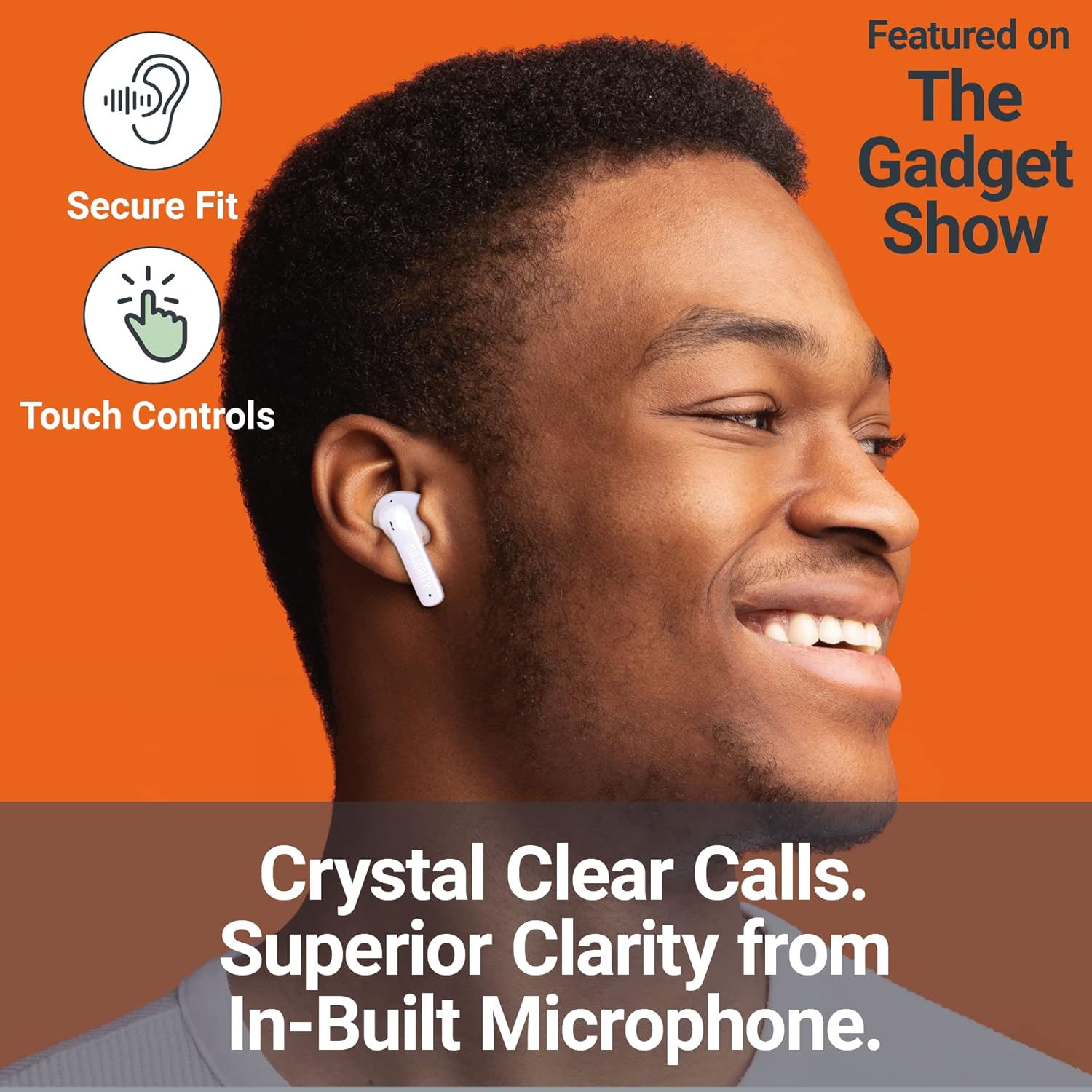
Image: A person smiling while wearing a MAJORITY Tru 1 earbud, emphasizing the secure fit, touch controls, and clear call quality from the built-in microphone.
The MAJORITY Tru 1 earbuds feature intuitive touch controls on each earbud. Specific functions may vary slightly depending on your device and operating system.
- Riproduci/Pausa: Un solo tocco su uno degli auricolari.
- Traccia successiva: Tocca due volte l'auricolare destro.
- Traccia precedente: Tocca due volte l'auricolare sinistro.
- Rispondi/Termina chiamata: Un singolo tocco su uno degli auricolari durante una chiamata in arrivo o una chiamata attiva.
- Rifiuta chiamata: Durante una chiamata in arrivo, tenere premuto uno dei due auricolari per 2 secondi.
- Attiva l'assistente vocale: Tocca tre volte uno degli auricolari (ad esempio, Siri, Google Assistant).
- Aumenta volume: Tieni premuto l'auricolare destro.
- Volume basso: Tieni premuto l'auricolare sinistro.
Effettuare e ricevere chiamate
The built-in microphone ensures clear communication during phone calls. Use the touch controls as described above to manage your calls.
Indossare gli auricolari
Select the ear tips that provide the most comfortable and secure fit for optimal sound quality and noise isolation. Gently insert each earbud into your ear canal and twist slightly to secure it.
Manutenzione
- Pulizia: Pulisci regolarmente gli auricolari e la custodia di ricarica con un panno morbido, asciutto e privo di lanugine. Non utilizzare prodotti chimici aggressivi o materiali abrasivi.
- Resistenza all'acqua: The earbuds are IPX7 waterproof, meaning they can withstand immersion in water up to 1 meter for 30 minutes. However, the charging case is not waterproof. Ensure earbuds are completely dry before placing them back in the charging case to prevent damage.
- Magazzinaggio: Quando non li usi, riponi gli auricolari nella loro custodia di ricarica per proteggerli e mantenerli carichi. Conservali in un luogo fresco e asciutto, lontano da temperature estreme.
- Cura della batteria: Per prolungare la durata della batteria, evitare di scaricare completamente gli auricolari e la custodia frequentemente. Caricarli regolarmente, anche se non vengono utilizzati costantemente.
Risoluzione dei problemi
| Problema | Soluzione |
|---|---|
| Gli auricolari non si accoppiano |
|
| Nessun suono da un auricolare |
|
| La custodia di ricarica non si ricarica |
|
| Scarsa qualità del suono |
|
Specifiche
| Caratteristica | Dettaglio |
|---|---|
| Nome del modello | VERSIONE ... |
| Connettività | Bluetooth 5.3 |
| Resistenza all'acqua | IPX7 (solo auricolari) |
| Dimensioni del conducente | 13mm |
| Tempo di riproduzione degli auricolari | Fino a 7.5 ore |
| Tempo di riproduzione totale (con custodia) | Fino a 30 ore |
| Carica rapida | 30 minuti di carica per 2 ore di riproduzione |
| Tipo di batteria | Ioni di litio (inclusi) |
| Porta di ricarica | USB-C |
| Materiale | Plastica |
| Dimensioni del pacco | Dimensioni: 11.3 x 9.9 x 3.2 cm |
| Peso | 100 g (confezione) |
Garanzia e supporto
MAJORITY offers an extended 3-year warranty for the Tru 1 Wireless Bluetooth Earbuds upon registration. To register your product and activate the extended warranty, please visit the official MAJORITY websito:
For any support inquiries, troubleshooting assistance, or to learn more about MAJORITY products, please refer to the contact information provided on the official MAJORITY website. MAJORITY is a Cambridge, UK-based audio brand committed to providing reliable products and customer service.

Image: The side of the MAJORITY product box, showing details about the extended warranty and a QR code for registration.