
1. Introduzione
Welcome to the Nokia T10 Wi-Fi Tablet user manual. This guide provides essential information to help you set up, operate, maintain, and troubleshoot your new device. The Nokia T10 is an 8-inch HD Android 12 tablet designed for everyday use, offering a balance of performance and portability.
Please read this manual carefully to ensure proper use and to maximize the lifespan of your tablet.
2. Cosa c'è nella scatola
Upon unboxing your Nokia T10 tablet, please verify that all the following items are included:
- Nokia T10 Tablet Device
- Cavo USB Type-C
- Caricabatterie
- Guida rapida (QSG)
- Libretto di sicurezza
- User Guide Band
- Plastic Bag (packaging material)
If any items are missing or damaged, please contact your retailer or Nokia customer support immediately.
3. Impostazione
3.1 Ricarica del tablet
Before first use, fully charge your Nokia T10 tablet. Connect the provided Type-C USB cable to the tablet's charging port and the other end to the charger. Plug the charger into a power outlet. The battery indicator on the screen will show the charging status.
3.2 Accensione/Spegnimento
- Per accendere: Press and hold the Power button until the Nokia logo appears.
- Per spegnere: Tieni premuto il pulsante di accensione finché non vengono visualizzate le opzioni di alimentazione sullo schermo. Seleziona "Spegni" e conferma.
- Ricominciare: Tieni premuto il pulsante di accensione finché non vengono visualizzate le opzioni di risparmio energetico. Seleziona "Riavvia" e conferma.
3.3 Configurazione iniziale
When you power on your tablet for the first time, you will be guided through an initial setup process:
- Selezione della lingua: Scegli la tua lingua preferita.
- Connessione Wi-Fi: Connect to a Wi-Fi network to access the internet. This is crucial for downloading updates and setting up your Google account.
- Account Google: Sign in with your existing Google account or create a new one. This is necessary for accessing the Google Play Store, Gmail, and other Google services.
- Data e ora: Imposta la data e l'ora corrette oppure lascia che la rete le imposti automaticamente.
- Sicurezza: Set up a screen lock (PIN, pattern, password) and consider enabling AI Face Unlock for convenient access.
3.4 Inserimento di una scheda MicroSD
The Nokia T10 supports expandable storage via a MicroSD card. Locate the SIM/SD card tray on the side of the tablet. Use the provided SIM ejector tool to open the tray. Carefully place the MicroSD card into the designated slot with the gold contacts facing down, then reinsert the tray firmly.
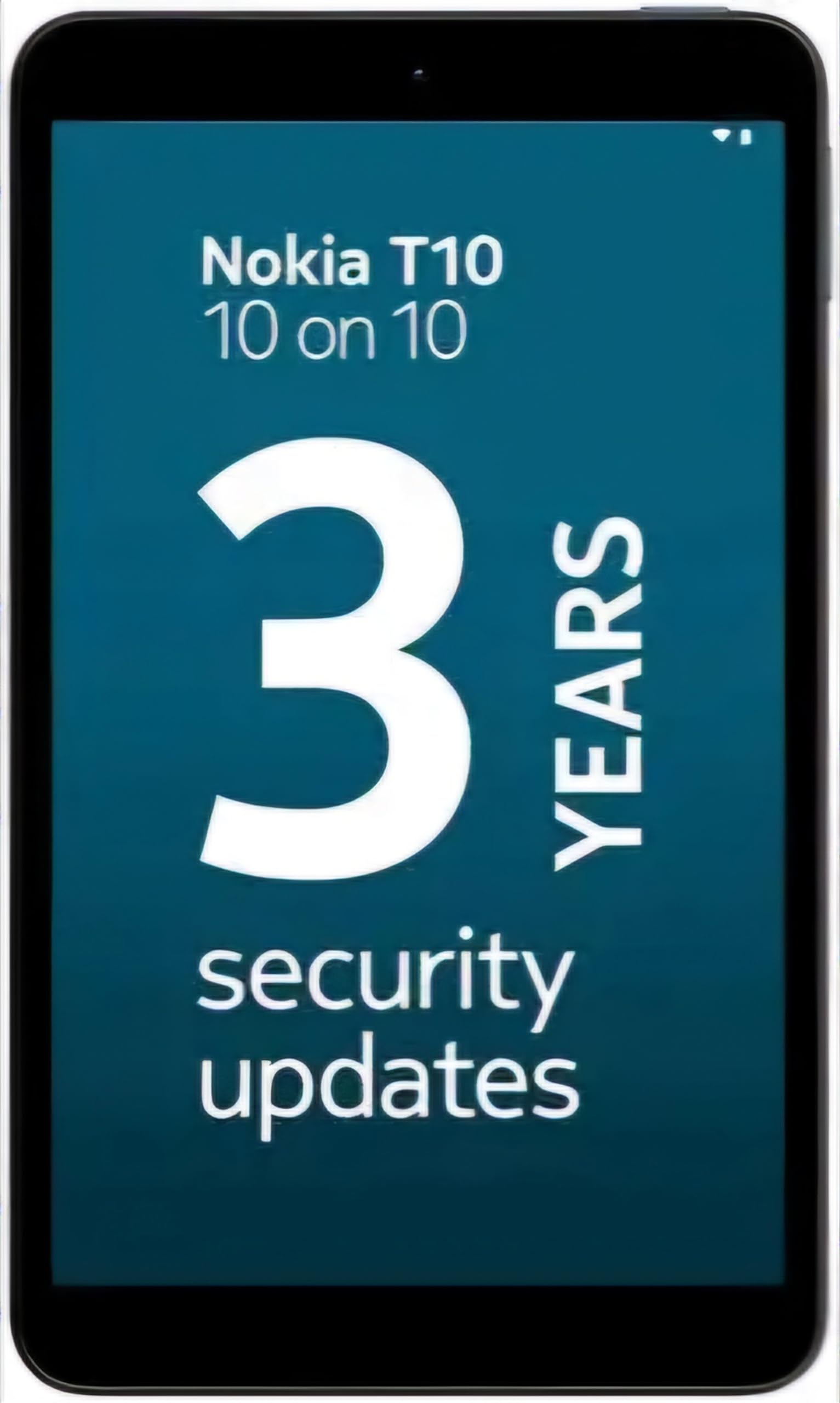
Image: Nokia T10 tablet, showcasing its sleek design and the rear camera module.
4. Istruzioni per l'uso
4.1 Display e navigazione
The Nokia T10 features an 8-inch HD display (1280x800 pixels). Navigate the interface using touch gestures:
- Rubinetto: Seleziona un elemento o apri un'app.
- Scorri: Scorri schermate, elenchi o contenuti.
- Pizzica per ingrandire: Ingrandisci o rimpicciolisci le foto e web pagine.
- Premere a lungo: Accedi ai menu contestuali o sposta le icone delle app.
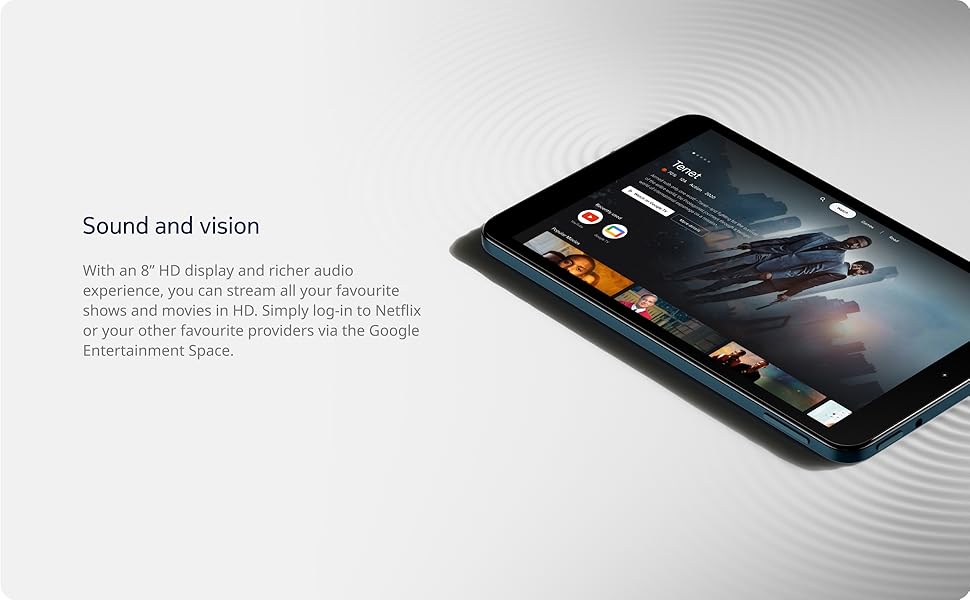
Image: The Nokia T10 tablet showcasing its 8-inch HD display with streaming video content.
4.2 Funzioni della fotocamera
Your tablet is equipped with an 8MP rear camera with autofocus and flash, and a 2MP front camera.
- Scattare foto: Apri l'app Fotocamera, inquadra lo scatto e tocca il pulsante di scatto.
- Registrazione di video: Switch to video mode in the Camera app and tap the record button to start/stop. The tablet supports FHD 1080p video capture.
- Fotocamera frontale: Tap the camera switch icon to use the front camera for selfies or video calls.

Image: A Nokia T10 tablet displaying a video call, highlighting its front camera functionality.
4.3 Gestione della batteria
The Nokia T10 has a 5250 mAh battery designed for all-day use. To optimize battery life:
- Ridurre la luminosità dello schermo.
- Disattivare il Wi-Fi e il Bluetooth quando non vengono utilizzati.
- Chiudere le app in background.
- Attiva la modalità di risparmio batteria nelle Impostazioni.
4.4 Connettività
- Wifi: Connect to wireless networks via Settings > Network & internet > Wi-Fi. The tablet supports 802.11a/b/g/n/ac standards.
- Bluetooth: Pair with Bluetooth devices (headphones, speakers) via Settings > Connected devices > Bluetooth. The tablet features Bluetooth 5.0.
- USB Tipo-C: Utilizzare la porta USB-C per la ricarica e il trasferimento dei dati.
4.5 Sblocco facciale AI
For quick and secure access, set up AI Face Unlock:
- Go to Settings > Security > Face unlock.
- Segui le istruzioni visualizzate sullo schermo per registrare il tuo volto.
- Ensure you are in a well-lit environment during setup and use.
4.6 Software and Updates
The Nokia T10 runs on Android 12. Nokia provides 2 years of OS updates and 3 years of monthly security updates to keep your device secure and up-to-date. You will receive notifications when updates are available. It is recommended to install updates over a Wi-Fi connection.
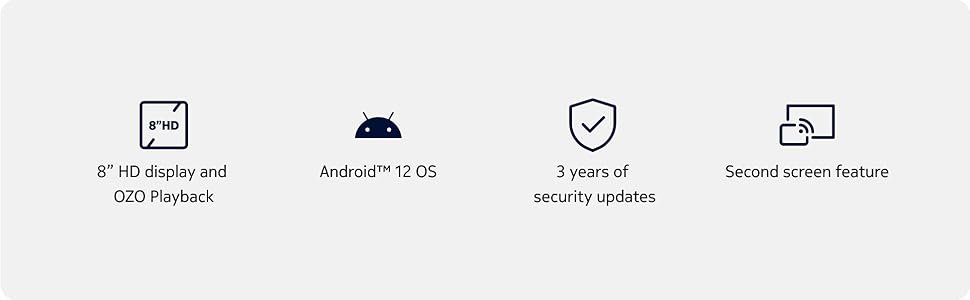
Image: Visual representation of Nokia T10 features including Android 12 OS and 3 years of security updates.
5. Manutenzione
5.1 Pulizia del tablet
- Per pulire lo schermo e il corpo, utilizzare un panno morbido e privo di lanugine.
- Evitare l'uso di prodotti chimici aggressivi, detergenti abrasivi o spray aerosol.
- Non esporre la compressa a umidità eccessiva.
5.2 Aggiornamenti software
Controlla e installa regolarmente gli aggiornamenti software per garantire prestazioni e sicurezza ottimali. Vai su Impostazioni > Sistema > Aggiornamento di sistema.
5.3 Gestione dell'archiviazione
To maintain performance, periodically manage your tablet's storage:
- Elimina le app non necessarie e files.
- Spostati in grande file(foto, video) su una scheda MicroSD o su un archivio cloud.
- Clear app cache regularly via Settings > Apps > [App Name] > Storage & cache.
6. Risoluzione Dei Problemi
If you encounter issues with your Nokia T10 tablet, try the following solutions:
| Problema | Soluzione |
|---|---|
| Il tablet non si accende | Assicurarsi che la batteria sia carica. Collegare il caricabatterie e attendere qualche minuto prima di riprovare ad accendere. |
| Problemi di connessione Wi-Fi | Riavvia il router Wi-Fi. Vai su Impostazioni > Rete e Internet > Wi-Fi, disattiva e riattiva il Wi-Fi. Elimina la rete e riconnettiti. |
| Prestazioni lente | Close unused apps. Clear app caches. Restart the tablet. Check for available software updates. |
| Le app si bloccano o si bloccano | Force stop the app (Settings > Apps > [App Name] > Force stop). Clear the app's cache and data. Reinstall the app. |
| La batteria si scarica rapidamente | Riduci la luminosità dello schermo. Disattiva funzioni non necessarie come GPS, Bluetooth e Wi-Fi quando non sono in uso. Controlla l'utilizzo della batteria nelle Impostazioni per identificare le app che consumano più energia. |
If the problem persists after trying these steps, please contact Nokia customer support.
7. Specifiche
Below are the key technical specifications for the Nokia T10 Wi-Fi Tablet:
- Nome modello: Nokia T10 TA-1472 WIFI 3/32
- Sistema operativo: Androide 12
- Processore: Unisoc T606 (Octa-core, 1.6 GHz)
- Coprocessore grafico: Mali-G57
- Memoria RAM: 3 GB
- Memoria interna: 32 GB
- Archiviazione espandibile: Yes, via MicroSD card (up to 512GB, sold separately)
- Display: 8-inch HD (1280 x 800 pixels) TFT, 16:10 aspect ratio
- Telecamera posteriore: 8 MP with AF and Flash
- Fotocamera frontale: 2 MP
- Risoluzione di acquisizione video: FHD 1080p at 30 fps
- Batteria: Polimeri di litio da 5250 mAh
- Connettività: Wi-Fi (802.11a/b/g/n/ac), Bluetooth 5.0, USB Type-C, 3.5mm Audio Jack
- Funzionalità di sicurezza: AI Face Unlock
- Audio: Stereo Speakers, OZO Playback
- Dimensioni (L x P x Spessore): 20.8L x 12.3W x 0.9Th Centimeters
- Peso: 375 grammi
- Colore: Blu
8. Informazioni sulla garanzia
The Nokia T10 tablet comes with a Garanzia del produttore di 1 anno for the device and battery from the date of purchase. In-box accessories are covered by a Garanzia del produttore di 6 mesi from the date of purchase. Please retain your proof of purchase for warranty claims. For detailed terms and conditions, refer to the warranty card included in your product packaging or visit the official Nokia support websito.
9. Supporto
For further assistance, technical support, or to find service centers, please visit the official Nokia support website or contact their customer service. You can typically find support contact information on the Nokia website or in the safety booklet provided with your tablet.
Supporto online: Supporto Nokia Websito