
1. Introduzione
Thank you for choosing the Ebarsenc 4K WiFi Mini Spy Camera. This compact and versatile camera is designed for various surveillance needs, offering high-resolution video, wide-angle viewing, motion detection, and night vision capabilities. Its small size allows for discreet placement, making it ideal for monitoring homes, offices, pets, or children.
Questo manuale fornisce istruzioni dettagliate su come configurare, utilizzare e manutenere la fotocamera per garantirne prestazioni ottimali e longevità.
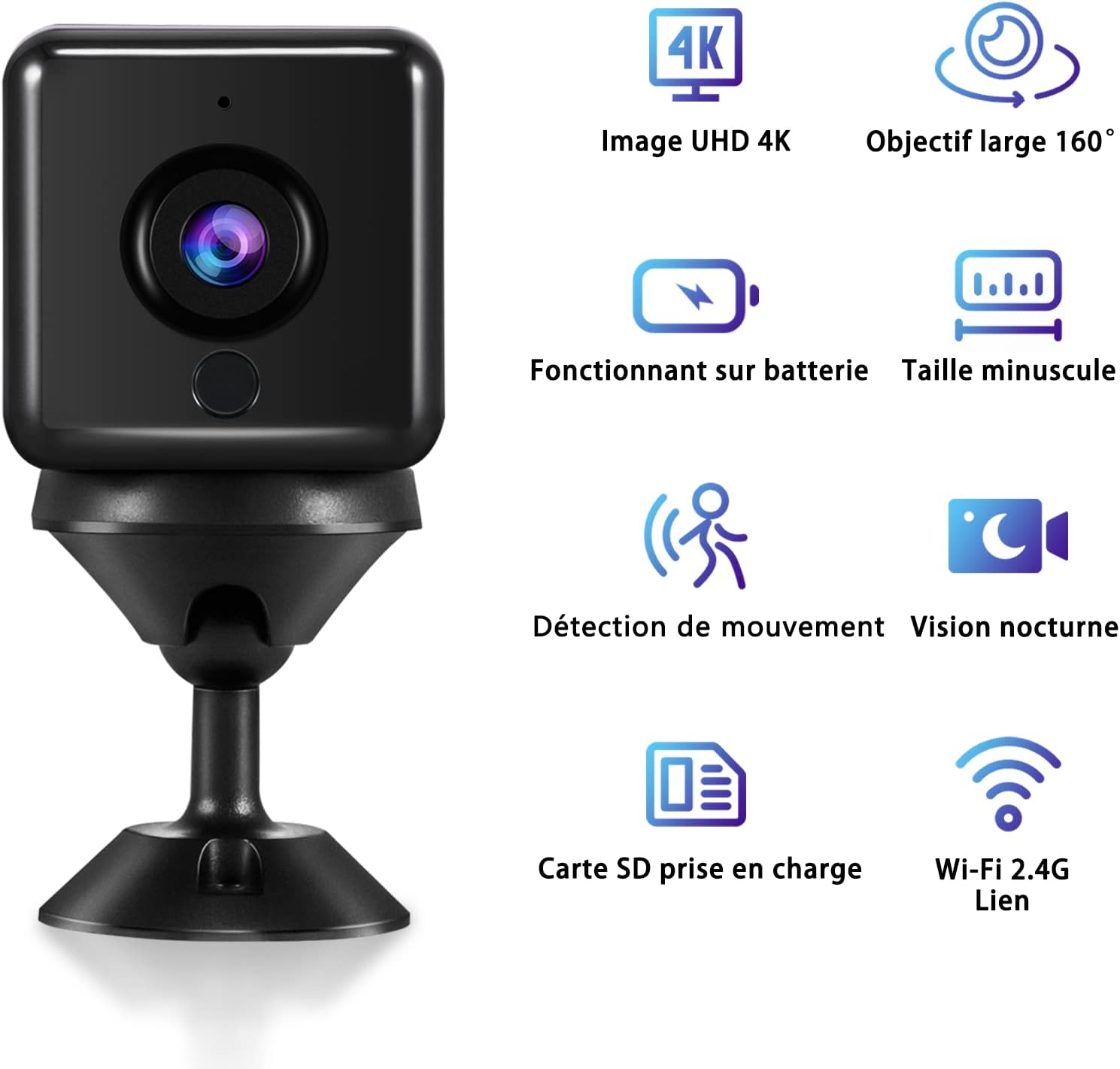
Sopraview of the Ebarsenc 4K WiFi Mini Spy Camera highlighting its key features: 4K UHD image, 160° wide-angle lens, battery operation, minuscule size, motion detection, night vision, SD card support, and 2.4G Wi-Fi connectivity.
2. Contenuto della confezione
Si prega di verificare che tutti gli articoli siano presenti nel pacco:
- 1 x Ebarsenc Mini Spy Camera
- 1 cavo USB
- 1 cuscinetti adesivi
- 1 x Plastic Mount/Bracket
- 1 x Manuale utente

Image showing the compact size of the camera next to a smartphone, along with the included accessories: USB cable, adhesive pads, plastic mount, and user manual.
3. Guida all'installazione
3.1 Caricamento della fotocamera
Before first use, fully charge the camera. Connect the provided USB cable to the camera's charging port and a standard USB power adapter (not included). The charging indicator light will show the charging status. A full charge typically provides 6-8 hours of standby time.

Illustration demonstrating the camera's improved battery life, featuring a 1400 mAh integrated battery that functions for up to 6-8 hours once fully charged.
3.2 Installazione dell'app e connessione Wi-Fi
To access the camera's features and live view, you need to download the dedicated mobile application. Scan the QR code in the included user manual or search for the app name (usually specified in the manual) on your smartphone's app store (iOS/Android).
Follow the in-app instructions to connect the camera to your home 2.4 GHz Wi-Fi network. The camera supports a simpler connection method via its hotspot. Ensure your smartphone is connected to the camera's hotspot first, then proceed with connecting it to your home Wi-Fi through the app.

Diagram illustrating the easy and user-friendly connection process of the camera to a Wi-Fi router, enabling remote viewsu uno smartphone.
3.3 Inserimento di una scheda Micro SD (facoltativo)
For local video storage, insert a Micro SD card (up to 256GB, not included) into the camera's designated slot. Ensure the card is inserted correctly. The camera supports loop recording, which means older footage verrà sovrascritto quando la scheda sarà piena.
4. Istruzioni per l'uso
4.1 Vivere View e Registrazione
Once connected to Wi-Fi, open the app on your smartphone to access the live video feed. You can initiate manual recordings, take snapshots, and adjust settings directly from the app. The camera provides 4K UHD resolution with a 160° wide-angle view.

Comparison image showing the superior clarity and detail of 4K resolution compared to 1080P and 720P, highlighting how 4K enhances photo and video capture.
4.2 Rilevamento del movimento e allarmi
The camera features advanced motion detection. When movement is detected within its field of view, the camera can automatically start recording and send instant alarm notifications to your smartphone. You can configure motion detection sensitivity and alert settings within the app.

Image depicting the motion detection feature with a sound alarm, showing a smartphone screen displaying a motion detection notification while a cat and dog are active near a refrigerator.
4.3 Visione notturna
Equipped with 6 x 940nm infrared lamps, the camera provides clear night vision up to 8 meters. The IR-CUT integrated design ensures true color reproduction during the day and clear black-and-white images in low-light conditions without color distortion.
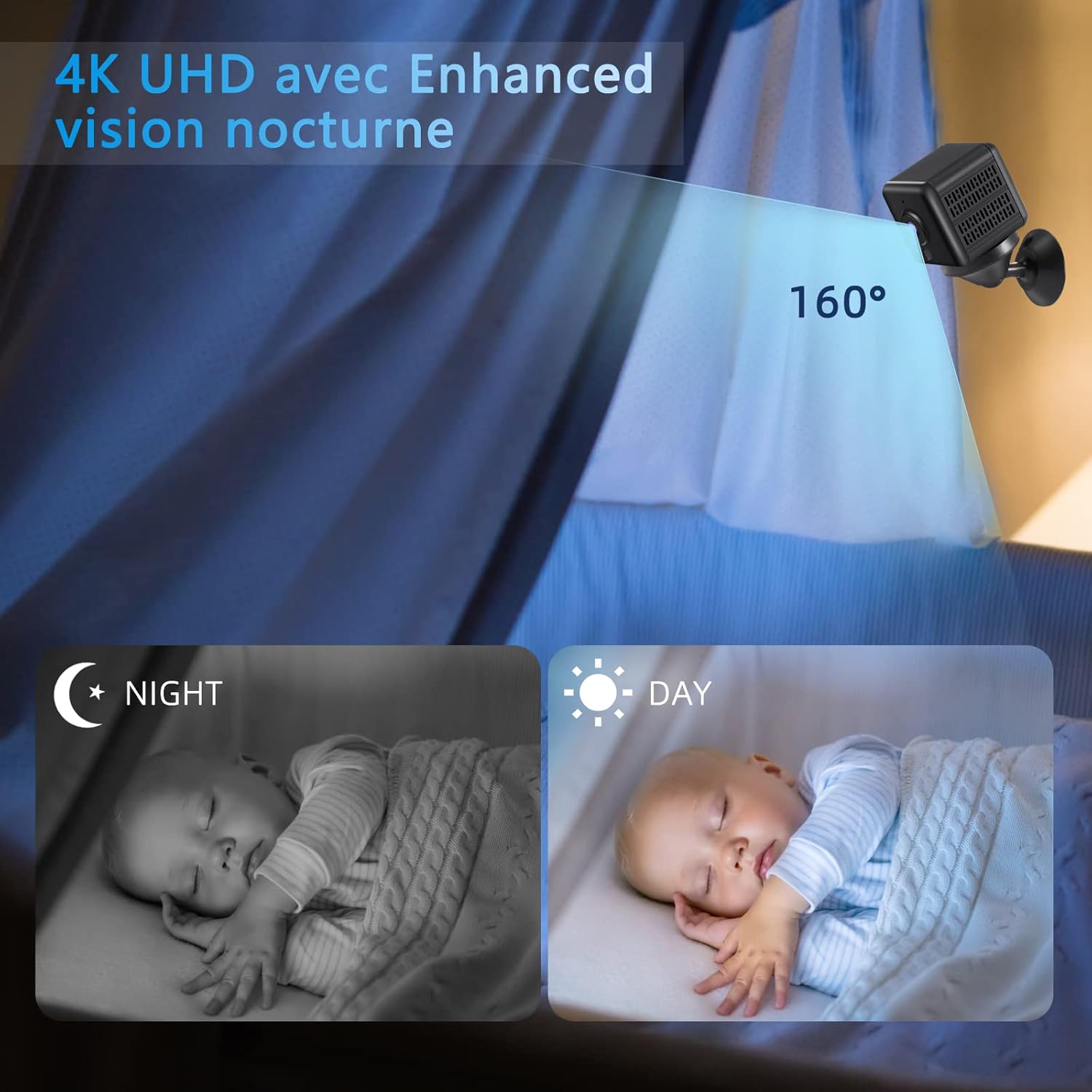
Visual comparison of day and night vision, showing a baby sleeping. The camera provides 4K UHD enhanced night vision with a 160° view, ensuring clear monitoring even in darkness.
4.4 telecomando Viewing e condivisione
With Wi-Fi connectivity, you can view cibo vivotage and recorded videos remotely from anywhere using your smartphone. The app also allows for family sharing, enabling multiple users to access the camera feed.

Icon representing the camera sharing feature, allowing multiple users to view il feed della telecamera.
5. Manutenzione
- Pulizia: Utilizzare un panno morbido e asciutto per pulire l'obiettivo e il corpo della fotocamera. Evitare l'uso di detergenti liquidi o materiali abrasivi.
- Magazzinaggio: When not in use for extended periods, store the camera in a cool, dry place. Ensure it is fully charged before storage and recharge it periodically to maintain battery health.
- Aggiornamenti del firmware: Check the mobile application regularly for any available firmware updates. Keeping the firmware updated ensures optimal performance and access to new features.
6. Risoluzione Dei Problemi
| Problema | Possibile soluzione |
|---|---|
| Camera won't turn on/charge. | Ensure the USB cable is securely connected and the power adapter is working. Allow the camera to charge for at least 2 hours. If the issue persists, try a different USB cable or power source. |
| Impossibile connettersi al Wi-Fi. |
|
| Scarsa qualità video o immagini sfocate. |
|
| Il rilevamento del movimento non funziona o è troppo sensibile. | Adjust the motion detection sensitivity settings within the mobile application. Ensure the camera is placed in an area where unwanted triggers (e.g., tree branches swaying) are minimized. |
| Nessuna registrazione sulla scheda SD. |
|
7. Specifiche
| Caratteristica | Dettaglio |
|---|---|
| Risoluzione video | Risoluzione 4K Ultra HD |
| Viewangolo di ing | 160 gradi |
| Capacità della batteria | 1400 mAh (ricaricabile) |
| Durata della batteria (Standby) | 6-8 ore |
| Gamma di visione notturna | Up to 8 meters (with 6 x 940nm IR lamps) |
| Connettività | Wi-Fi (solo 2.4 GHz) |
| Magazzinaggio | Scheda Micro SD (fino a 256 GB, non inclusa) |
| Dimensioni (L x P x A) | 3 x 3 x 3.55 cm (circa 1.4 x 1.4 x 1.4 pollici) |
| Peso | 190 grammi |
| Materiale | Plastica |
| Frequenza dei fotogrammi | 30 fps |
8. Garanzia e supporto
For any questions, technical assistance, or warranty claims, please contact Ebarsenc customer support. Refer to the contact information provided in the original product packaging or on the official Ebarsenc websito.
Si prega di conservare la prova d'acquisto ai fini della garanzia.