
Introduzione
Thank you for choosing the Nuvance Wireless LED Bluetooth Mouse. This manual provides detailed instructions on how to set up, operate, and maintain your new mouse. Please read this manual carefully before use to ensure optimal performance and longevity of your device.
Contenuto della confezione
Si prega di controllare la confezione per verificare la presenza dei seguenti elementi:
- 1 x Nuvance Wireless Bluetooth Mouse
- 1 cavo di ricarica USB
- 1 x Manuale utente
Caratteristiche del prodotto
- Doppia connettività: Connects wirelessly via USB dongle (2.4GHz) or Bluetooth 5.1.
- Design ergonomico: Lightweight and comfortable for extended use, suitable for both left and right-handed users.
- Batteria ricaricabile: Built-in battery, rechargeable via the included USB cable. Provides up to 168 hours of use on a 2-hour charge.
- DPI regolabile: Tre impostazioni DPI (1000, 1200, 1600) per un controllo preciso del cursore.
- Illuminazione LED RGB: Features 7 different LED colors that cycle automatically.
- Ampia compatibilità: Compatible with Windows 7 and higher, Mac OS, Android, PC, Laptop, Macbook, and Tablets.
- Clic silenziosi: Designed for quiet operation.
- Portatile: Compact size (11.2 x 5 x 2.5 cm) makes it easy to carry.
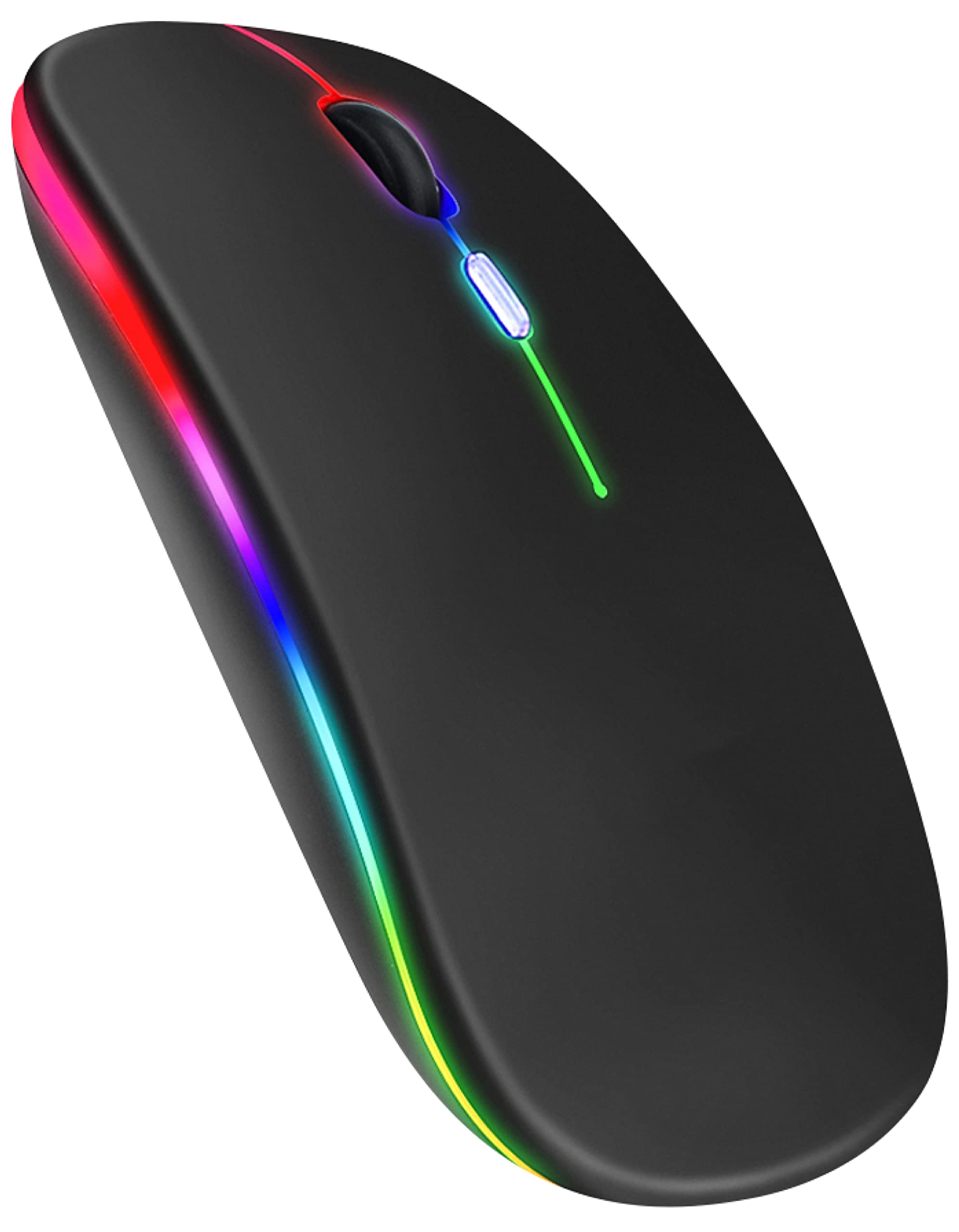
Image: Nuvance Wireless LED Bluetooth Mouse, black color variant.

Image: Ergonomic design of the mouse, showing comfortable hand placement and the USB receiver storage slot.

Image: Dimensions of the Nuvance mouse (11.5cm length, 6cm width, 2.5cm height) highlighting its portability for home, school, and office use.
Impostare
Connessione tramite dongle USB (2.4 GHz)
- Locate the USB receiver (dongle) stored in the bottom compartment of the mouse.
- Inserire il ricevitore USB in una porta USB disponibile sul computer o sul dispositivo.
- Accendere il mouse utilizzando l'interruttore di alimentazione situato nella parte inferiore.
- The mouse should automatically connect to your device. No additional drivers are usually required.
Connessione tramite Bluetooth 5.1
- Assicurati che il mouse sia acceso.
- On your device (PC, laptop, tablet), go to Bluetooth settings.
- Abilita il Bluetooth e cerca nuovi dispositivi.
- Select "Nuvance Mouse" or a similar name from the list of available devices to pair.
- Una volta associato, il mouse è pronto per l'uso.

Image: Illustration showing direct connection options for the Nuvance mouse via USB receiver or Bluetooth 5.1, indicating plug & play functionality.
Operazione
Funzioni di base
- Clic sinistro: Selezione e attivazione primaria.
- Clic destro: Apre i menu contestuali.
- Rotella di scorrimento: Scorre verso l'alto e verso il basso i documenti o web pagine. È possibile anche cliccarci sopra per attivare la funzionalità del clic centrale.
Regolazione della sensibilità DPI
The mouse features a dedicated DPI button to adjust cursor sensitivity. Press the DPI button (usually located behind the scroll wheel) to cycle through the available DPI settings:
- 1000 DPI (predefinito)
- 1200 DPI
- 1600 DPI
Choose the DPI setting that best suits your task, whether for precise work or faster movement.
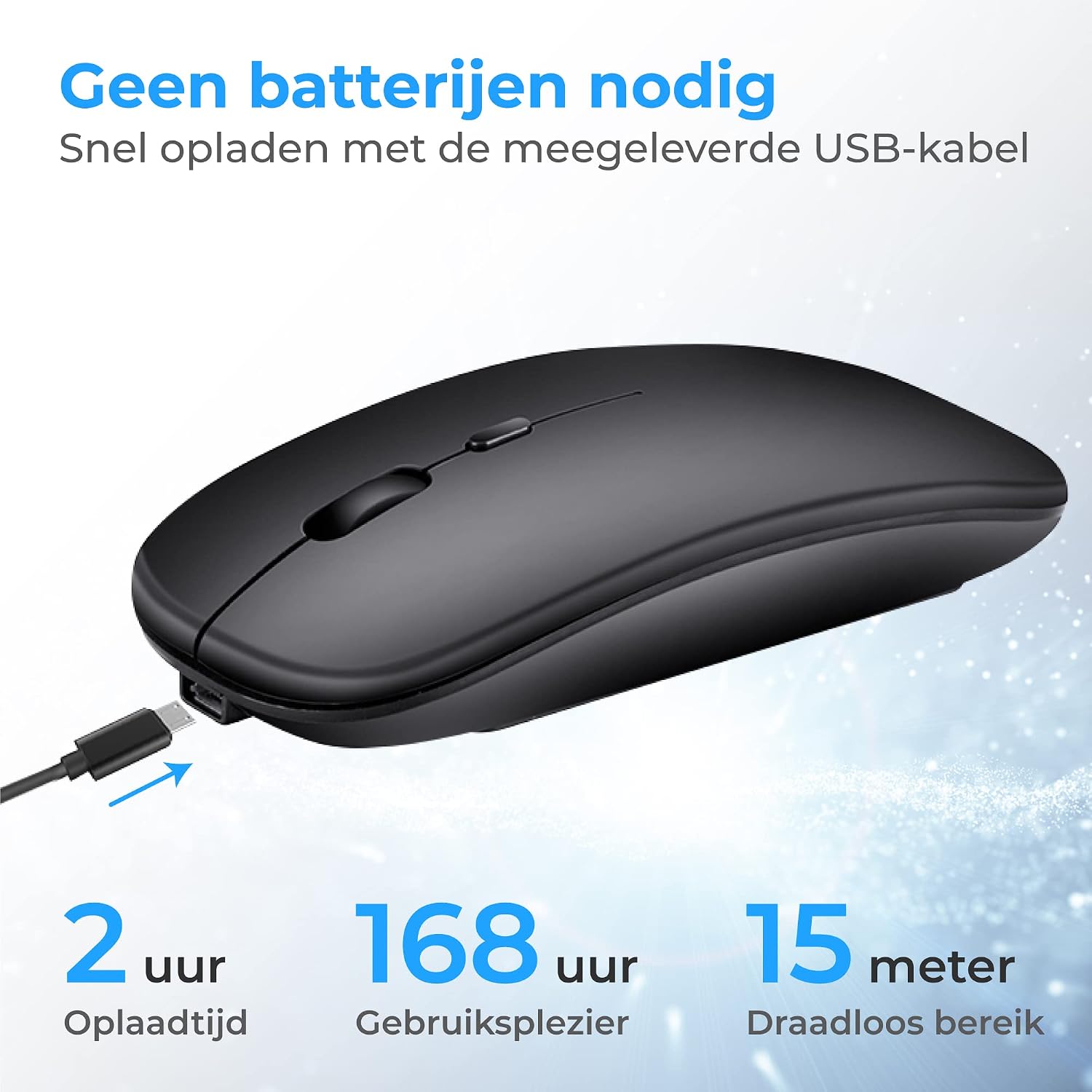
Immagine: in alto view of the Nuvance mouse, highlighting the scroll wheel and the DPI adjustment button.
Ricarica del mouse
The Nuvance mouse has a built-in rechargeable battery. When the battery is low, the LED indicator may flash or the mouse performance may degrade.
- Collegare il cavo di ricarica USB in dotazione alla porta di ricarica sulla parte anteriore del mouse.
- Collegare l'altra estremità del cavo USB a una fonte di alimentazione USB (ad esempio, una porta USB del computer, un adattatore da parete USB).
- The LED lighting will indicate charging status. A full charge typically takes about 2 hours.
- Il mouse può essere utilizzato durante la ricarica.

Image: The Nuvance mouse connected to a USB charging cable, illustrating the charging process and highlighting 2 hours charging time for 168 hours usage and 15 meters wireless range.
Illuminazione a LED
The mouse features dynamic RGB LED lighting with 7 different colors that transition automatically. There is no manual control for specific colors; the lighting cycles through the spectrum.

Image: Two Nuvance mice displaying their vibrant RGB LED lighting effects.
Manutenzione
- Pulizia: Utilizzare un panno morbido e asciutto per pulire il mouse. Per lo sporco ostinato, leggermente dampLavare il panno con acqua. Evitare l'uso di prodotti chimici aggressivi o detergenti abrasivi.
- Magazzinaggio: When not in use, store the mouse in a cool, dry place. If using the USB dongle, it can be stored inside the mouse to prevent loss.
- Cura della batteria: Per prolungare la durata della batteria, evitare di scaricare completamente il mouse frequentemente. Ricaricarlo quando appare l'indicatore di batteria scarica.
Risoluzione dei problemi
| Problema | Possibile causa | Soluzione |
|---|---|---|
| Il mouse non risponde | Low battery, mouse turned off, connectivity issue. | Charge the mouse. Ensure the power switch is ON. Re-pair Bluetooth or re-insert USB dongle. |
| Il movimento del cursore è irregolare o lento | Low battery, dirty sensor, incorrect DPI setting, unsuitable surface. | Charge the mouse. Clean the optical sensor. Adjust DPI. Use on a suitable mouse pad or surface. |
| Impossibile connettersi tramite Bluetooth | Bluetooth not enabled on device, mouse not in pairing mode, interference. | Ensure Bluetooth is enabled on your device. Try restarting both the mouse and your device. Move closer to the device. |
| Le luci a LED non funzionano | Mouse is off, battery is critically low. | Turn on the mouse. Charge the mouse fully. |
Specifiche
- Numero modello: MA001
- Dimensioni: Dimensioni: 11.2 x 5 x 2.5 cm
- Peso: 74 grammi
- Connettività: Bluetooth 5.1, 2.4GHz USB Dongle
- Impostazioni DPI: 1000/1200/1600
- Numero di pulsanti: 4
- Rilevamento del movimento: Laser
- Portata wireless: Fino a 15 metri
- Durata della batteria: Up to 168 hours (on a 2-hour charge)
- Fonte di energia: Ricaricabile (tramite cavo USB)
- Orientamento della mano: Ambidestro
- Materiale: Plastica
- Piattaforme compatibili: Windows 7+, Mac OS, Android, Linux, PC
Garanzia e supporto
Nuvance values the quality of our wireless mouse. Therefore, we offer a 100% guarantee. If you are not satisfied with your purchase, you may return the product within 30 days for a full refund.
For further assistance, troubleshooting, or warranty claims, please contact Nuvance customer support through the retailer where you purchased the product.