
Introduzione
This manual provides detailed instructions for the setup, operation, maintenance, and troubleshooting of your MageGee Star98 Wired Mechanical Gaming Keyboard. This keyboard features a 98-key layout, Red mechanical switches, and customizable backlighting, designed for an enhanced typing and gaming experience.
Cosa c'è nella scatola
- MageGee Star98 Mechanical Keyboard
- Cavo USB
- Additional Red Keycaps (quantity may vary)
Istruzioni di installazione
- Collegare la tastiera: Plug the provided USB cable into the USB port on the keyboard and then into an available USB port on your computer.
- Installazione del driver: The keyboard is plug-and-play and does not require additional driver installation for basic functionality. Your operating system (Windows, Mac, Linux, Android) will automatically recognize the device.
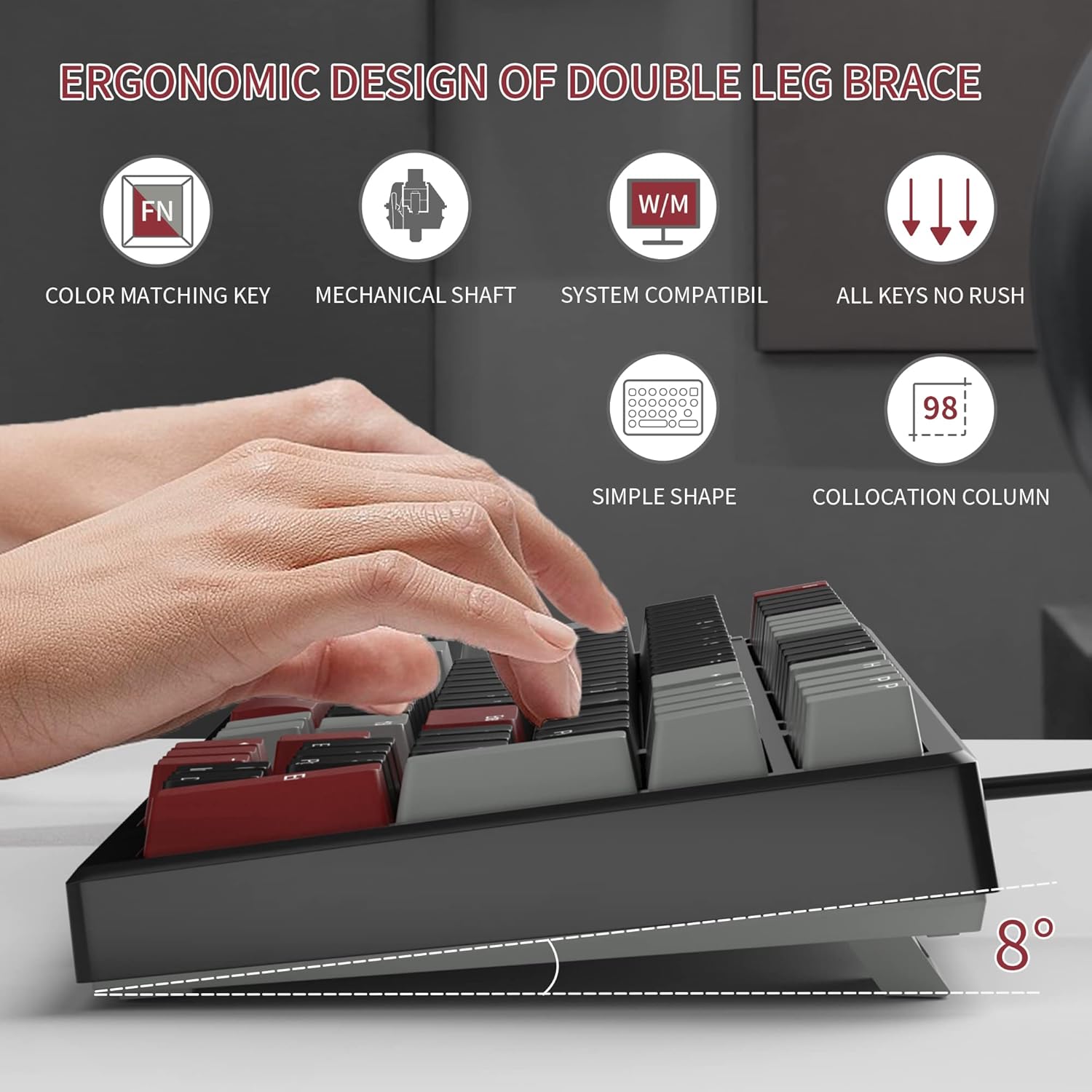
- Adjust Tilt Legs: For ergonomic comfort, you can extend the adjustable tilt legs located on the underside of the keyboard.
Istruzioni per l'uso
Caratteristiche principali
- Disposizione dei 98 tasti: This compact layout retains most standard keyboard functionality while saving desk space.
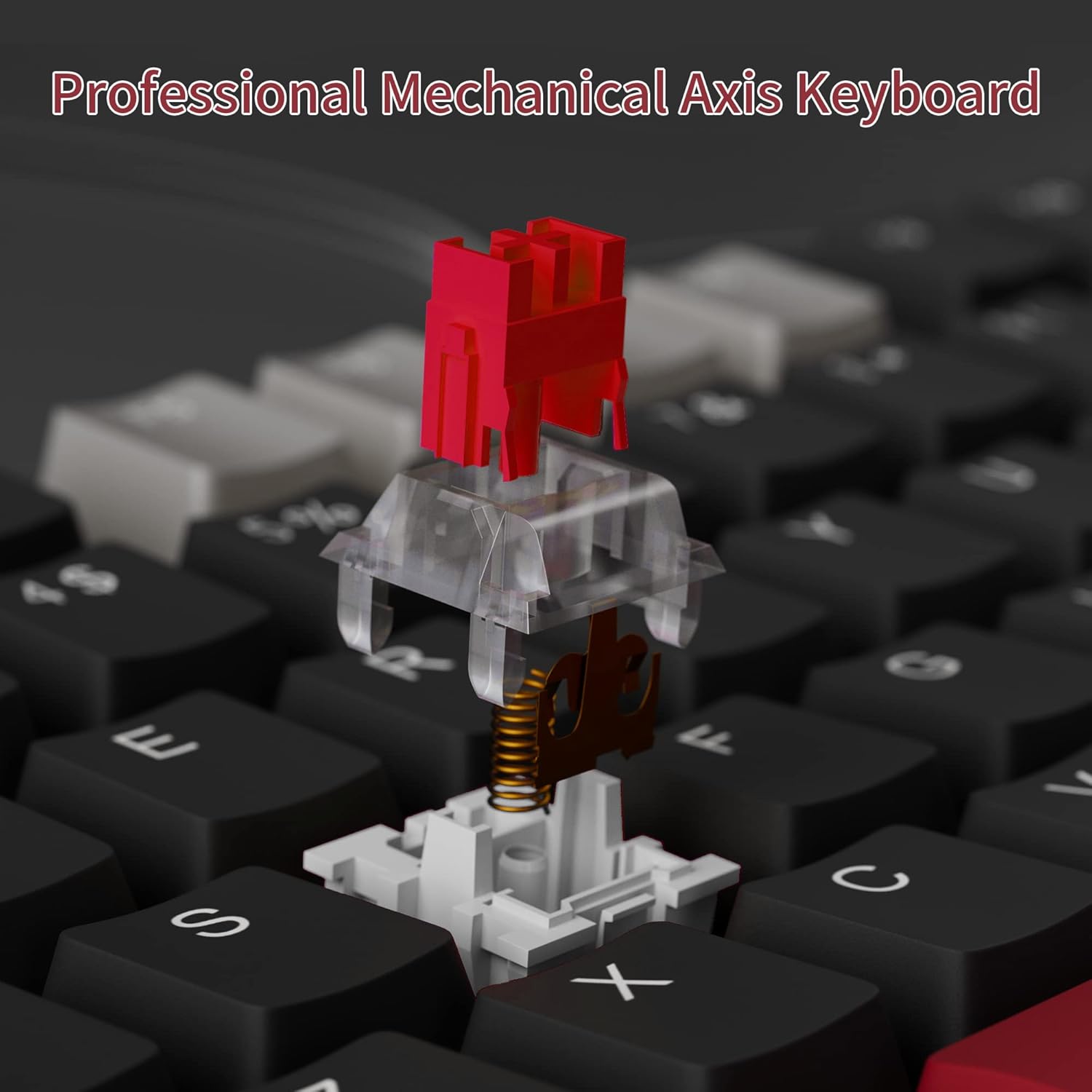
- Interruttori meccanici rossi: Provides a fast response with tactile feedback for typing and gaming.
- Anti-ghosting: All 98 keys support anti-ghosting for simultaneous key presses.
- Design sostituibile a caldo: Compatible with most 3-pin and 5-pin mechanical switches, allowing for customization.
- Retroilluminazione: Features solid sea blue backlighting with multiple operational modes.
- Blocco tasti WIN: Function to prevent accidental presses of the Windows key during gaming.
Modalità di retroilluminazione
The keyboard's backlight has multiple operational modes. Refer to the keyboard's function key combinations (usually Fn + specific keys) for cycling through modes or turning the backlight off. Specific key combinations are typically printed on the keycaps or detailed in a quick start guide.
Interruttori sostituibili a caldo
The MageGee Star98 keyboard features a hot-swappable design, allowing users to change mechanical switches without soldering. This feature supports most 3-pin and 5-pin switches available on the market.
- Rimuovere il tasto: Utilizzare un estrattore per tasti per rimuovere delicatamente il tasto desiderato.
- Rimuovi interruttore: Use a switch puller to carefully extract the mechanical switch from its socket.
- Inserisci nuovo switch: Allineare i pin del nuovo interruttore con i fori sul PCB e premere con decisione fino a sentire uno scatto. Assicurarsi che i pin non siano piegati.
- Sostituisci il tasto: Riposizionare il tasto sul nuovo stelo dell'interruttore.


Manutenzione
- Pulizia dei tasti: Utilizzare un morbido, damp cloth to wipe down keycaps. For deeper cleaning, keycaps can be removed using a keycap puller and washed with mild soap and water, then thoroughly dried before reattaching.
- Pulizia sotto i tasti: Use compressed air to remove dust and debris from between the switches and under the keycaps.
- Cura del cavo: Per evitare danni, evitare di piegare bruscamente o tirare eccessivamente il cavo USB.
Risoluzione dei problemi
- La tastiera non risponde:
- Assicurarsi che il cavo USB sia collegato saldamente sia alla tastiera che al computer.
- Prova a collegare la tastiera a una porta USB diversa del computer.
- Prova la tastiera su un altro computer per escludere problemi specifici del sistema.
- Tasti non registrati o digitati due volte:
- Remove the keycap and switch for the affected key. Inspect for any debris or bent pins on the switch.
- If the switch is damaged, replace it with a new one (utilizing the hot-swappable feature).
- Assicurarsi che l'interruttore sia completamente inserito nella sua sede.
- Backlight not working or incorrect mode:
- Refer to the keyboard's function key combinations to cycle through backlight modes or turn it on/off.
- Assicurarsi che la tastiera riceva sufficiente alimentazione dalla porta USB.
Specifiche
| Caratteristica | Dettaglio |
|---|---|
| Marca | MageGee |
| Modello | Stella98 |
| Tecnologia di connettività | Cablato (USB) |
| Descrizione della tastiera | Meccanico |
| Tipo di interruttore | Interruttori rossi |
| Conteggio delle chiavi | 98 Chiavi |
| Retroilluminazione | Solid Sea Blue (Single Color) |
| Compatibilità | Win2000, Win XP, Win ME, Vista, Win7, Win8, Win10, Android, Linux, Mac |
| Materiale | Acrilonitrile Butadiene Stirene (ABS) |
| Peso dell'articolo | 2.16 libbre |
| Dimensioni del pacco | 16.14 x 6.97 x 1.77 pollici |
Garanzia e supporto
For warranty information and customer support, please refer to the official MageGee websito o contattare direttamente il servizio clienti. I dettagli sono in genere forniti sulla confezione del prodotto o sul foglietto illustrativo del produttore. websito.