
Audeze 208-MW-1120-01
Manuale utente delle cuffie da gioco wireless Audeze Maxwell
Modello: 208-MW-1120-01
Introduzione
The Audeze Maxwell Wireless Gaming Headset is engineered to provide an immersive audio experience across multiple platforms, including PlayStation, Mac, PC, and Switch. Featuring Audeze's renowned 90mm Planar Magnetic Drivers, this headset delivers exceptional sound quality with deep bass and dynamic range. It incorporates advanced A.I. noise filtering technology for crystal-clear communication and offers extensive battery life for prolonged gaming sessions.
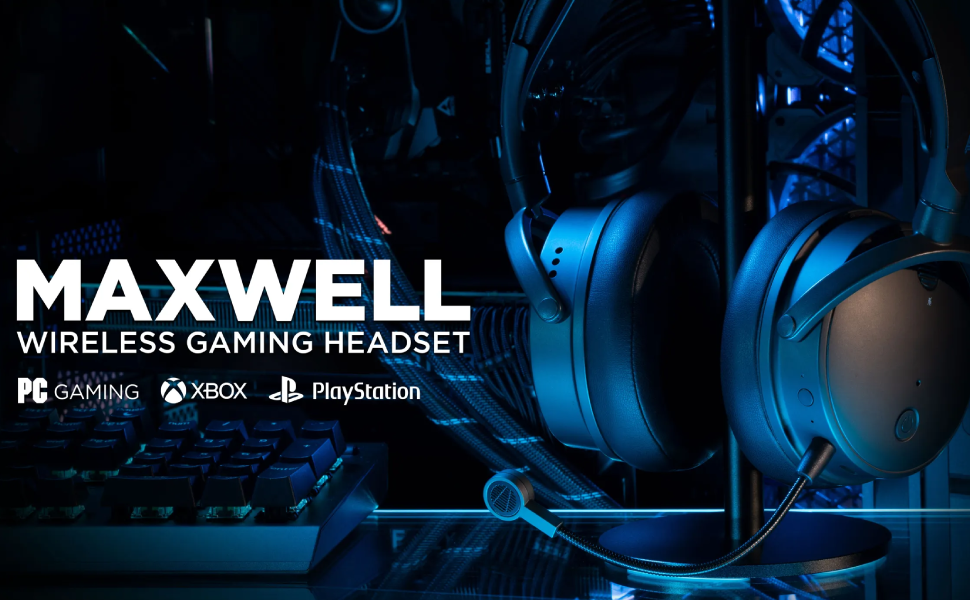
Image: Audeze Maxwell Wireless Gaming Headset banner.
Impostare
Before using your Audeze Maxwell headset, ensure it is fully charged and properly connected to your desired device.
Ricarica dell'auricolare
The Maxwell headset boasts over 80 hours of low-latency wireless gameplay on a full charge. A quick 20-minute charge can provide a full day of gaming. Use the included USB-C cable to charge the headset.
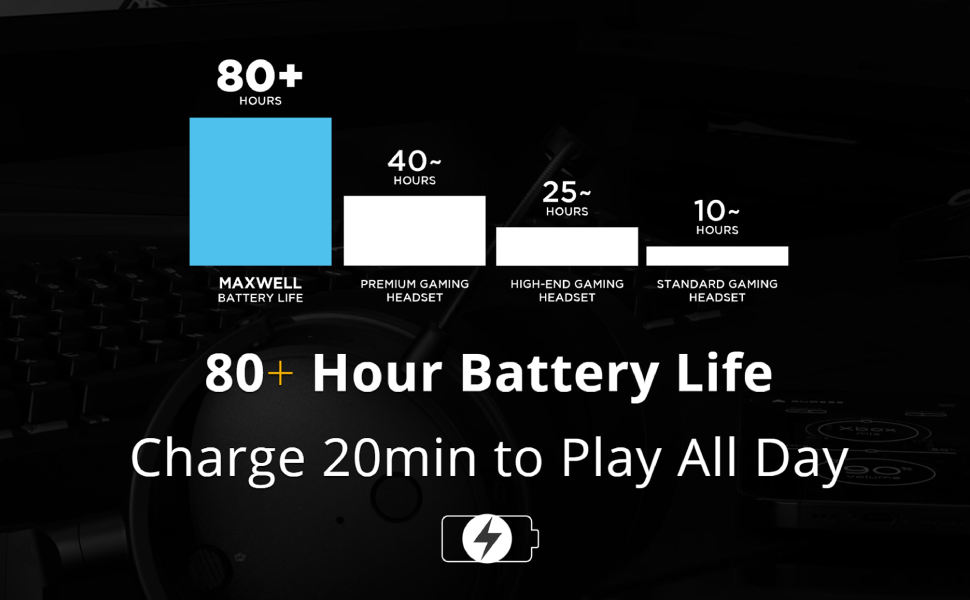
Image: Chart illustrating the Audeze Maxwell's 80+ hour battery life compared to other headsets.
Connettività
The headset offers versatile connectivity options:
- Senza fili: Utilize the included USB-C dongle for ultra-low latency wireless connection to PlayStation, PC, Mac, and Switch.
- Bluetooth: Connect wirelessly via Bluetooth to compatible devices.
- USB-C: Direct wired connection via USB-C for high-resolution audio.

Image: Graphic highlighting the ultra-low latency wireless capabilities of the headset.
Componenti inclusi
Your Audeze Maxwell headset package includes the following items:
- Audeze Maxwell Wireless Gaming Headset
- Microfono Boom staccabile
- Dongle wireless USB-C
- Cavo di ricarica USB-C
- Cavo audio da 3.5 mm

Image: The Audeze Maxwell headset displayed with its various included accessories, such as cables and the detachable microphone.
Utilizzo dell'auricolare
Familiarize yourself with the controls and features of your Audeze Maxwell headset for optimal use.

Image: The Audeze Maxwell headset resting on a PlayStation 5 console, with labels indicating key features and controls such as the multi-function button, mic mute switch, and volume controls.
Key Controls and Features
- Pulsante di accensione: Located on the earcup, press and hold to power on/off.
- Pulsante multifunzione: Used for various controls depending on the context (e.g., play/pause, answer calls).
- Interruttore di disattivazione del microfono: Toggle to mute or unmute the microphone.
- Controllo del volume delle cuffie: Regola il volume di ascolto.
- Controllo del volume del microfono: Adjust the microphone input level.
- Boom Mic Port: Connect the detachable boom microphone here.
- On-Board Mics: The headset also features built-in microphones.
Audeze HQ App
Download the free Audeze HQ app to customize your audio experience. The app allows you to set your own equalization (EQ) profiles and access other advanced features to fine-tune the headset's performance.
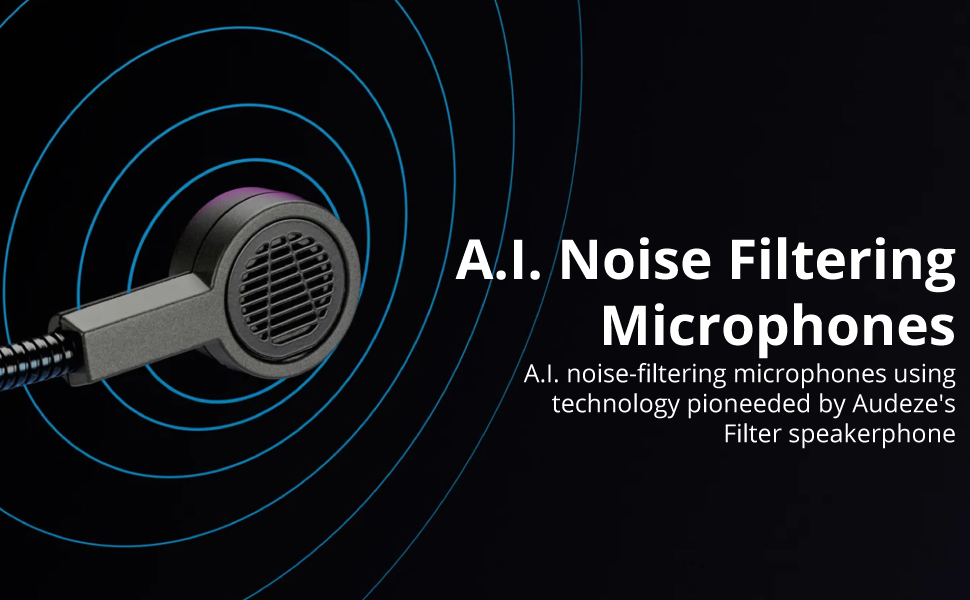
Image: Graphic illustrating the A.I. noise filtering technology used in the headset's microphones.
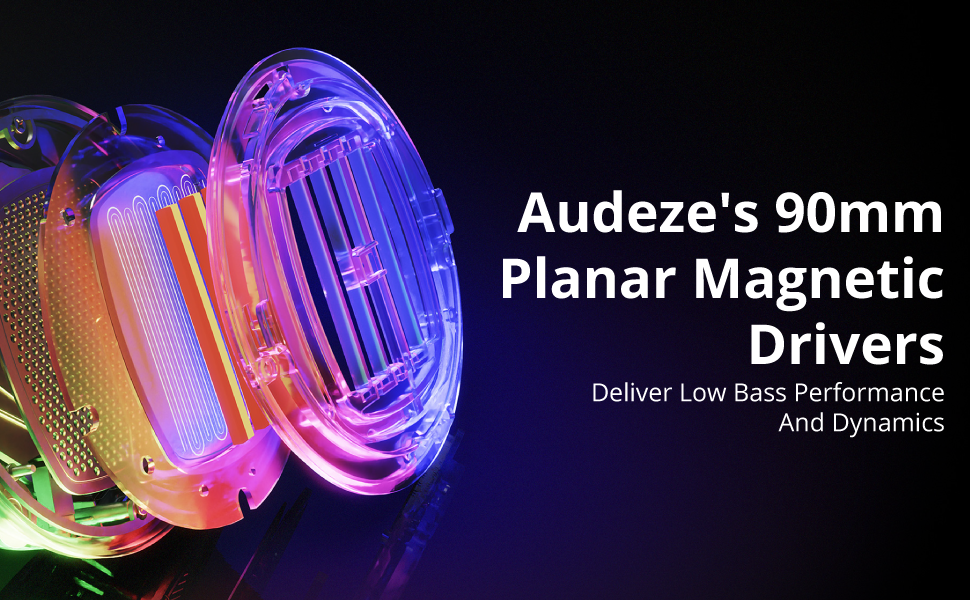
Image: Detailed graphic showcasing the internal structure of Audeze's 90mm Planar Magnetic Drivers.
Manutenzione
Proper care and maintenance will extend the life of your Audeze Maxwell headset.
- Pulizia: Use a soft, dry cloth to wipe down the earcups and headband. Avoid abrasive cleaners or solvents.
- Cuscinetti auricolari: The earpads are replaceable. If they become worn or damaged, contact Audeze support for replacement options.
- Magazzinaggio: Conservare le cuffie in un luogo fresco e asciutto, lontano dalla luce solare diretta e da temperature estreme.
Risoluzione dei problemi
If you encounter issues with your Audeze Maxwell headset, refer to the following common solutions:
- Nessun audio/Qualità audio scarsa:
- Assicurarsi che l'auricolare sia acceso e completamente carico.
- Verify the correct input/output device is selected on your computer or console.
- For PC users, significant audio improvement can often be achieved by adjusting EQ settings within the Audeze HQ app and considering software like Dolby Atmos.
- Check all cable connections if using a wired setup.
- Problemi di connettività (wireless/Bluetooth):
- Ensure the USB-C dongle is securely plugged into a compatible port. Some Mac USB-C ports may require a USB hub for the dongle to function correctly.
- Re-pair the headset with your device if Bluetooth connection is unstable.
- Move closer to the dongle/device to reduce interference.
- Microphone Not Working/Poor Quality:
- Ensure the boom microphone is securely attached and the mic mute switch is disengaged.
- Controlla le impostazioni di ingresso del microfono sul tuo dispositivo.
- Verify that the A.I. noise filtering is enabled or configured correctly in the Audeze HQ app.
- Audio Crackling or Popping:
- This can sometimes occur with quiet audio or transitions between sound/no sound. Try updating headset firmware via the Audeze HQ app.
- Assicurarsi che non vi siano forti interferenze wireless nelle vicinanze.
- Audeze HQ App Issues:
- If the app shows the headset as disconnected or with 0% battery, try restarting the app and ensuring the headset is connected and powered on.
- Assicurati che l'app sia aggiornata all'ultima versione.
Specifiche
| Caratteristica | Dettaglio |
|---|---|
| Nome del modello | Maxwell for Playstation, PC, Mac, and Switch |
| Tecnologia di connettività | Wireless, Bluetooth, USB-C |
| Tecnologia di comunicazione wireless | Bluetooth 5.1 |
| Tipo di driver audio | Driver magnetico planare |
| Dimensioni del driver audio | 90 millimetri |
| Gamma di frequenza | 10 Hz - 50 kHz |
| Durata della batteria | 80 ore |
| Tempo di ricarica | 2.5 Hours (for a full charge) |
| Controllo del rumore | Active Noise Cancellation (via A.I. filtering) |
| Presa per cuffie | 3.5 mm Jack |
| Peso dell'articolo | 490 grammi (1.08 libbre) |
| Materiale | Plastica |
| Colore | Grigio scuro |
| Dispositivi compatibili | Playstation, PC, Mac, Switch |
| Impedenza | 70 Ohm |
| Codice UPC | 819343014793 |
Garanzia e supporto
For detailed warranty information, technical support, or service inquiries, please visit the official Audeze webo contattare direttamente l'assistenza clienti. Conservare la prova d'acquisto per eventuali reclami in garanzia.
Audeze Official Websito: www.audeze.com
Ask a question about this manual
Ask about setup, troubleshooting, compatibility, parts, safety, or missing instructions. Manuals+ will review the question and use this page’s manual context to help answer it.