
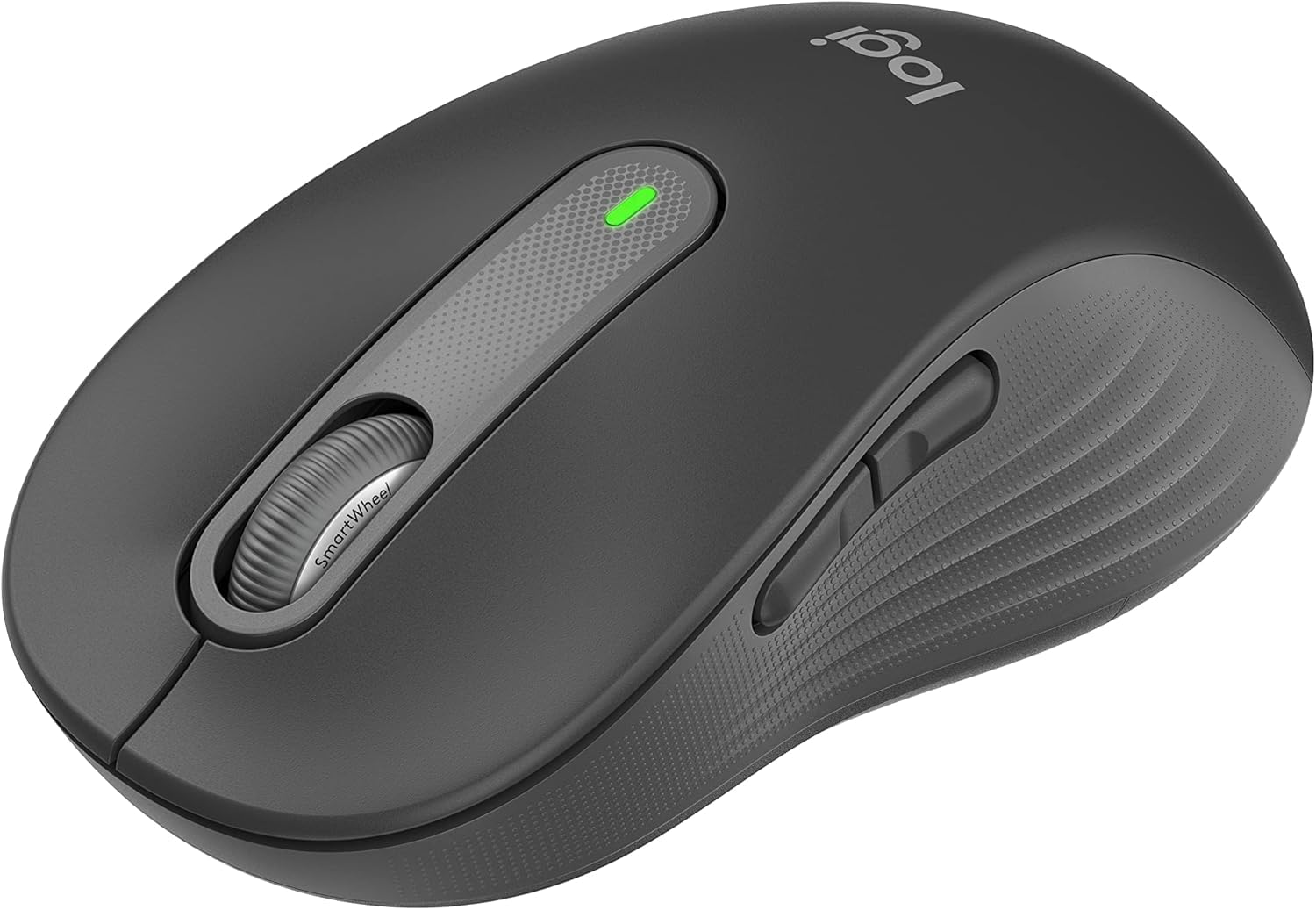
1. Impostazione
Follow these steps to set up your Logitech Signature M650 L Wireless Mouse.
1.1 Installazione della batteria
The mouse requires one AA battery. To install or replace the battery:
- Individuare il coperchio del vano batteria sul lato inferiore del mouse.
- Far scorrere il coperchio per aprirlo.
- Inserire una batteria AA, assicurandosi della corretta polarità (+/-).
- Chiudere saldamente il coperchio del vano batterie.

The underside of the mouse, revealing the battery compartment and the storage slot for the Logi Bolt USB receiver.
1.2 Connettività
The mouse offers two connection options: Bluetooth Low Energy or the Logi Bolt USB receiver.
- Utilizzo del ricevitore USB Logi Bolt: Collega il ricevitore USB Logi Bolt a una porta USB disponibile del tuo computer. Il mouse dovrebbe connettersi automaticamente.
- Utilizzo del Bluetooth: Turn on the mouse. On your computer, navigate to Bluetooth settings and select to add a new device. Choose the Logitech Signature M650 L from the list of available devices to pair.
1.3 Accensione/spegnimento
A power switch is located on the underside of the mouse. Slide the switch to the 'On' position to activate the mouse and to the 'Off' position to conserve battery when not in use.
2. Utilizzo del mouse
The Logitech Signature M650 L is designed for comfort and efficiency.
2.1 SmartWheel Scrolling
The adaptive SmartWheel provides two modes of scrolling:
- Precisione riga per riga: For detailed navigation in documents and spreadsheets.
- Super-Fast Free Spin: Automatically switches to free spin mode for rapid scrolling through long web pages or documents with a flick of the finger.
2.2 Clic silenziosi
The mouse features SilentTouch technology, reducing click noise by 90% for a quieter work environment.

A user operating the Logitech Signature M650 L mouse, highlighting its silent click feature.
2.3 Customizable Side Buttons
The side buttons can be customized to perform various functions, such as navigating forwards and backwards in web browsers or activating specific application commands. Use the Logitech Options+ software to personalize these buttons.

The Logitech Options+ software interface, demonstrating how to customize the mouse's side buttons.
2.4 Design ergonomico
Designed for larger hands, the contoured shape, soft thumb area, and rubber side grips provide comfort during long hours of use.
3. Manutenzione
Una corretta manutenzione garantisce la longevità e le prestazioni ottimali del mouse.
3.1 Pulizia
Per pulire il mouse:
- Utilizzare un panno morbido e privo di pelucchi.
- DampPulire delicatamente il panno con acqua o con un detergente delicato e non abrasivo.
- Wipe the surface of the mouse gently. Avoid getting moisture into openings.
- Per il sensore ottico, utilizzare un batuffolo di cotone asciutto per rimuovere con cautela polvere o detriti.
3.2 Sostituzione della batteria
Replace the AA battery when the mouse's indicator light signals low power or when performance degrades. Refer to section 1.1 for battery installation instructions.
4. Risoluzione Dei Problemi
If you encounter issues with your mouse, try the following solutions:
4.1 Problemi di connettività
- Controlla la potenza: Ensure the mouse is turned on and has sufficient battery power.
- Ripara dispositivo: If using Bluetooth, try unpairing and re-pairing the mouse in your computer's Bluetooth settings. If using the USB receiver, try unplugging and re-inserting it into a different USB port.
- Interferenza: Move the mouse closer to your computer and away from other wireless devices that might cause interference.
4.2 Jumpy or Erratic Cursor
- Sensore pulito: Assicurarsi che il sensore ottico sul lato inferiore del mouse sia pulito e privo di detriti.
- Superficie: Use the mouse on a non-reflective, opaque surface. Highly reflective or transparent surfaces can interfere with tracking.
4.3 I pulsanti non rispondono
- Batteria: Sostituire la batteria se è scarica.
- Software: If customizable buttons are not working, check the Logitech Options+ software for correct configuration.
5. Specifiche
| Dimensioni del prodotto | 4.7 x 2.6 x 0.04 pollici |
| Peso dell'articolo | 3.92 once |
| Numero modello articolo | Numero di modello: M650 |
| Batterie | È necessaria 1 batteria AA (inclusa) |
| Marca | Logitech |
| Colore | Grafite |
| Tecnologia di connettività | Bluetooth, USB, Senza fili |
| Caratteristica speciale | Senza fili |
| Tecnologia di rilevamento del movimento | Ottico |
6. Garanzia e supporto
This product is a renewed item. Please refer to the seller's specific return policy for details. The typical return policy for renewed items is a 90-day refund/replacement period.
For further assistance or technical support, please visit the official Logitech support websito o contattare il loro servizio clienti.