
Introduzione
This manual provides essential instructions for the safe and efficient use of your Sony WH-CH520 Wireless Headphones. These headphones offer high-quality audio and comfortable, extended listening with a long-lasting battery.
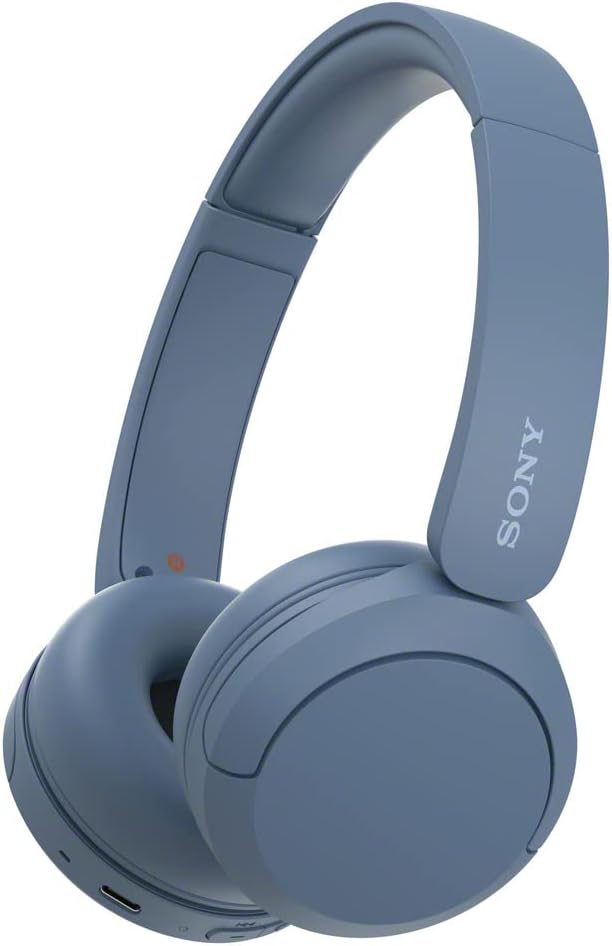
Image: Sony WH-CH520 Wireless Headphones, blue color variant.
Cosa c'è nella scatola
Verificare che tutti gli articoli siano presenti nel pacco:
- Sony WH-CH520 Wireless Headphones
- USB Type-C cable (USB-A to USB-C) (approx. 20 cm / 7.88 in.)

Image: The Sony WH-CH520 headphones alongside their included USB-C charging cable.
Impostare
1. Carica delle cuffie
Before initial use, fully charge the headphones. Connect the supplied USB Type-C cable to the USB Type-C port on the headphones and to a USB charging adapter or a computer's USB port.
- Una carica completa garantisce fino a 50 ore di riproduzione.
- A 3-minute quick charge can provide approximately 1.5 hours of audio playback.

Image: The Sony WH-CH520 headphones on a wooden surface, highlighting their extended battery life and quick charge capability.
2. Accensione/spegnimento
- To power on: Press and hold the power button until the indicator light flashes.
- Per spegnere: tenere premuto il pulsante di accensione finché la spia non si spegne.
3. Accoppiamento Bluetooth
The headphones utilize Bluetooth 5.2 for wireless connectivity.
- Abbinamento iniziale: When powered on for the first time, the headphones automatically enter pairing mode. The indicator light will flash blue and red alternately.
- Sul tuo dispositivo (smartphone, tablet, computer), attiva il Bluetooth e cerca i dispositivi disponibili.
- Select "WH-CH520" from the list of detected devices.
- Una volta effettuata la connessione, la spia luminosa lampeggerà lentamente in blu.
Connessione multipunto
The WH-CH520 supports multipoint connection, allowing you to connect to two Bluetooth devices simultaneously. This enables seamless switching between devices, for example, listening to music on a computer and then answering a call on your smartphone.
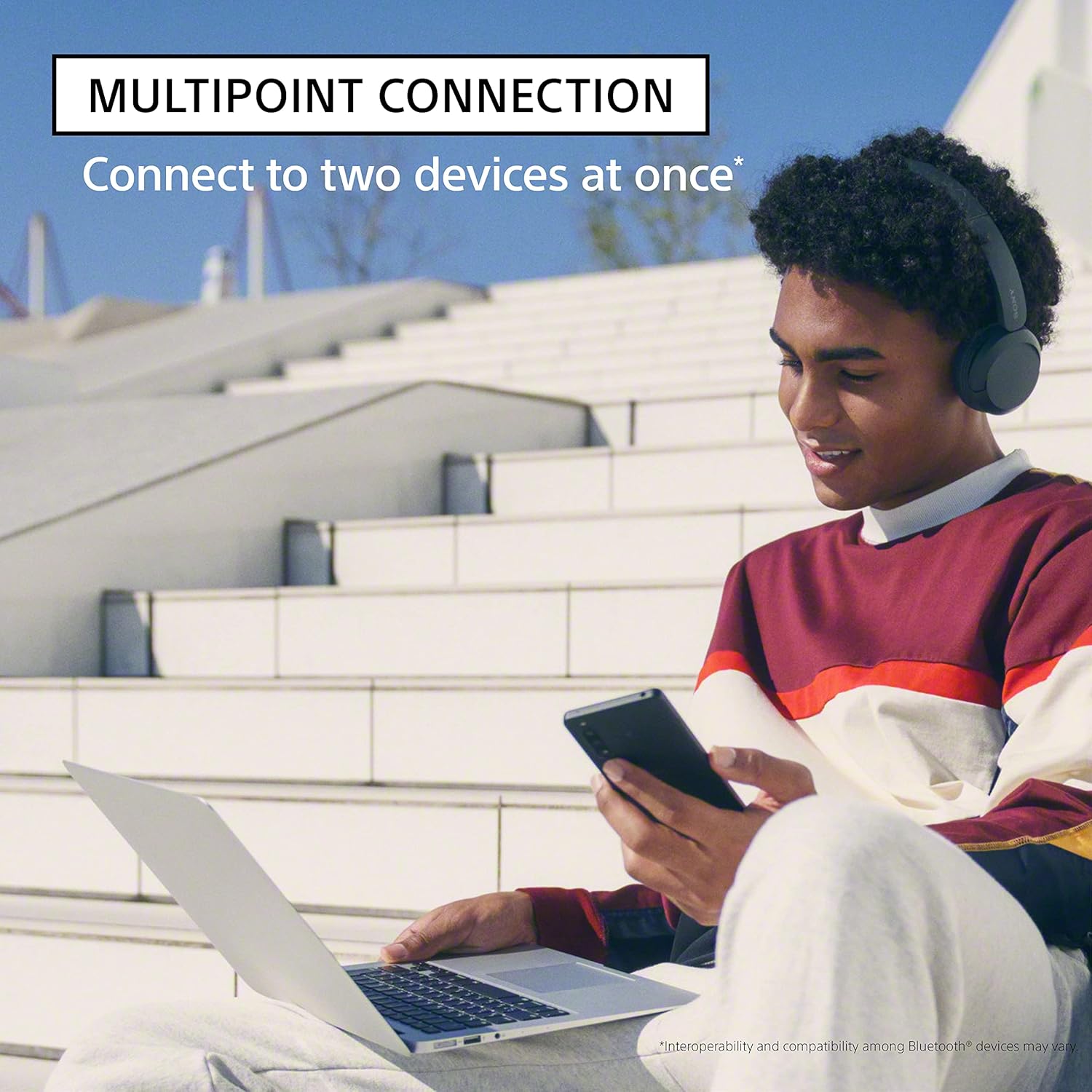
Image: A user wearing Sony WH-CH520 headphones, simultaneously connected to a laptop and a smartphone, demonstrating the multipoint connection feature.
Fast Pair (Android)
For Android devices, Fast Pair allows for quick and easy pairing. Simply turn on the headphones and bring them close to your Android device. A pop-up notification will appear, prompting you to connect.
Swift Pair (Windows 10)
For Windows 10 computers, Swift Pair enables quick pairing. Activate Swift Pair on your Windows 10 device and turn on the headphones. A notification will appear to complete the connection.
Istruzioni per l'uso
1. Controlli
The headphones feature integrated media controls on the earcup:
- Pulsante di accensione: Accensione/spegnimento, modalità di associazione.
- Pulsanti volume su / giù: Adjust volume. Hold to skip tracks (forward/backward).
- Multi-function Button (center): Riproduci/metti in pausa la musica, rispondi/termina le chiamate.

Immagine: Un dettaglio view of the control buttons located on the right earcup of the Sony WH-CH520 headphones.
2. Effettuare e ricevere chiamate
Il microfono integrato consente di effettuare chiamate in vivavoce:
- To answer a call: Press the multi-function button once.
- To end a call: Press the multi-function button once during a call.
- To reject a call: Press and hold the multi-function button for approximately 2 seconds.
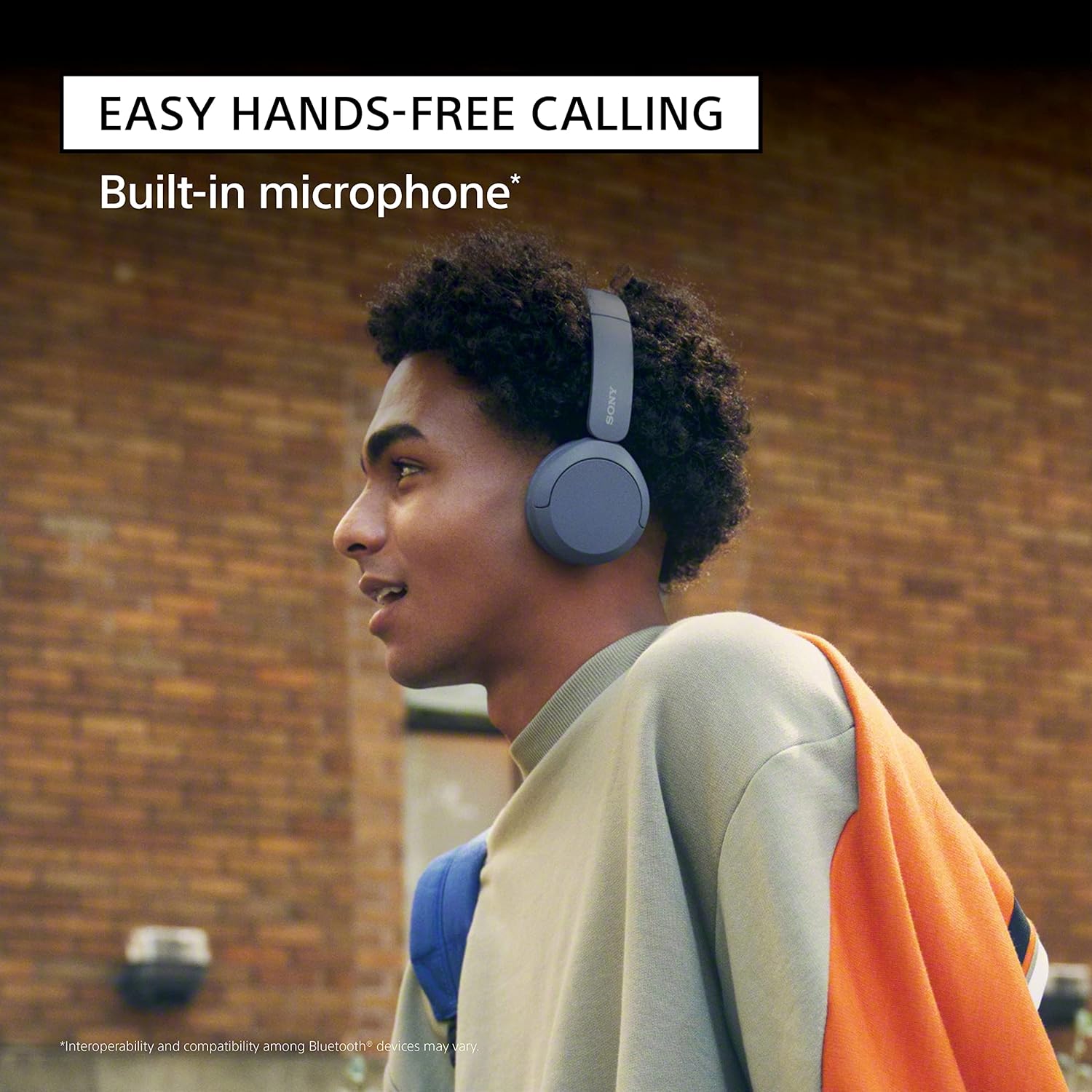
Image: A person wearing the Sony WH-CH520 headphones, demonstrating the ease of hands-free calling with the built-in microphone.
3. Personalizzazione del suono
Enhance your listening experience using the Sony | Headphones Connect App:
- EQ Custom: Adjust equalizer settings to match your music preferences.
- DSEE (Digital Sound Enhancement Engine): Boosts the quality of compressed music files, restoring high-frequency sounds lost during compression.

Image: The 'Headphones Connect' app logo, indicating compatibility for sound customization.
Manutenzione
Una cura adeguata garantisce la longevità e le prestazioni delle cuffie:
- Pulizia: Wipe the headphones with a soft, dry cloth. Do not use alcohol, benzene, thinners, or other chemical cleaners.
- Magazzinaggio: Store the headphones in a cool, dry place away from direct sunlight and extreme temperatures. The swivel earcups allow for a flatter storage profile.
- Cura della batteria: To maintain battery health, avoid fully discharging the battery frequently. Charge the headphones regularly, even if not in use for extended periods.

Image: A person comfortably wearing the Sony WH-CH520 headphones, illustrating their lightweight and comfortable design for all-day use.
Risoluzione dei problemi
If you encounter issues with your Sony WH-CH520 headphones, refer to the following common solutions:
- Nessun potere: Ensure the headphones are charged. Connect them to a power source using the supplied USB-C cable.
- Nessun suono: Check the volume level on both the headphones and the connected device. Ensure the headphones are properly paired and connected to the correct device.
- Problemi di accoppiamento: Turn off and then on the Bluetooth function on your device. Try deleting the "WH-CH520" entry from your device's Bluetooth list and re-pairing. Ensure the headphones are in pairing mode (indicator flashing blue and red).
- Finding Lost Headphones: If you have an Android smartphone, you can use Google's Find My Device app to locate your headphones by sound or check their last known location.
Specifiche
| Caratteristica | Specificazione |
|---|---|
| Nome del modello | Modello WH-CH520 |
| Tecnologia di connettività | Wireless (Bluetooth) |
| Versione Bluetooth | 5.2 |
| Portata Bluetooth | 10 metri |
| Durata della batteria | Fino a 50 ore |
| Tempo di ricarica | Approx. 3 hours for full charge (3 min quick charge for 1.5 hrs playback) |
| Gamma di frequenza | Frequenza |
| Impedenza | 32 Ohm |
| Sensibilità | 100 dB |
| Peso dell'articolo | 147 grammi (5.2 once) |
| Dimensioni | 6.85 x 1.76 x 7.76 pollici |
| Microfono | Incorporato |
| Posizionamento dell'orecchio | Sull'orecchio |
| Componenti inclusi | Headphones, USB Type-C cable |
Garanzia e supporto
Per informazioni sulla garanzia e sull'assistenza clienti, fare riferimento al sito ufficiale Sony websito o la scheda di garanzia inclusa con il prodotto. Puoi anche visitare il sito Negozio Sony su Amazon per risorse aggiuntive.
For further assistance, contact Sony customer service through their official channels.