
Introduzione
This manual provides detailed instructions for the setup, operation, and maintenance of your Sharp SPC483 Digital Alarm Clock. Please read this guide thoroughly to ensure proper use and to maximize the clock's features. This battery-operated alarm clock features a tactile rubberized finish, a clear LCD display with an on-demand blue backlight, and an ascending alarm for a gentle wake-up.
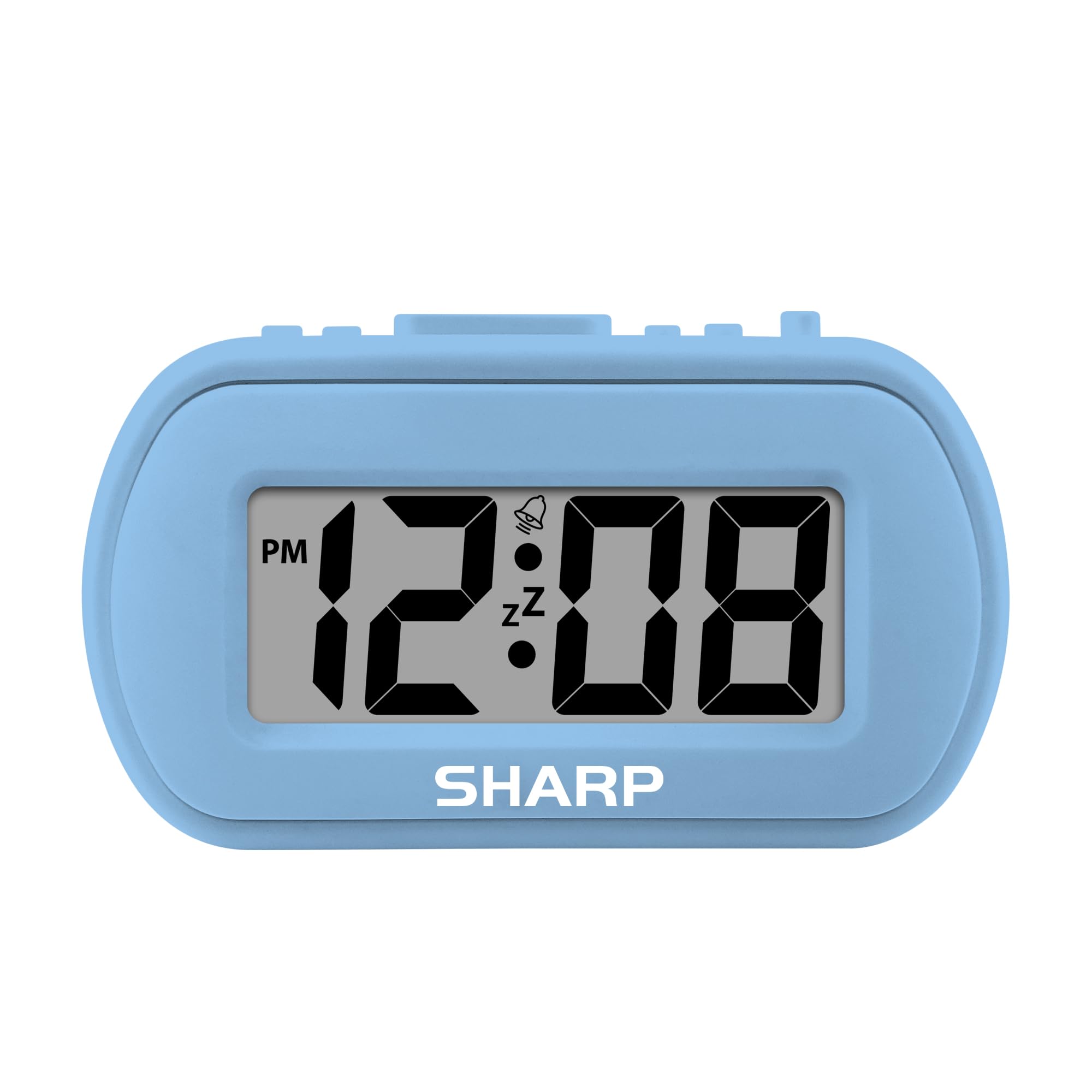
Image: The Sharp SPC483 Digital Alarm Clock, showcasing its compact design and clear digital display.
Prodotto finitoview
The Sharp SPC483 Digital Alarm Clock is designed for simplicity and portability. Its key features include:
- Tactile Rubberized Case: Provides a comfortable grip and durable protection.
- Ampio display LCD da 1 pollici: Ensures easy readability from a distance.
- Funzionamento a batteria: Requires 2 AAA batteries (not included), offering cordless convenience.
- On-Demand Blue Backlight: Illuminates the display for 5 seconds when activated, ideal for night viewing.
- Allarme crescente: Starts softly and gradually increases in volume.
- Ripetizione di 5 minuti: Allows for additional rest before the alarm sounds again.
- Dimensioni compatte: Measures approximately 4 inches (L) x 1.7 inches (W) x 2.3 inches (H), making it suitable for travel or small spaces.

Image: Key features of the Sharp SPC483 Digital Alarm Clock, including its display, finish, backlight, and alarm type.
Impostare
1. Installazione della batteria
- Individuare il coperchio del vano batterie sul retro dell'orologio.
- Togliere il coperchio facendolo scorrere.
- Inserire due (2) batterie AAA nuove, assicurandosi della corretta polarità (+ e -) come indicato all'interno del vano.
- Riposizionare il coperchio del vano batterie.

Image: Top controls of the Sharp SPC483 Digital Alarm Clock, indicating button functions for time and alarm settings.
2. Impostazione dell'ora
- Premere e tenere premuto il tasto IMPOSTAZIONE DELL'ORA button (labeled 'AL. TIME' on the left side) until the hour digits begin to flash.
- Premere il tasto HR button to adjust the hour. Note the PM indicator for afternoon hours.
- Premere il tasto MINIMO pulsante per regolare i minuti.
- Premere il tasto IMPOSTAZIONE DELL'ORA button again to confirm the time and exit time setting mode.
Istruzioni per l'uso
1. Impostazione dell'allarme
- Premere e tenere premuto il tasto SET ALLARME button (labeled 'AL. TIME' on the left side, same button as time set but a short press will show alarm time, long press for setting) until the alarm hour digits begin to flash.
- Premere il tasto HR pulsante per regolare l'ora della sveglia.
- Premere il tasto MINIMO pulsante per regolare i minuti della sveglia.
- Premere il tasto SET ALLARME nuovamente il pulsante per confermare l'orario della sveglia.
- Per attivare l'allarme, far scorrere il ALLARME ON / OFF switch (on the right side) to the 'ON' position. An alarm icon will appear on the display.
- Per disattivare la sveglia, far scorrere il ALLARME ON / OFF switch to the 'OFF' position. The alarm icon will disappear.
2. Funzione snooze
Quando suona la sveglia, premere il tasto grande SNOOZE/RETROILLUMINAZIONE button located on the top center of the clock. The alarm will pause for approximately 5 minutes before sounding again. This can be repeated multiple times.
3. On-Demand Blue Backlight
Per illuminare il display in condizioni di scarsa illuminazione, premere il tasto SNOOZE/RETROILLUMINAZIONE button. The blue backlight will activate for 5 seconds and then automatically turn off to conserve battery life.
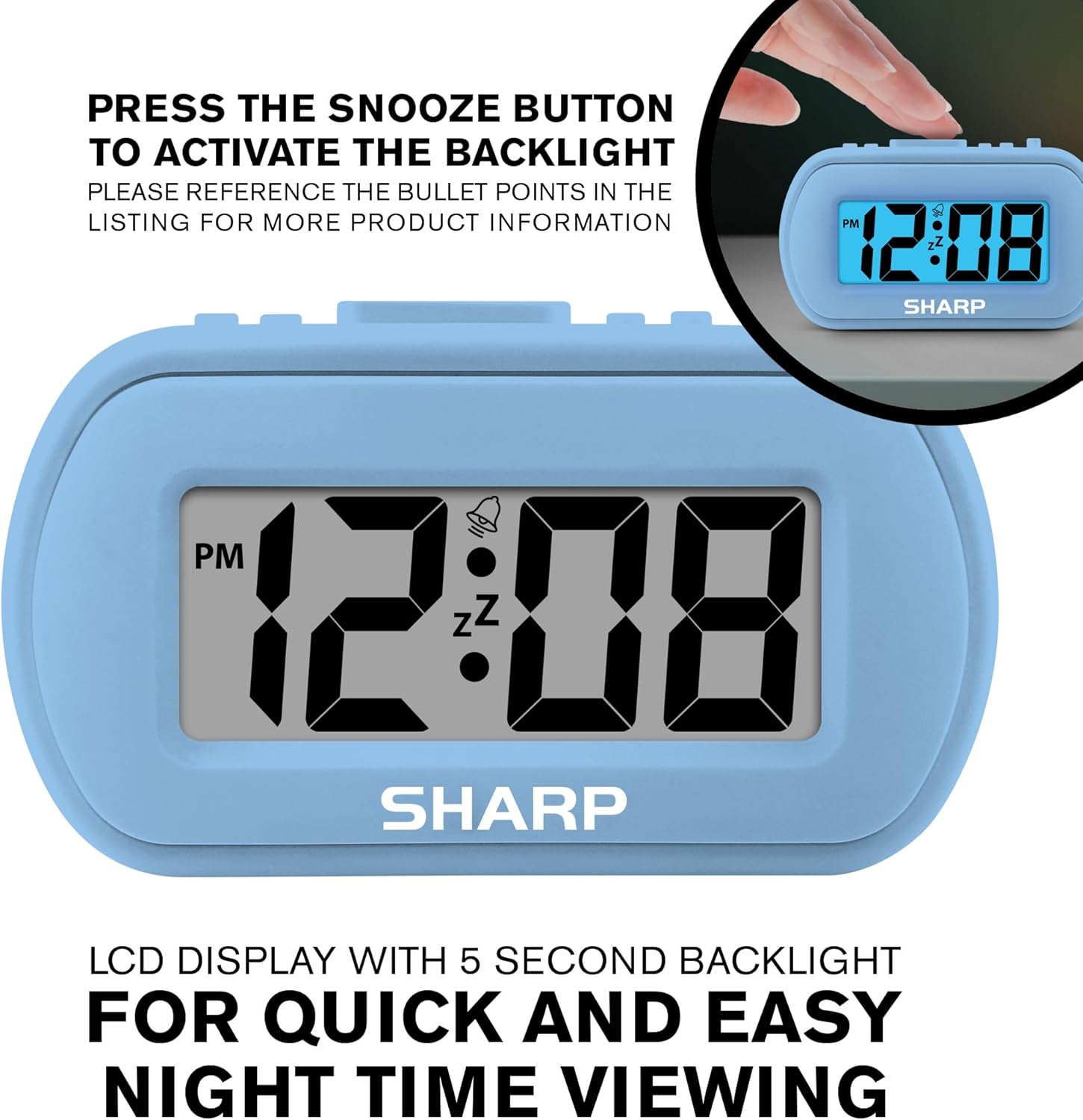
Image: The clock display illuminated by its blue backlight for easy viewnell'oscurità.
4. Video ufficiale del prodotto
Video: Un video ufficiale del prodotto mostraasing the Sharp Digital Alarm Clock in Light Blue, demonstrating its features and ease of use.
Manutenzione
To ensure the longevity and optimal performance of your Sharp SPC483 Digital Alarm Clock, follow these maintenance guidelines:
- Pulizia: Wipe the clock with a soft, dry cloth. Avoid using abrasive cleaners or solvents, as they may damage the finish or display.
- Sostituzione della batteria: Replace batteries when the display becomes dim or the clock stops functioning. Always replace both batteries at the same time with new AAA batteries.
- Magazzinaggio: If storing the clock for an extended period, remove the batteries to prevent leakage and potential damage.
- Ambiente: Tenere l'orologio lontano da temperature estreme, dalla luce solare diretta e da umidità elevata.
Risoluzione dei problemi
| Problema | Soluzione |
|---|---|
| Il display è vuoto o poco luminoso. | Check battery installation. Replace with new AAA batteries if necessary. Ensure correct polarity. |
| L'allarme non suona. | Ensure the ALARM ON/OFF switch is in the 'ON' position. Verify the alarm time is set correctly. |
| L'ora non è corretta. | Reset the time using the 'Setting the Time' instructions. Check battery strength. |
| Backlight does not activate. | Ensure batteries are fresh. The backlight is on-demand and only stays on for 5 seconds. |
Specifiche
- Numero modello: SPC483
- Tipo di visualizzazione: LCD digitale
- Fonte di energia: Alimentato a batteria (2 batterie AAA, non incluse)
- Dimensioni del prodotto: 4 pollici (L) x 1.7 pollici (L) x 2.3 pollici (A)
- Caratteristiche speciali: Ascending Alarm, 5-Minute Snooze, On-Demand Blue Backlight
- Materiale della cassa: gommato
- Tipologia di camera: Bedroom, Travel

Image: Dimensions of the Sharp SPC483 Digital Alarm Clock, illustrating its compact size.
Garanzia e supporto
For warranty information or technical support, please refer to the documentation included with your purchase or visit the official Sharp websito. Conservare la prova d'acquisto per eventuali reclami in garanzia.