
Introduzione
Welcome to the user manual for your Homatics Box R 4K Plus Android TV Media Player. This guide provides essential information for setting up, operating, maintaining, and troubleshooting your device.
The Homatics Box R 4K Plus is designed to deliver a high-quality streaming experience with its Android 11 operating system, 4K Ultra HD resolution, and HDR10+ support. It features a powerful Amlogic S905X4-K processor, 4GB RAM, 32GB flash storage, Dual-WiFi 6, Bluetooth 5.0, and Gigabit Ethernet.
Contenuto della confezione
Si prega di verificare che tutti gli articoli siano presenti nel pacco:
- Homatics Box R 4K Plus Device
- Controllo vocale remoto
- Adattatore di alimentazione 12V/1A
- Cavo HDMI
- 2 batterie AAA
- Manuale dell'utente (questo documento)

Image: The Homatics Box R 4K Plus device, its voice remote control, and an HDMI cable, illustrating the main components included in the package.
Dispositivo suview
Familiarize yourself with the ports and indicators on your Homatics Box R 4K Plus.
Anteriore e laterale View

Immagine: frontale e laterale view of the Homatics Box R 4K Plus, highlighting the USB ports for connecting external devices.
Posteriore View
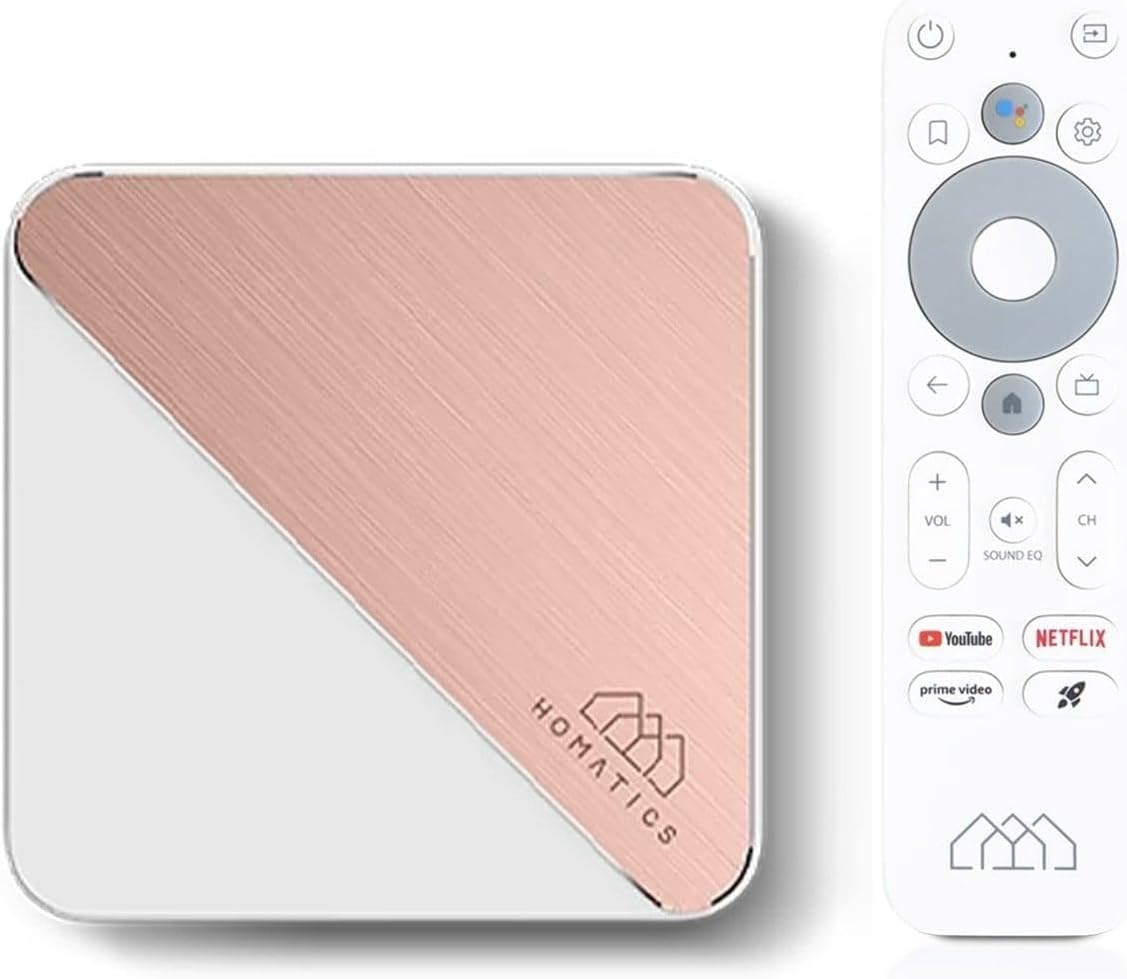
Immagine: La parte posteriore view of the Homatics Box R 4K Plus, displaying the power input (DC12V), LAN port, HDMI port, Optical audio output, and a USB-C port.
Impostare
Collegamento del dispositivo
- Connect the HDMI cable from the Homatics Box R 4K Plus to an HDMI input on your TV.
- Connect the power adapter to the DC12V port on the device and plug it into a power outlet.
- (Optional) For a wired internet connection, connect an Ethernet cable from your router to the LAN port on the device.
- Insert the two AAA batteries into the voice remote control, ensuring correct polarity.
Accensione iniziale e configurazione guidata
- Accendi la TV e seleziona l'ingresso HDMI corretto.
- The Homatics Box R 4K Plus will power on automatically.
- Seguire le istruzioni sullo schermo per completare la configurazione iniziale, che include:
- Selezione della lingua.
- Connecting to Wi-Fi (if not using Ethernet).
- Accedi con il tuo account Google.
- Pairing the voice remote control via Bluetooth.
- Once setup is complete, you will be directed to the Android TV home screen.
Istruzioni per l'uso
Using the Voice Remote Control
The voice remote control allows for easy navigation and voice commands.

Image: The Homatics Box R 4K Plus device alongside its voice remote control, illustrating the compact design of both components.
- Pulsante di accensione: Accende o spegne il dispositivo.
- Pulsante Assistente Google: Activates voice commands. Press and hold to speak your command.
- Tastierino di navigazione (pulsanti direzionali e OK): Navigare nei menu e selezionare le voci.
- Pulsante Indietro: Ritorna alla schermata precedente.
- Pulsante Home: Ritorna alla schermata iniziale di Android TV.
- Pulsanti del volume: Regola il volume della TV.
- Pulsanti canale: Navigate channels (if applicable for certain apps).
- Pulsanti app dedicati: Quick access to Google Play, Prime Video, and Netflix.
Accesso ad app e contenuti
The Homatics Box R 4K Plus provides access to a wide range of applications through the Google Play Store.
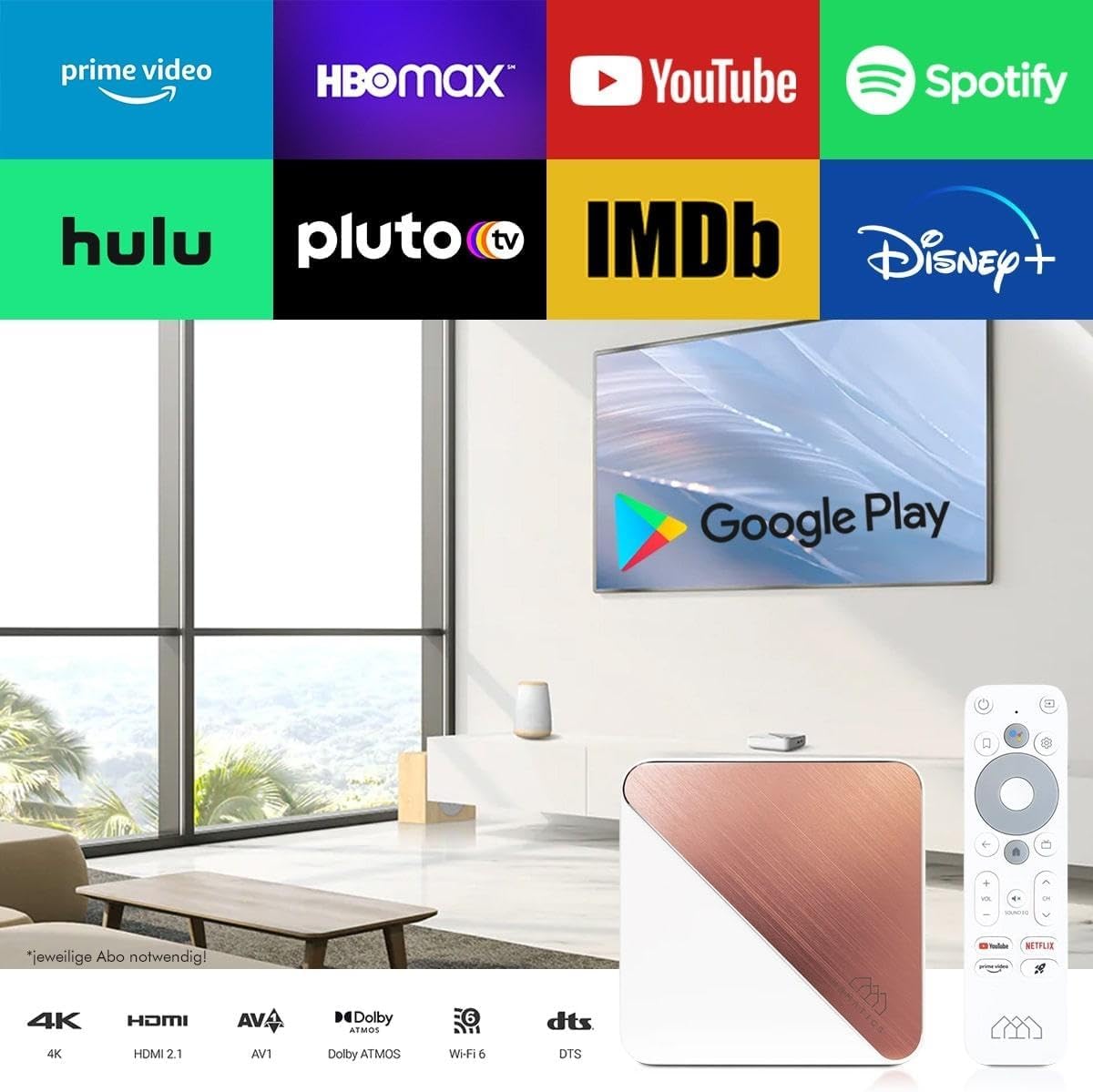
Image: A television screen displaying logos of popular streaming services like Prime Video, HBO Max, YouTube, Spotify, Hulu, Pluto TV, IMDb, Disney+, and the Google Play Store logo, indicating the wide range of available content.
- Dalla schermata iniziale, vai alla sezione "App".
- Select the Google Play Store icon to browse and download new applications.
- Popular streaming services like Netflix, Prime Video, and Disney+ are readily available.
Note: Subscriptions may be required for certain streaming services and are not included with the device.
Chromecast integrato
The device features built-in Chromecast functionality, allowing you to cast content from your smartphone, tablet, or computer directly to your TV.

Image: A smartphone displaying an image of a cat, with the same image being mirrored onto a large television screen, demonstrating the Chromecast built-in feature for screen mirroring.
- Ensure your Homatics Box R 4K Plus and your mobile device are connected to the same Wi-Fi network.
- Apri un'app abilitata per Chromecast (ad esempio YouTube, Netflix, Google Foto) sul tuo dispositivo mobile.
- Tocca l'icona Cast 🖥 all'interno dell'app.
- Select your Homatics Box R 4K Plus from the list of available devices.
- Il contenuto inizierà a essere riprodotto sul tuo televisore.
Gaming and Connectivity
The powerful processor and connectivity options support smooth gaming experiences.

Image: A person playing a video game on a large television screen, with the Homatics Box R 4K Plus visible on a shelf below the TV. This illustrates the device's capability for smooth gameplay and rendering graphics, especially when paired with a Bluetooth gamepad.
You can pair Bluetooth gamepads for an enhanced gaming experience. The device's hardware ensures smooth gameplay and fast graphics rendering.
Manutenzione
Pulizia
To clean the device, use a soft, dry cloth. Do not use liquid cleaners or aerosol sprays.
Aggiornamenti software
The Homatics Box R 4K Plus receives software updates to improve performance and add new features.
- Go to "Settings" on the Android TV home screen.
- Select "Device Preferences" or "About".
- Choose "System update" to check for and install available updates.
Note: Ensure a stable internet connection during updates. Do not power off the device during an update.
Gestione dell'archiviazione
The device comes with 32GB of eMMC flash memory. You can expand storage using the Micro SD card slot (if available, though not explicitly listed in ports, the feature bullet mentions "internal memory expandable thanks to the Micro SD card port").
Per gestire lo storage:
- Go to "Settings" on the Android TV home screen.
- Select "Device Preferences" or "Storage".
- View storage usage and manage installed applications.
Risoluzione dei problemi
| Problema | Possibile causa | Soluzione |
|---|---|---|
| Nessun potere | Adattatore di alimentazione non collegato o presa difettosa. | Assicurarsi che l'adattatore di alimentazione sia collegato saldamente al dispositivo e a una presa di corrente funzionante. |
| Nessuna immagine in TV | Incorrect HDMI input selected on TV; loose HDMI cable. | Select the correct HDMI input on your TV. Check HDMI cable connections at both ends. |
| Il telecomando non risponde | Batterie scariche; telecomando non associato. | Replace AAA batteries. Re-pair the remote control in Bluetooth settings if necessary. |
| Impossibile connettersi al Wi-Fi | Password errata; problemi con il router; dispositivo troppo lontano dal router. | Verify Wi-Fi password. Restart your router. Move the device closer to the router or use a wired Ethernet connection. |
| 4K/HDR content not displaying correctly | TV or media not compatible; HDMI cable limitations. | Ensure your TV supports 4K/HDR and the content is 4K/HDR. Use a high-speed HDMI cable. |
If the problem persists, please contact Homatics customer support.
Specifiche
| Caratteristica | Dettaglio |
|---|---|
| Nome del modello | Box R |
| Numero di modello | 8588003477170 |
| Sistema operativo | TV Android 11.0 |
| Risoluzione | 4K Ultra HD (3840 x 2160) @ 60 fps, HDR10+ |
| Processore | Amlogic S905X4-K (Quad Core Cortex-A55 CPU) |
| Memoria RAM | 4 GB LPDDR4 |
| Memoria interna | 32GB eMMC Flash (expandable via Micro SD card port) |
| Connettività | Dual-WiFi 6 (2.4 & 5GHz), Bluetooth 5.0, Ethernet (1000 Mbit/s) |
| Porti | HDMI, USB, Optical, DC12V, LAN |
| Caratteristiche speciali | Chromecast Built-in, Google Assistant, Google Play Store access |
| Colore | Bianco |
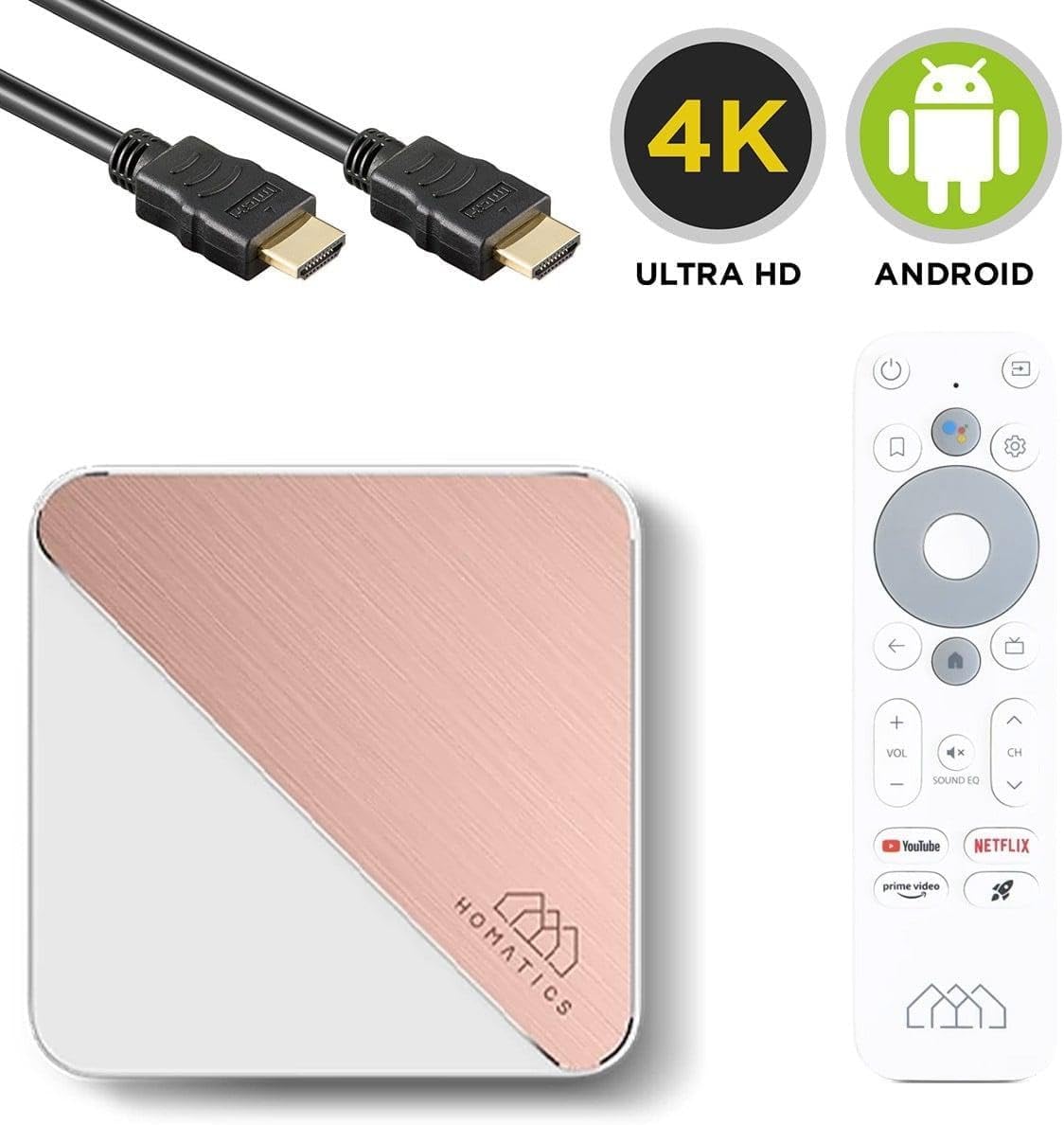
Image: The Homatics Box R 4K Plus device, remote, and HDMI cable, accompanied by "4K Ultra HD" and "Android" logos, emphasizing its core capabilities.
Garanzia e supporto
Informazioni sulla garanzia
This product comes with a standard manufacturer's warranty. Please refer to the warranty card included in your package for specific terms and conditions. Keep your proof of purchase for warranty claims.
Assistenza clienti
For technical assistance, troubleshooting beyond this manual, or warranty inquiries, please contact Homatics customer support.
Informazioni sui contatti: (Please refer to the official Homatics website or product packaging for the most current contact details.)
Risorse online: Visit the Homatics official websito per FAQ, aggiornamenti software e risorse di supporto aggiuntive.