
1. Introduzione
This manual provides essential information for setting up, operating, and maintaining your Headwolf WPad3 Android 12 Tablet. Please read this manual thoroughly before using your device to ensure optimal performance and longevity.
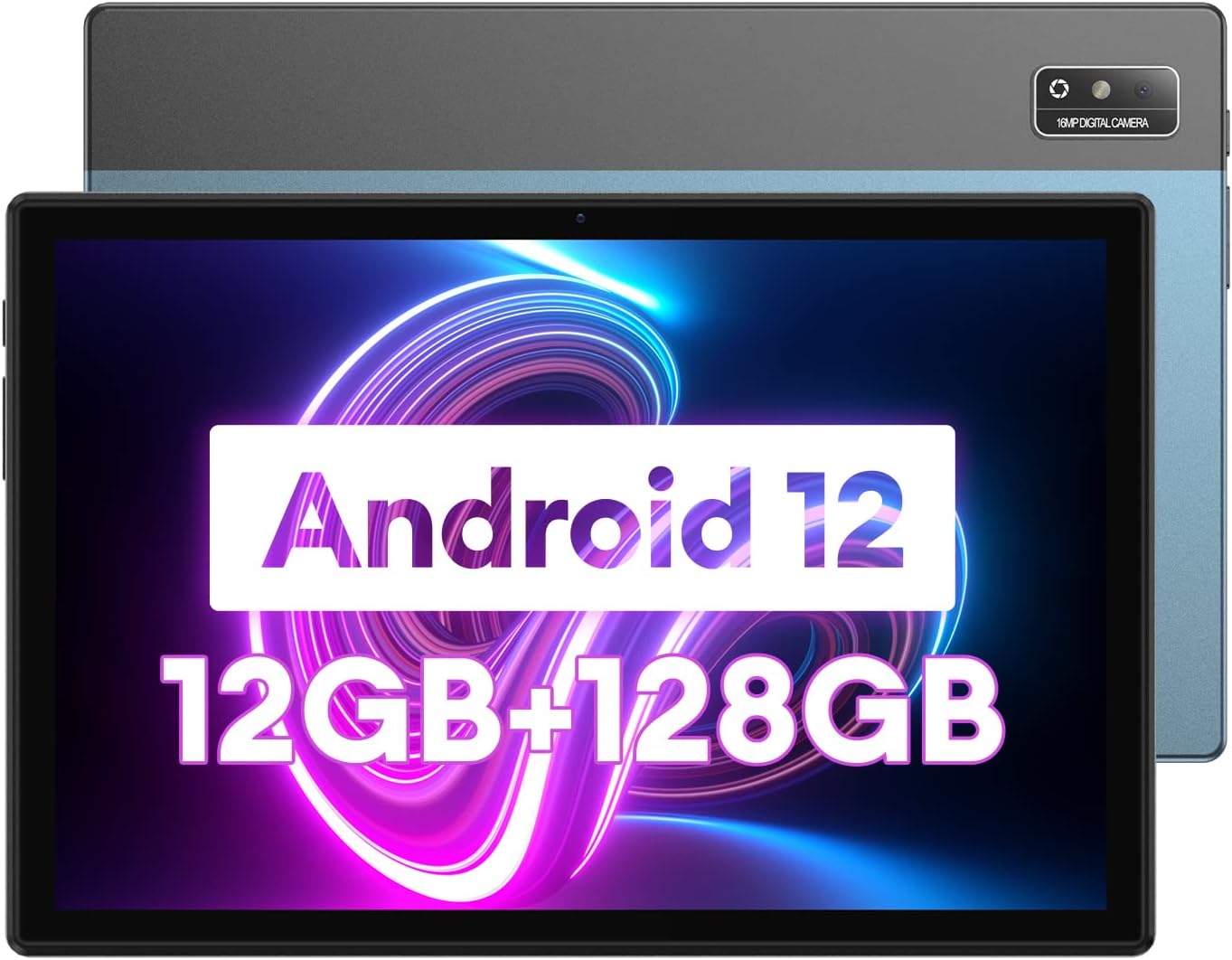
Image 1.1: Headwolf WPad3 Android 12 Tablet.
2. Contenuto della confezione
Verificare che tutti gli articoli siano presenti nel pacco:
- Headwolf WPad3 Tablet
- Adattatore di alimentazione 5V2A
- White USB Cable (31.5 inches)
- Manuale d'uso
- Micro SD Ejector Tool

Image 2.1: Contents of the Headwolf WPad3 package.
For a visual guide on unboxing, refer to the video below:
Video 2.1: Headwolf WPad3 Android Tablet 10 inch Unboxing. This video demonstrates the unboxing process and shows the included items.
3. Prodotto finitoview
3.1 Disposizione fisica
The Headwolf WPad3 features a thin and light metal body for portability.

Image 3.1: Thin and light metal body design of the Headwolf WPad3.
3.2 Caratteristiche principali
- Processore: MT8183 Octa-core CPU for fast application launching and smooth gaming.
- Memoria e archiviazione: 12GB RAM (6GB + 6GB expansion) and 128GB ROM, expandable up to 512GB via Micro SD.
- Sistema operativo: Android 12 with upgraded privacy and security management.
- Display: 10.1-inch HD IPS display with 189 PPI and 178° viewangolo di ing.
- Telecamere: 8MP front camera and 16MP rear camera with autofocus.
- Batteria: 7700mAh cobalt lithium battery, providing up to 10 hours of use.
- Connettività: 2.4G/5G dual-band WiFi, Bluetooth 5.0, GPS+BDS+GALILEO navigation system.
- Audio: Dual BOX speakers.

Immagine 3.2: Passoview of Headwolf WPad3 features.
4. Impostazione
4.1 Accensione/Spegnimento
To power on the tablet, press and hold the power button located on the side until the Headwolf logo appears. To power off, press and hold the power button, then select 'Power off' from the options.
4.2 Procedura guidata di configurazione iniziale
Upon first use, the tablet will guide you through an initial setup process. This includes selecting your language, connecting to a Wi-Fi network, and setting up your Google account.
4.3 Connessione al Wi-Fi
- Vai a Impostazioni > Rete e Internet > Wifi.
- Attiva/disattiva Wi-Fi On.
- Seleziona la rete desiderata dall'elenco.
- Inserisci la password se richiesta, quindi tocca Collegare.
4.4 Configurazione dell'account Google
A Google account is required to download apps from the Google Play Store and access Google services. During initial setup, you will be prompted to sign in or create a new Google account.
5. Utilizzo del tablet
5.1 Nozioni di base sulla navigazione
Il tablet utilizza i gesti touch per la navigazione:
- Rubinetto: Seleziona un elemento o apri un'app.
- Scorri: Scorrere le schermate o gli elenchi.
- Pizzica per ingrandire: Ingrandisci o rimpicciolisci le immagini e web pagine.
5.2 Utilizzo delle applicazioni
The tablet comes pre-installed with essential Google applications. Additional applications can be downloaded from the Google Play Store.

Image 5.1: Android 12 interface on the Headwolf WPad3.
5.3 Funzioni della fotocamera
Il tablet è dotato di una fotocamera frontale da 8 MP e di una posteriore da 16 MP. Apri l'app Fotocamera per scattare foto e registrare video.

Image 5.2: Headwolf WPad3 dual camera system.
5.4 Gestione della batteria
The 7700mAh battery provides extended usage. Charge the tablet using the provided 5V2A power adapter and Type-C cable.

Image 5.3: Headwolf WPad3 battery and charging.
5.5 Gestione dell'archiviazione
The tablet has 128GB of internal storage and supports Micro SD card expansion up to 512GB. To insert a Micro SD card, use the ejector tool to open the card slot.

Image 5.4: Headwolf WPad3 memory and storage expansion.
5.6 Proiezione senza fili
The tablet supports wireless projection to compatible displays, allowing you to extend your viewesperienza di acquisizione.

Image 5.5: Wireless projection feature.
5.7 Funzionalità GPS
The tablet integrates GPS, BDS, and GALILEO navigation systems for accurate location services.
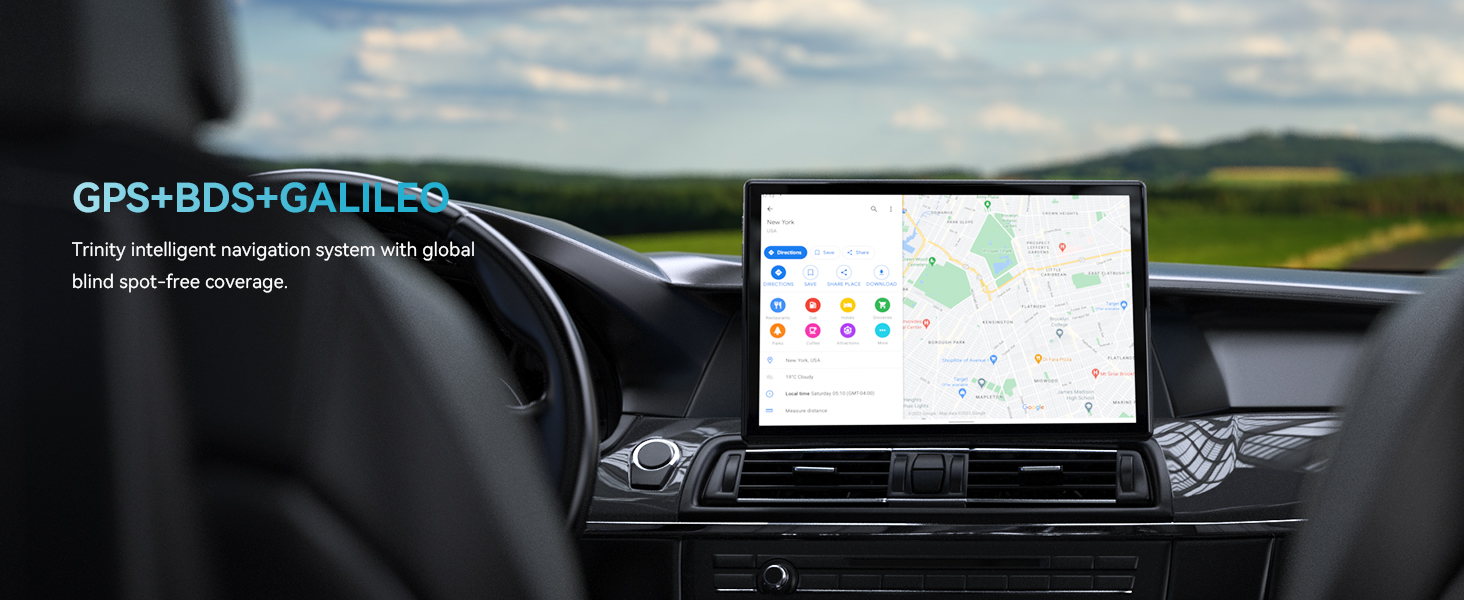
Image 5.6: GPS navigation on the Headwolf WPad3.
5.8 Audio
Enjoy audio through the tablet's dual BOX speakers or connect headphones via the 3.5mm headphone jack.

Image 5.7: Dual BOX speakers for enhanced audio.
For a demonstration of the tablet's performance and features, refer to the video below:
Video 5.8: Headwolf WPad3 6+6GB RAM 128GB ROM Android 12 Tablet. This video highlights the tablet's speed and memory capabilities.
Video 5.9: Headwolf WPad3 10 Inch Tablet, 6GB+128GB Large Memory. This video showcases the tablet's large memory and display.
6. Manutenzione
6.1 Pulizia
Use a soft, lint-free cloth to clean the tablet screen and body. Avoid using harsh chemicals or abrasive materials.
6.2 Aggiornamenti software
Regularly check for and install software updates to ensure your tablet has the latest features and security patches. Go to Impostazioni > Sistema > Aggiornamento del sistema.
7. Risoluzione Dei Problemi
This section addresses common issues you might encounter with your Headwolf WPad3 tablet.
7.1 Display Issues (e.g., Dead Pixels)
If you observe a dead pixel or other display anomalies upon unboxing, contact customer support immediately. While rare, manufacturing defects can occur.
7.2 Problemi di ricarica
Ensure you are using the provided 5V2A power adapter and Type-C cable. Some Type-C to Type-C cables or chargers may not be compatible. If the tablet is not charging, try a different power outlet or cable. If the issue persists, contact customer support.
7.3 Performance Lags or App Crashes
If the tablet experiences occasional lags or app crashes, try the following:
- Chiudere le applicazioni in background non utilizzate.
- Cancella la cache per le app problematiche (Impostazioni > Applicazioni > [Nome dell'app] > Archiviazione e cache > Cancella cache).
- Assicuratevi di avere sufficiente spazio di archiviazione libero.
- Eseguire un ripristino delle impostazioni di fabbrica come ultima risorsa (Impostazioni > Sistema > Reimposta opzioni > Cancella tutti i dati (ripristino delle impostazioni di fabbrica)). Back up your data before performing a factory reset.
8. Specifiche
| Caratteristica | Dettaglio |
|---|---|
| Nome del modello | W3 |
| Sistema operativo | Androide 12 |
| Dimensioni dello schermo | 10.1 pollici |
| Risoluzione dello schermo | 1280 x 800 pixel (HD IPS) |
| Marca del processore | MediaTek (MT8183 Octa-core) |
| Memoria RAM | 12 GB (6 GB + espansione 6 GB) |
| Memoria interna (ROM) | 128 GB |
| Archiviazione espandibile | Fino a 512 GB (Micro SD) |
| Posteriore WebRisoluzione della camma | 16MP |
| Davanti WebRisoluzione della camma | 8MP |
| Capacità della batteria | 7700mAh |
| Tipo senza fili | 802.11ac (Wi-Fi 2.4G/5G) |
| Bluetooth | Bluetooth 5.0 |
| Navigazione | GPS+BDS+GALILEO |
| Peso dell'articolo | 2.07 libbre |
| Dimensioni del prodotto | 9 x 5 x 3 pollici |
9. Garanzia e supporto
Headwolf provides a one-year repair and replacement warranty for the WPad3 tablet. Dedicated customer service and technical support are available 24 hours a day. If you encounter any problems with your Android tablet, you can contact us through Amazon "Your Order - Get Help" for assistance. We are committed to providing a satisfactory solution.