
Introduzione
Welcome to the VTech CS1500 DECT Cordless Phone user manual. This guide provides detailed instructions to help you set up, operate, and maintain your new phone. The VTech CS1500 offers features such as a call blocking function, an innovative dual-charge design, caller ID, and a hands-free speakerphone for enhanced communication convenience. Please read this manual thoroughly to ensure optimal performance and longevity of your device.

Image: The VTech CS1500 DECT Cordless Phone, showing the white handset docked in its black charging base.
Guida all'installazione
Follow these steps to set up your VTech CS1500 DECT Cordless Phone.
- Disimballaggio: Carefully remove all components from the packaging. Ensure you have the handset, base unit, power adapter, and telephone line cord.
- Installazione della batteria:
- Aprire il coperchio del vano batterie sul retro del portatile.
- Insert the provided NiMH rechargeable battery, observing the polarity markings (+ and -).
- Chiudere saldamente il coperchio del vano batterie.
- Collegamento dell'unità base:
- Collegare un'estremità del cavo della linea telefonica alla presa TEL LINE sull'unità base.
- Collegare l'altra estremità del cavo della linea telefonica alla presa telefonica a muro.
- Plug the small end of the power adapter into the POWER jack on the base unit.
- Collegare l'estremità grande dell'adattatore di alimentazione a una presa elettrica standard.
- Carica iniziale: Place the handset on the base unit to charge. The handset will display a charging indicator. For optimal battery performance, allow the handset to charge for at least 16 hours before its first use.
- Impostazione data e ora: After the initial charge, the phone may prompt you to set the date and time. Follow the on-screen instructions to configure these settings. Refer to the "Operating Instructions" section for detailed menu navigation.
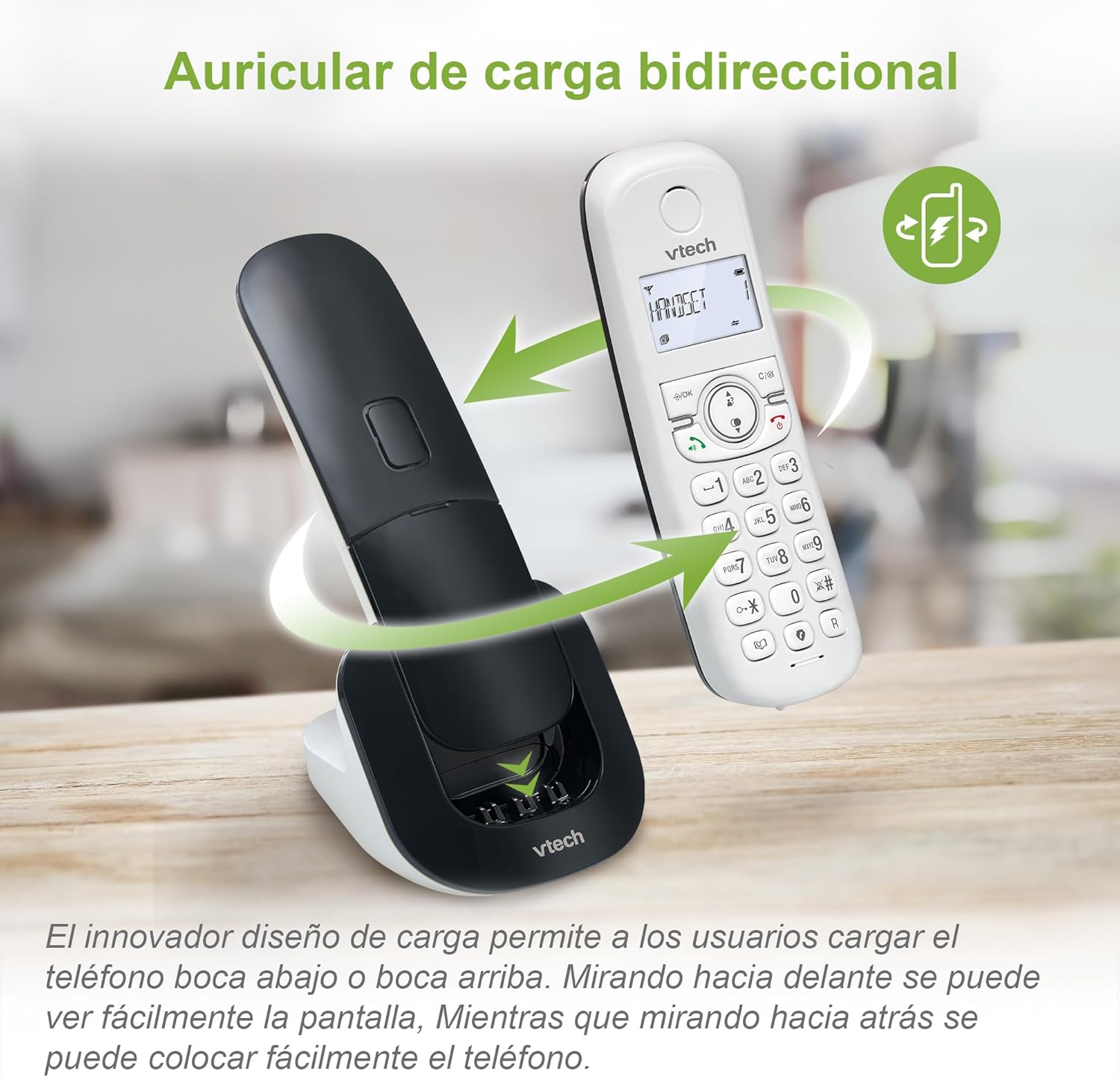
Image: The VTech CS1500 handset being placed on its charging base, illustrating the dual-charge design where it can be docked facing forward or backward.
Istruzioni per l'uso
This section covers the basic operations of your VTech CS1500 DECT Cordless Phone.
Effettuare e ricevere chiamate
- Per effettuare una chiamata:
- Premere PARLARE (icona del telefono verde).
- Componi il numero di telefono.
- Alternatively, dial the number first, then press PARLARE.
- Per rispondere a una chiamata:
- Quando il telefono squilla, premere PARLARE (icona del telefono verde).
- Per terminare una chiamata:
- Premere FINE (icona del telefono rosso) oppure riposizionare il ricevitore sull'unità base.
Utilizzo del vivavoce
The VTech CS1500 features a hands-free speakerphone function.
- Per attivare il vivavoce: Durante una chiamata, premere il tasto Vivavoce pulsante (icona dell'altoparlante).
- Per disattivare il vivavoce: Premere il tasto Vivavoce nuovamente il pulsante per tornare alla modalità portatile.

Image: A VTech CS1500 handset on its base, with an overlay highlighting the speakerphone button and indicating hands-free communication. A person is shown cooking in the background, demonstrating hands-free use.
Gestione della rubrica
Store up to 60 names and numbers in your phonebook for quick dialing.
- Per aggiungere un contatto:
- Premere MENÙ/OK.
- Vai su "Rubrica" e seleziona "Aggiungi nuova voce".
- Inserire il nome e il numero utilizzando la tastiera.
- Premere SALVA.
- Per chiamare dalla rubrica:
- Premere RUBRICA TELEFONICA pulsante (book icon).
- Scroll through the entries using the navigation keys.
- Premere PARLARE per chiamare il contatto selezionato.
Caller ID and Call History
The phone displays the name and number of incoming calls (if available from your service provider) and stores up to 20 recent calls.
- A View Cronologia delle chiamate:
- Premere il tasto REGISTRO CHIAMATE pulsante (down arrow icon).
- Scroll through the list using the navigation keys.
- Premere PARLARE to dial a number from the call history.

Image: The VTech CS1500 handset displaying an incoming call number on its screen, with a separate graphic showing a list of stored caller ID entries.
Call Blocking
Block unwanted calls from up to 60 numbers.
- Per bloccare un numero dalla cronologia delle chiamate:
- Access the Call History.
- Seleziona il numero che desideri bloccare.
- Premere MENÙ/OK, then navigate to "Block Number" and confirm.
- To Manually Add a Number to Block List:
- Premere MENÙ/OK.
- Navigate to "Call Blocking" and select "Add New".
- Enter the number and confirm.
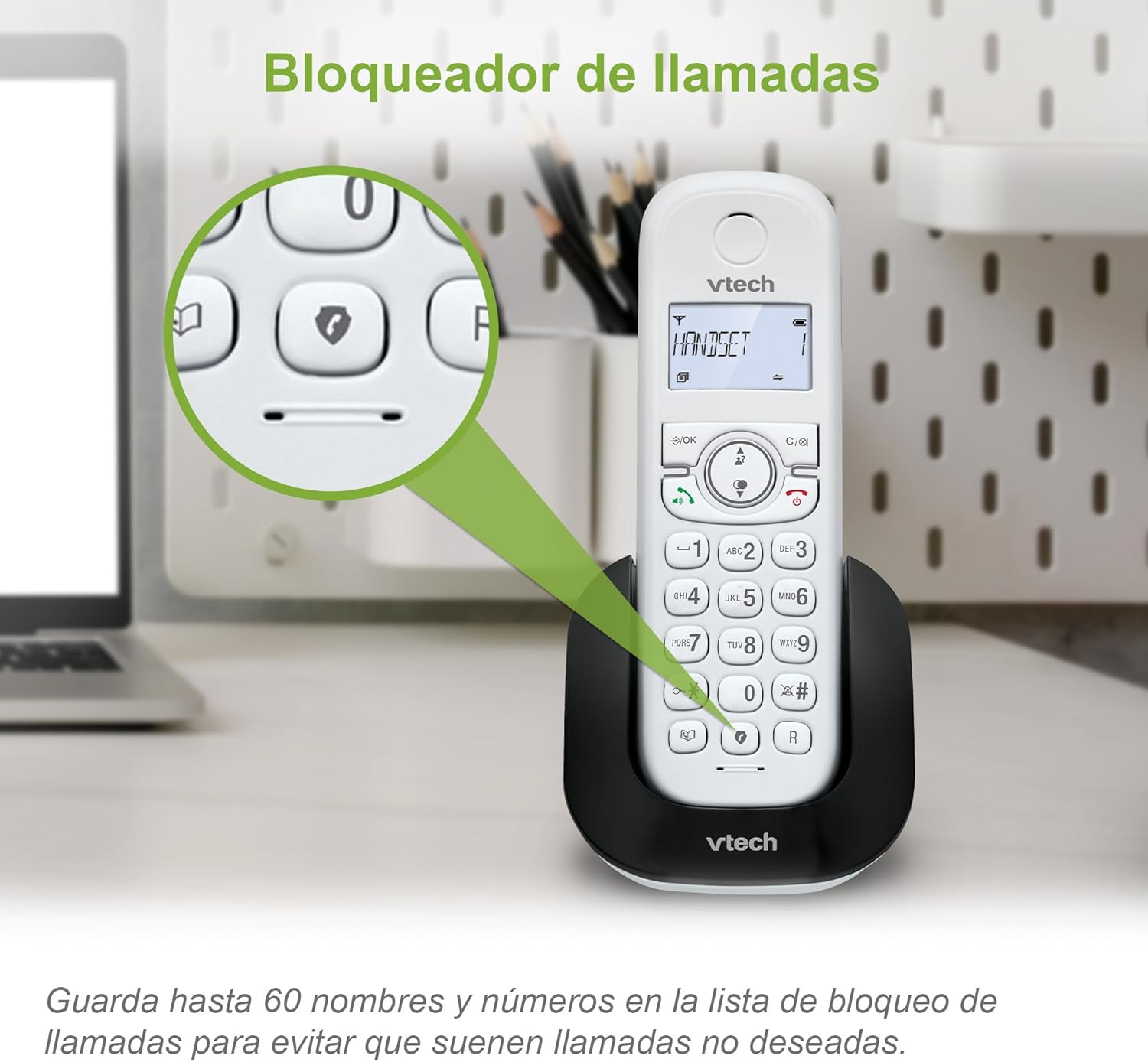
Image: The VTech CS1500 handset on its base, with a magnified view highlighting the call blocking button (shield icon) on the keypad.
Modalità ecologica
The phone automatically adjusts and reduces RF power based on the distance between the handset and the base unit, optimizing energy consumption. This mode is typically active by default.
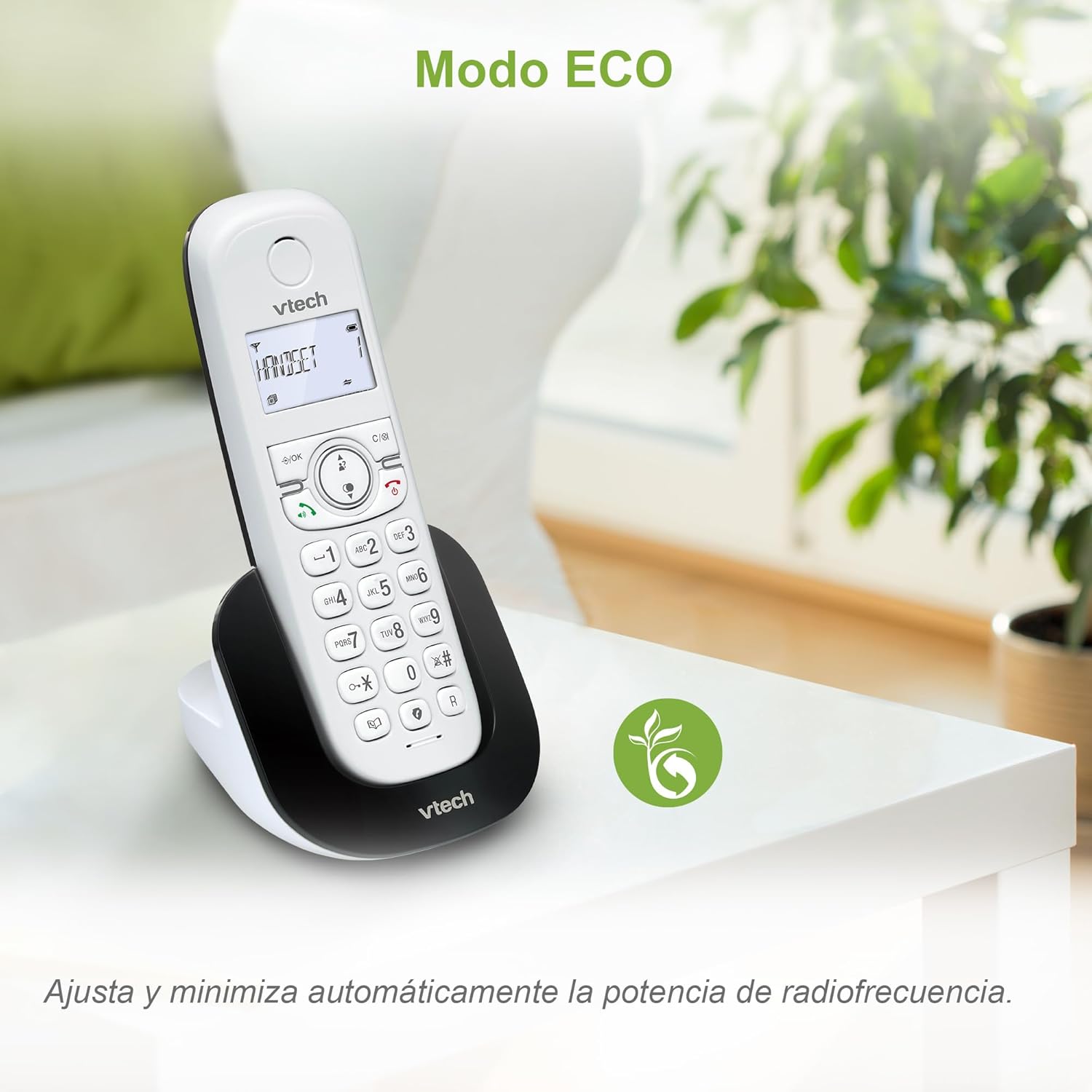
Image: The VTech CS1500 handset on a table in a living room setting, with an ECO mode leaf icon indicating its energy-saving feature.
Altre funzioni
- Ricomposizione: Premere il tasto RICOMPOSIZIONE pulsante (curved arrow icon) per ricomporre l'ultimo numero chiamato.
- Funzione di allarme: Impostare le sveglie tramite il menu del telefono.
- Funzione muto: Mute your microphone during a call by pressing the MUTE pulsante.
- Schermo LCD retroilluminato: The screen is backlit for easy viewin condizioni di scarsa illuminazione.
Manutenzione
Proper care and maintenance will ensure the longevity of your VTech CS1500 DECT Cordless Phone.
- Pulizia:
- Pulisci il telefono e l'unità base con un panno morbido e asciutto.amp stoffa.
- Do not use cleaning sprays or liquid cleaners, as they may damage the finish or electrical components.
- Cura della batteria:
- Use only the specified NiMH rechargeable battery.
- Se il telefono non verrà utilizzato per un periodo prolungato, rimuovere la batteria per evitare perdite.
- Smaltire le batterie in modo responsabile, nel rispetto delle normative locali.
- Condizioni ambientali:
- Evitare di esporre il telefono alla luce diretta del sole o vicino a fonti di calore.
- Protect the phone from moisture and extreme temperatures.
Risoluzione dei problemi
If you encounter issues with your VTech CS1500, refer to the following common problems and solutions.
| Problema | Soluzione |
|---|---|
| Nessun segnale di linea. |
|
| Il telefono non si carica. |
|
| Scarsa qualità del suono o rumore statico. |
|
| Impossibile effettuare o ricevere chiamate. |
|
Specifiche
| Caratteristica | Dettaglio |
|---|---|
| Marca | VTech |
| Numero di modello | CS1500 |
| Colore | Bianco |
| Tipo di telefono | DECT senza fili |
| Caratteristiche speciali | Call Blocking, Hands-free Speakerphone, Backlit LCD Screen, ECO Mode, Dual-Charge Handset Design |
| Dispositivi compatibili | Standard Telephone Networks (PSTN, ISDN) |
| Tipo di batteria | NiMH Rechargeable (1 included) |
| Tempo di conversazione (circa) | Fino a 13 ore |
| Tempo di standby (circa) | Fino a 200 ore |
| Capacità della rubrica | 60 nomi e numeri |
| Call History Capacity | 20 chiamate |
| Capacità di blocco delle chiamate | Fino a 60 numeri |
| Materiale | Plastica |
| Peso dell'articolo | 350 grammi |
| Produttore | VTECH TELECOMUNICAZIONI LTD |
| Paese di origine | Cina |
Garanzia e supporto
For warranty information and technical support, please refer to the documentation included with your product at the time of purchase or visit the official VTech websito.
- Produttore: VTECH TELECOMUNICAZIONI LTD
- Supporto online: Visit the official VTech support page for your region for FAQs, product registration, and contact information.