
Introduzione
This manual provides detailed instructions for the setup, operation, and maintenance of your VTech CS2000 DECT Cordless Home Phone. Please read this manual thoroughly before using your new phone to ensure proper functionality and to take full advantage delle sue caratteristiche.
The VTech CS2000 is designed for home use, offering reliable long-range communication, essential call management features, and user-friendly design.

Figure 1: VTech CS2000 DECT Cordless Home Phone, showing the handset docked in its base unit.
Impostare
Contenuto della confezione
Assicurati che tutti gli articoli siano presenti nel pacco:
- Telefono cellulare VTech CS2000
- VTech CS2000 Base Unit
- Adattatore di alimentazione per unità base
- Cavo della linea telefonica
- Rechargeable NiMH Battery (1 included)
Installazione e ricarica della batteria
The VTech CS2000 uses a rechargeable NiMH battery. Proper installation and initial charging are crucial for optimal performance.
- Individuare il vano batteria sul retro del ricevitore.
- Insert the supplied NiMH battery, ensuring the polarity matches the diagram inside the compartment.
- Chiudere saldamente il coperchio del vano batterie.
- Posizionare il ricevitore sulla base. L'indicatore di carica sul ricevitore dovrebbe illuminarsi.
- Allow the handset to charge for at least 16 hours before initial use, even if the display indicates a full charge sooner. This ensures maximum battery capacity.
Collegamento dell'unità base
- Collegare un'estremità del cavo della linea telefonica alla presa TEL LINE sul retro dell'unità base.
- Collegare l'altra estremità del cavo della linea telefonica a una presa telefonica a muro.
- Collegare l'estremità piccola dell'adattatore di alimentazione alla presa POWER sul retro dell'unità base.
- Collegare l'estremità grande dell'adattatore di alimentazione a una presa elettrica standard.
- Assicurarsi che tutti i collegamenti siano sicuri.
Utilizzo del telefono
Effettuare e ricevere chiamate
Effettuare una chiamata:
- Premere il tasto PARLARE button (green receiver icon) or lift the handset from the base.
- Componi il numero di telefono desiderato.
- Premere il tasto FINE button (red receiver icon) or place the handset back on the base to end the call.
Ricevere una chiamata:
Quando squilla il telefono, premere il tasto PARLARE button or lift the handset from the base to answer.
Vivavoce
The VTech CS2000 features a hands-free speakerphone function, allowing you to talk without holding the handset.
- Durante una chiamata, premere il tasto ORATORE pulsante (icona dell'altoparlante).
- To switch back to the handset, press the PARLARE di nuovo il pulsante.
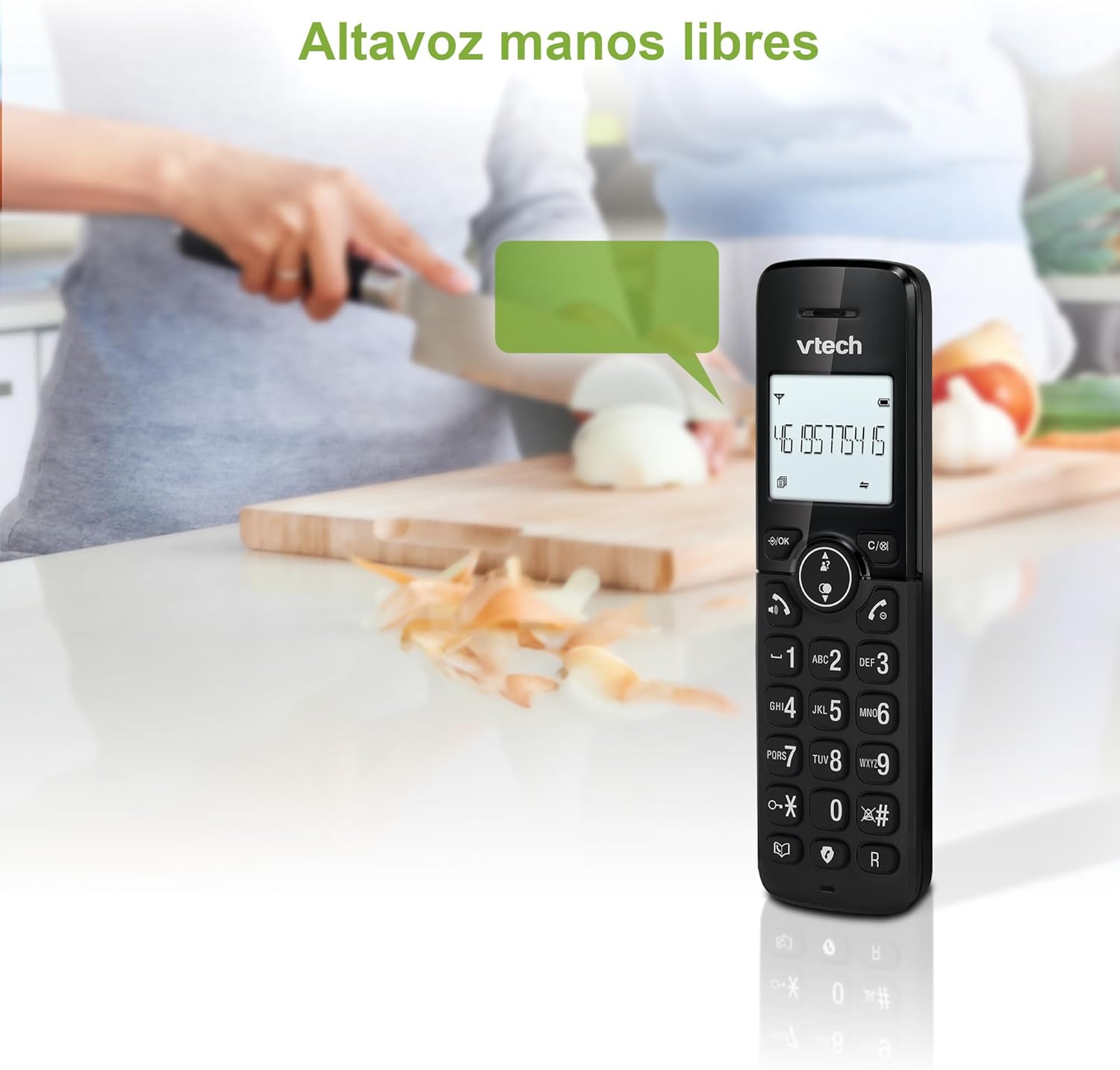
Figure 2: Using the hands-free speakerphone function.
Call Blocking
The call blocking feature allows you to prevent unwanted calls. You can block up to 30 numbers.
- To block a number during a call, press the BLOCCO CHIAMATA pulsante.
- To add a number to the block list manually, navigate to the Call Block menu in the phone settings.
- Follow the on-screen prompts to add or remove numbers from the block list.
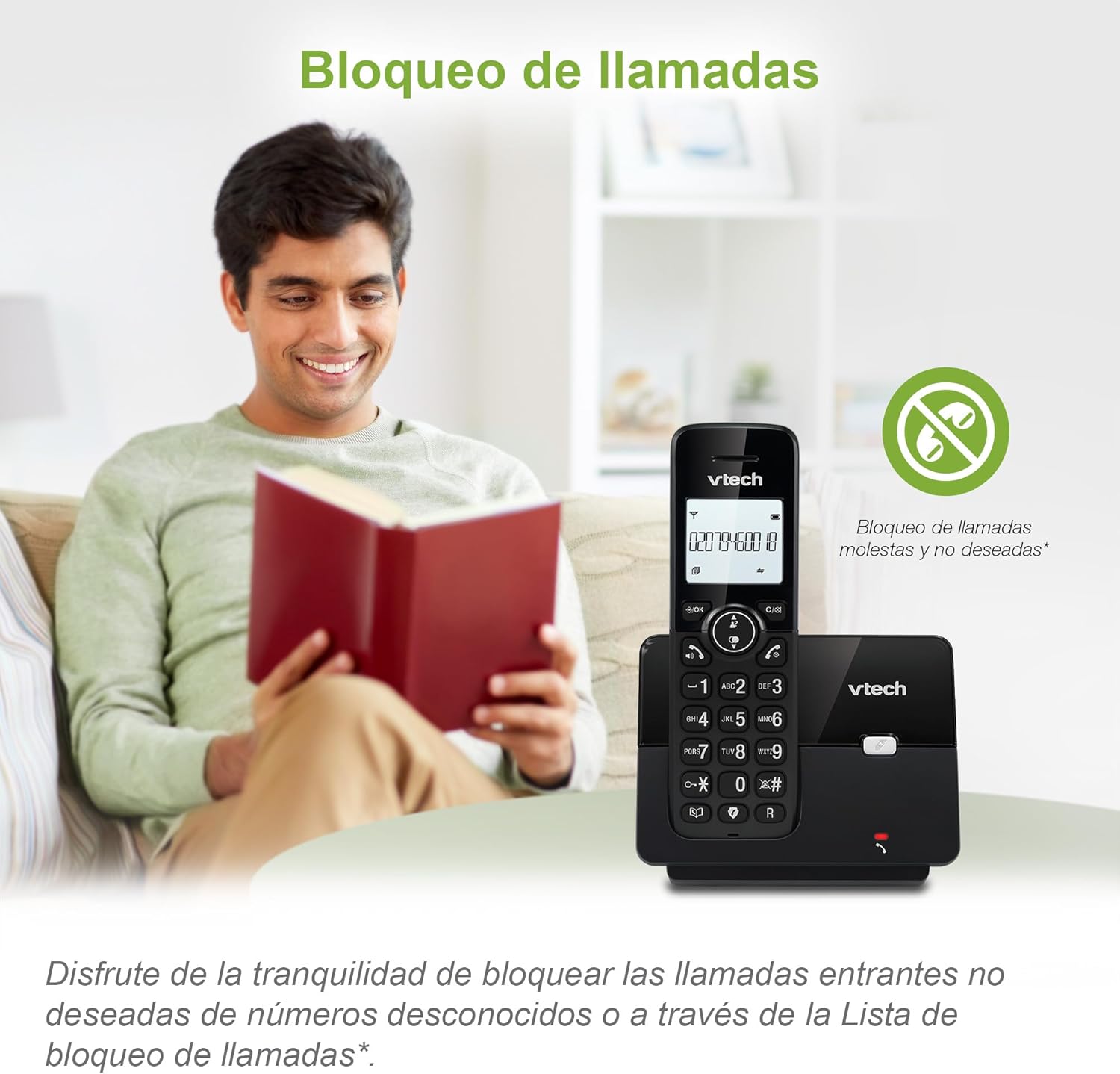
Figure 3: The call blocking feature helps manage unwanted calls.
Phonebook (Directory)
Memorizza fino a 30 nomi e numeri nella rubrica per una chiamata rapida.
- Premere il tasto MENÙ/OK pulsante.
- Navigate to the "Phonebook" or "Directory" option.
- Select "Add New Entry" and follow the prompts to enter the name and number.
- To dial from the phonebook, press the ELENCO button and scroll to the desired entry, then press PARLARE.

Figure 4: Managing contacts in the phonebook.
ID chiamante e avviso di chiamata
The phone stores up to 20 caller ID records with name and number (service subscription may be required).
When a new call comes in while you are on another call, the call waiting feature alerts you (service subscription may be required).
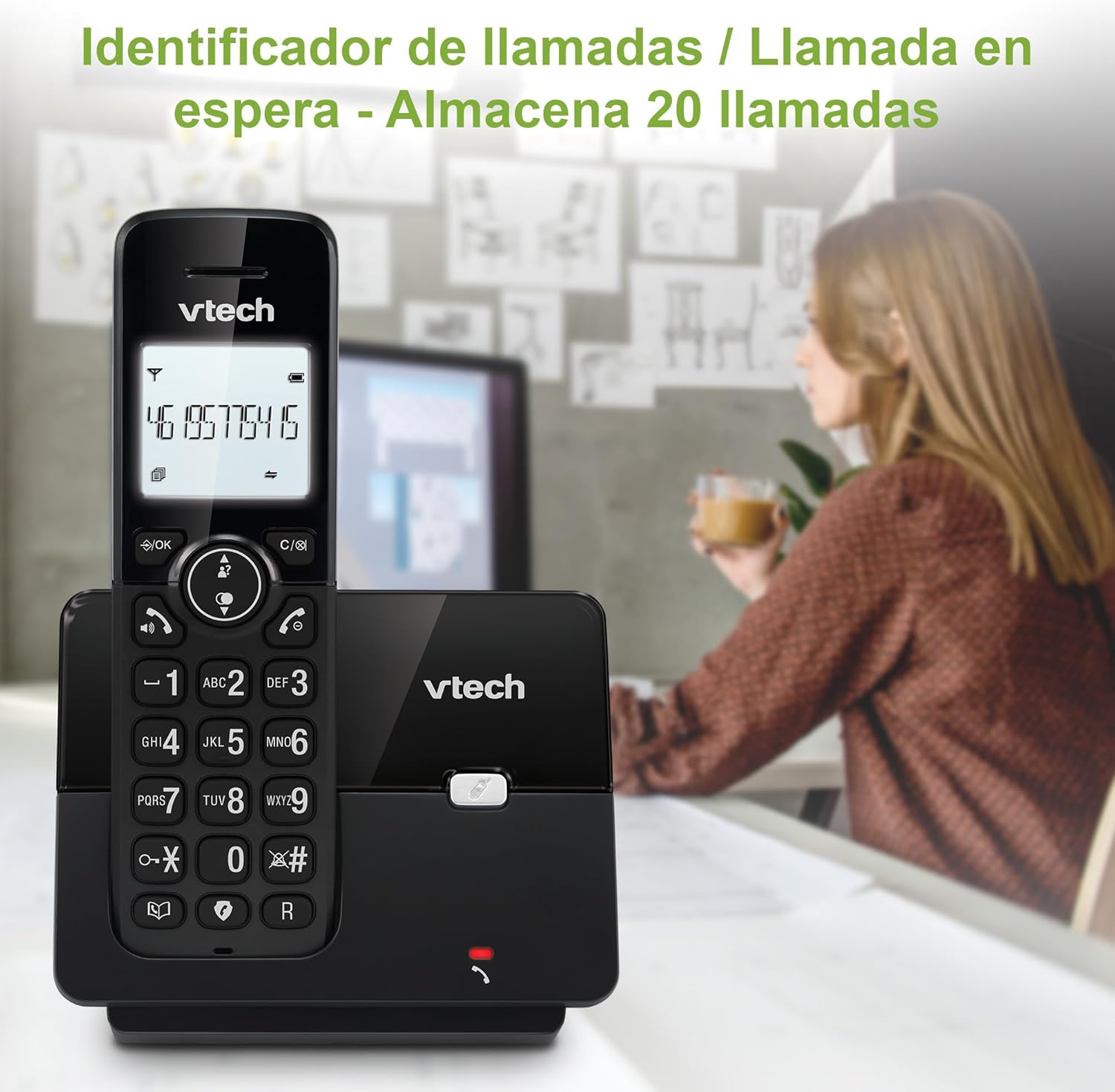
Figure 5: Caller ID display on the handset.
Elenco di ricomposizione
Il telefono memorizza gli ultimi 10 numeri chiamati per una rapida ricomposizione.
- Premere il tasto RICOMPOSIZIONE pulsante.
- Scroll through the list using the navigation keys.
- Premere PARLARE to redial the selected number.

Figure 6: Accessing the redial list.
Modalità ecologica
The ECO mode automatically adjusts the radio frequency power based on the distance between the handset and the base unit, helping to conserve energy.
Adjusting Ring Volume and Melody
You can customize the ring volume and melody of your handset.
- Premere il tasto MENÙ/OK pulsante.
- Navigate to "Settings" or "Ring Settings".
- Select "Ring Volume" or "Ring Melody" and choose your preference.
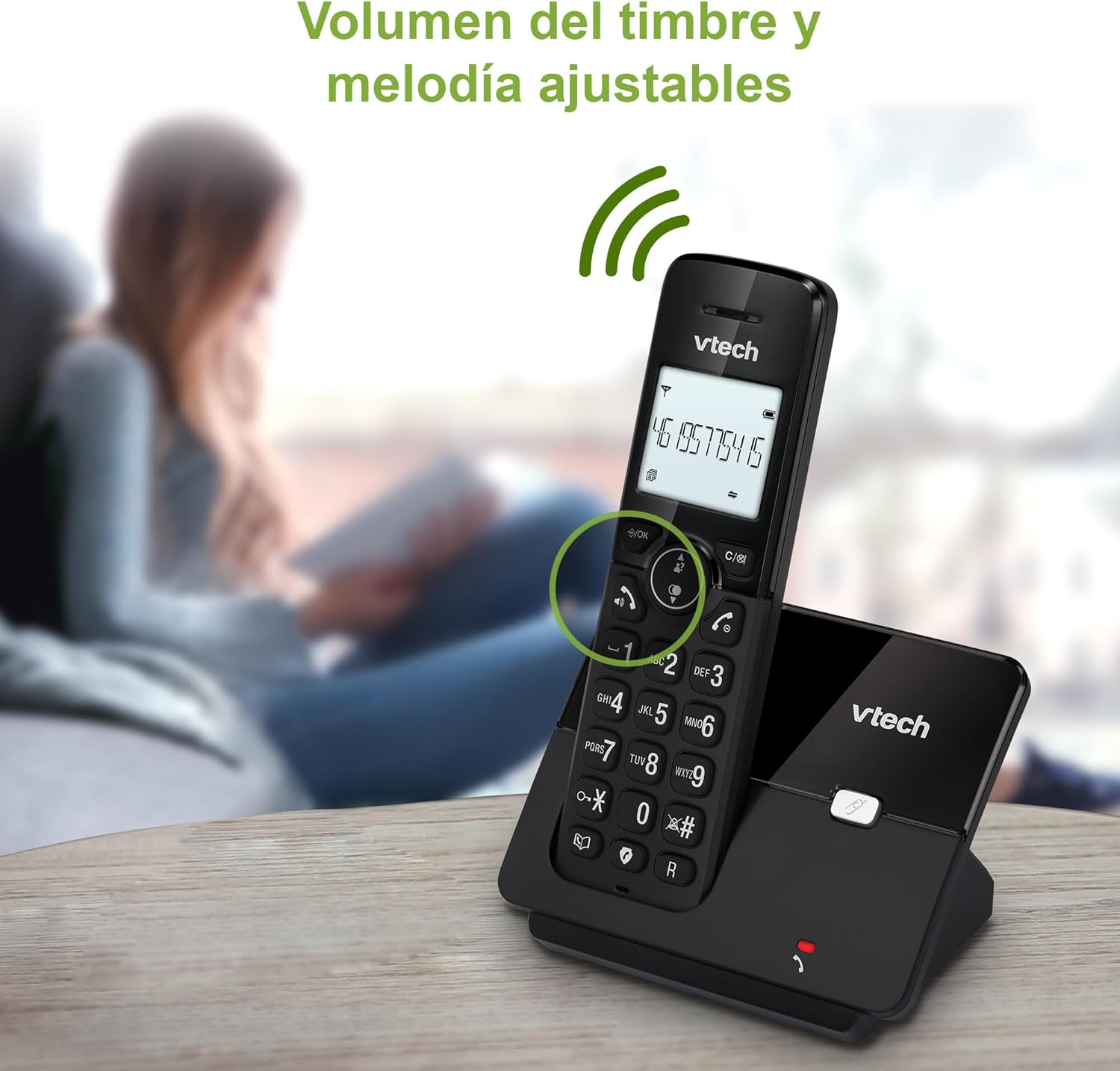
Figure 7: Adjusting ring volume and melody.
Alarm and Silence Function
The phone includes an alarm function and a silence mode for convenience.
- To set an alarm, navigate to the "Alarm" option in the menu and follow the prompts.
- To activate silence mode, typically press and hold the MUTE button or access the "Silence" option in the settings.

Figure 8: Alarm and silence functions.
Display retroilluminato
The 1.8-inch backlit display provides clear visibility, especially in low-light conditions.

Figure 9: The 1.8-inch backlit display for clear viewing.
Long Range Capability
The VTech CS2000 utilizes DECT technology to provide a stable operating range of up to 300 meters outdoors, ensuring clear communication throughout your home and property.

Figure 10: The phone offers reliable long-range coverage.
Manutenzione
Pulizia
Pulisci il telefono e l'unità base con un panno morbido eamp cloth. Do not use cleaning sprays or abrasive cleaners, as they can damage the finish or electrical components.
Cura della batteria
- Only use the supplied rechargeable NiMH battery or an approved replacement.
- Se il telefono non verrà utilizzato per un periodo prolungato, rimuovere la batteria per evitare perdite.
- Smaltire le batterie in modo responsabile, nel rispetto delle normative locali.
Risoluzione dei problemi
If you experience issues with your VTech CS2000 phone, try the following solutions:
| Problema | Soluzione |
|---|---|
| Nessun segnale di linea. | Ensure the telephone line cord is securely connected to both the base unit and the wall jack. Check if the power adapter is properly connected and plugged into a working outlet. |
| Il telefono non si carica. | Ensure the handset is correctly placed on the base unit. Clean the charging contacts on both the handset and base unit with a dry cloth. Verify the power adapter is connected. |
| Scarsa qualità del suono o rumore statico. | Move closer to the base unit. Ensure there are no large metal objects or other electronic devices interfering with the signal. Check for loose telephone line connections. |
| Impossibile effettuare o ricevere chiamate. | Check if the phone line is active. Ensure the handset is registered to the base unit (refer to the full manual for registration steps if needed). Temporarily unplug the base unit's power adapter, wait a few seconds, then plug it back in. |
| L'ID chiamante non viene visualizzato. | Assicurati di aver sottoscritto il servizio di identificazione del chiamante con il tuo operatore telefonico. |
Specifiche
| Marca | VTech |
| Numero di modello | CS2000 |
| Colore | Nero |
| Tipo di telefono | Telefono DECT senza fili |
| Dimensioni dello schermo | 1.8 pollici |
| Composizione della batteria | NiMH |
| Numero di batterie | 1 (Product Specific - Included) |
| Materiale | Plastica |
| Fonte di alimentazione | Alimentato a batteria |
| Tipo di combinatore | Tastiera singola |
| Tipo di sistema di risposta | Senza fili |
| Peso dell'articolo | 300 grammi |
| Funzionamento multilinea | Funzionamento a linea singola |
| Caratteristiche speciali | Cordless, Call Blocking, Hands-Free Speakerphone, Backlit Display, ECO Mode, Caller ID, Phonebook, Redial |
Garanzia e supporto
For warranty information and technical support, please refer to the documentation included with your purchase or visit the official VTech websito. Conserva la ricevuta d'acquisto come prova d'acquisto.
Produttore: VTECH TELECOMUNICAZIONI LTD
Paese di origine: Cina