
TRIGKEY G4-N100 16G+500G
TRIGKEY G4 Mini PC User Manual
Model: G4-N100 16G+500G
Prodotto finitoview
The TRIGKEY G4 Mini PC is a compact and powerful desktop computer designed for various uses, including office work, education, and home entertainment. It features a 12th Gen Intel Alder Lake-N100 processor, 16GB DDR4 RAM, and a 500GB M.2 SSD, offering efficient performance in a small form factor.

Immagine: Frontale view of the TRIGKEY G4 Mini PC, showcasingrazie al suo design compatto e alle porte frontali.
Cosa c'è nella scatola
Upon unboxing your TRIGKEY G4 Mini PC, you should find the following items:
- 1 x TRIGKEY Mini PC Intel-N100 16GB+500GB
- 1 x adattatore di alimentazione
- 1 x HDMI Cable(100cm)
- 1 x Manuale utente
- 1 x Vesa Mount with Screws
Guida all'installazione
1. Connessione iniziale
Before powering on your Mini PC, ensure all necessary peripherals are connected.
- Connetti Display: Use the provided HDMI cable to connect the Mini PC to your monitor or TV. The device supports dual 4K@60Hz displays.
- Connetti le periferiche: Collega la tastiera, il mouse e qualsiasi altro dispositivo USB alle porte USB 3.2 disponibili.
- Connetti alimentazione: Connect the power adapter to the DC power input port on the Mini PC, then plug it into a power outlet.
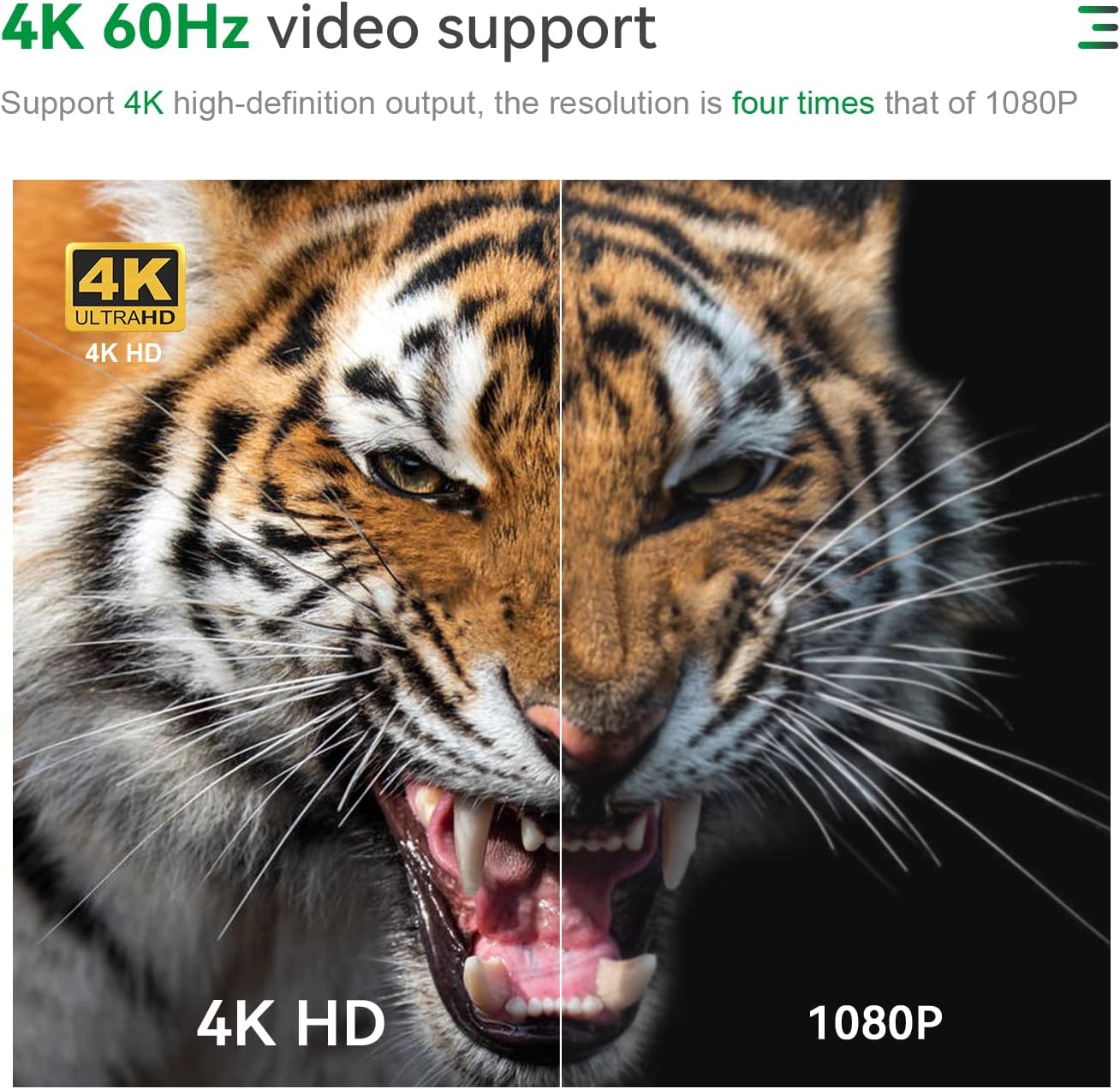
Immagine: Posteriore view of the TRIGKEY G4 Mini PC showing various ports including HDMI, LAN, and USB, with cables connected.
2. First Boot and Operating System
The TRIGKEY G4 Mini PC comes with OS 11 Pro preinstalled. Upon first boot, follow the on-screen instructions to complete the initial setup of the operating system.

Image: Visual representation of various operating systems supported, including Windows 11 Pro and Linux distributions.
Istruzioni per l'uso
Accensione/spegnimento
Press the power button located on the front of the Mini PC to turn it on. To turn it off, use the standard shutdown procedure within the operating system.
Configurazione del doppio display
The Mini PC supports dual 4K@60Hz displays via its two HDMI 2.0 ports. Connect two monitors to these ports for an extended desktop experience, enhancing productivity for tasks like office work, design, and multimedia.

Image: A TRIGKEY G4 Mini PC connected to two monitors, demonstrating its dual 4K display capability.
Connettività
Il Mini PC offre solide opzioni di connettività:
- Wi-Fi 6 (802.11ax): Fornisce una connessione Internet wireless veloce e stabile.
- Bluetooth 5.2: Per collegare periferiche wireless come tastiere, mouse e cuffie.
- LAN (1000 Mbps): A gigabit Ethernet port for wired network connections.
- USB 3.2 Type-A (10Gbps): Four high-speed USB ports for data transfer and connecting devices.

Immagine: dettagliata view of the TRIGKEY G4 Mini PC's front and rear interfaces, highlighting USB, HDMI, LAN, and audio ports.
Casi d'uso tipici
The TRIGKEY G4 Mini PC is suitable for a variety of applications:
- Lavoro d'ufficio: Ideal for running productivity software like Microsoft Office, AI, PS, CAD, and PR.
- Istruzione: A compact solution for learning environments and school computer rooms.
- Intrattenimento domestico: Supports 4K video playback for streaming and multimedia consumption.
- Progetto: Capable of handling design software with its Intel UHD Graphics.

Image: Collage showing the Mini PC being used in different scenarios such as education, home theater, audio making, office, and design.
Manutenzione
Espansione di archiviazione
The Mini PC comes with a 500GB M.2 SSD. You can expand storage by adding a 2.5-inch SATA3 HDD or M.2 SATA3 2280 SSD, supporting up to 2TB (not included). This allows for significant storage upgrades for your filee applicazioni.

Image: Internal components of the Mini PC, highlighting the M.2 SSD slot and DDR4 RAM module, indicating expandability.
Sistema di raffreddamento
The device features an upgraded cooling system, including a large silent CPU fan, copper heat sink, and a dedicated SSD cooling shield, ensuring efficient heat dissipation and stable performance during operation.

Immagine: Esploso view diagram illustrating the cooling fan, heat sink, and hard drive cooler components of the Mini PC.
Risoluzione dei problemi
If you encounter any issues with your TRIGKEY G4 Mini PC, consider the following general troubleshooting steps:
- Nessuna visualizzazione: Ensure all display cables are securely connected and the monitor is powered on and set to the correct input source.
- Nessun potere: Verify the power adapter is correctly connected to both the Mini PC and a working power outlet.
- Prestazioni lente: Check for background applications, ensure sufficient free storage space, and consider updating drivers.
- Problemi di rete: Per le connessioni Wi-Fi, assicurati di essere connesso alla rete corretta e che il segnale sia forte. Per le connessioni cablate, controlla il cavo Ethernet e lo stato del router.
For more detailed assistance, please refer to the Support section.
Specifiche
| Caratteristica | Dettaglio |
|---|---|
| Processore | Intel Alder Lake-N100 (4C/4T, up to 3.4GHz) |
| Memoria RAM | 16 GB DDR4 (3200 MHz) |
| Magazzinaggio | 500GB M.2 SSD (Expandable up to 2TB 2.5-inch SATA3 HDD / M.2 SATA3 2280 SSD) |
| Grafica | Intel UHD Graphics 24EU |
| Uscita di visualizzazione | Doppio HDMI 2.0 (4K a 60 Hz) |
| Connettività wireless | Wi-Fi 6 (802.11ax), Bluetooth 5.2 |
| Connettività cablata | 1 x 1000Mbps LAN port |
| Porte USB | 4 x USB 3.2 Type-A (10Gbps) |
| Porta audio | 1 porta audio da 3.5 mm |
| Sistema operativo | OS 11 Pro (Preinstalled) |
| Dimensioni | Circa. 4.52 x 4.01 x 1.61 pollici |
| Peso | Circa 1.58 libbre |

Image: A detailed table outlining the product specifications of the TRIGKEY G4 Mini PC.
Garanzia e supporto
Informazioni sulla garanzia
TRIGKEY provides a one-year return policy under reasonable circumstances, along with exchange and warranty service. Please retain your proof of purchase for warranty claims.
Assistenza clienti
For any questions regarding your TRIGKEY G4 Mini PC, including operating system inquiries or technical issues, please contact the professional after-sales team through Amazon. They are available to provide assistance and guidance.
Video: An official product video from TRIGKEY showcasing the G4 Mini PC's features and capabilities.
Ask a question about this manual
Ask about setup, troubleshooting, compatibility, parts, safety, or missing instructions. Manuals+ will review the question and use this page’s manual context to help answer it.