
1. Introduzione
This manual provides comprehensive instructions for the LENVII D7800 Desktop Automatic 2D Barcode Scanner. Please read this manual carefully before using the product to ensure proper operation and to maximize its performance and lifespan. Keep this manual for future reference.
2. Informazioni sulla sicurezza
- Non esporre lo scanner all'acqua o a umidità eccessiva.
- Avoid dropping the scanner from heights exceeding 1.2 meters to prevent damage, despite its anti-shock design.
- Non tentare di smontare o riparare lo scanner da soli. Rivolgersi a personale qualificato.
- Per garantire prestazioni ottimali, mantenere pulita la finestra di scansione.
- Avoid direct eye exposure to the scanner's light source.
3. Contenuto della confezione
Verificare che tutti gli articoli siano presenti nel pacco:
- LENVII D7800 Desktop Automatic 2D Barcode Scanner
- Cavo USB (integrato)
- Manuale dell'utente (questo documento)

Figura 3.1: Package contents including the scanner, USB cable, and user manual.
4. Prodotto finitoview
4.1 Caratteristiche principali
- Design a mani libere: Omnidirectional scanning for 1D, 2D, and QR codes.
- CCD Scanning Technology: Capable of reading barcodes from mobile phone and computer screens, as well as damaged, blurred, distorted, colorful, or reflective barcodes.
- Collega e usa: Non è richiesta l'installazione di alcun driver.
- Ampia compatibilità: Works with Windows XP/7/8/10, Mac OS, and Linux operating systems.
- Testa regolabile: Features a 15° adjustable head for flexible scanning angles.
- Anti-shock Design: Progettato per resistere a cadute da altezze fino a 1.2 metri.
4.2 Dimensioni
The scanner has compact dimensions suitable for desktop use.

Figura 4.1: Davanti e di lato view of the LENVII D7800 scanner with dimensions indicated.
4.3 Anti-shock Design
The LENVII D7800 is designed for durability, capable of withstanding accidental drops from a height of 1.2 meters without affecting its functionality.

Figura 4.2: Illustration of the scanner's anti-shock capability.
5. Impostazione
5.1 Collegamento dello scanner
- Place the LENVII D7800 scanner on a stable, flat surface.
- Connect the integrated USB cable from the scanner to an available USB port on your computer (desktop or laptop).
- The scanner will power on automatically and initiate the "Plug and Play" process.

Figura 5.1: The scanner connected to various devices, demonstrating its plug-and-play functionality.
5.2 Installazione del driver
The LENVII D7800 is a plug-and-play device. No additional drivers or software installation is required for basic operation. Your operating system (Windows, Mac OS, Linux) will automatically recognize the device.
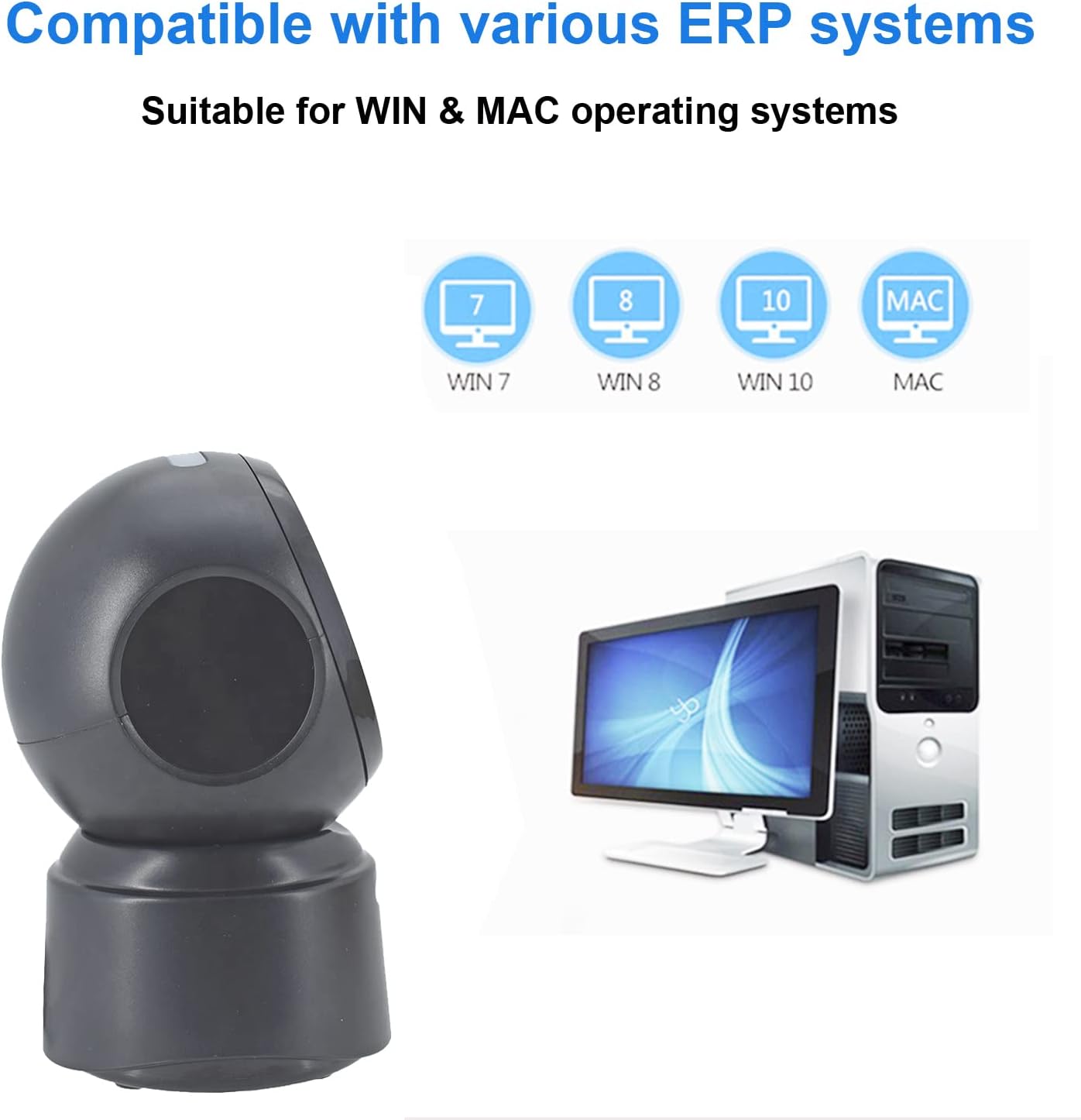
Figura 5.2: Compatibilità con vari sistemi operativi.
6. Istruzioni per l'uso
6.1 Procedura di scansione di base
The D7800 scanner operates in an automatic, hands-free mode. Once connected, it is ready to scan.
- Assicurarsi che lo scanner sia collegato al computer e acceso.
- Posizionare il codice a barre sulla finestra di scansione. Lo scanner rileverà e leggerà automaticamente il codice a barre.
- A successful scan is typically indicated by an audible beep and/or a visual confirmation (e.g., LED indicator).
- The scanned data will be transmitted to your computer as keyboard input.
6.2 Tipi di codici a barre di scansione
The scanner supports a wide range of 1D, 2D, and QR codes, including those that are less than perfect.
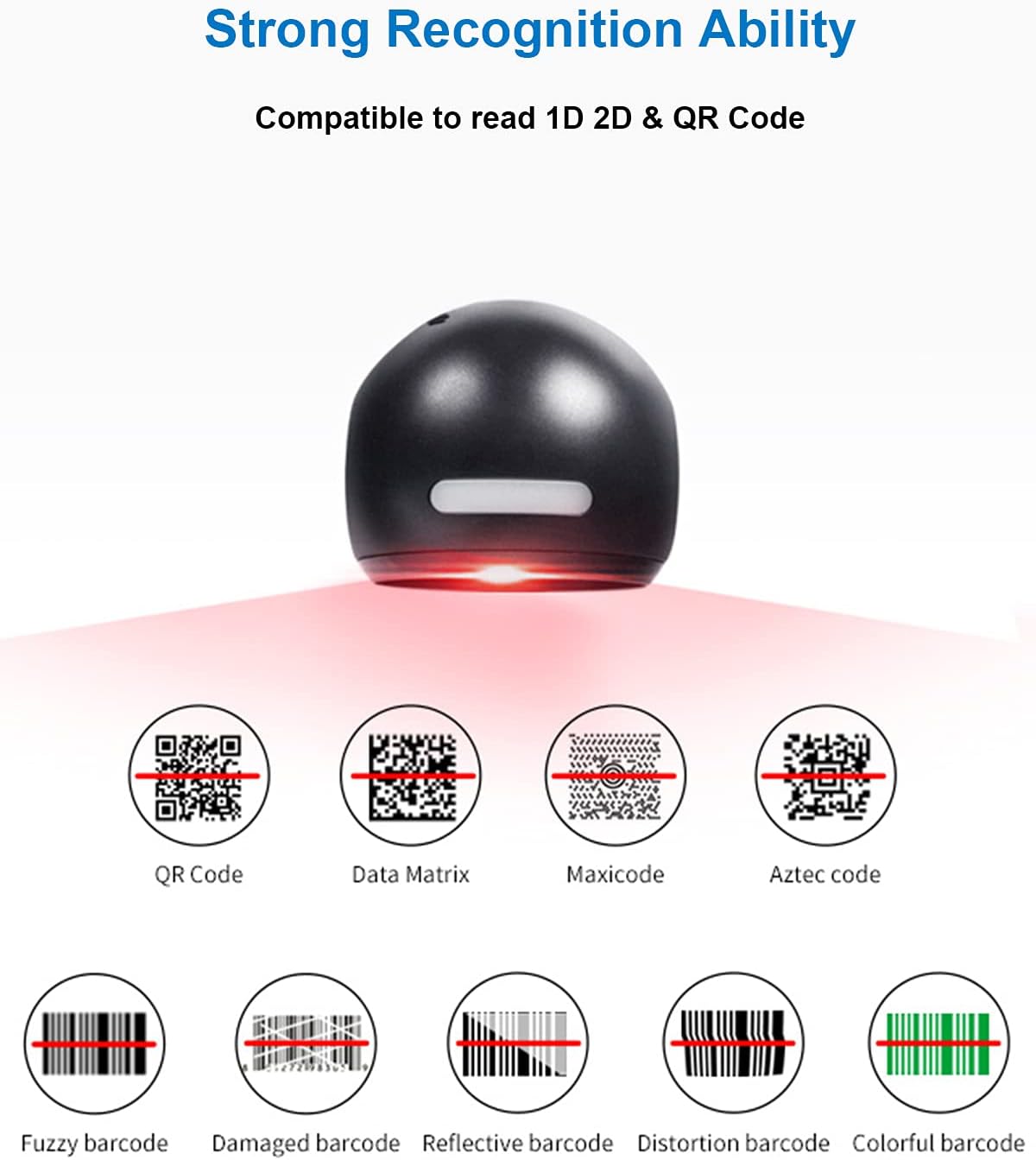
Figura 6.1: Examples of various barcode types and conditions the scanner can recognize.
6.3 On-Screen Barcode Scanning
The D7800 is capable of scanning barcodes directly from digital displays, such as smartphones, tablets, and computer monitors.

Figura 6.2: The scanner reading a barcode from a digital screen. Exampil codice a barre: 1234567890
6.4 Scenari applicativi
The LENVII D7800 is suitable for various environments requiring efficient barcode scanning.
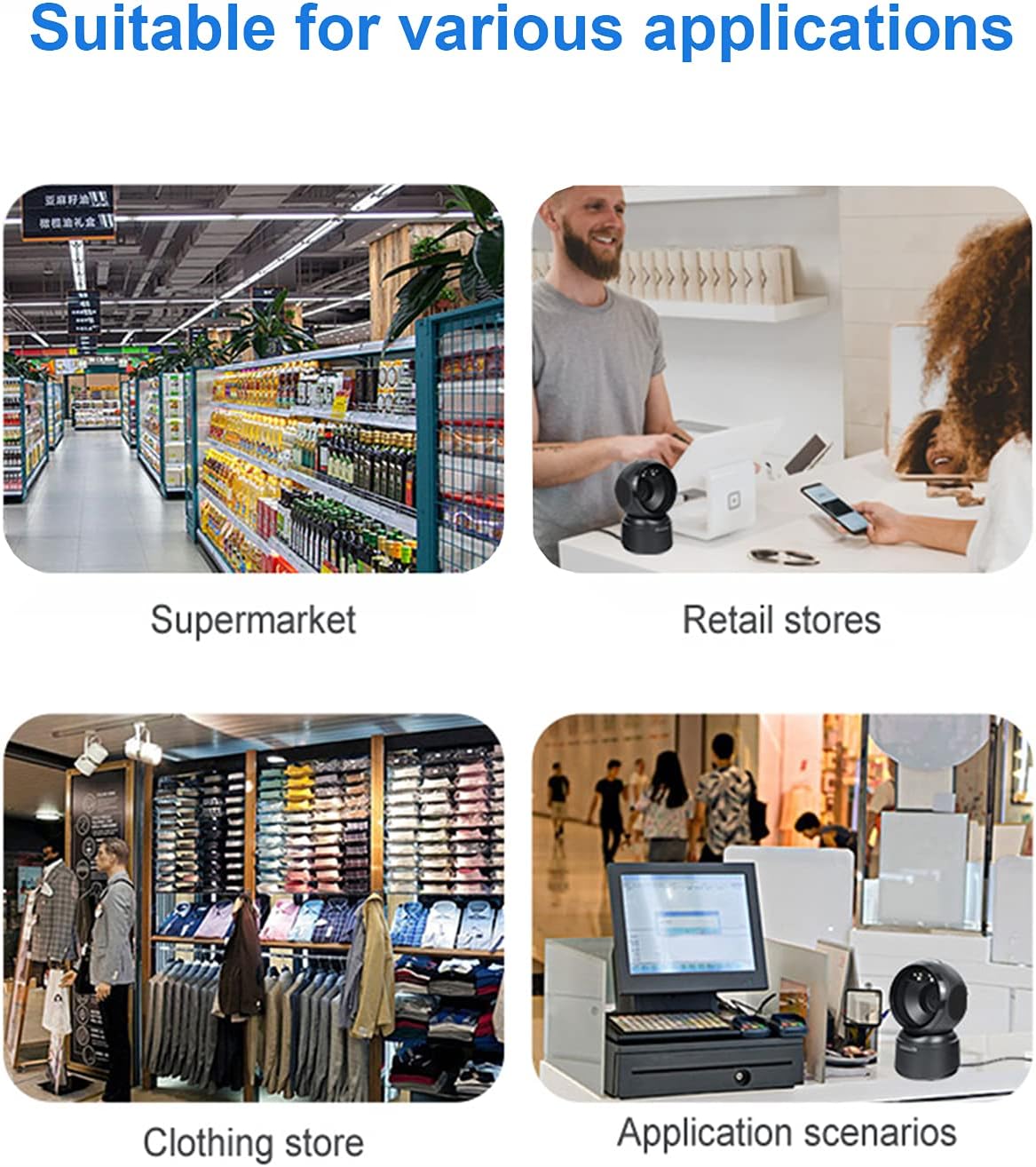
Figura 6.3: Common application environments for the scanner.
7. Manutenzione
7.1 Pulizia dello scanner
- Prima di procedere alla pulizia, assicurarsi che lo scanner sia scollegato dalla fonte di alimentazione.
- Per pulire la parte esterna dello scanner, utilizzare un panno morbido, asciutto e privo di lanugine.
- Per la finestra di scansione, utilizzare un panno per la pulizia delle lenti o un panno morbido leggermente dampened with a mild, non-abrasive cleaning solution. Avoid spraying cleaners directly onto the scanner.
- Do not use harsh chemicals, solvents, or abrasive materials, as these can damage the scanner's surface or scanning window.
7.2 Conservazione
When not in use, store the scanner in a cool, dry place, away from direct sunlight and extreme temperatures. The maximum storage temperature is 60°C (140°F).
8. Risoluzione Dei Problemi
| Problema | Possibile causa | Soluzione |
|---|---|---|
| Lo scanner non si accende. | Cavo USB non collegato correttamente o porta USB difettosa. | Ensure the USB cable is securely connected. Try a different USB port on your computer. |
| Lo scanner non legge i codici a barre. |
|
|
| I dati scansionati sono errati o incompleti. |
|
|
Se il problema persiste dopo aver provato queste soluzioni, contattare l'assistenza clienti.
9. Specifiche
| Caratteristica | Dettaglio |
|---|---|
| Modello | D7800 |
| Tipo | 2D CMOS Wired Barcode Scanner |
| Metodo di connessione | USB |
| Dimensioni (L x A x P) | 84 mm x 140.2 mm x 90.1 mm (circa 3.31 x 5.52 x 3.55 pollici) |
| Peso | 230 g (circa 0.51 libbre) |
| Materiale | addominali |
| Colore | Nero |
| Sorgente luminosa | 617nm LED (aimer); 6500K LEDs (illumination) |
| Sensore di immagine | 640 * 480 CMOS |
| Processore | ARM a 32 bit |
| Velocità di scansione | 200 volte / s |
| Energia | CC 5V |
| Attuale | 400 mA ± 5% |
| Sistema operativo compatibile | Windows XP/7/8/10, Mac OS, Linux |
| 1D Code Support | EAN-8, EAN-13, Codabar, CODE 39, CODE 93, CODE 128, China Post, GS1-128, UPC-A, UPC-E, ISBN/ISSN, ISBT, Interleaved 2 of 5, Standard 2 of 5, Matrix 2 of 5, Industrial 2 of 5, MSI, RSS, ITF14, Telepen, etc. |
| 2D/QR Code Support | Micro QR Code, Data Matrix, PDF417, Micro PDF417, Maxicode, Aztec, Hanxin, etc. |
| Massima temperatura di conservazione | 60°C (140°F) |
10. Garanzia e supporto
10.1 Informazioni sulla garanzia
LENVII products are covered by a limited warranty against defects in materials and workmanship. Please refer to the warranty card included with your product or contact LENVII customer support for specific warranty terms and conditions.
10.2 Assistenza clienti
For technical assistance, troubleshooting, or product inquiries, please contact LENVII customer support. Contact information can typically be found on the product packaging or the official LENVII websito.