
Introduzione
This manual provides instructions for the safe and efficient operation of your iLiving 12-Inch Rechargeable Battery Operated Camping Floor Fan. Please read all instructions carefully before use and retain this manual for future reference.
Importanti istruzioni di sicurezza
- Assicurarsi sempre che il ventilatore sia posizionato su una superficie stabile e piana per evitare che si ribalti.
- Do not insert fingers or any objects through the fan grilles when the fan is operating.
- Keep the fan away from water or excessive moisture. This product has an IPx4 rating for indoor and outdoor use, but should not be submerged.
- Non utilizzare il ventilatore con un cavo o una spina danneggiati.
- Tenere i bambini e gli animali domestici lontani dal ventilatore durante il funzionamento.
- Disconnect the power adapter when not in use or before cleaning.
- Utilizzare solo l'adattatore fornito per la ricarica.
Contenuto della confezione
- iLiving 12-Inch Rechargeable Fan
- Adattatore di alimentazione
- Manuale del proprietario
Prodotto finitoview
Familiarize yourself with the main parts of your iLiving fan.
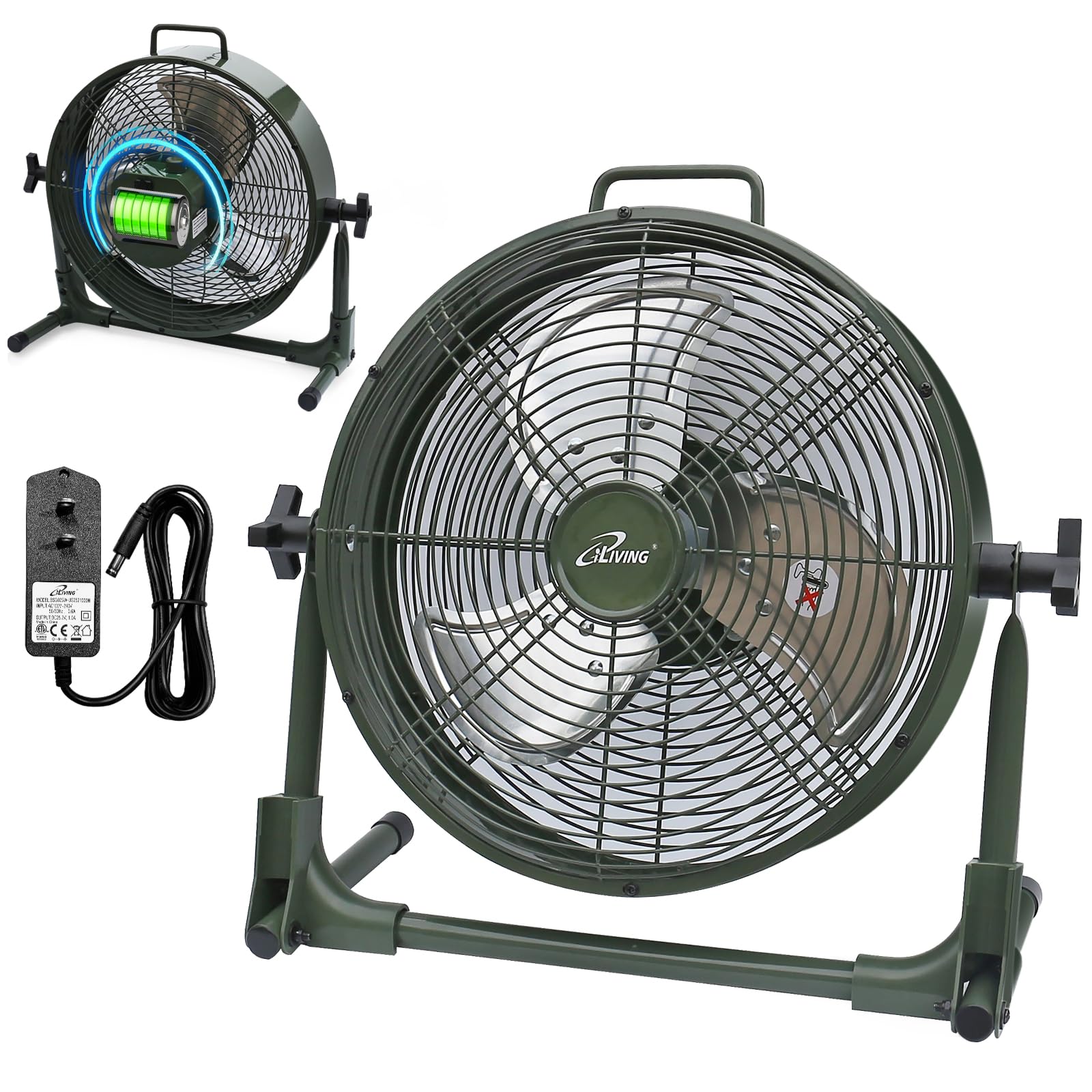
Impostare
Your iLiving fan comes mostly pre-assembled. Follow these steps for initial setup:
- Unpack the fan and all accessories from the box.
- Posizionare il ventilatore su una superficie piana e stabile.
- Adjust the fan head to your desired angle by loosening the side knobs, tilting the fan, and then tightening the knobs.
- Before first use, fully charge the fan using the provided power adapter. Connect the adapter to the charging port on the fan and plug it into a standard electrical outlet. The battery indicator lights will show charging progress.
Istruzioni per l'uso
Accensione/spegnimento e regolazione della velocità
The fan features a control knob located on the back for power and speed adjustment.
- To turn the fan on, rotate the control knob clockwise from the "OFF" position.
- Continue rotating the knob clockwise to increase the fan speed from "LOW" to "MAX".
- To decrease the fan speed, rotate the knob counter-clockwise.
- To turn the fan off, rotate the knob counter-clockwise until it reaches the "OFF" position.
Indicatore della batteria
The LED lights next to the control knob indicate the current battery level. When charging, these lights will illuminate to show progress.

Funzione Power Bank
Your iLiving fan can also function as a portable power bank to charge mobile devices.
- Locate the USB charging port on the back of the fan.
- Connect your mobile device's USB cable (not included) to this port.
- Press the "USB ON/OFF" button to activate the charging function.
- The fan's internal battery will provide power to charge your device.

Manutenzione
Cura e pulizia
- Prima di pulire il ventilatore, staccare sempre la spina.
- Utilizzare un morbido, damp panno per pulire le superfici esterne del ventilatore.
- To clean the fan blades, carefully remove the front grille (if removable, otherwise use a vacuum cleaner with a brush attachment). Ensure the fan is completely off and unplugged.
- Non utilizzare detergenti abrasivi o solventi, poiché potrebbero danneggiare la finitura della ventola.
- Conservare il ventilatore in un luogo fresco e asciutto quando non in uso.
Risoluzione dei problemi
Problemi comuni
| Problema | Possibile causa | Soluzione |
|---|---|---|
| La ventola non si accende. | Nessuna alimentazione o batteria scarica. | Ensure the fan is charged or plugged into a working outlet. Check the power adapter connection. |
| La ventola funziona lentamente o debolmente. | Batteria scarica o ostruzione. | Charge the battery fully. Check for any obstructions around the fan blades or grilles. |
| La porta di ricarica USB non funziona. | USB function not activated or low fan battery. | Press the "USB ON/OFF" button. Ensure the fan has sufficient battery charge to power external devices. |
| Rumore insolito durante il funzionamento. | Loose parts or foreign object. | Turn off and unplug the fan. Inspect for any loose parts or foreign objects within the fan grille. If the issue persists, contact customer support. |
Specifiche del prodotto
| Caratteristica | Dettaglio |
|---|---|
| Nome del modello | ILG8RX12 |
| Marca | ioVivere |
| Dimensioni del prodotto | 7.25"P x 16"L x 15.25"A |
| Peso dell'articolo | 6.4 libbre |
| Fonte di alimentazione | Rechargeable Battery Operated |
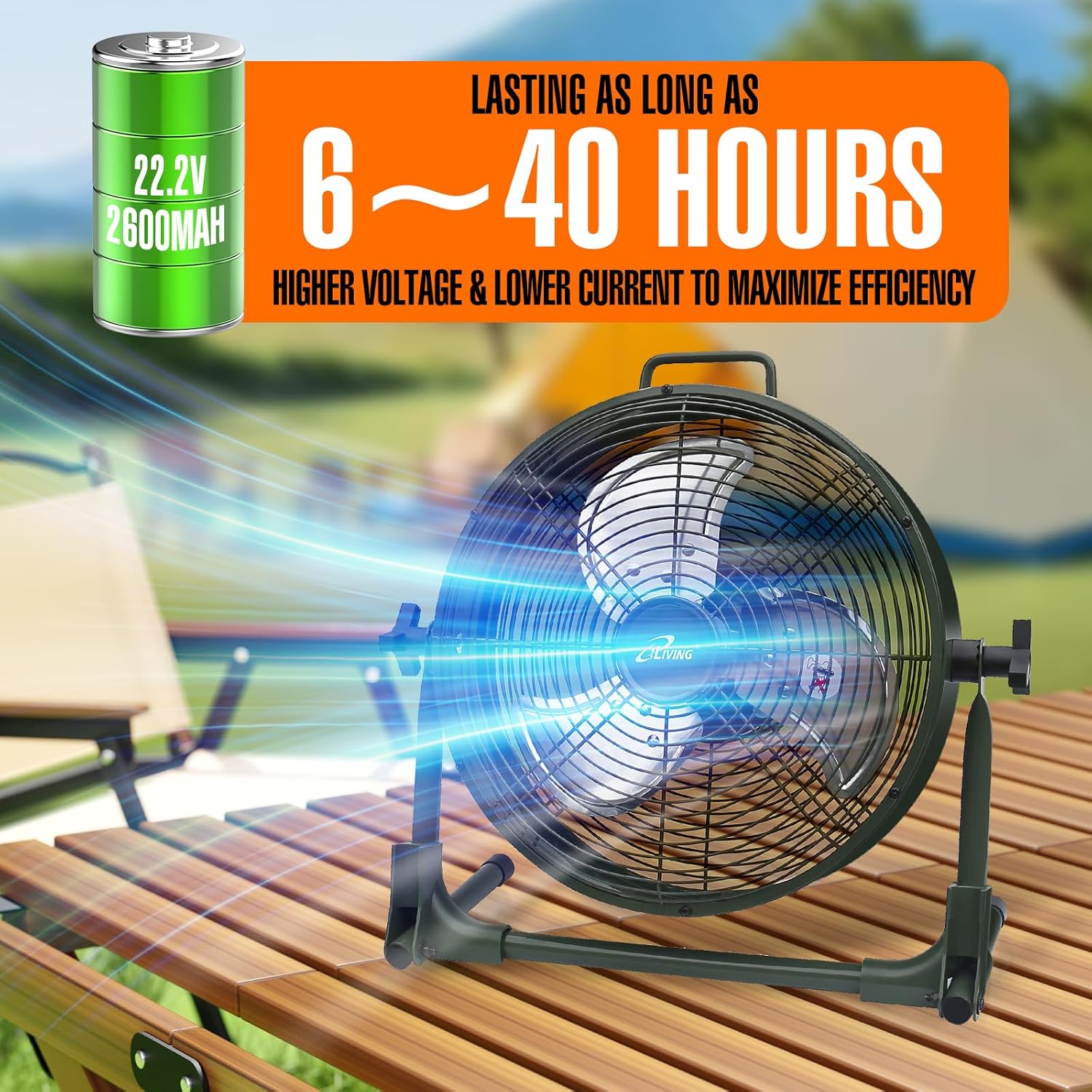
| Batteria | Ioni di litio da 22.2 V, 2600 mAh |
| Cosatage | 13 watt |
| Velocità | 1360 giri al minuto |
| Livello di rumore | 58 decibel |
| Materiale | Metallo (casing), Plastic (blade) |
| Caratteristica speciale | Adjustable Tilt, Power Bank Function |
| Uso interno/esterno | Interno, Esterno |
| Resistenza all'acqua | Classificazione IPx4 |
| Componenti inclusi | Rechargeable Fan, Adapter, Owner's Manual |
| Certificazioni | UL, cUL |
Informazioni sulla garanzia
This iLiving product comes with a 1-Year Limited Component Warranty. For warranty claims or technical assistance, please contact iLiving customer service.
Assistenza clienti
For any questions, concerns, or support needs, please visit the official iLiving websito o contattare il loro servizio clienti.
You can also leave a review for the product at Amazon Product Review Pagina.