
AULA S505
AULA S505 USB Gaming Headset Instruction Manual
Modello: S505 | Marca: AULA
Introduzione
Thank you for choosing the AULA S505 USB Gaming Headset. This manual provides essential information for setting up, operating, and maintaining your headset to ensure optimal performance and longevity. Please read this manual thoroughly before use.

Image: AULA S505 USB Gaming Headset with RGB lighting.
Caratteristiche principali
- Immersive Virtual 7.1 Surround Sound: Experience precise positional audio with 50mm neodymium magnet drivers, delivering strong bass and clear treble for an immersive gaming and multimedia experience.
- Microfono con cancellazione del rumore: The 360° rotatable microphone reduces ambient noise, ensuring clear and loud voice pickup for effective communication. It can be easily turned on or off via the in-line control.
- Charming RGB Backlight: Built-in LED lights display dynamic rainbow lighting effects, enhancing the gaming atmosphere. The lighting can be turned off when not desired.
- Comodo controllo in linea: The 2.1m USB wired headset features a one-key control button for quick adjustments to volume, mute, microphone on/off, and RGB lighting control.
- Design intuitivo: Lightweight (approx. 320g) with an adjustable padded headband for various head shapes. Soft memory earmuffs with breathable cloth reduce pressure and prevent sweat for comfortable long-term use.
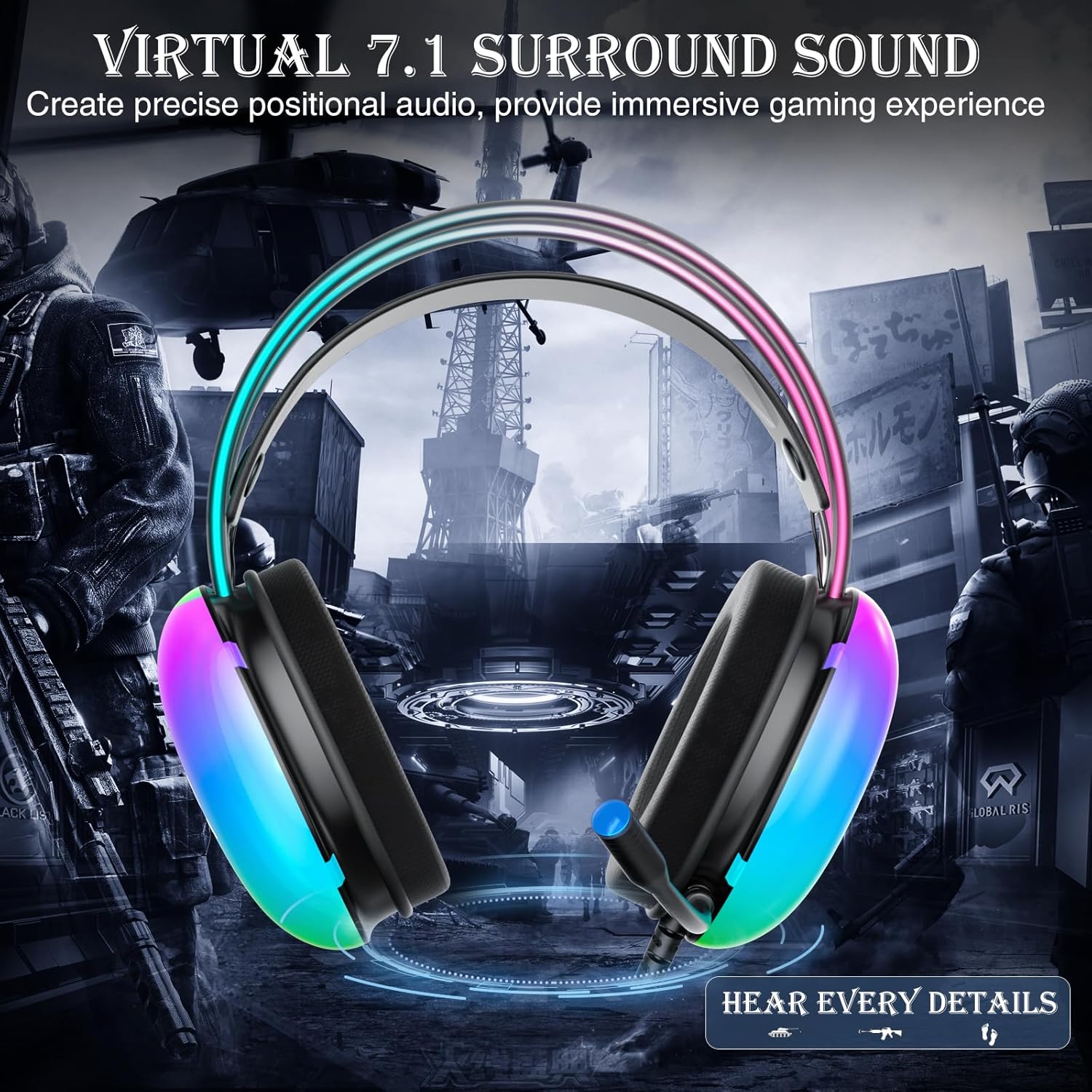
Image: Diagram illustrating virtual 7.1 surround sound and 50mm drivers.
Video: Demonstrating the AULA S505 USB Gaming Headset with Virtual 7.1 Surround Sound.
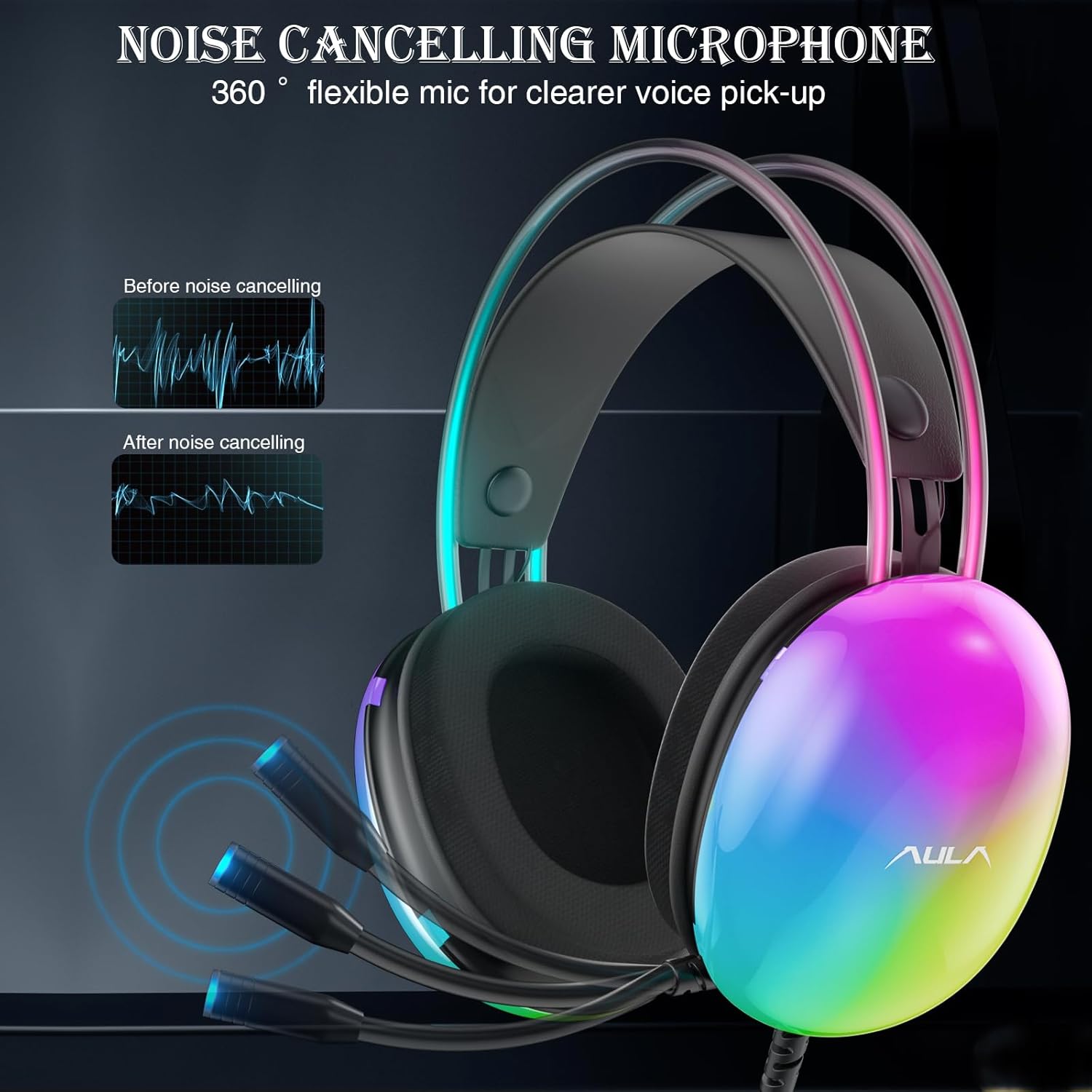
Image: Headset with its noise-canceling microphone extended.
Video: Mostraasing the AULA S505 Black USB Gaming Headset with Noise Cancelling Mic.

Image: AULA S505 headset displaying dynamic RGB lighting effects.
Video: Highlighting the unique RGB lighting of the AULA S505 Headset.
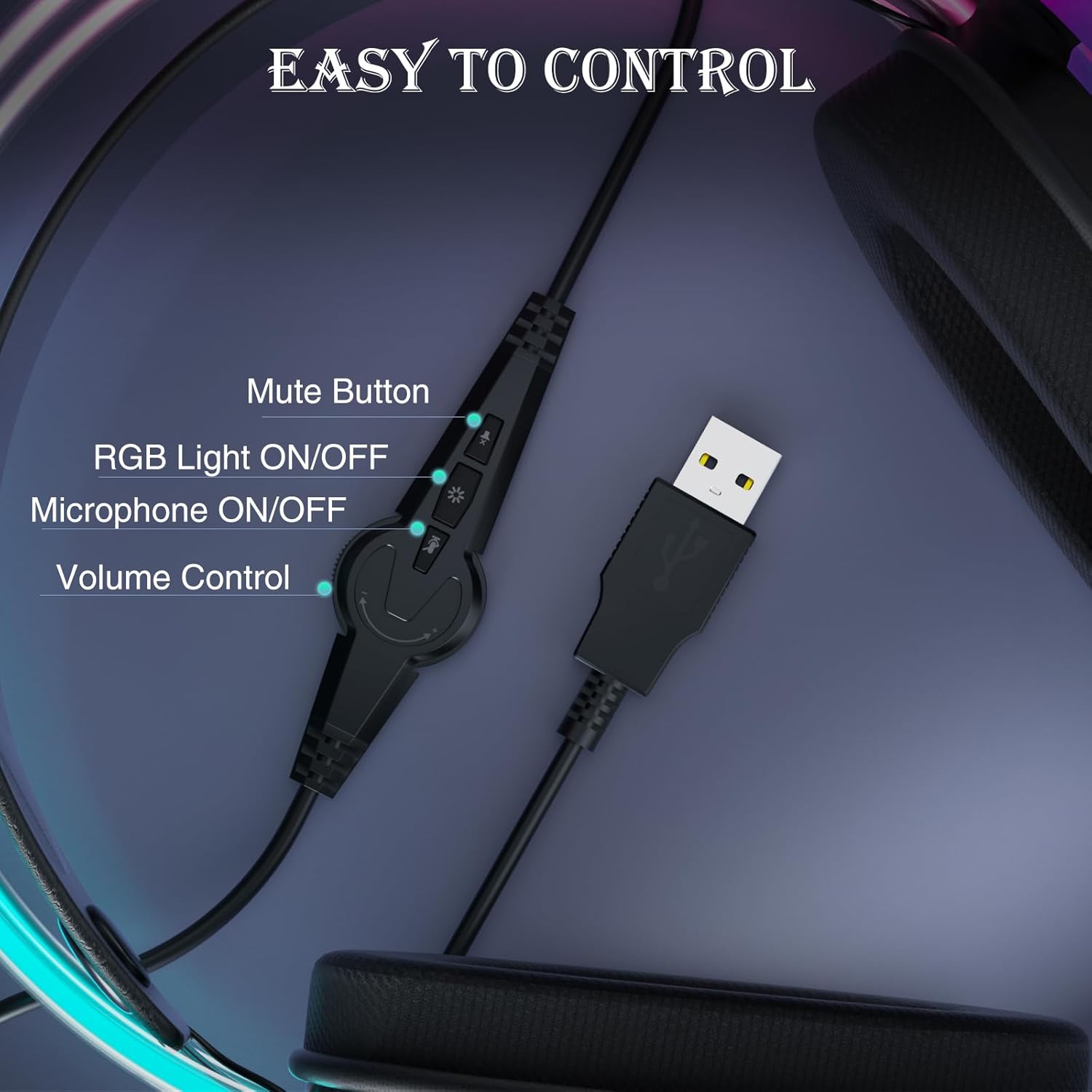
Image: Close-up of the in-line control unit with buttons for volume, mute, mic, and RGB.
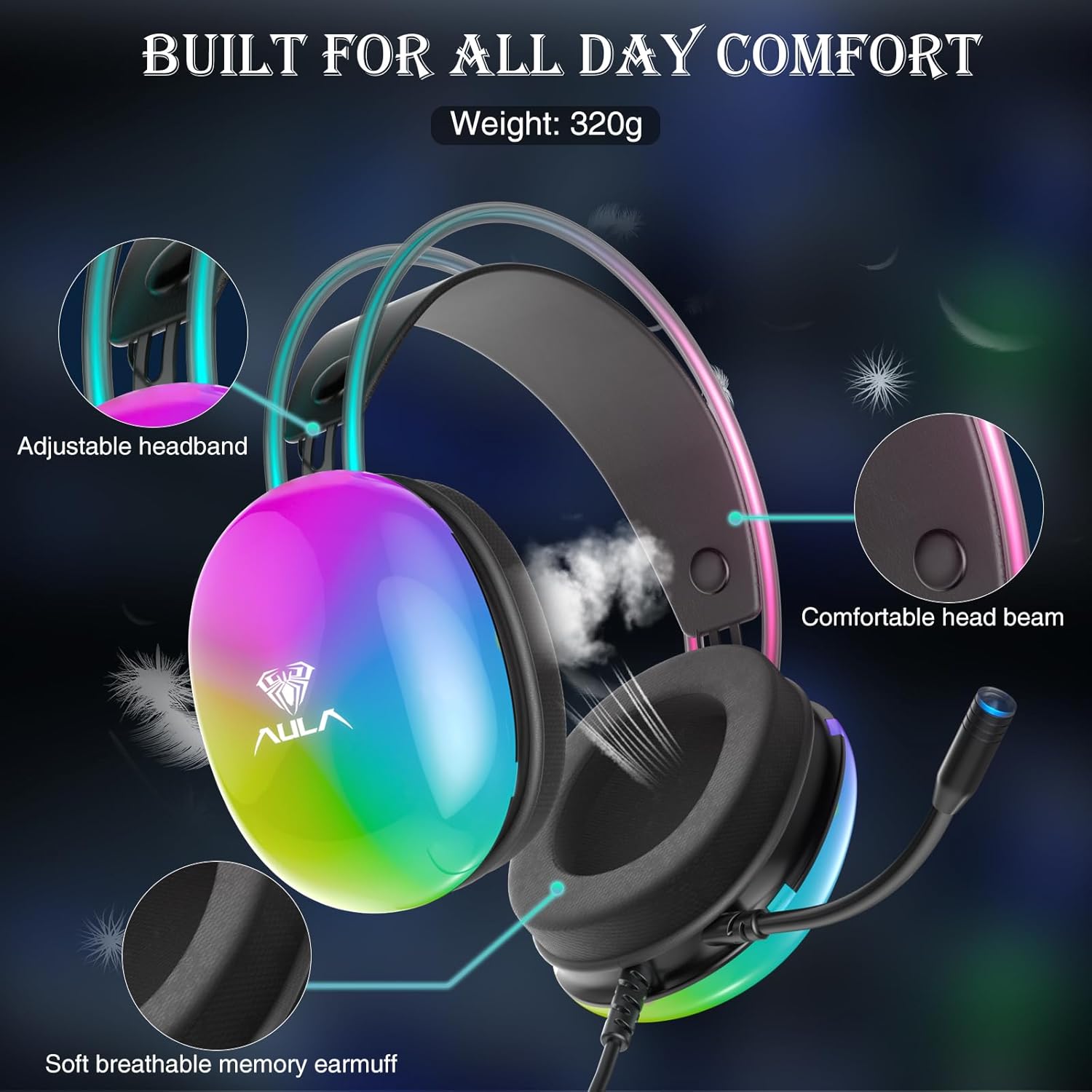
Image: Diagram showing adjustable headband and soft memory earmuffs for comfort.
Istruzioni di installazione
- Connetti al dispositivo: Plug the USB connector of the AULA S505 headset into an available USB port on your PC, laptop, or other compatible device. The headset is plug-and-play, requiring no additional drivers or software installation.
- Regola la fascia: Gently adjust the padded headband to fit comfortably on your head. The headband is designed to be auto-adjustable for various head sizes.
- Posizione del microfono: Rotate the flexible microphone boom to a position near your mouth for optimal voice pickup.
- Controllo del volume iniziale: Before starting your game or application, use the in-line volume control to set an appropriate listening level.
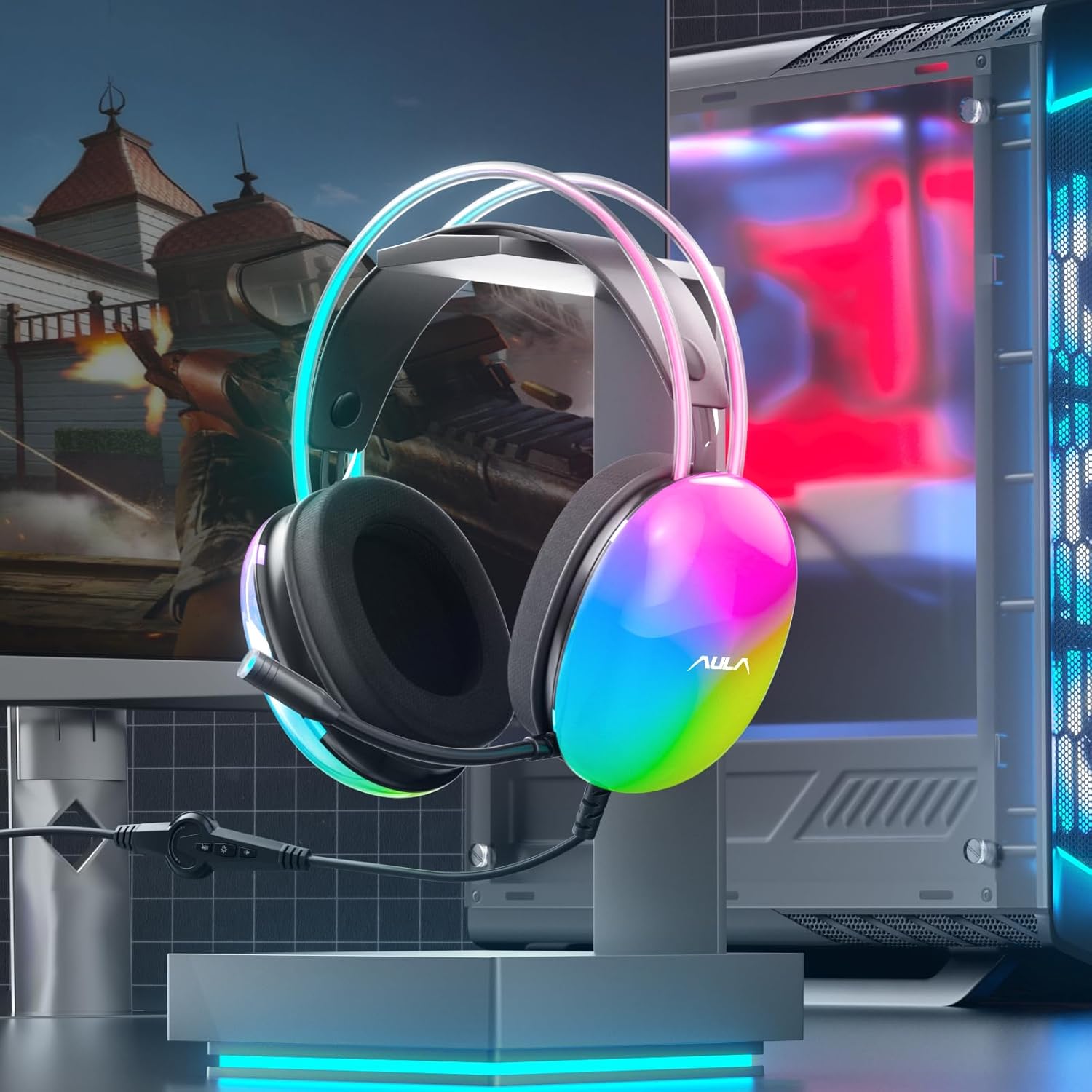
Image: AULA S505 headset connected to a desktop computer setup.
Istruzioni per l'uso
- Controllo del volume: Use the rotary dial on the in-line control unit to increase or decrease the audio volume.
- Microfono disattivato: Press the microphone button on the in-line control to mute or unmute the microphone. An indicator light on the microphone tip may show its status (e.g., blue for active).
- Controllo dell'illuminazione RGB: Press the light button on the in-line control to toggle the RGB backlight effects on or off.
- Suono surround virtuale 7.1: The virtual 7.1 surround sound is automatically enabled upon connection. Ensure your device's audio settings are configured to output stereo sound for the headset to process the virtual surround effect.

Image: User wearing the AULA S505 headset with active RGB lighting.
Manutenzione
- Pulizia: Use a soft, dry cloth to wipe the headset. For earmuffs, a slightly damp cloth can be used, but ensure they are completely dry before next use. Do not use harsh chemicals or abrasive cleaners.
- Magazzinaggio: Conservare le cuffie in un luogo fresco e asciutto, lontano dalla luce solare diretta e da temperature estreme. Evitare che il cavo si aggrovigli.
- Cura del cavo: Do not pull the cable forcefully or bend it sharply, as this can damage internal wiring.
Risoluzione dei problemi
- Nessun suono dalle cuffie:
- Assicurarsi che il connettore USB sia completamente inserito nella porta.
- Check the in-line volume control and increase it if necessary.
- Verify your computer's audio output settings are set to the AULA S505 headset.
- Test the headset on another USB port or device to rule out a port issue.
- Microfono non funzionante:
- Ensure the microphone is not muted via the in-line control.
- Check your computer's microphone input settings and select the AULA S505 headset as the default input device.
- Verificare che il braccio del microfono sia posizionato correttamente.
- Le luci RGB non funzionano:
- Press the RGB light button on the in-line control to ensure it is turned on.
- Verificare che la connessione USB sia sicura.
Specifiche
| Caratteristica | Dettaglio |
|---|---|
| Marca | Aula |
| Numero di modello | S505 |
| Tecnologia di connettività | Cablato (USB) |
| Dimensioni del conducente | 50mm |
| Tipo di suono | Suono surround virtuale 7.1 |
| Microfono | Noise Canceling, 360° Rotatable |
| Illuminazione | RGB Rainbow Backlit |
| Controlli in linea | Volume, Mic On/Off, RGB On/Off |
| Posizionamento dell'orecchio | Sopra l'orecchio |
| Materiale delle cuffie antirumore | Soft Memory Foam with Breathable Cloth |
| Peso dell'articolo | 390 grammi |
| Lunghezza del cavo | 2.1 metri |
| Dispositivi compatibili | PC, Laptops, Tablets (with USB input) |
Informazioni sulla garanzia
The AULA S505 USB Gaming Headset comes with a Garanzia limitata di 1 anni dalla data di acquisto. La presente garanzia copre difetti di fabbricazione e di lavorazione. Non copre danni causati da uso improprio, incidenti, modifiche non autorizzate o normale usura. Si prega di conservare la prova d'acquisto per eventuali reclami in garanzia.
Supporto
For further assistance, technical support, or warranty inquiries, please refer to the contact information provided on the product packaging or visit the official AULA website. You may also contact your retailer for support.
Ask a question about this manual
Ask about setup, troubleshooting, compatibility, parts, safety, or missing instructions. Manuals+ will review the question and use this page’s manual context to help answer it.