
Introduzione
This manual provides detailed instructions for the installation, operation, and maintenance of your Mars Gaming MARSGAMING MCX ATX PC Gaming Case, Model MCF. Please read this manual thoroughly before beginning assembly to ensure proper setup and optimal performance.

Figure 1: Mars Gaming MARSGAMING MCX ATX PC Gaming Case (Model MCF)
Caratteristiche principali
- Advanced Gaming Lighting: Features triple vented front and rear fans with ARGB lighting, complemented by a Metal-Mesh front design and tempered glass side window.
- Design aerodinamico: Sophisticated look with pure geometric lines and premium finishes. The aerodynamically designed front panel enhances ventilation and airflow.
- Full ARGB Compatibility: ARGB lighting with multiple preset effects, controllable via an ARGB connector or motherboard for extensive aesthetic customization.
- Capacità di raffreddamento massima: Includes a triple front fan system and a 120mm rear fan. Supports up to 6 x 120mm fans, removable magnetic top and bottom filters, and dual chamber design. Full support for up to 360mm liquid cooling.
- Maximum Internal Capacity: Supports ATX, micro-ATX, and mini-ITX motherboards, up to 5 hard drives, and efficient internal cable management. Accommodates VGAs up to 305mm long (330mm without front fan) and 167mm wide, and heatsinks up to 177mm high.
Contenuto della confezione
Verificare che tutti i componenti siano presenti nella confezione prima di procedere con l'installazione.
- Mars Gaming MARSGAMING MCX ATX PC Gaming Case (Model MCF)
- 4 ventole ARGB da 120 mm (preinstallate)
- Accessory kit (screws, standoffs, cable ties)
- Manuale dell'utente (questo documento)
Istruzioni di installazione
1. Preparazione del caso
Place the case on a stable, flat surface. Remove the tempered glass side panel by unscrewing the thumb screws at the rear of the case and carefully sliding the panel off.
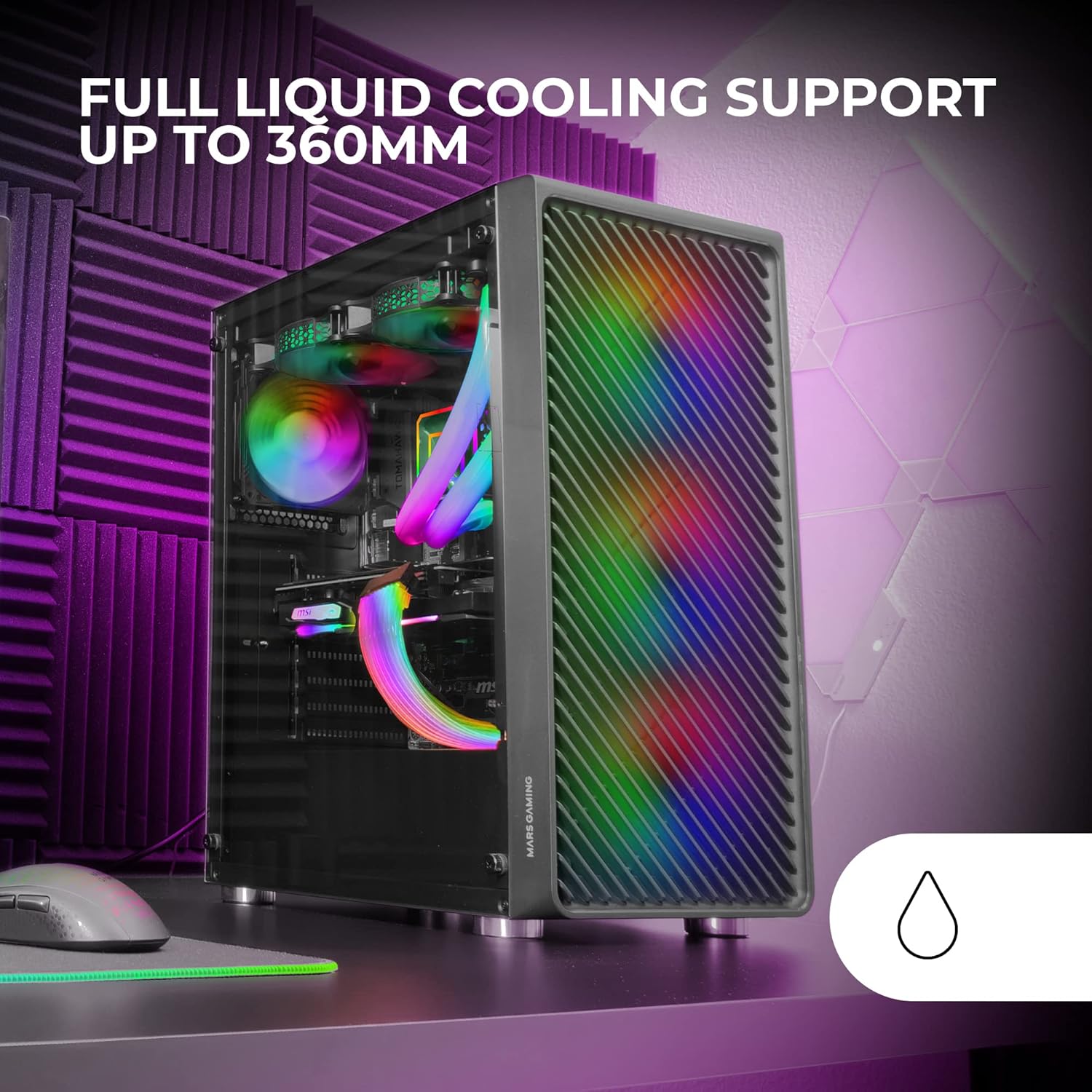
Figure 2: Tempered Glass Side Window
The front panel features a Metal-Mesh design for optimal airflow.

Figure 3: Metal-Mesh Front Panel
2. Installazione della scheda madre
Install the appropriate standoffs for your ATX, Micro-ATX, or Mini-ITX motherboard. Carefully place the motherboard into the case, aligning it with the standoffs and the I/O shield opening. Secure the motherboard with screws from the accessory kit.
3. Installazione dell'unità di alimentazione (PSU)
The case features a bottom-mount power supply design. Slide your PSU into its designated compartment at the bottom rear of the case and secure it with screws. Route the necessary cables through the cable management cutouts.
4. Installazione dell'unità di archiviazione
Install your 3.5-inch hard drives and 2.5-inch solid-state drives into the available drive bays. The case supports up to 5 hard drives. Refer to the internal layout diagram for bay locations.
5. Installazione della scheda grafica (VGA)
Remove the necessary PCI-E slot covers. Insert your graphics card into the appropriate PCI-E slot on your motherboard and secure it with screws. The case supports VGAs up to 305mm long (330mm without a front fan) and 167mm wide.
6. Installazione del sistema di raffreddamento (ventole e raffreddamento a liquido)
The case comes with four pre-installed 120mm ARGB fans (three front, one rear). Additional fans can be installed as follows:
- Superiore: Fino a 2 ventole da 120 mm o 2 ventole da 140 mm.
- Davanti: Up to 3 x 120mm or 2 x 140mm fans (pre-installed).
- Posteriore: 1 ventola da 120 mm (preinstallata).
For liquid cooling, the case supports radiators up to 360mm.

Figure 4: Pre-installed 4x 120mm ARGB Fans

Figure 5: Internal Layout and Cooling Support
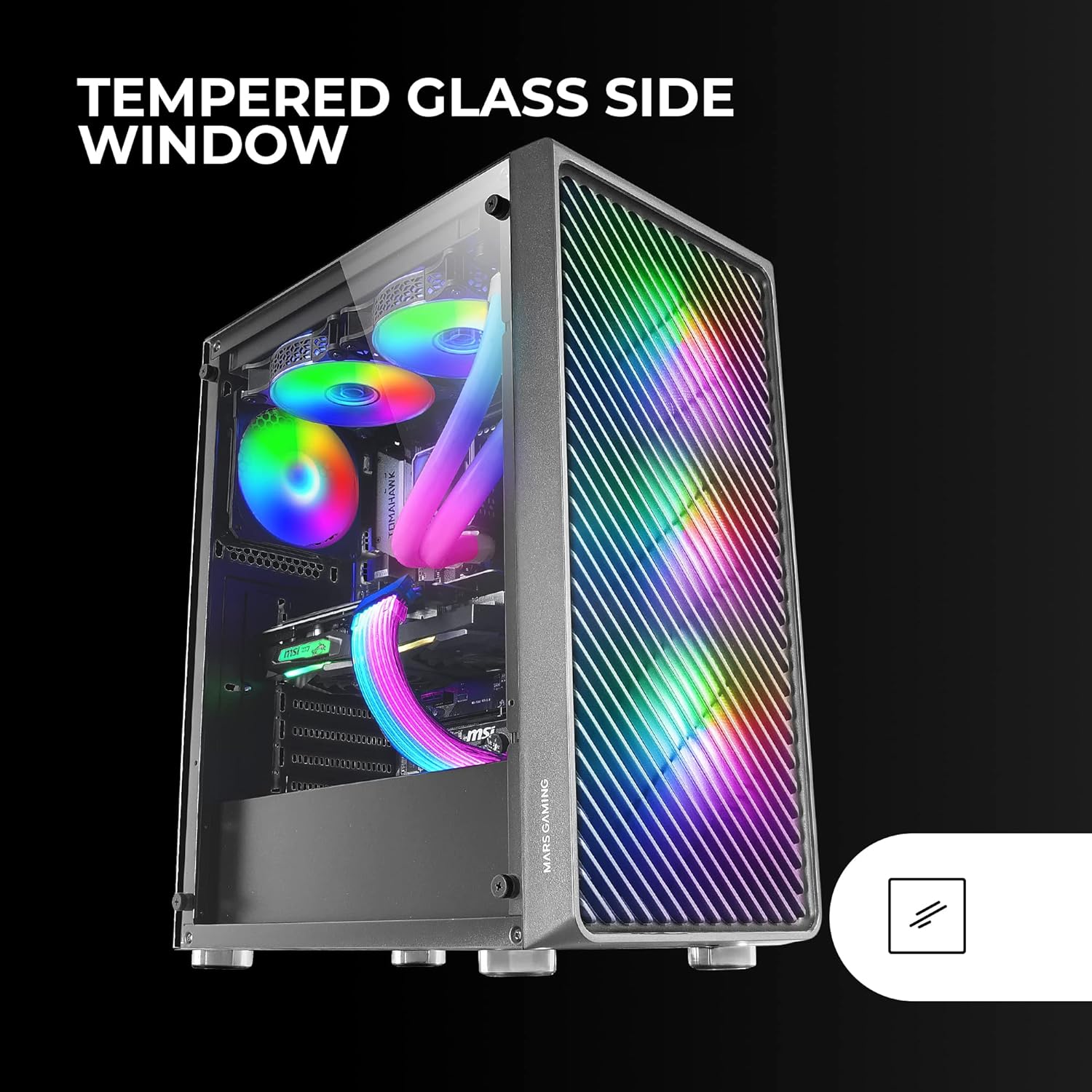
Figure 6: Liquid Cooling Support
7. Gestione dei cavi
Utilizzate i fori per la gestione dei cavi e i punti di fissaggio dietro il vassoio della scheda madre per instradare e fissare i cavi. Questo migliora il flusso d'aria e l'estetica.
8. Assemblaggio finale
Una volta installati tutti i componenti e sistemati i cavi, riattaccare il pannello laterale in vetro temperato e fissarlo con le viti ad alette.
Istruzioni per l'uso
Accensione
Connect your power supply to a wall outlet. Press the power button located on the top panel of the case to turn on your system.
Controllo dell'illuminazione ARGB
The pre-installed ARGB fans can be controlled via your motherboard's ARGB software (if connected to an ARGB header) or through the integrated controller (if applicable). Refer to your motherboard manual for specific ARGB software instructions. The case offers multiple preset lighting effects.
Manutenzione
Pulizia della custodia
Pulire regolarmente l'esterno della custodia con un panno morbido eamp cloth. Avoid abrasive cleaners. For interior cleaning, use compressed air to remove dust from components and fans.
Manutenzione del filtro antipolvere
The case features removable magnetic dust filters on the top and bottom. Periodically remove and clean these filters to maintain optimal airflow and prevent dust buildup inside the system. Wash with water and mild soap, then dry completely before reattaching.
Risoluzione dei problemi
Fans Not Spinning / RGB Not Working
- Check all fan and ARGB connections to the motherboard or controller.
- Assicurarsi che l'alimentatore fornisca una potenza adeguata.
- Verify that ARGB software or physical controls are correctly configured.
Flusso d'aria scarso / surriscaldamento
- Pulire tutti i filtri antipolvere e le ventole.
- Ensure proper fan orientation for intake and exhaust.
- Verificare che nessun cavo ostruisca il flusso d'aria.
- Consider adding additional fans if temperatures remain high.
Il sistema non si accende
- Controllare tutti i collegamenti di alimentazione dall'alimentatore alla scheda madre e ai componenti.
- Assicurarsi che il cavo del pulsante di accensione del pannello frontale sia collegato correttamente alla scheda madre.
- Verify the PSU is switched on.
Specifiche
| Caratteristica | Dettaglio |
|---|---|
| Marca | Mars Gaming |
| Nome del modello | Il MCF |
| Tipo di caso | Mid Tower |
| Compatibilità della scheda madre | ATX, Micro ATX, Mini-ITX |
| Materiale | Metallo |
| Colore | Nero |
| Dimensioni dell'articolo (P x L x A) | 14.96"P x 8.5"L x 18.11"A |
| Peso dell'articolo | 4.7 chilogrammi |
| Internal Bays Quantity | 5 (for 3.5" Hard Disk Form Factor) |
| Lunghezza massima GPU | 305mm (330mm without front fan) |
| Altezza massima del dispositivo di raffreddamento della CPU | 177mm |
| Ventole preinstallate | 4 ventole ARGB da 120 mm |
| Metodo di raffreddamento | Aria, Acqua |
| Supporto per il raffreddamento a liquido | Radiatore fino a 360 mm |
| Tipo di montaggio dell'alimentatore | Montaggio inferiore |
| Porte USB totali | 2 (USB 2.0) |
| Caratteristiche speciali | RGB Lighting, Tempered Glass Side Panel, Metal-Mesh Front Panel |
Garanzia e supporto
Per informazioni sulla garanzia e supporto tecnico, fare riferimento al sito ufficiale Mars Gaming webo contattare il servizio clienti. Conservare la prova d'acquisto per eventuali reclami in garanzia.
Produttore: Mars Gaming