
1. Introduzione
The Arlo Video Doorbell 2K (2nd Generation) is a comprehensive home security device designed to monitor your front door with advanced features. It offers flexible installation options, functioning either wirelessly with its rechargeable battery or wired to existing doorbell wiring for continuous power. This device provides crystal-clear 2K video resolution, a wide 180-degree field of view for head-to-toe coverage, and enhanced night vision capabilities. With two-way audio, you can communicate with visitors remotely, and smart alerts for people, packages, and vehicles keep you informed. The integrated siren adds an extra layer of security, allowing you to deter unwanted guests. Manage all features and settings conveniently through the Arlo Secure App.

Image: Arlo Video Doorbell 2K (2nd Generation) highlighting key features like 2K video, 180-degree field of view, night vision, 2-way audio, motion detection, and wired/wireless installation.
2. Cosa c'è nella scatola
Upon unboxing your Arlo Video Doorbell 2K (2nd Generation), you should find the following components:
- 1x Arlo Video Doorbell
- Cavo di ricarica
- 1x Wire Extension Kit
- 1x piastra di montaggio
- 1x Angled Bracket
Video: An official Arlo video showcasing the Arlo Video Doorbell (2nd Generation) and its features.
3. Impostazione
Before installation, ensure your Arlo Video Doorbell is fully charged using the provided USB charging cable. Download the Arlo Secure App from your device's app store to guide you through the setup process. The app will provide step-by-step instructions for both wired and wireless installations.
3.1. Configurazione wireless
For wireless installation, simply charge the doorbell, connect it to your home Wi-Fi network via the Arlo Secure App, and then secure the mounting plate to your desired location. The doorbell attaches to this plate.

Image: Steps for wireless installation of the Arlo Video Doorbell, including charging, app connection, and mounting.
3.2. Wired Setup
If you have existing doorbell wiring, you can opt for a wired installation for continuous power. This involves disconnecting your old doorbell, connecting the Arlo doorbell to the existing wires using the wire extension kit, and then mounting it. The Arlo Secure App will walk you through the electrical connections and mounting.
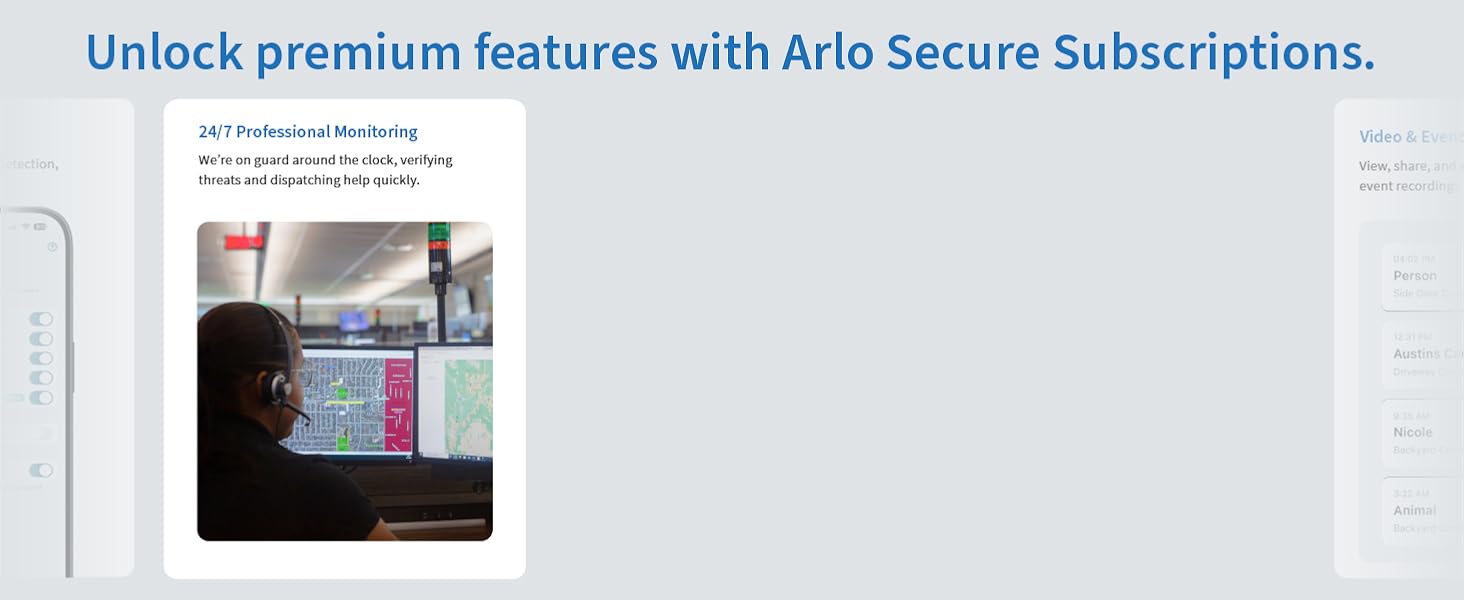
Image: Steps for wired installation of the Arlo Video Doorbell, detailing electrical connections and mounting.
4. Funzionamento
The Arlo Video Doorbell is designed for intuitive operation through the Arlo Secure App, providing real-time monitoring and control.
4.1. Caratteristiche principali
- Risoluzione video 2K: Cattura cibo chiaro e dettagliatotage della tua porta.
- Campo di 180 gradi View: See visitors from head to toe and packages on the ground with an expansive diagonal viewangolo di ing.
- Visione notturna: Monitor your property effectively even in low-light conditions with advanced night vision.
- Audio bidirezionale: Communicate directly with visitors through the doorbell via your smartphone or tablet.
- Rilevamento movimento e avvisi: Receive instant notifications on your smart device when motion is detected, with customizable activity zones.
- Attivazione sirena remota: Trigger a built-in siren remotely from the app to deter intruders.

Image: Demonstrates the 2K video quality of the Arlo Video Doorbell, showing clear details even in challenging conditions.

Image: Illustrates the wide 180-degree field of view, ensuring comprehensive coverage of your doorstep.

Image: Shows the effectiveness of night vision, providing clear surveillance in dark conditions.

Image: Depicts the two-way audio feature, enabling seamless communication with visitors.
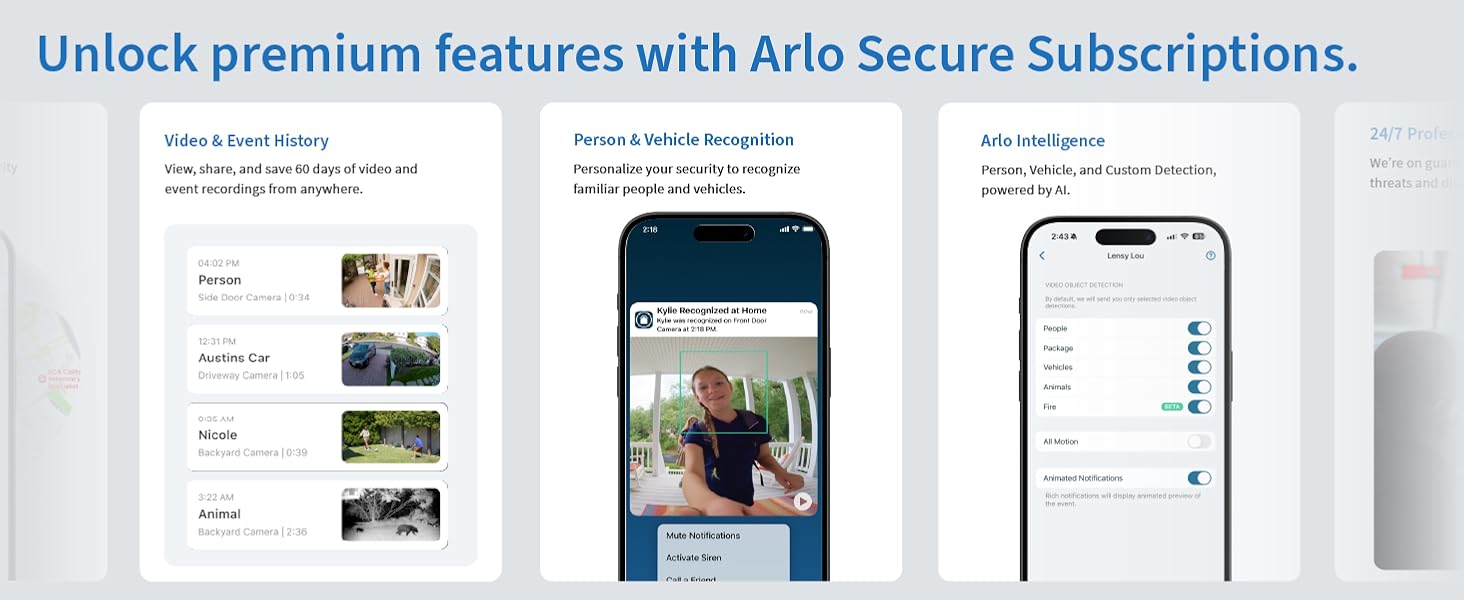
Image: Illustrates motion detection and alerts, showing how the app notifies users of activity at their door.
5. Manutenzione
5.1. Batteria in carica
If using the wireless option, the Arlo Video Doorbell is powered by a rechargeable battery. The Arlo Secure App will notify you when the battery level is low. To charge, detach the doorbell from its mounting plate and connect it to the provided USB charging cable. Ensure the doorbell is fully charged before reattaching it.
5.2. Pulizia
Per mantenere prestazioni ottimali, pulire periodicamente l'obiettivo della telecamera e l'esterno del campanello. Utilizzare un panno morbido eamp cloth to gently wipe away dust and debris. Avoid using harsh chemicals or abrasive materials that could damage the device.
5.3. All-Weather Performance
The Arlo Video Doorbell is designed with an IP65 weather-resistant rating, ensuring reliable operation in various outdoor conditions, including rain, snow, and extreme temperatures. While built to withstand the elements, regular checks for any obstructions or excessive build-up on the lens are recommended.
6. Risoluzione Dei Problemi
If you encounter issues with your Arlo Video Doorbell, consider the following common troubleshooting steps:
- Nessuna alimentazione/Non in carica: Ensure the USB charging cable is properly connected and the power source is active. For wired installations, verify the electrical connections are secure.
- Problemi di connettività: Check your Wi-Fi network strength. The doorbell requires a 2.4GHz Wi-Fi connection. If you have a dual-band router, ensure it's connected to the 2.4GHz band. Restarting your router and the doorbell may resolve connection problems.
- Scarsa qualità video: Ensure the camera lens is clean and free from obstructions. Check your Wi-Fi signal strength, as a weak signal can affect video streaming quality.
- Notifiche ritardate: Verify your smartphone's notification settings for the Arlo Secure App. A stable Wi-Fi connection is crucial for timely alerts.
- Problemi audio bidirezionali: Check the microphone and speaker settings within the Arlo Secure App. Ensure there are no physical obstructions blocking the microphone or speaker on the doorbell.
For more detailed assistance, refer to the Arlo Secure App's help section or visit the Arlo support websito.
7. Specifiche
| Numero di modello | AVD4001 |
| Uso interno/esterno | All'aperto |
| Fonte di alimentazione | Battery Powered (4730 mAh), Wired Option |
| Protocollo di connettività | Wi-Fi (2.4 GHz) |
| Risoluzione di acquisizione video | 2K (1944 Pixels) |
| Viewangolo di ing | 180 gradi |
| Gamma di visione notturna | 20 piedi |
| Livello di resistenza all'acqua | Grado di protezione IP65 |
| Dimensioni articolo (L x P x A) | 1.85 x 1.85 x 1.45 pollici |
| Peso dell'articolo | 7.2 once |
| Caratteristiche speciali | Audio bidirezionale, sensore di movimento, visione notturna, resistente alle intemperie |
8. Garanzia e supporto
8.1. Piano Arlo Secure
The Arlo Video Doorbell includes a trial period for the Arlo Secure Plan. This plan unlocks premium features such as 60-day video cloud storage, personalized alerts for person and vehicle recognition, package detection, and more. A paid subscription is required after the trial period to continue accessing these advanced features. For current information on features that require a paid subscription, please visit arlo.com/arlosecure.
8.2. Piani di protezione
Sono disponibili piani di protezione aggiuntivi da acquistare per estendere la copertura oltre la garanzia standard:
- Piano di protezione biennale: $ 4.99
- Piano di protezione biennale: $ 6.99
- Protezione completa: un unico piano copre tutti gli acquisti idonei passati e futuri a $ 16.99/mese.
8.3. Assistenza clienti
Arlo offers expert support through the Arlo Secure App and its community forums. 24/7 chat support is available via the app or websito. Si prega di notare che l'utilizzo e il supporto del prodotto sono principalmente destinati alla regione degli Stati Uniti.


