
1. Introduzione
This manual provides detailed instructions for the installation, operation, and maintenance of your LAMTTO 4K WiFi 2160P Dash Cam. Please read this manual thoroughly before using the product to ensure proper function and safety.
2. Cosa c'è nella scatola
- Dash Cam 4K WiFi 2160P (x1)
- Caricabatterie per auto (x1)
- Car Mount (x1)
- Hardwire Kit (x1)
- Manuale utente (x1)
- Scheda SD da 64 GB (x1)

The package includes all necessary components for initial setup and operation. The included 64GB SD card allows for immediate use.
3. Caratteristiche del prodotto
- Registrazione 4K Ultra HD: Captures video at 3840x2160P/30fps with a 170° wide-angle lens.
- Visione notturna eccellente: Features an advanced sensor, 6-layer glass lens, and F2.0 large aperture for clear imaging in low-light conditions.
- Controllo Wi-Fi e app integrati: Connects to your smartphone via the "WitCam" mobile app (iOS/Android) for viewscaricare, condividere e guardare video.
- Registrazione in loop: Sovrascrive automaticamente il video più vecchio filequando la scheda di memoria è piena, garantendo una registrazione continua.
- Sensore G: Detects sudden shakes or collisions and automatically locks the current video to prevent it from being overwritten.
- Monitoraggio del parcheggio 24 ore su 24: Requires an additional hardwire kit (included) to function. Activates recording upon collision or scratch when parked.
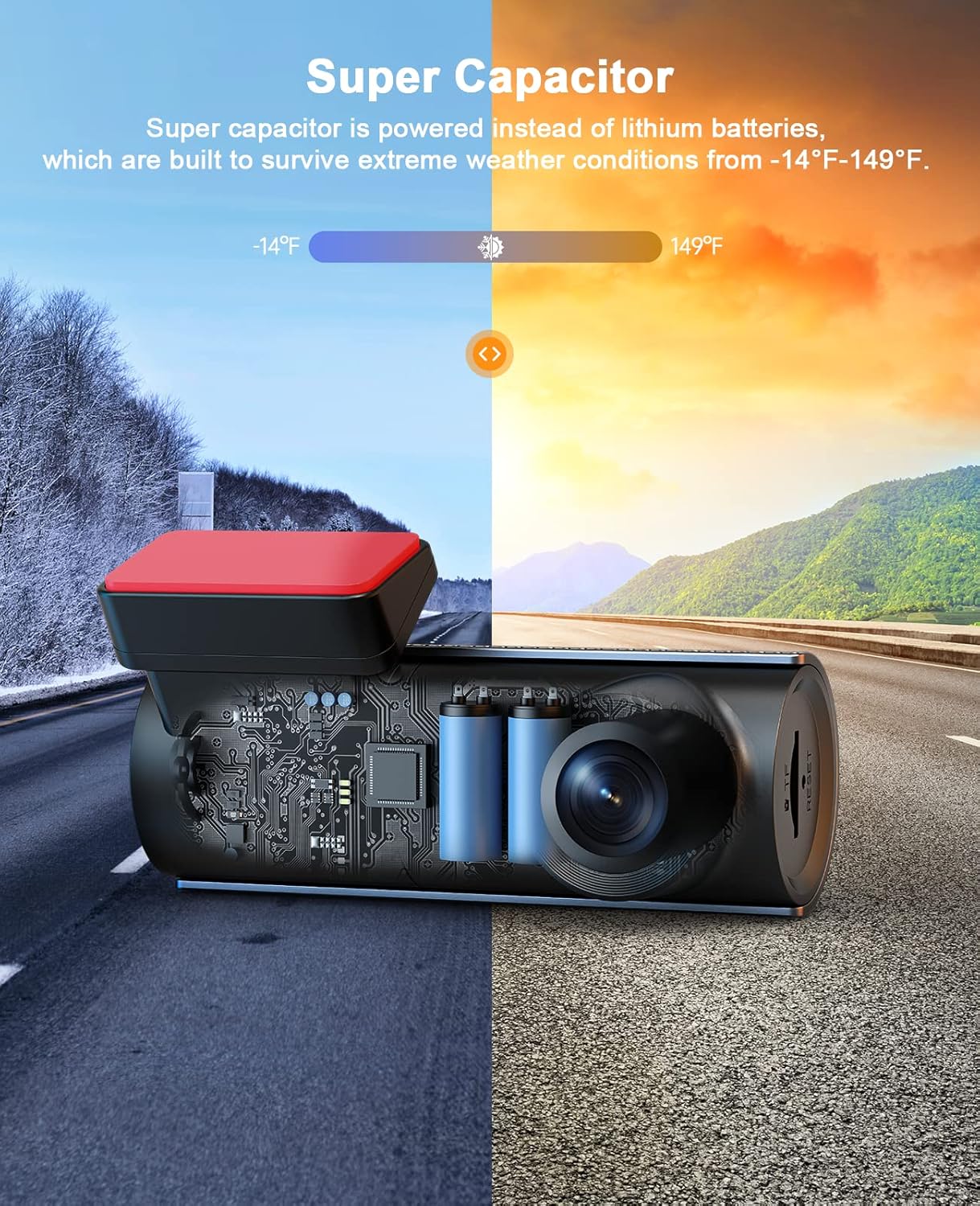
- Supercondensatore: Utilizes a supercapacitor instead of lithium batteries, providing enhanced durability and performance in extreme temperatures (-14°F to 149°F).
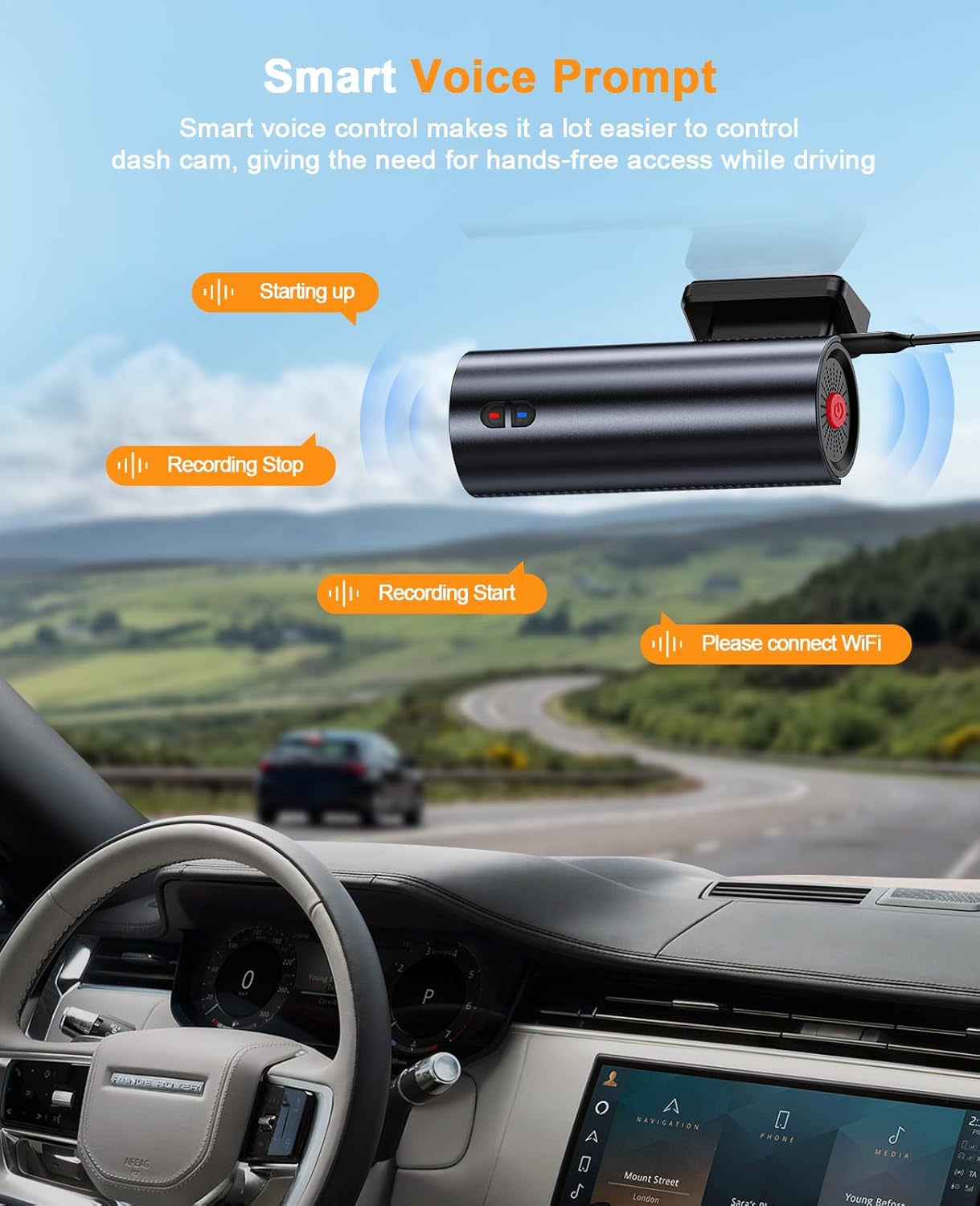
- Istruzioni vocali: Provides audio notifications for operational status, such as "Starting up," "Recording Start," and "Recording Stop."
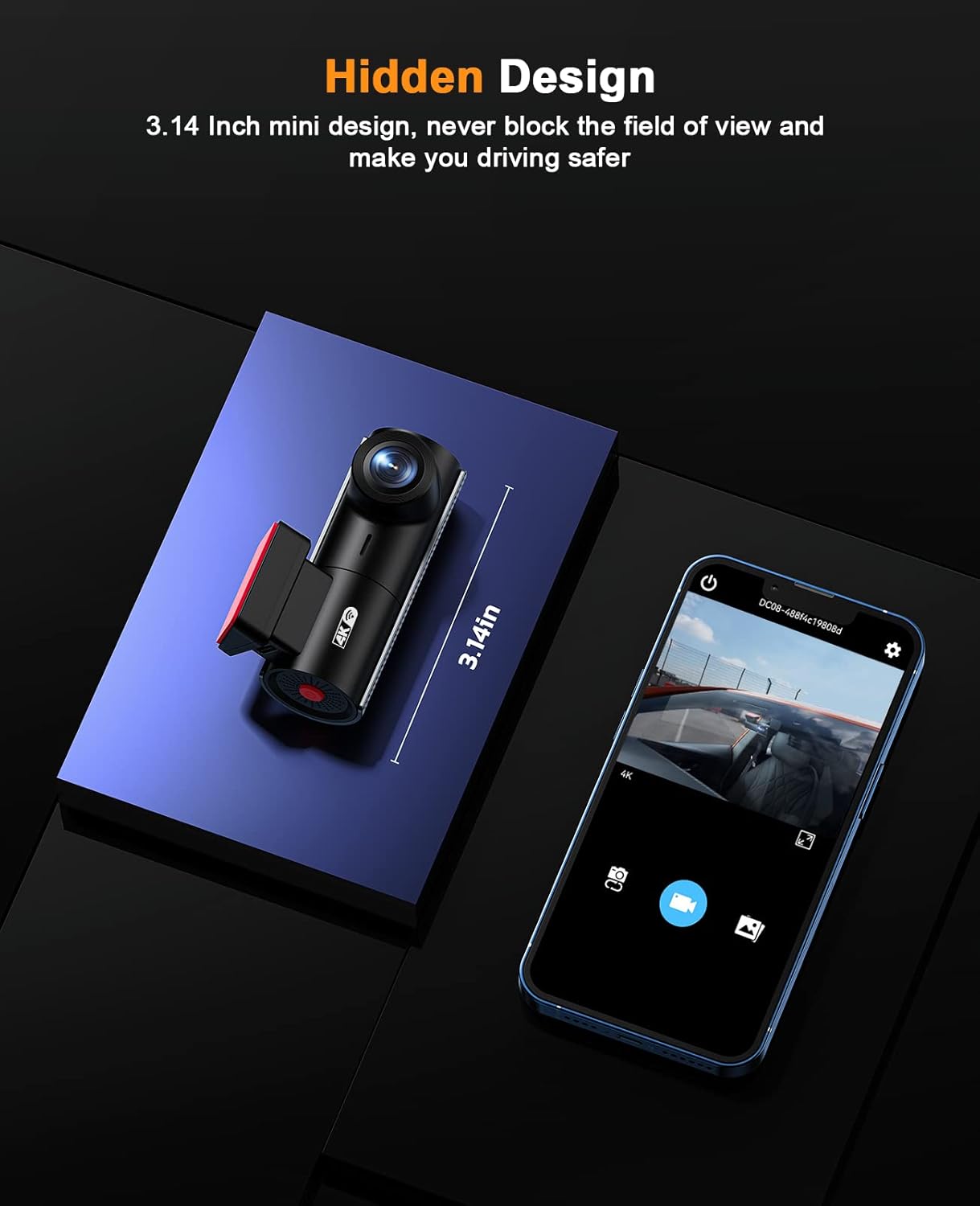
- Compact & Hidden Design: Small form factor (2.36 x 2.36 x 2.36 inches) designed to be discreetly installed without obstructing the driver's view.

4. Configurazione e installazione
4.1 Montaggio della Dash Cam
- Pulisci l'area del parabrezza dove intendi montare la dash cam. Assicurati che non ostruisca il tuo view.
- Attach the static sticker to the windshield first, then attach the car mount to the static sticker. This allows for easier removal without leaving residue.
- Slide the dash cam onto the car mount until it clicks into place.
- Adjust the camera angle to ensure optimal road coverage.
4.2 Collegamento di alimentazione
- Connect the car charger cable to the dash cam's Type-C port.
- Route the power cable neatly along the windshield edge, down the A-pillar, and under the dashboard to the car's cigarette lighter socket. Use the included wiring tool to tuck the cable.
- Collegare il caricabatteria per auto alla presa dell'accendisigari.
4.3 Inserimento della scheda SD
The 64GB SD card is typically pre-installed. If not, insert the SD card into the TF card slot until it clicks. The dash cam supports up to 128GB SD cards.

5. Istruzioni per l'uso
5.1 Accensione/spegnimento
- La dash cam si accenderà automaticamente e inizierà a registrare quando il motore del veicolo verrà acceso.
- Si spegnerà automaticamente quando si spegne l'accensione.
5.2 Istruzioni vocali
The dash cam provides intelligent voice prompts to inform you of its status:
- "Starting up": Indicates the device is powering on.
- "Recording Start": Indicates video recording has begun.
- "Recording Stop": Indicates video recording has stopped.
- "Please connect WiFi": Prompts to connect to the mobile app.
- "Storage Full": Indicates the SD card is full (if loop recording is off or emergency files fill up).
5.3 App Control (WitCam)
- Download the "WitCam" app from the App Store (iOS) or Google Play Store (Android).
- Accendi la dash cam.
- On your smartphone, go to WiFi settings and connect to the dash cam's WiFi network (usually named "DC#####" followed by numbers). The password can be found in the dash cam's manual or on the device itself.
- Open the "WitCam" app. You can now view cibo vivotage, adjust settings, and download recorded videos or photos directly to your phone.

6. Advanced Recording Features
6.1 Registrazione in loop
The dash cam records video in continuous loops. When the SD card reaches its capacity, the oldest unlocked fileLe registrazioni vengono automaticamente sovrascritte dalle nuove registrazioni. Questo garantisce che la registrazione non si interrompa mai a causa della scheda di memoria piena.
6.2 Sensore G
The built-in G-sensor detects sudden impacts or rapid deceleration/acceleration. In such events, it automatically locks the current video segment, preventing it from being overwritten by loop recording. These locked filevengono memorizzati in una cartella separata sulla scheda SD.
6.3 Monitoraggio del parcheggio 24 ore su 24
For continuous monitoring when your vehicle is parked, the 24H Parking Monitor feature can be activated. This requires the included hardwire kit to be properly installed, providing constant power to the dash cam. If a collision or vibration is detected while parked, the dash cam will automatically power on and record a short video, then power off. These events are saved as emergency files.

6.4 Super visione notturna
Equipped with an advanced sensor, a 6-layer glass lens, and an F2.0 large aperture, the dash cam enhances exposure automatically in dark situations. This allows for clear video capture at night, providing crucial details like license plates even in low-light environments.

6.5 Tecnologia dei supercondensatori
The LAMTTO Dash Cam uses a supercapacitor for power instead of traditional lithium batteries. This design choice significantly improves durability and reliability, allowing the dash cam to operate effectively in extreme weather conditions, ranging from -14°F to 149°F, without risk of battery degradation or failure.
7. Specifiche
| Caratteristica | Dettaglio |
|---|---|
| Dimensioni del prodotto | 2.36 x 2.36 x 2.36 pollici |
| Peso dell'articolo | 9.9 once |
| Numero modello articolo | Dash Cam 4K WiFi 2160P |
| Tecnologia di connettività | Wifi |
| Caratteristiche speciali | App Control, Night Vision, Loop Recording, G-Sensor, Parking Monitor, Voice Prompt, Supercapacitor |
| Colore | Black+Darkgrey |
| Produttore | LAMETTO |
| Risoluzione di acquisizione video | Formato: 2160p |
| Tipo di montaggio | Supporto per parabrezza |
| campo di View | 170 gradi |
8. Manutenzione
- Pulizia: Pulisci regolarmente l'obiettivo della fotocamera con un panno morbido e privo di lanugine per garantire una qualità video nitida. Evita materiali abrasivi.
- Gestione della scheda SD: Periodically format the SD card (at least once a month) through the app or dash cam settings to maintain optimal performance and prevent data corruption. Back up important files prima della formattazione.
- Aggiornamenti del firmware: Controllare il produttore website or the WitCam app for any available firmware updates to ensure your dash cam has the latest features and bug fixes.
9. Risoluzione Dei Problemi
- La Dash Cam non si accende: Ensure the car charger is securely plugged into both the dash cam and the car's power outlet. Check if the car's power outlet is functioning.
- Problemi di registrazione: Verify that an SD card is inserted and properly formatted. Check if the SD card is full (if loop recording is disabled or emergency files occupy all space). Try formatting the SD card.
- Problemi di connessione WiFi: Ensure the WitCam app is installed and updated. Confirm you are connecting to the correct dash cam WiFi network and entering the correct password. Try restarting both the dash cam and your smartphone.
- Scarsa qualità video: Clean the camera lens. Ensure the protective film has been removed from the lens. Check the video resolution settings in the app.
- Voice Prompts Not Working: Check the volume settings within the app or on the device if applicable.
Per ulteriore assistenza, consultare la sezione Garanzia e supporto.
10. Garanzia e supporto
LAMTTO offers a Garanzia di 2 anno per questo prodotto. Inoltre, Supporto tecnico 24 ore su 7, XNUMX giorni su XNUMX is available to assist you with any questions or issues regarding your dash cam. Please feel free to contact LAMTTO customer service for support.