
1. Introduzione
This user manual provides comprehensive instructions for the VTech CS1551 DECT 2-Handset Cordless Phone system. It covers setup, operation, maintenance, and troubleshooting to ensure optimal performance and user experience. Please read this manual thoroughly before using your new phone system.
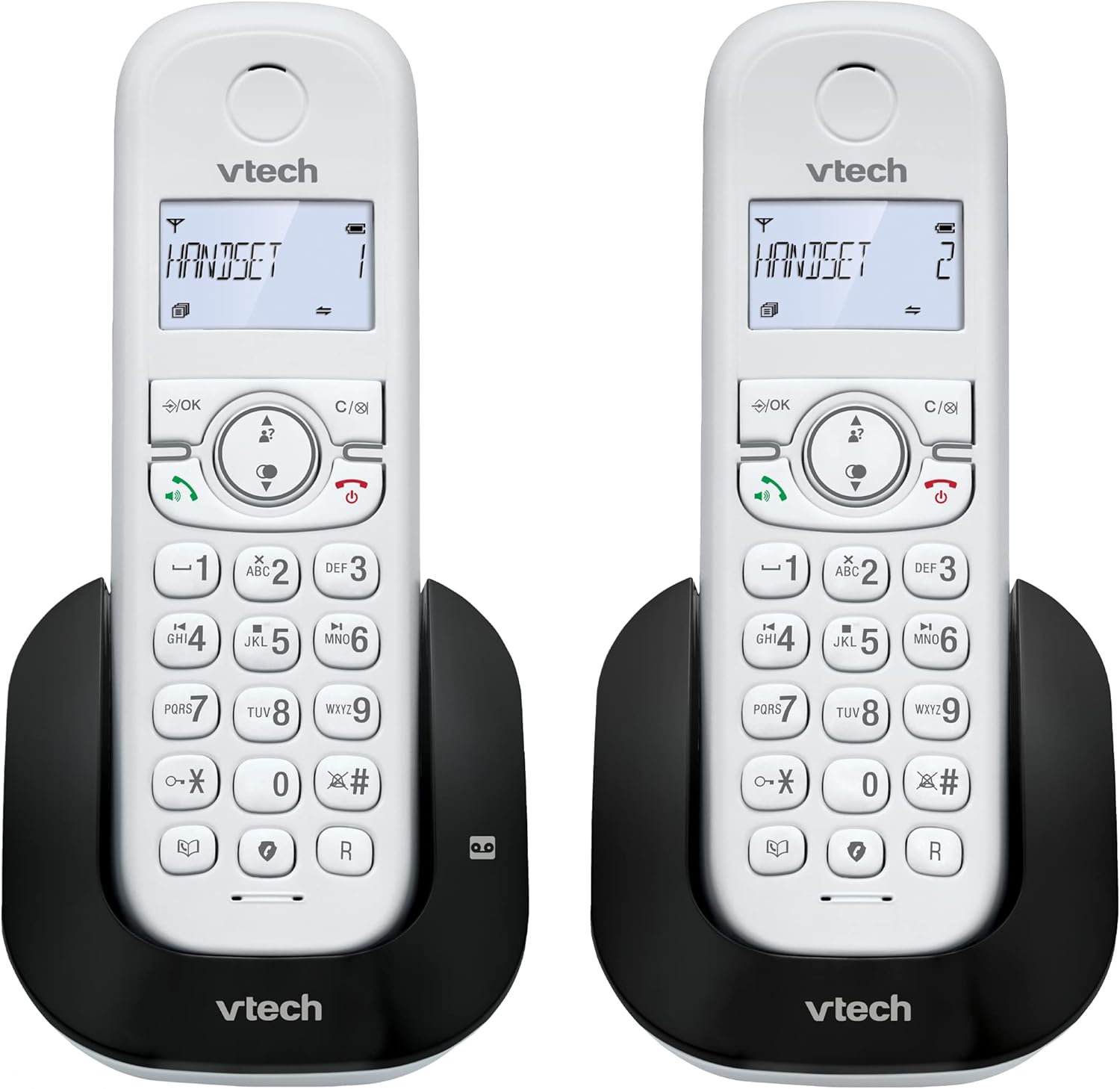
Immagine 1.1: Passoview of the VTech CS1551 DECT 2-Handset Cordless Phone System.
2. Contenuto della confezione
Assicurati che tutti gli articoli siano presenti nel pacco. Se qualche articolo risulta mancante o danneggiato, contatta l'assistenza clienti VTech.
- 2 ricevitori cordless
- 1 Unità di base
- 1 Charger Unit
- 2 adattatori di alimentazione CA
- 1 cavo della linea telefonica
- 2 NiMH Rechargeable Battery Packs (4 batteries total, 2 per handset)
- Manuale dell'utente (questo documento)
3. Impostazione
3.1. Installazione e ricarica della batteria
Before initial use, install the provided NiMH rechargeable battery packs into each handset. Connect the base unit and charger unit to power outlets using the AC adapters. Place the handsets on their respective charging cradles.
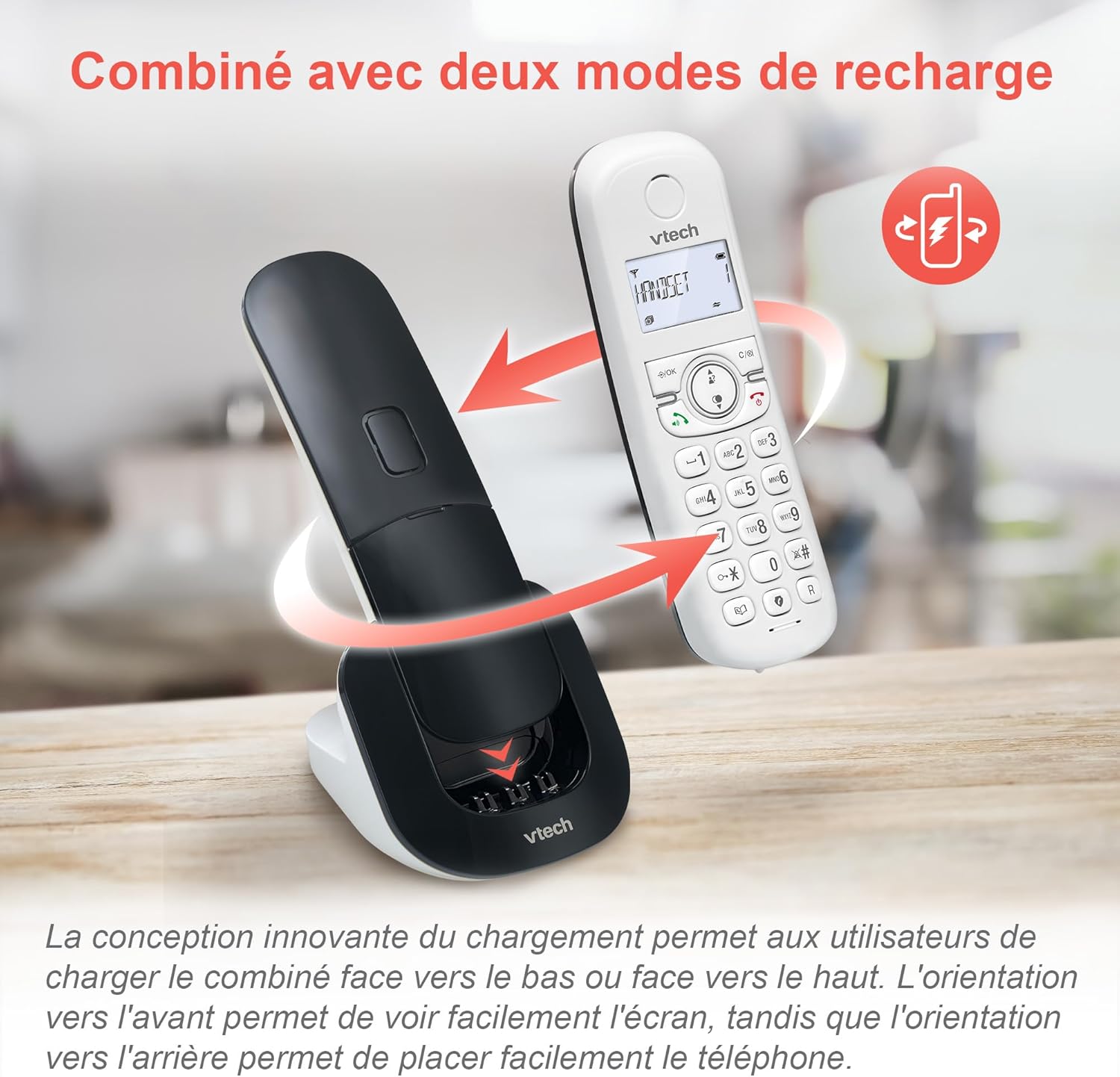
Image 3.1: The innovative dual charging design allows handsets to be charged face-up or face-down. Charging face-up allows for easy screen viewing, while face-down charging offers a compact placement.
Allow the handsets to charge for at least 12 hours before first use to ensure full battery capacity. A full charge provides up to 13 hours of talk time and 200 hours of standby time.
3.2. Collegamento dell'unità base
- Collegare un'estremità del cavo della linea telefonica alla presa TEL LINE sull'unità base.
- Collegare l'altra estremità del cavo della linea telefonica a una presa telefonica a muro.
- Plug the base unit's AC adapter into a power outlet.
4. Istruzioni per l'uso
4.1. Effettuare e rispondere alle chiamate
- Per effettuare una chiamata: Premere PARLARE or ORATORE, quindi componi il numero.
- Per rispondere a una chiamata: Premere PARLARE or ORATORE quando squilla il telefono.
- Per terminare una chiamata: Premere FINE or place the handset back on the charging cradle.
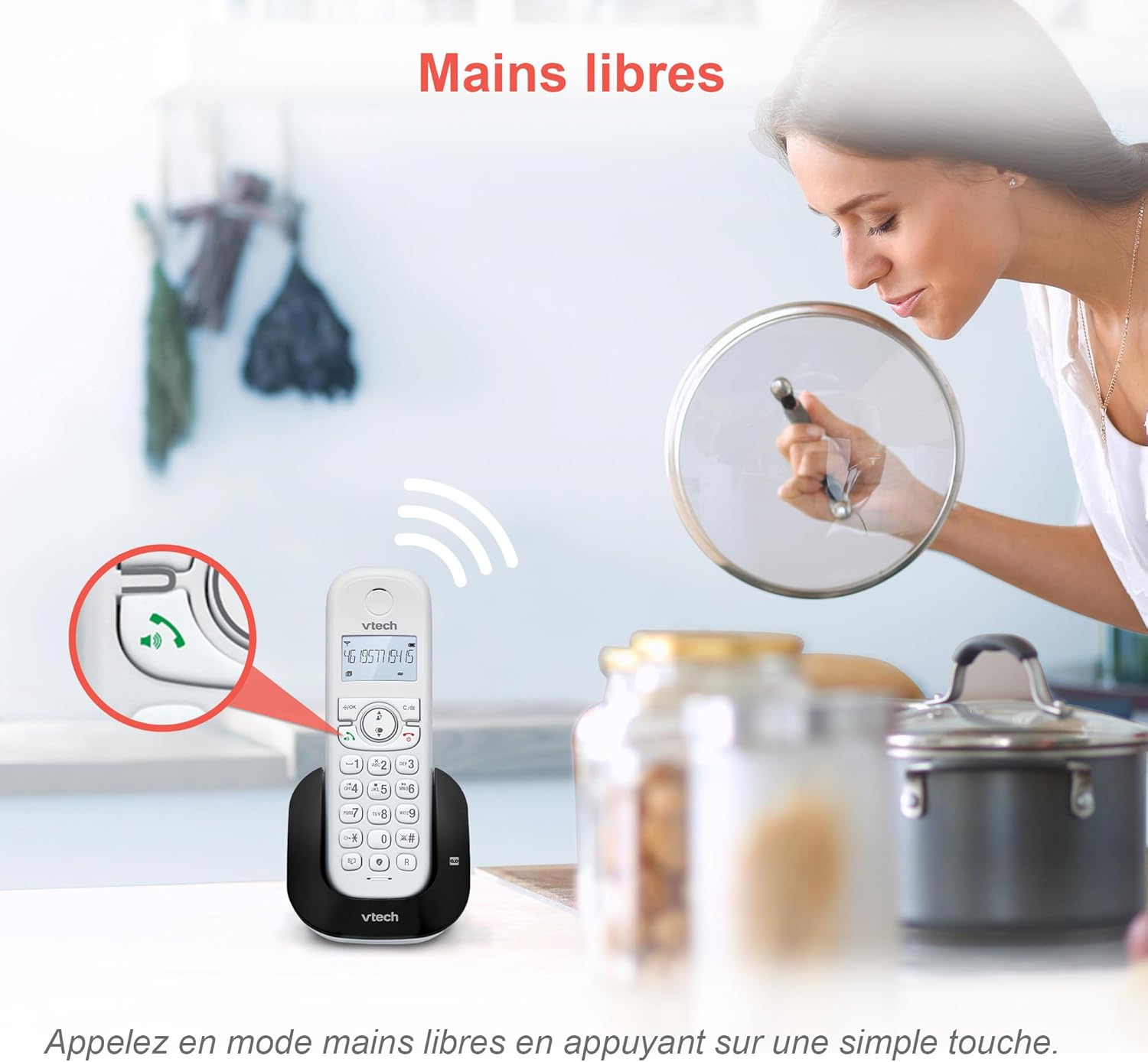
Image 4.1: The hands-free speakerphone function allows for conversations without holding the handset.
4.2. Segreteria telefonica
The integrated digital answering machine records messages when you are unavailable. It offers up to 15 minutes of recording time.
- Per riprodurre i messaggi: Premere il tasto GIOCARE pulsante sull'unità base o sul portatile.
- To Record a Greeting: Follow the instructions in the full manual for custom greeting setup.

Image 4.2: The automatic answering machine records messages for up to 15 minutes when you cannot answer a call.
4.3. Blocco delle chiamate
The nuisance call blocker allows you to block unwanted calls. You can store up to 60 numbers in the block list.
- Per bloccare un numero: Durante una chiamata, premere il tasto BLOCCARE button. Alternatively, add numbers manually via the menu.

Image 4.3: The call blocker button allows you to easily add unwanted numbers to a block list, preventing future disturbances.
4.4. Caller ID / Call Waiting
The phone displays the caller's name, number, time, and date for incoming calls. It stores up to 20 caller ID records.

Image 4.4: The handset screen displays incoming caller information, including name, number, time, and date.
4.5. Three-Way Conferencing
The call transfer and intercom features allow multiple users to participate in a conversation simultaneously.

Image 4.5: Engage in three-way conference calls, allowing multiple parties to join the conversation.
5. Caratteristiche principali
5.1. Modalità ECO
The handset automatically adjusts radio frequency power based on its distance from the base unit. ECO DECT technology helps reduce energy consumption.
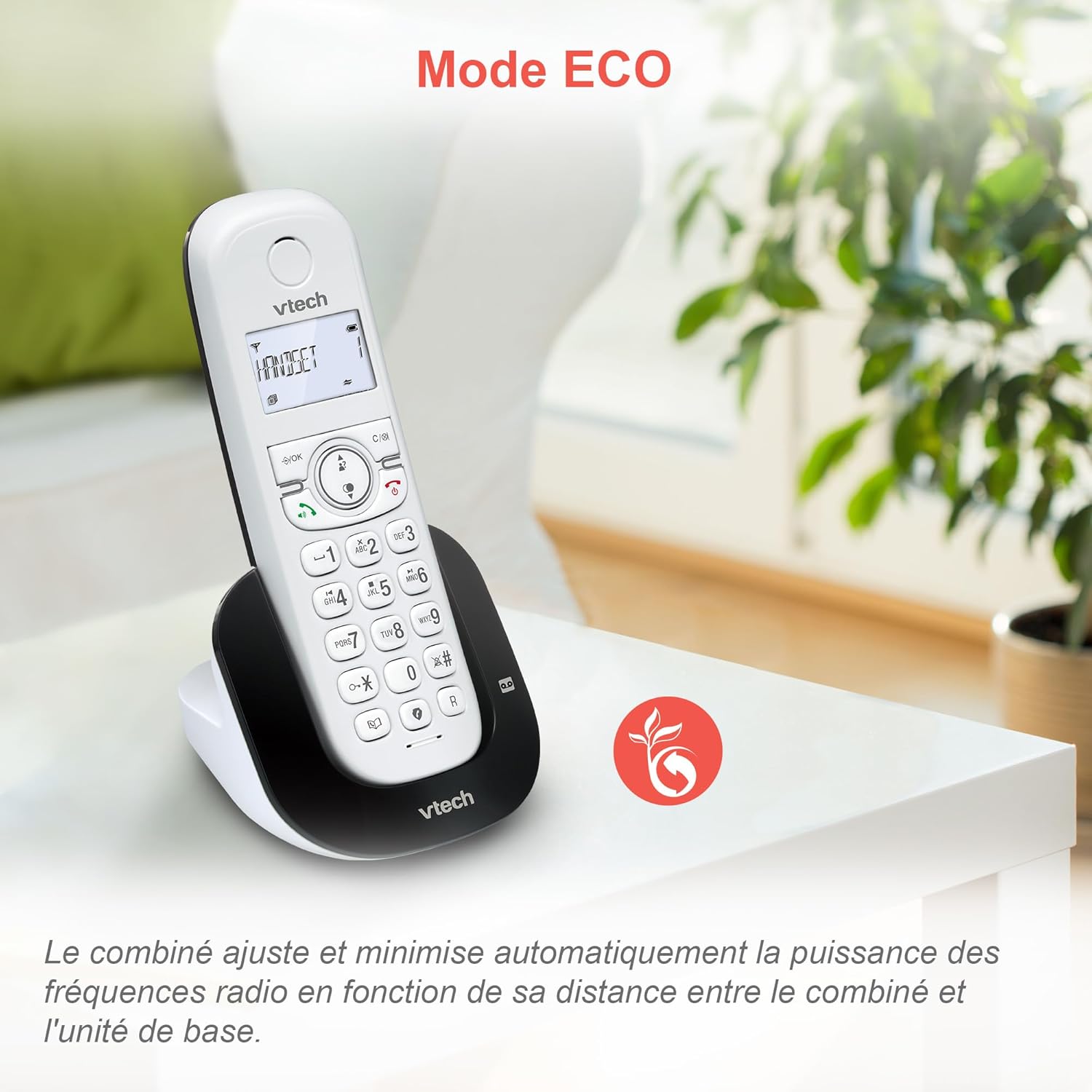
Image 5.1: The ECO mode feature automatically optimizes power usage based on handset proximity to the base unit.
5.2. Rubrica e ripetizione chiamata
- Rubrica: Memorizza fino a 60 nomi e numeri per una chiamata rapida.
- Ricomposizione: Easily redial the last 10 numbers called with a single button press.
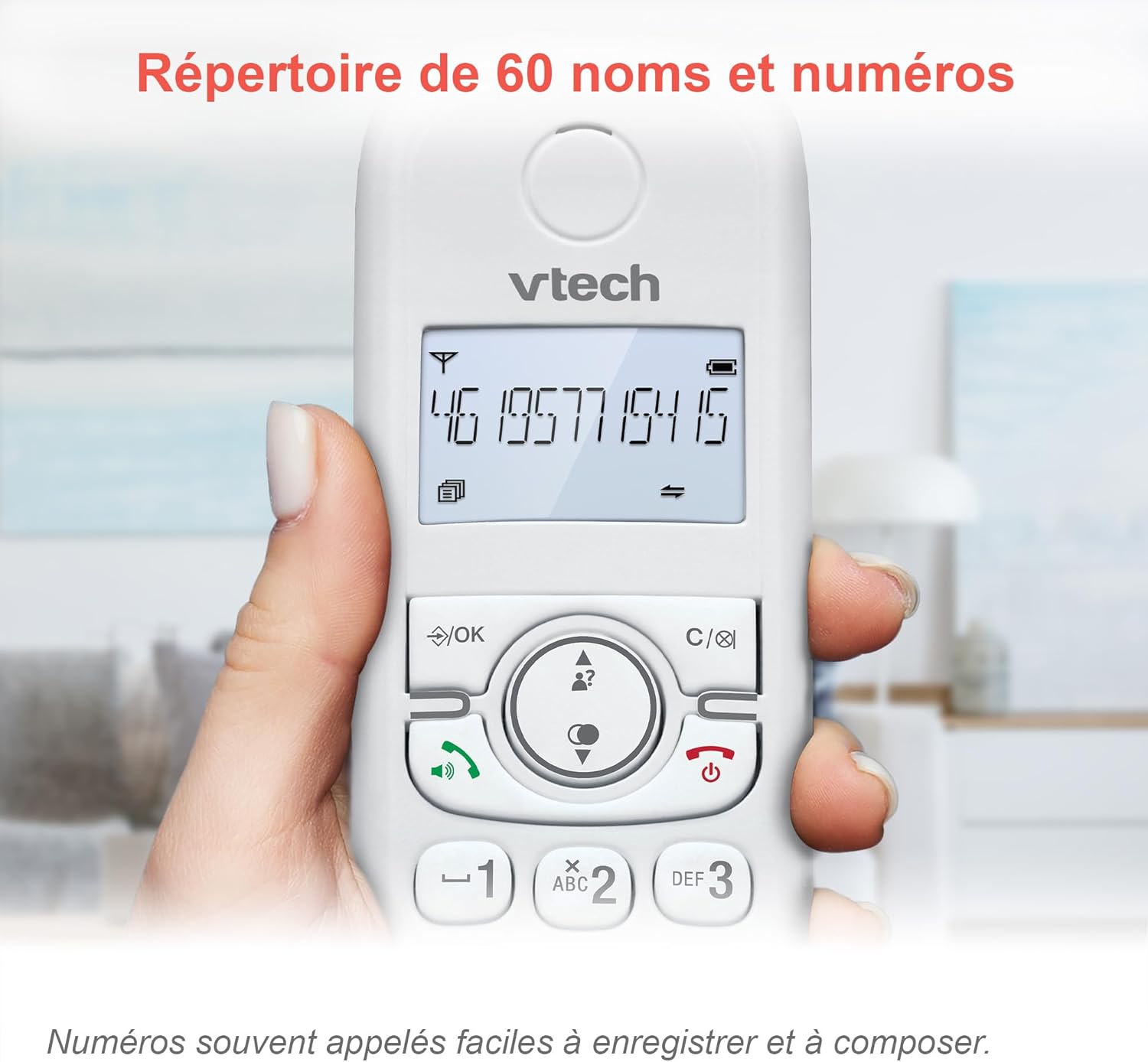
Image 5.2: The phonebook allows for easy storage and retrieval of frequently called numbers.
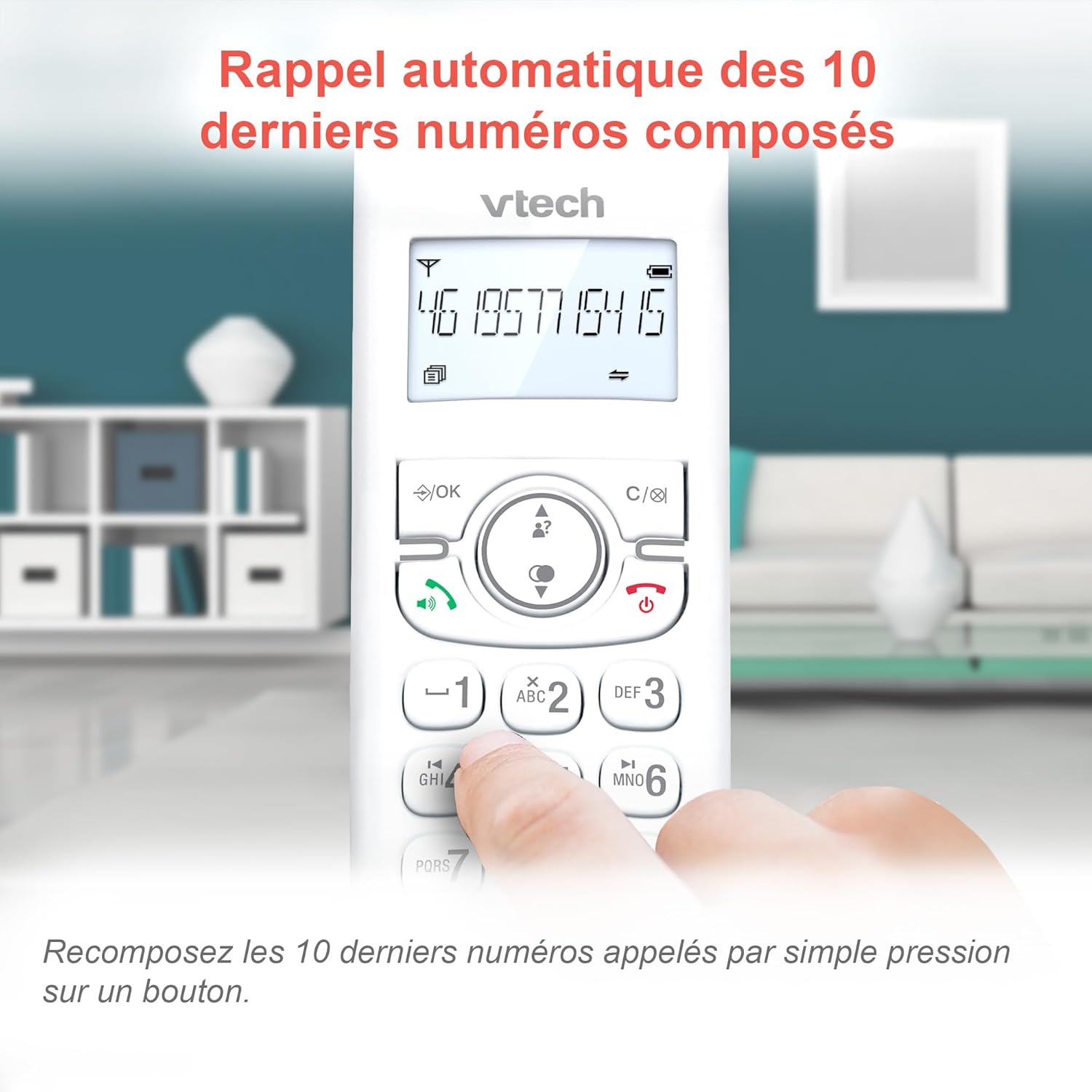
Image 5.3: Quickly redial the last 10 numbers by pressing the redial button.
5.3. Backlit Display and Keyboard
The backlit LCD display and keyboard illuminate, making it easy to view information and dial in low-light conditions.

Image 5.4: The illuminated display enhances visibility in various lighting conditions.
5.4. Adjustable Ringer Volume and Melodies
Customize your phone by adjusting the ringer volume and selecting from various melodies.

Image 5.5: Easily adjust the ringer volume and choose your preferred melody.
5.5. Alarm Function and Mute
Imposta comode sveglie sul portatile o disattiva l'audio durante le chiamate per garantire la tua privacy.

Image 5.6: Utilize the alarm function for reminders or mute your microphone during calls for privacy.
5.6. Long Reliable Range
Experience extended coverage and clear communication throughout your home.

Image 5.7: The phone system provides reliable long-range coverage for clear calls throughout your residence.
6. Manutenzione
- Pulizia: Pulisci il telefono e l'unità base con un panno morbido e asciutto.amp panno. Non utilizzare spray detergenti o prodotti chimici aggressivi.
- Cura della batteria: Replace batteries when they no longer hold a charge. Use only VTech approved replacement batteries.
- Magazzinaggio: Se si conserva il telefono per un periodo prolungato, rimuovere le batterie dai portatili.
7. Risoluzione Dei Problemi
| Problema | Soluzione |
|---|---|
| Nessun tono di linea |
|
| Il portatile visualizza "Batteria scarica" |
|
| Non è possibile effettuare o ricevere chiamate |
|
| Scarsa qualità del suono |
|
For more detailed troubleshooting, please refer to the full VTech CS1551 user manual available on the VTech support websito.
8. Specifiche
| Caratteristica | Dettaglio |
|---|---|
| Numero di modello | AX-F-4537 |
| Marca | VTech |
| Colore | Bianco |
| Tipo di telefono | DECT senza fili |
| Numero di portatili | 2 |
| Tipo di sistema di risposta | Digitale |
| Tempo di registrazione della segreteria telefonica | 15 minuti |
| Call Blocker Capacity | Fino a 60 numeri |
| Capacità della rubrica | 60 nomi e numeri |
| Memoria dell'ID chiamante | 20 registrazioni |
| Tempo di conversazione | Fino a 13 ore |
| Tempo di standby | Fino a 200 ore |
| Tipo di batteria | NiMH (4 batteries included) |
| Materiale | Plastica |
| Peso dell'articolo | 499.2 grammi |
| Origine | Cina |
9. Garanzia e supporto
For warranty information and customer support, please refer to the warranty card included in your product packaging or visit the official VTech websito.
Online resources often include FAQs, detailed user guides, and contact information for technical assistance.