
Introduzione
This manual provides detailed instructions for the safe and efficient use of your LENRUE F13 Portable Bluetooth Speaker. Please read this manual thoroughly before operating the device and retain it for future reference.
Prodotto finitoview
Contenuto della confezione
- LENRUE F13 Portable Bluetooth Speaker
- Cavo di ricarica USB
- Cordino staccabile
- Manuale d'uso
Componenti e controlli degli altoparlanti
Familiarize yourself with the various parts and controls of your LENRUE F13 speaker:

Figura 1: Davanti view of the LENRUE F13 speaker, showcasing its compact design and metal grille.

Figura 2: Superiore view of the speaker, highlighting the sound output grille.

Figura 3: Lato view showing the control buttons for volume, track navigation, and power.
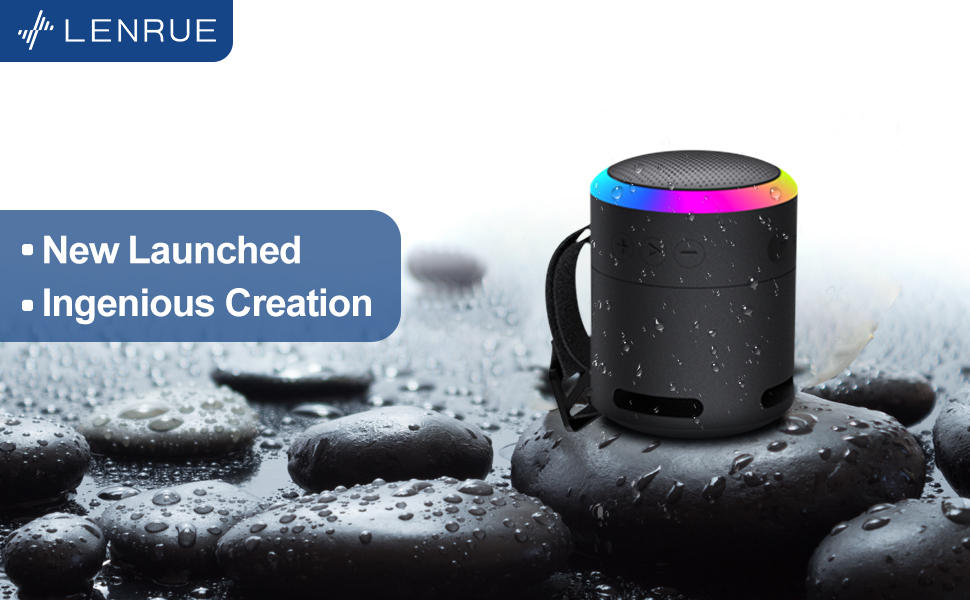
Figura 4: Esploso view illustrating the internal 5W high-performance driver and passive subwoofer for clear sound.
The speaker features a sleek metal design with a stainless steel line around its body. The top surface is metal, where the sound is emitted. On the bottom, you will find the main control buttons:
- Pulsante di accensione: Located in the center, used to power the device on/off.
- Pulsante Play/Pausa: Controlla la riproduzione audio.
- Pulsante Volume su / Traccia successiva: Aumenta il volume o passa al brano successivo.
- Pulsante Volume giù / Traccia precedente: Diminuisce il volume o passa al brano precedente.
- Pulsante modalità luce: Changes the colorful LED light modes.
On the rear side of the speaker, you will find the charging input (USB-C) and an auxiliary input port. A small slot is also present for attaching the included lanyard, allowing for easy portability.
Impostare
Caricamento dell'altoparlante
- Connect the provided USB charging cable to the speaker's USB-C port.
- Collegare l'altra estremità del cavo USB a un adattatore di alimentazione USB compatibile (non incluso) o alla porta USB di un computer.
- The LED indicator will show charging status. Allow sufficient time for a full charge before first use.
Accensione/spegnimento
- Per accendere: Press and hold the Power button (center button on the bottom) for a few seconds until the LED lights illuminate and an audible prompt is heard.
- Per spegnere: Press and hold the Power button again for a few seconds until the LED lights turn off and an audible prompt is heard.
Istruzioni per l'uso
Accoppiamento Bluetooth
The LENRUE F13 speaker uses Bluetooth 5.0 for stable wireless connection up to 33 feet (10 meters).
- Ensure the speaker is powered on and in pairing mode (LED lights will typically flash).
- Sul tuo smartphone o tablet, attiva il Bluetooth e cerca i dispositivi disponibili.
- Select "LENRUE F13" (or similar name) from the list of devices.
- Once paired, the speaker will indicate a successful connection, and the LED lights may change to a steady pattern.
Riproduzione audio
- Riproduci/Pausa: Premi una volta il pulsante Riproduci/Pausa.
- Aumenta volume: Premere il pulsante "+".
- Volume basso: Premere il pulsante "-".
- Traccia successiva: Premere e tenere premuto il pulsante "+".
- Traccia precedente: Premere e tenere premuto il pulsante "-".
Modalità luce colorata
The speaker features colorful LED lights to enhance your listening experience.
- Cambia modalità: Press the Light Mode button (located on the bottom, opposite the Power button) to cycle through different light patterns and colors.
- Spegni le luci: Press and hold the Light Mode button to turn off the LED lights.
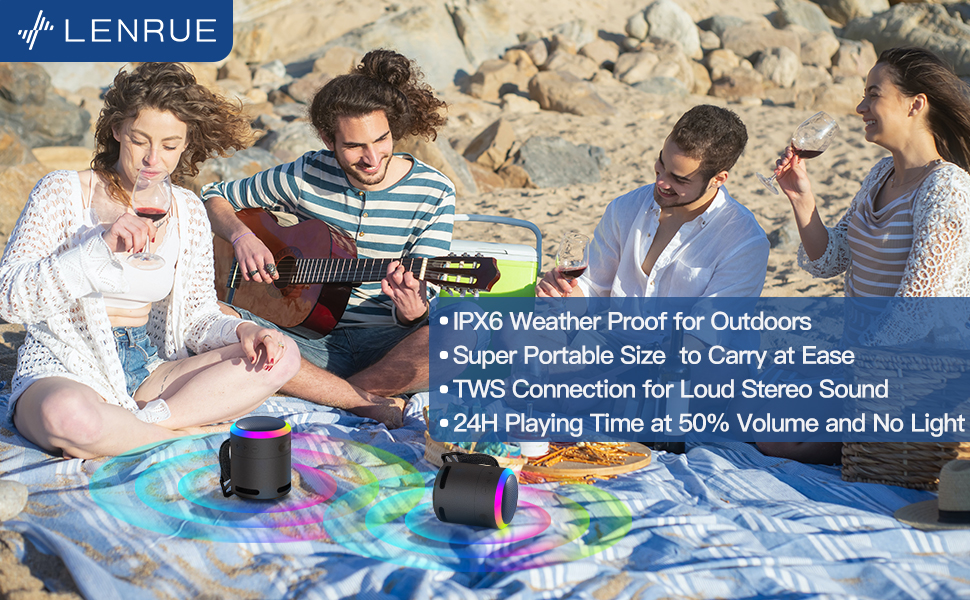
Figura 5: The speaker's colorful lights create an ambient atmosphere, ideal for relaxation or social gatherings.
Accoppiamento True Wireless Stereo (TWS)
If you have two LENRUE F13 speakers, you can pair them together for a true wireless stereo experience.
- Assicurarsi che entrambi gli altoparlanti siano accesi e non connessi ad altri dispositivi Bluetooth.
- On one speaker (the master speaker), press and hold the Light Mode button for 3 seconds to enter TWS pairing mode.
- Gli altoparlanti si collegheranno automaticamente tra loro. Una volta connessi, funzioneranno come una coppia stereo.
- Connect your device to the master speaker via Bluetooth as described above.

Figura 6: Two speakers connected via TWS for an enhanced stereo audio experience.
Manutenzione
Pulizia
- Pulire l'altoparlante con un panno morbido e asciutto.
- Non utilizzare detergenti abrasivi o solventi.
Resistenza all'acqua (IPX6)
The LENRUE F13 speaker is IPX6 waterproof, making it resistant to strong jets of water. It is suitable for use in environments like showers, by the pool, or during light rain.
- Assicurarsi che tutti i coperchi delle porte siano ben chiusi per garantire la resistenza all'acqua.
- Non immergere l'altoparlante in acqua.
- Dopo l'esposizione all'acqua, asciugare l'altoparlante prima di caricarlo.
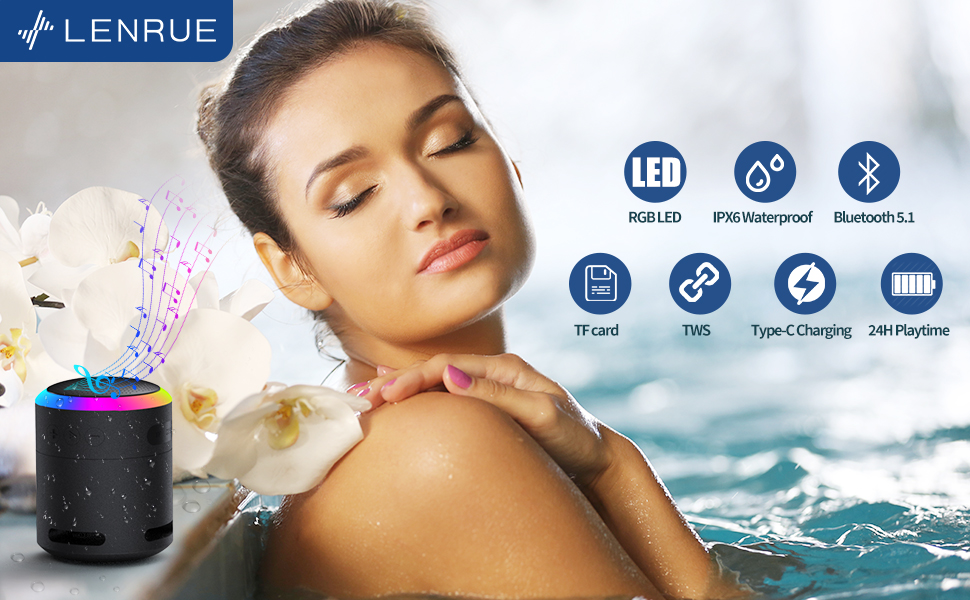
Figura 7: The IPX6 water resistance allows for worry-free use in various wet environments.
Risoluzione dei problemi
| Problema | Possibile causa | Soluzione |
|---|---|---|
| L'altoparlante non si accende | Batteria scarica | Caricare completamente l'altoparlante. |
| Impossibile effettuare l'associazione tramite Bluetooth | Altoparlante non in modalità di associazione / Bluetooth del dispositivo disattivato / Troppo lontano dal dispositivo | Ensure speaker is in pairing mode, Bluetooth is enabled on your device, and device is within 33 feet (10 meters). |
| Nessun suono durante la riproduzione | Volume too low / Paused / Not connected | Increase volume on both speaker and device, check if playback is paused, ensure successful Bluetooth connection. |
| L'associazione TWS non riesce | Speakers already paired to other devices / Too far apart | Assicurati che entrambi gli altoparlanti siano scollegati dagli altri dispositivi. Avvicinali e riprova l'associazione TWS. |
Specifiche
- Nome modello: F13
- Tipo di altoparlante: Altoparlante Bluetooth portatile
- Potenza massima in uscita dell'altoparlante: 5 Watt
- Tecnologia di connettività: Bluetooth 5.0
- Gamma Bluetooth: 10 metri (33 piedi)
- Grado di impermeabilità: Grado di protezione IPX6
- Tempo di gioco: Up to 24 hours (at 50% volume, no LED light); 5 hours (typical use)
- Porta di ricarica: USB-C
- Caratteristiche speciali: Colorful LED Lights, Metal Construction, Detachable Lanyard, TWS Pairing
- Dimensioni del prodotto: 2.8"P x 2.8"L x 3.6"A
- Peso dell'articolo: 10.5 once
Garanzia e supporto
For any questions, concerns, or support needs regarding your LENRUE F13 Portable Bluetooth Speaker, please contact LENRUE customer service through the retailer where the product was purchased. Keep your purchase receipt for warranty claims.