
1. Introduzione e oltreview
The ETOE TV Box is a powerful streaming device designed to transform your television into a smart entertainment hub. Running on the latest Android 11.0 OS and equipped with a high-performance 64-bit Cortex-A53 quad-core processor, it provides a smooth streaming experience for HD, 4K, and HDR content. This device offers access to a vast library of applications and features, including built-in Google Assistant and Chromecast.
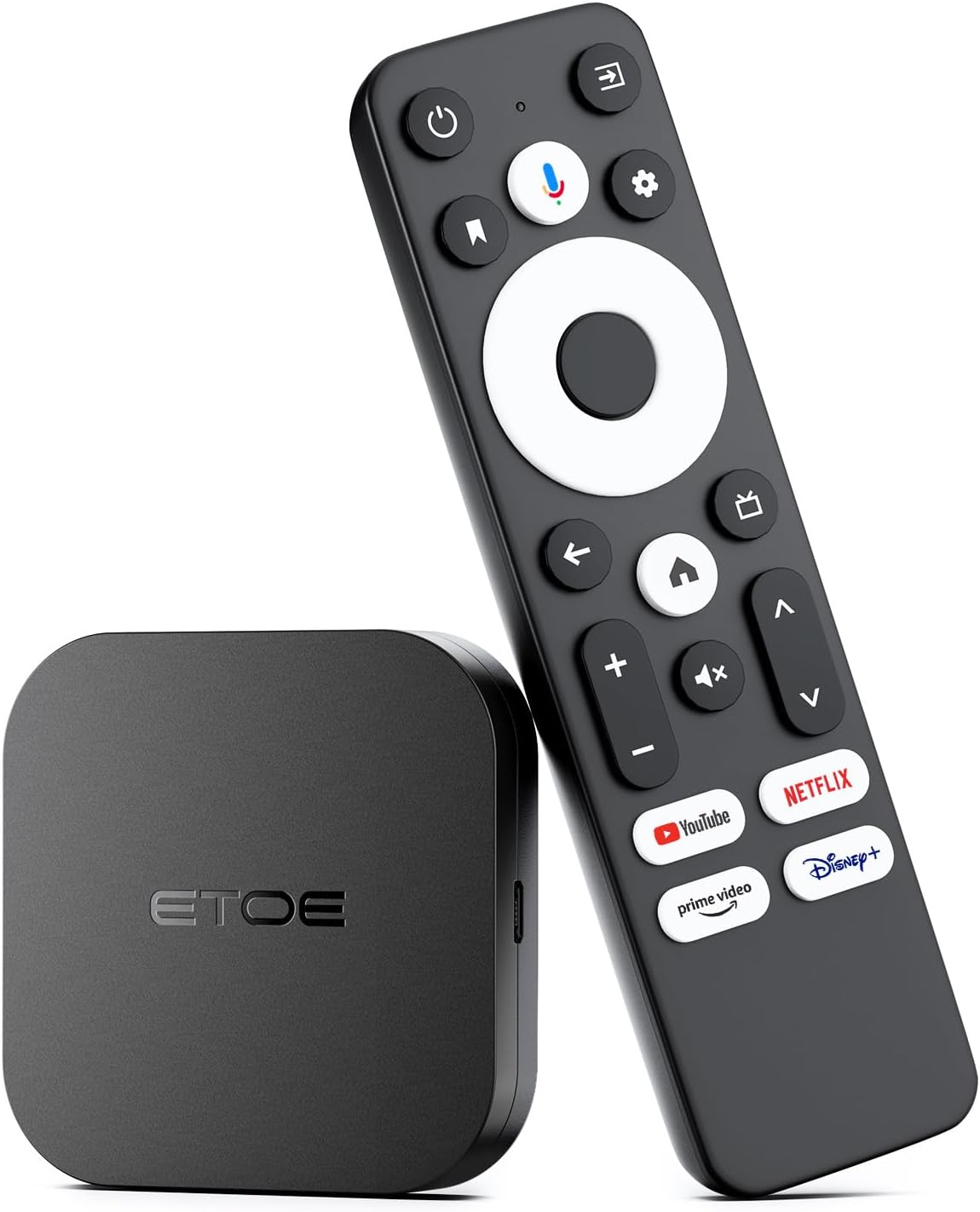
Image: The ETOE TV Box, a compact black square device, is shown alongside its black remote control. The remote features a circular navigation pad, dedicated buttons for popular streaming services like Netflix, YouTube, Prime Video, and Disney+, and a microphone button for voice commands.
2. Guida all'installazione
Setting up your ETOE TV Box is a straightforward process, allowing you to quickly access your favorite streaming content.
2.1 Connessione iniziale
- Collegamento alla TV: Plug the ETOE TV Box into an available HDMI port on your television using an HDMI cable (not included).
- Accensione: Connect the power adapter to the TV Box and then to a power outlet. The device will automatically power on.
- Seleziona ingresso: On your TV, select the corresponding HDMI input source using your TV remote.

Image: A visual representation of the ETOE TV Box connected to the back of a television via an HDMI port, illustrating the simple setup process. The text indicates that setup is easy, requiring only connection to an HDMI port and Wi-Fi to enjoy streaming services.
2.2 Configurazione di rete
- Connessione Wi-Fi: Once the device boots up, navigate to the settings menu on the screen. Select 'Network & Internet' and choose your Wi-Fi network from the list. Enter your Wi-Fi password to connect. The device supports 2.4GHz and 5GHz dual-band Wi-Fi for reliable streaming.
- Connessione Ethernet (facoltativa): For a wired connection, plug an Ethernet cable from your router into the Ethernet port on the ETOE TV Box. The device will automatically detect and use the wired connection.
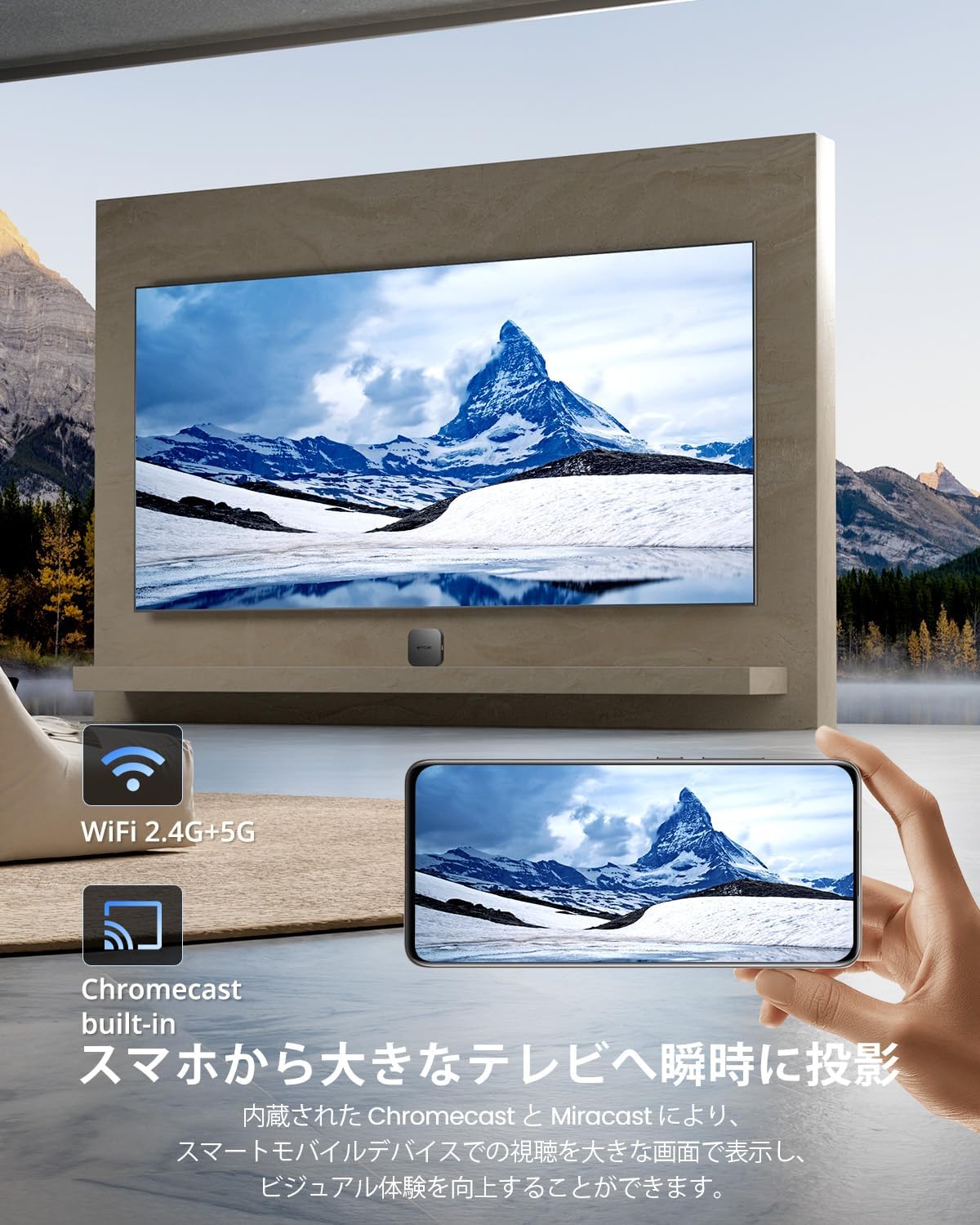
Image: The ETOE TV Box is shown in a living room setting, with a television displaying a scenic mountain view. Icons for Wi-Fi 2.4G+5G and Chromecast built-in are visible, emphasizing the device's wireless capabilities and screen mirroring function. A hand holding a smartphone is shown casting content to the TV, demonstrating the Chromecast feature.
2.3 Configurazione dell'account Google
Follow the on-screen prompts to sign in with your Google account. This step is essential for accessing the Google Play Store and other Google services.
3. Istruzioni per l'uso
The ETOE TV Box offers various ways to navigate and enjoy your content.
3.1 Utilizzo del telecomando
- Navigazione: Utilizzare il tastierino direzionale per spostarsi nei menu e selezionare le voci.
- Pulsante Home: Press the home button to return to the main Android TV home screen.
- Pulsante Indietro: Use the back button to go to the previous screen or exit an application.
- Controllo del volume: Regola il volume utilizzando i pulsanti del volume dedicati.
- Pulsanti app dedicati: Quickly launch popular streaming services like Netflix, YouTube, Prime Video, and Disney+ using their respective buttons.
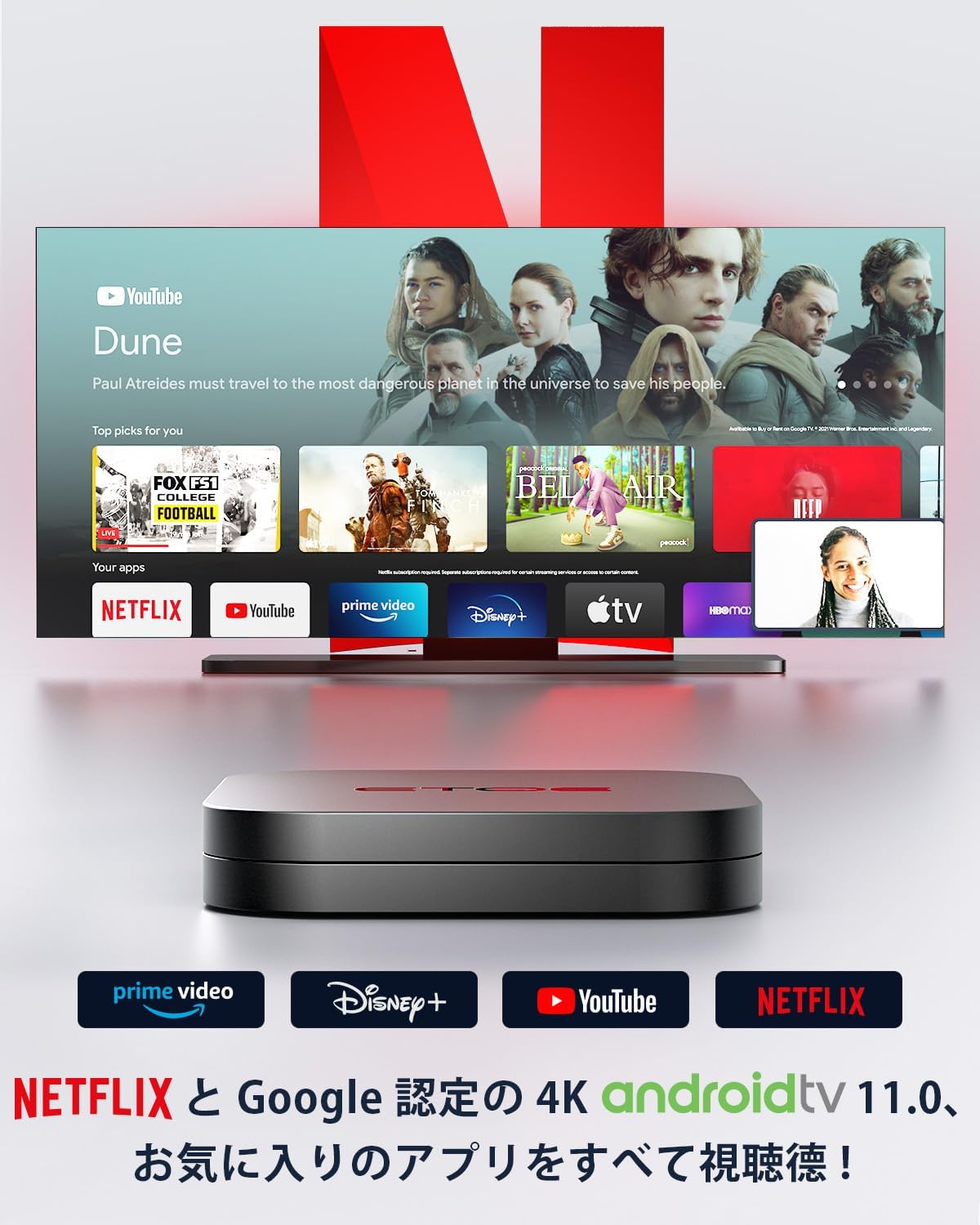
Image: The ETOE TV Box is positioned in front of a television screen displaying various streaming applications, including YouTube, Netflix, Prime Video, and Disney+. This highlights the device's capability to access a wide range of entertainment content.
3.2 Assistente Google
The ETOE TV Box features built-in Google Assistant for voice control.
- Attivare: Press the microphone button on your remote control.
- Comandi vocali: Speak clearly into the remote to search for content, control playback, manage smart home devices, and get answers to your questions. For example, you can say "Find me a sci-fi movie," "Pause the movie," or "Play some music."
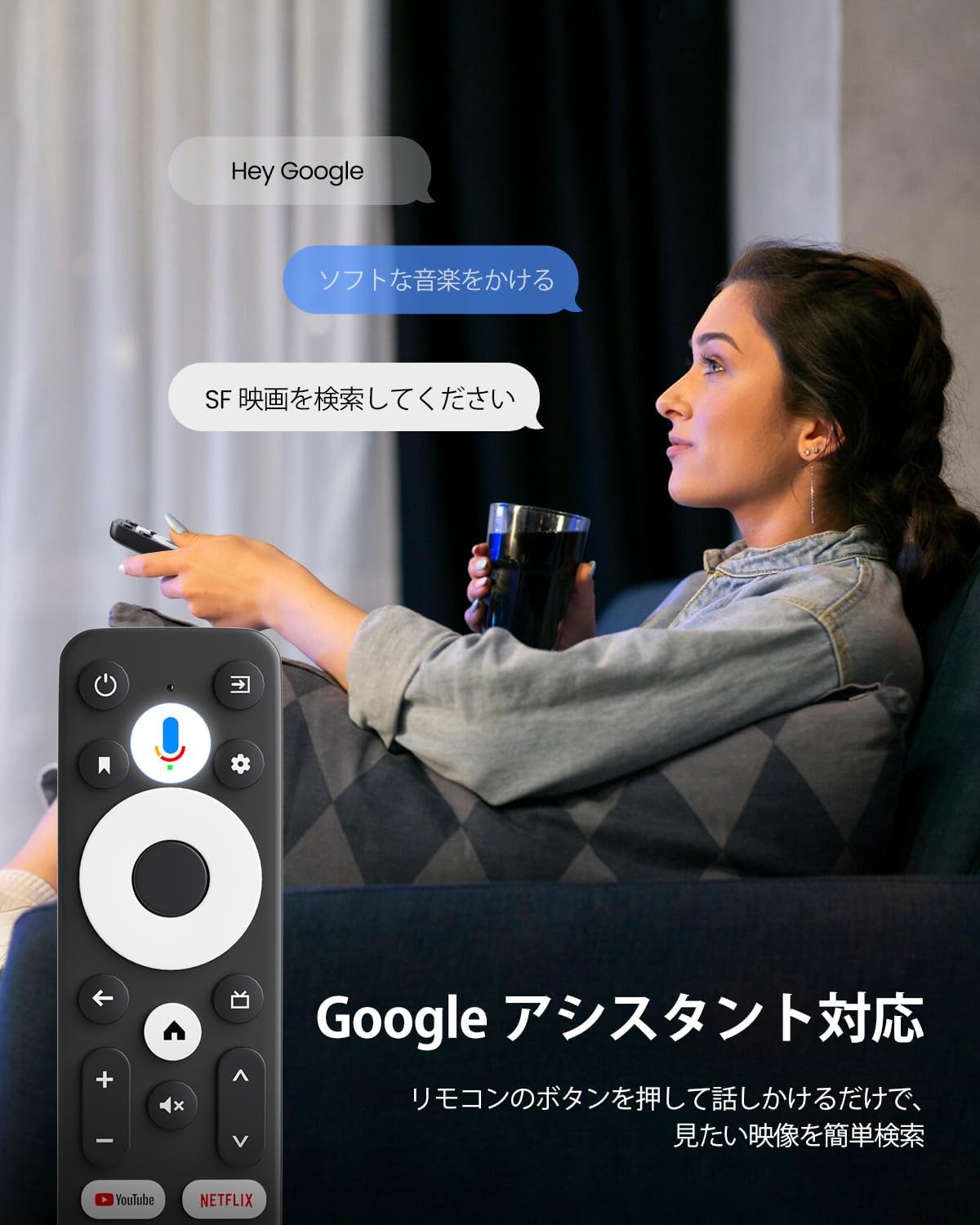
Image: A user is shown comfortably seated, holding the ETOE TV Box remote control and interacting with the Google Assistant. Speech bubbles on the screen illustrate voice commands such as "Play soft music" and "Cercare SF movies," demonstrating the ease of voice-controlled operation.
3.3 Chromecast integrato
Easily cast content from your mobile devices or computer to your TV.
- Casting: From a compatible app on your smartphone, tablet, or PC, tap the Chromecast icon to cast photos, videos, music, and more directly to your television screen.

Image: This image illustrates the Chromecast built-in functionality, showing a smartphone screen mirroring content (a sports car) onto a larger television screen via the ETOE TV Box. This demonstrates how users can quickly cast photos, videos, and music from their mobile devices or PCs to the TV.
4. Caratteristiche principali
The ETOE TV Box is equipped with advanced features for an enhanced entertainment experience.
- Powerful Android 11 TV Box: Features the latest Android 11.0 OS and a high-performance 64-bit Cortex-A53 quad-core processor, ensuring smooth wired and wireless streaming. It delivers powerful performance necessary for your main TV, optimized for HD, 4K, and HDR streaming.
- Immersive 4K Visuals and Dolby Audio: Experience breathtaking picture quality with vivid resolution and vibrant colors, optimized for your TV, whether streaming content in HD, 4K, or HDR. With Dolby Audio, movies come to life, immersing you in a 3-dimensional audio experience that truly draws you into the action.

Image: A television screen displays a stunning 4K image of a snowy mountain, with a prominent "4K SUPPORTED" badge, highlighting the device's capability to deliver ultra-high-definition visuals.
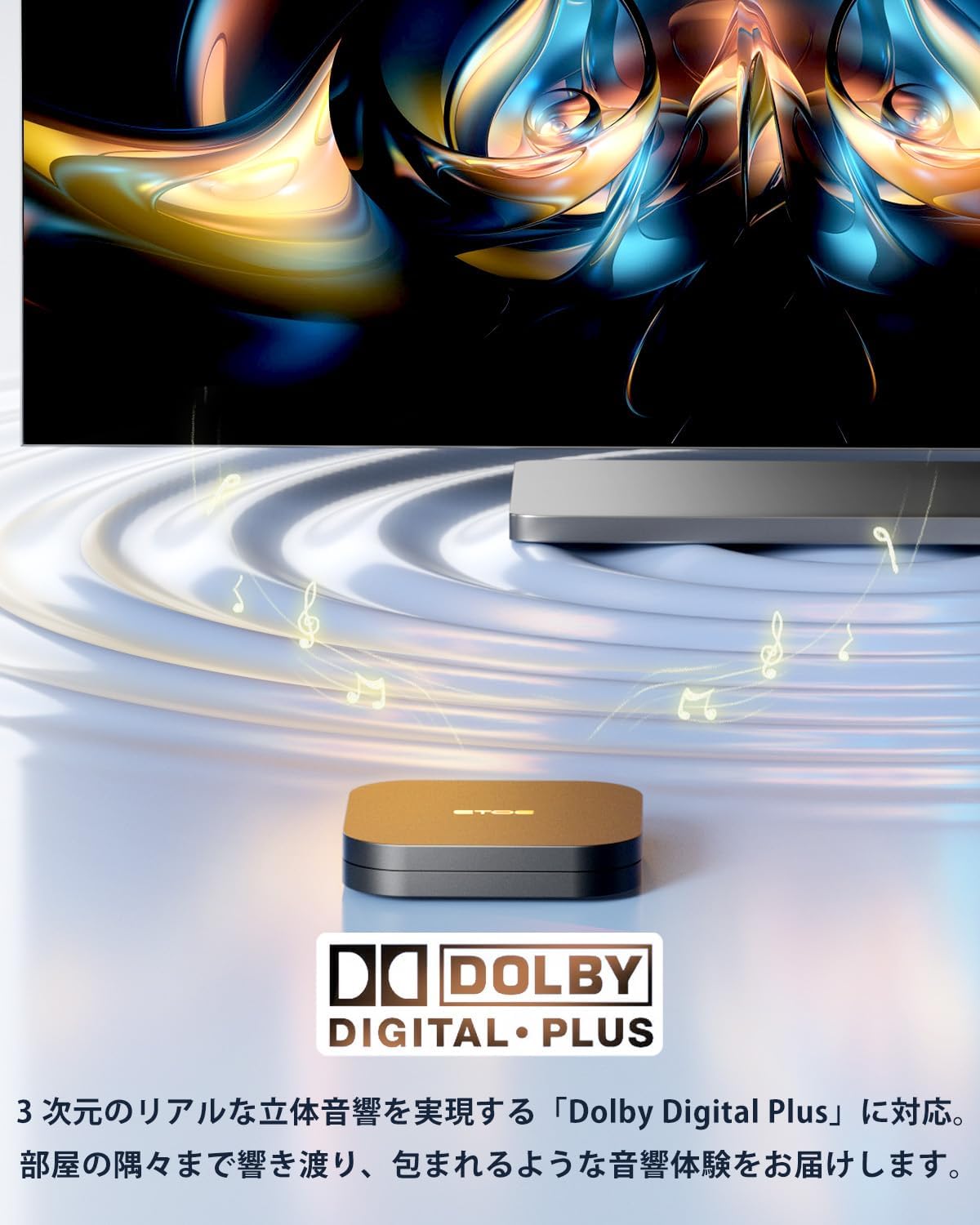
Image: The ETOE TV Box is shown with musical notes emanating from it, accompanied by the Dolby Digital Plus logo. This visual emphasizes the device's support for immersive 3D audio, enhancing the cinematic experience.
- Support for Over 9000 Apps: This smart TV box comes with popular streaming services like official Netflix certified TV version, Google Play, Prime Video, Disney+, YouTube, and Spotify, allowing direct access to platforms like Netflix. You can also access YouTube, Prime Video, and Google Play with one click. Furthermore, you can access over 9,000 apps available on the Google Play Store.
- Wi-Fi 2.4G/5G: Enjoy reliable streaming connections using either 2.4/5GHz dual-band wireless or Ethernet.
- Ample Memory and Enhanced Features: The device is equipped with 2GB RAM and 16GB internal storage, ensuring faster performance and a more comfortable user experience.

Immagine: Un dettaglio view of the internal components of the ETOE TV Box, highlighting the processor and memory. Text overlays indicate "2G + 16G," signifying the device's 2GB RAM and 16GB internal storage, which contribute to its enhanced performance.
5. Specifiche
Detailed technical specifications for the ETOE TV Box.
| Caratteristica | Specificazione |
|---|---|
| Numero di modello | D1221411-V2 |
| Marca | etoe |
| Colore | Nero |
| Fattore di forma | TV Stick (Box) |
| Sistema operativo | Sistema operativo Android 11.0 |
| Processore | 64-bit Cortex-A53 Quad-Core |
| Risoluzione | 4K |
| Tecnologia di connettività | USB, Wi-Fi (2.4G/5G) |
| Tipo di connettore | Micro USB |
| Caratteristiche speciali | Chromecast Built-in, Google Assistant |
| Servizi Internet supportati | Netflix, Prime Video, Disney+, YouTube, Spotify, Google Play |
| Dispositivi compatibili | Personal Computer, Tablet, Monitor |
| Peso dell'articolo | 0.23 kg (230 g) |
| Dimensioni del pacco | Dimensioni: 16.3 x 10.1 x 4.9 cm |

Image: A diagram illustrating the physical dimensions of both the ETOE TV Box and its remote control. The TV box measures 6.5 cm x 6.5 cm x 1 cm, while the remote measures 13.7 cm x 3.7 cm x 1.8 cm, providing a clear understanding of their compact sizes.
6. Risoluzione Dei Problemi
If you encounter issues with your ETOE TV Box, refer to the following common troubleshooting steps.
- Nessun potere: Assicurarsi che l'adattatore di alimentazione sia collegato saldamente sia al dispositivo sia a una presa di corrente funzionante. Se necessario, provare una presa diversa.
- Nessuna immagine in TV: Verify that the HDMI cable is firmly connected to both the TV Box and the TV. Confirm that your TV is set to the correct HDMI input source.
- Nessuna connessione Wi-Fi: Check your router to ensure it is powered on and functioning correctly. Re-enter your Wi-Fi password in the device settings to confirm it is correct. Move the device closer to the router if signal strength is weak.
- Blocco/arresto anomalo dell'app: Close and restart the application. If the issue persists, try clearing the app's cache and data in the device settings (Settings > Apps > [App Name] > Clear Cache/Clear Data).
- Il telecomando non risponde: Controlla le batterie del telecomando e sostituiscile se necessario. Assicurati che non ci siano ostacoli tra il telecomando e il TV Box.
- Prestazioni lente: Close any unused applications running in the background. Consider restarting the device.
7. Manutenzione
Proper maintenance helps ensure the longevity and optimal performance of your ETOE TV Box.
- Pulizia: Use a soft, dry cloth to wipe the exterior of the device. Do not use liquid cleaners or abrasive materials.
- Ventilazione: Assicurarsi che il dispositivo sia posizionato in un'area ben ventilata per evitare il surriscaldamento. Non ostruire le aperture di ventilazione.
- Aggiornamenti software: Periodically check for and install system software updates to ensure you have the latest features and security enhancements. You can usually find this option in the device's settings menu under 'About' or 'System Update'.
- Gestione della memoria: Regularly clear unnecessary apps and data to free up storage space, which can improve performance.
8. Garanzia e supporto
ETOE provides comprehensive support and warranty coverage for your TV Box.
- Garanzia sul prezzo di 30 giorni: Details regarding this guarantee should be confirmed with the retailer or ETOE directly.
- Garanzia 12-mese: The product is covered by a 12-month warranty from the date of purchase. This warranty covers manufacturing defects and malfunctions under normal use.
- Assistenza clienti: For any questions or assistance, ETOE aims to provide a response within 12 hours.
Informazioni sui contatti:
Se avete domande, contattateci a:
We guarantee 100% satisfaction.