
1. Introduzione
This manual provides essential information for setting up, operating, and maintaining your FOREVER Colorum CW-300 Smartwatch. Please read this guide thoroughly before using your device to ensure proper function and longevity. Keep this manual for future reference.
2. Prodotto finitoview
The FOREVER Colorum CW-300 is a versatile smartwatch designed for daily activity tracking and smart notifications. It features a round 1.20-inch touchscreen display with 240x240 px resolution and Bluetooth 5.0 connectivity for seamless integration with Android and iOS smartphones. The watch is IP68 waterproof, making it suitable for various activities, including swimming.

Image: The FOREVER Colorum CW-300 Smartwatch on a user's wrist, displaying activity metrics.
Key functionalities include a comprehensive activity tracker, heart rate monitoring, sleep analysis, and 14 distinct sport modes. It also offers convenient features such as music and camera remote control for your smartphone.
3. Per iniziare (installazione)
3.1 Unboxing e componenti
Dopo aver aperto la confezione, assicurarsi che siano presenti tutti i componenti:
- Orologio intelligente FOREVER Colorum CW-300
- Cavo di ricarica magnetico
- Protective Case (optional, if included in your specific package)
- Manuale dell'utente (questo documento)
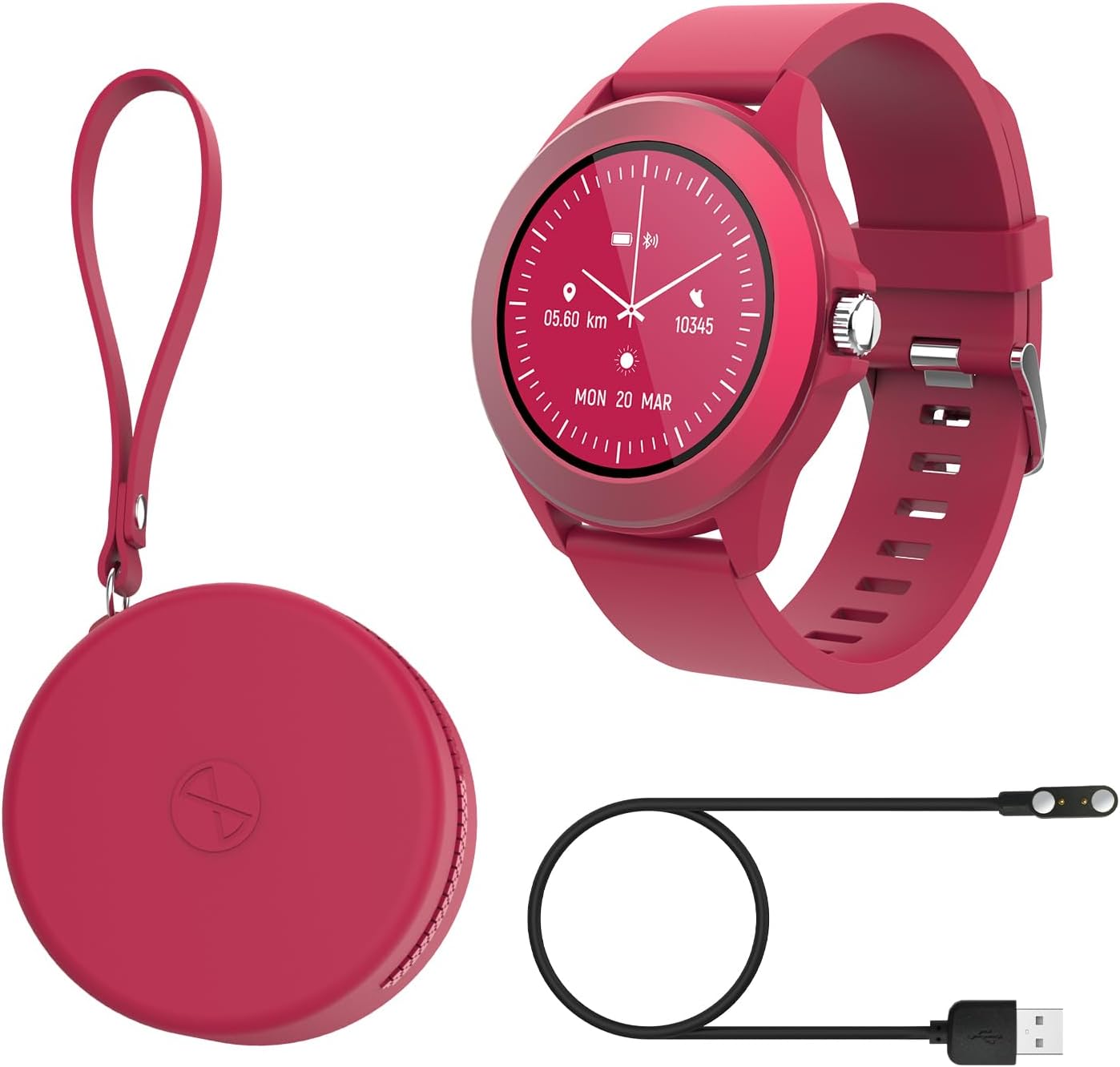
Image: Contents of the FOREVER Colorum CW-300 package, including the smartwatch, charging cable, and case.
3.2 Ricarica dello smartwatch
Before first use, fully charge your smartwatch. Connect the magnetic charging cable to the charging contacts on the back of the watch and plug the USB end into a standard USB power adapter (not included) or a computer's USB port. The watch display will indicate charging status. A full charge typically takes approximately 2 hours.
3.3 Associazione con lo smartphone
- Download the companion app (e.g., 'Forever Smart' or similar, check packaging for exact app name) from your smartphone's app store (Google Play Store for Android, Apple App Store for iOS).
- Assicurati che il Bluetooth sia abilitato sul tuo smartphone.
- Apri l'app e segui le istruzioni sullo schermo per creare un account o accedere.
- In the app, select 'Add Device' or 'Pair Device' and choose 'CW-300' from the list of available devices.
- Conferma la richiesta di associazione sia sullo smartphone che sullo smartwatch.
4. Utilizzo dello smartwatch
4.1 Navigazione di base
The CW-300 features a full touchscreen display. Swipe left, right, up, or down to navigate through menus and functions. Press the physical button on the side to return to the home screen or wake the device.
4.2 Visualizzazione dell'ora e quadranti dell'orologio
The default screen displays the time. You can customize watch faces through the companion app or by long-pressing the watch face on the device and swiping to select a new one.
4.3 Notifiche
Once paired, the smartwatch will display notifications from your smartphone, including calls, messages, and app alerts. Manage which app notifications appear on your watch through the companion app settings.
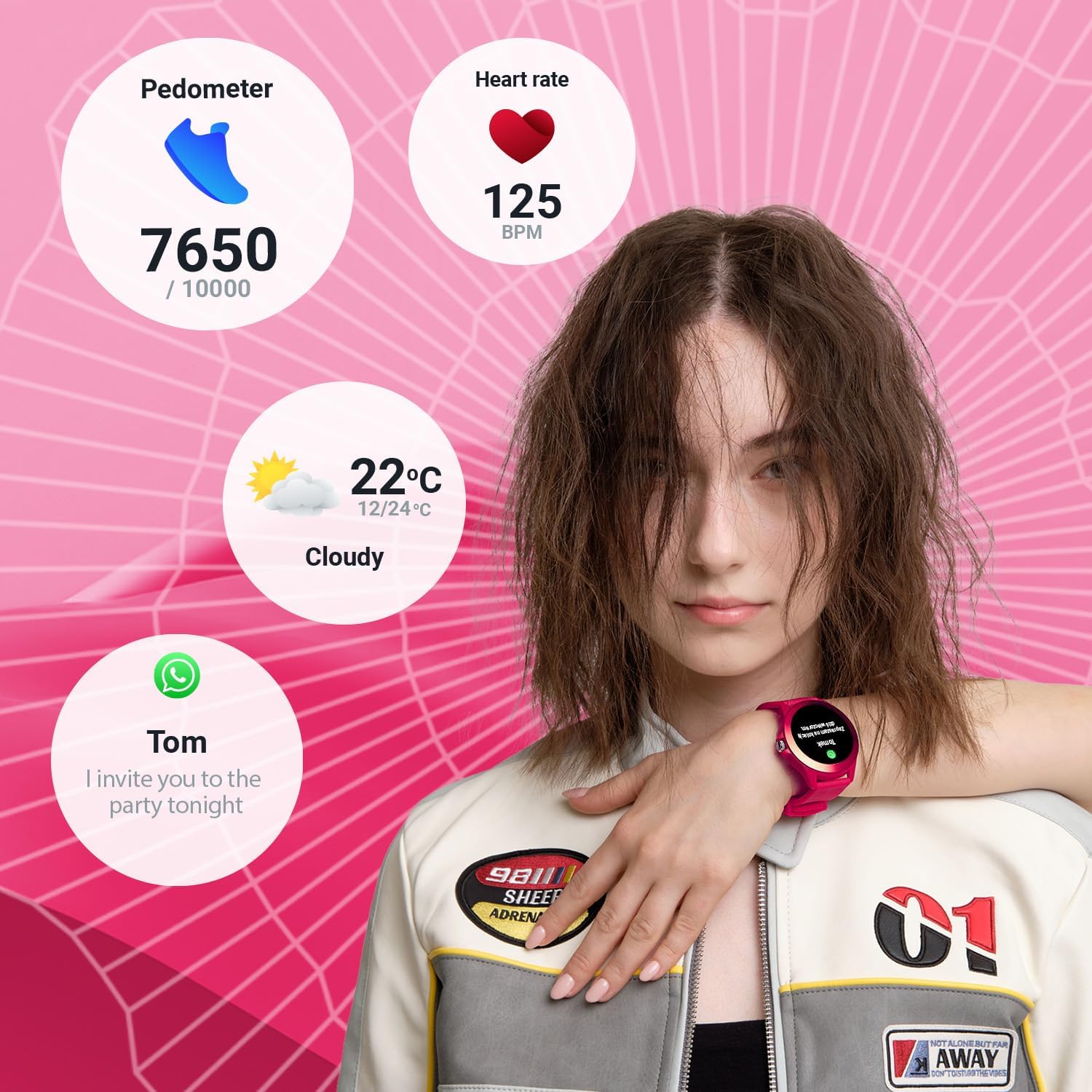
Image: The smartwatch display showing various data points including steps, heart rate, weather, and a message notification.
4.4 Controllo della musica
Access the music control feature on your watch to play, pause, skip tracks, and adjust volume for music playing on your connected smartphone.
4.5 Camera Remote
Use the camera remote function to trigger your smartphone's camera shutter from your smartwatch, making it easier to take photos.
5. Monitoraggio della salute e del fitness
5.1 Rilevatore di attività
The smartwatch continuously tracks your daily activity, including steps taken and calories burned. View your progress towards daily goals on the watch or in the companion app.
5.2 Cardiofrequenzimetro
The built-in heart rate sensor monitors your heart rate throughout the day. Access real-time readings on the watch and review dati storici nell'app.

Immagine: Primo piano view of two smartwatches, highlighting the heart rate monitoring feature with a graph.
5.3 Monitoraggio del sonno
Wear your smartwatch to bed to track your sleep patterns. The device analyzes sleep quality, including deep and light sleep stages, providing insights in the companion app.
5.4 modalità sportive
The CW-300 offers 14 different sport modes to accurately track your workouts. These include:
- Corsa
- Fitness
- Ciclismo
- Nuoto
- Arrampicata
- Marzo
- Scale
- Golf
- Yoga
- Escursionismo
- In orbita
- Badminton
- Kayak
- Tapis roulant

Immagine: Il display dello smartwatch mostraasing the icons for its 14 different sport modes.
5.5 Menstrual Cycle Monitor
For female users, the integrated menstrual monitor allows for easy tracking of the menstrual cycle within the companion app.
6. Manutenzione
6.1 Pulizia
Pulisci regolarmente lo smartwatch e il cinturino con un panno morbido e asciutto. Se necessario, usa un panno leggermenteamp panno con sapone neutro, quindi asciugare. Evitare prodotti chimici aggressivi o materiali abrasivi.
6.2 Resistenza all'acqua (IP68)
The CW-300 is IP68 rated, meaning it is resistant to dust and can withstand immersion in water up to 1.5 meters for up to 30 minutes. It is suitable for showering and swimming in shallow water. However, it is not recommended for diving, high-pressure water activities, or exposure to hot water/steam, which can compromise the seal.
6.3 Cura della batteria
To prolong battery life, avoid fully discharging the watch frequently. Charge the device regularly, and if storing for an extended period, ensure it has at least a 50% charge.
7. Risoluzione Dei Problemi
7.1 L'orologio non si accende
- Assicurati che l'orologio sia completamente carico. Collegalo al caricabatterie per almeno 30 minuti.
- Tenere premuto il pulsante laterale per 10-15 secondi per tentare un riavvio forzato.
7.2 Impossibile associare allo smartphone
- Assicurati che il Bluetooth sia attivato sullo smartphone e che l'orologio si trovi nel raggio d'azione.
- Riavvia sia lo smartphone che lo smartwatch.
- Assicurati che l'app complementare sia aggiornata all'ultima versione.
- Se è già stato associato in precedenza, prova a disassociare il dispositivo dalle impostazioni Bluetooth del telefono e poi ad associarlo nuovamente tramite l'app.
7.3 Dati sanitari inesatti
- Assicurati che l'orologio sia indossato comodamente al polso, ma non troppo stretto.
- Pulisci i sensori sul retro dell'orologio.
- I fattori ambientali e la fisiologia individuale possono influenzare la precisione del sensore.
7.4 Notifiche non visualizzate
- Controlla che l'orologio sia correttamente connesso allo smartphone tramite Bluetooth.
- Verifica le autorizzazioni di notifica per l'app complementare nelle impostazioni del tuo telefono.
- Ensure specific app notifications are enabled within the companion app.
8. Specifiche
| Marca | PER SEMPRE |
| Nome del modello | CW-300 |
| Sistema operativo | AsteroidOS |
| Dimensioni dello schermo | 1.20 Inches (1.22 Inches in some specifications) |
| Risoluzione dello schermo | 240 x 240 px |
| Connettività | Bluetooth 5.0 |
| Resistenza all'acqua | Grado di protezione IP68 |
| Caratteristiche speciali | Time display, Alarm clock, Pedometer, Heart Rate Monitor, Sleep Monitor, Calorie Counter, 14 Sport Modes, Menstrual Cycle Monitor, Music Control, Camera Remote |
| Dispositivi compatibili | Smartphone (Android/iOS) |
| Tipo di batteria | Agli ioni di litio |
| GPS | Tramite smartphone |
| Forma | Girare |
9. Garanzia e supporto
Information regarding specific warranty details, availability of spare parts, and guaranteed software updates for the FOREVER Colorum CW-300 Smartwatch is not available in the provided product data.
For any issues not covered in this manual or for further assistance, please refer to the official FOREVER webo contattare direttamente l'assistenza clienti. Conservare la prova d'acquisto per eventuali reclami in garanzia.