
1. Prodotto finitoview
The Wokyo Portable Mini Projector (Model CA164965161) is a compact and lightweight device designed for displaying media from various sources. Its small form factor allows for easy portability, making it suitable for home cinema, outdoor viewing, or business presentations.
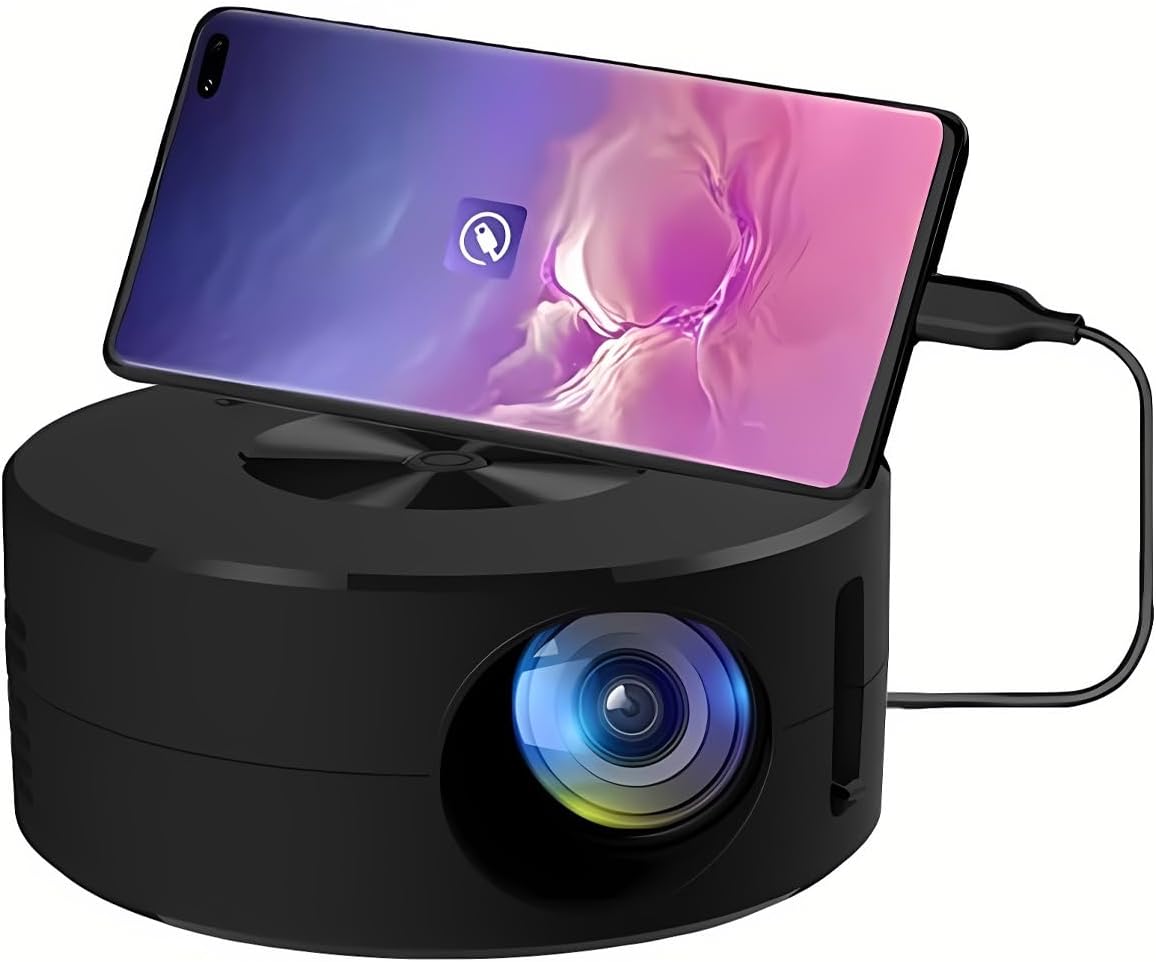
Immagine 1.1: anteriore view of the Wokyo Portable Mini Projector.
Key features of this projector include:
- Design compatto: Smaller than a typical smartphone, facilitating easy transport.
- Mirroring dello schermo cablato: Supports direct connection to mobile phones and tablets using their charging cables for screen display, eliminating the need for additional adapters.
- High Clarity Support: Capable of supporting resolutions up to 1920x1080p, providing clear image quality.
- Costruzione durevole: Manufactured from environmentally friendly ABS material.
- Efficient Light Source: Utilizes an LCD light source for lower energy consumption and extended lifespan.
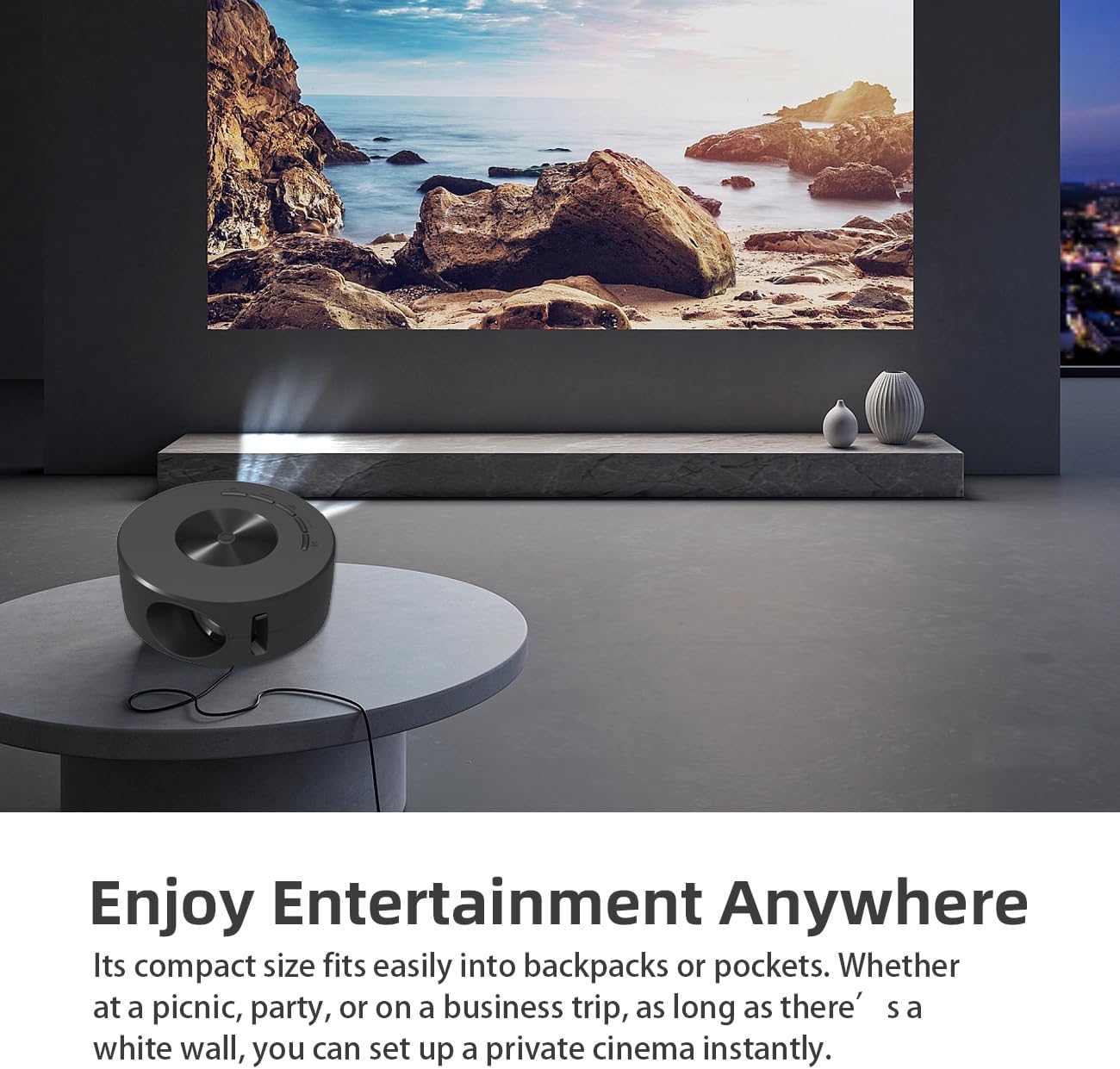
Image 1.2: Projector in use, demonstrating its compact size and projection capability.
2. Contenuto della confezione
Verifica che tutti gli articoli elencati di seguito siano inclusi nella confezione del prodotto:

Image 2.1: All items included in the Wokyo Portable Mini Projector package.
- Wokyo Portable Mini Projector
- Telecomando
- Cavo USB
- Manuale d'uso
- Scatola colorata
- Scatola di schiuma
- Borsa per pacchi
3. Dimensioni del prodotto
The projector features a compact design for portability.

Image 3.1: Product dimensions of the Wokyo Portable Mini Projector.
- Diametro: Circa 4.33 pollici (110 mm)
- Altezza: Circa 1.85 pollici (47 mm)
- Peso: Circa 10.6 once
4. Configurazione iniziale
4.1 Collegamento di alimentazione
To power the projector, connect it to a suitable power source. The projector requires a 5V 2A power input.

Image 4.1: Power connection options for the projector.
- Ensure your power source (e.g., phone charger, power bank) provides at least 5V 2A output.
- Connect the provided USB cable to the projector's power input port.
- Connect the other end of the USB cable to your chosen power source.
- Il proiettore si accenderà automaticamente oppure potrà essere acceso tramite il pulsante di accensione.
4.2 Device Connection (Wired Screen Mirroring)
The projector supports wired screen mirroring from mobile phones and tablets using their standard charging cables.
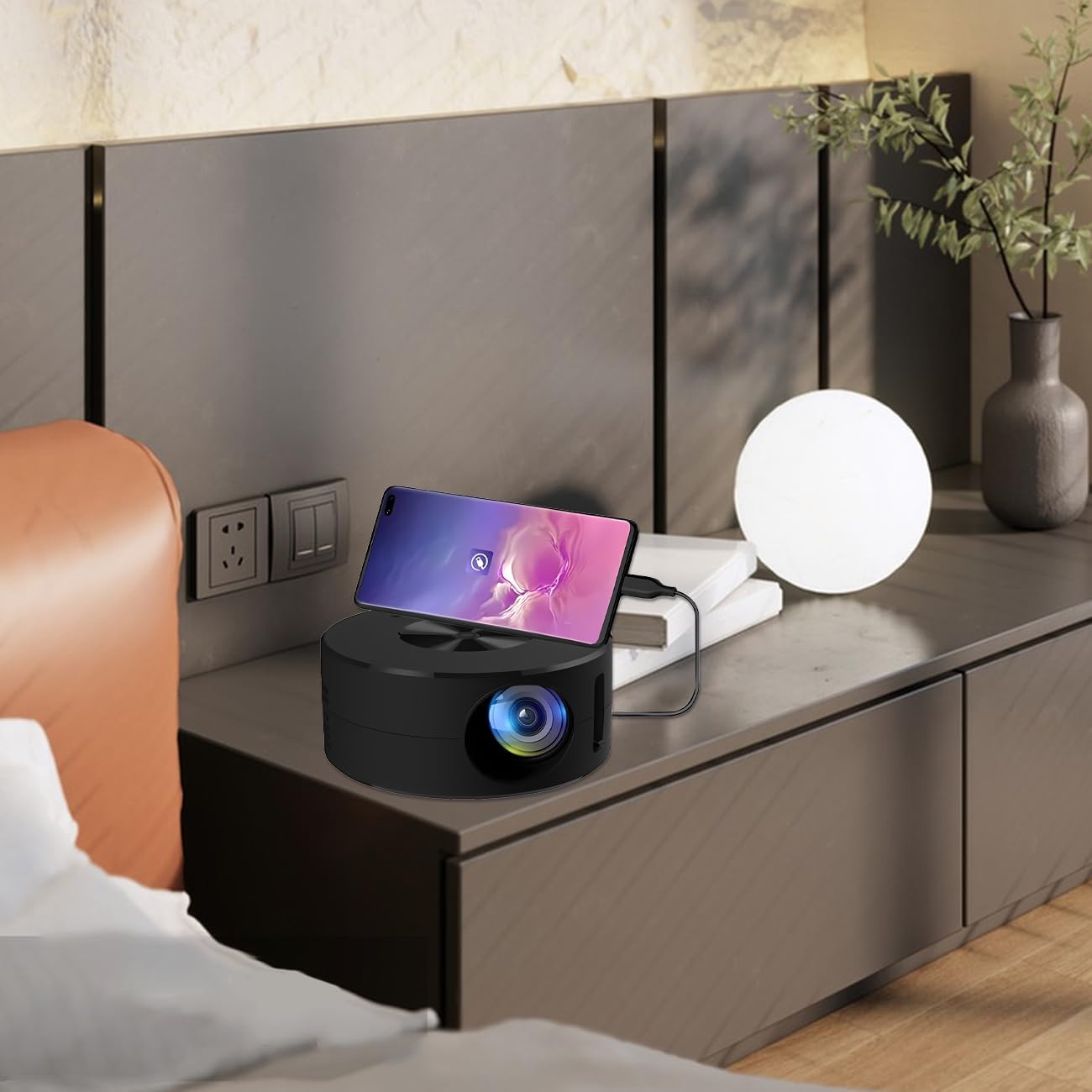
Image 4.2: Smartphone connected to the projector for wired screen mirroring.
- Connect your mobile phone or tablet to the projector using its original charging cable.
- The projector should automatically detect the connection and initiate screen mirroring.
- Follow any on-screen prompts on your device or the projector to confirm the connection.
5. Istruzioni per l'uso
5.1 Basic Controls and Ports
Familiarize yourself with the projector's control buttons and input/output ports.

Immagine 5.1: Passoview of projector ports and controls.
- Pulsante di accensione: Accende/spegne il proiettore.
- Pulsanti di navigazione (Su/Giù/Sinistra/Destra/OK): Utilizzato per navigare nei menu e confermare le selezioni.
- Porta USB: Per collegare dispositivi di archiviazione USB.
- Porta per cuffie: Per collegare dispositivi audio esterni.
- Ingresso IR: Per ricevere segnali dal telecomando.
- Ingresso alimentazione 5V 2A: Per collegare l'alimentazione elettrica.
- Altoparlante stereo incorporato: Fornisce uscita audio.
5.2 Regolazione della messa a fuoco
To achieve a clear image, adjust the focus ring located around the projector lens. Rotate the ring until the projected image appears sharp.
5.3 Utilizzo del telecomando
The included remote control allows for convenient operation of the projector from a distance. Ensure the remote has batteries installed and is pointed towards the projector's IR sensor.
6. Manutenzione
Una corretta manutenzione garantisce la longevità e le prestazioni ottimali del proiettore.
- Pulizia della lente: Utilizzare un panno morbido e privo di lanugine, specificamente progettato per lenti ottiche. Evitare materiali abrasivi o sostanze chimiche aggressive. Pulire delicatamente la lente per rimuovere polvere o macchie.
- Pulizia dell'esterno: Pulire l'esterno del proiettore con un panno morbido e asciutto. Non utilizzare detergenti liquidi direttamente sul dispositivo.
- Ventilazione: Assicurarsi che le aperture di ventilazione del proiettore non siano ostruite durante il funzionamento per evitare il surriscaldamento.
- Magazzinaggio: When not in use, store the projector in a cool, dry place away from direct sunlight and excessive dust.
7. Risoluzione Dei Problemi
Per i problemi più comuni e le relative soluzioni, fare riferimento alla tabella seguente.
| Problema | Possibile causa | Soluzione |
|---|---|---|
| Nessuna immagine proiettata | Alimentazione non collegata; Sorgente di ingresso non selezionata; Dispositivo non collegato correttamente. | Ensure power is connected (5V 2A). Check device connection. Verify screen mirroring is active on your device. |
| L'immagine è sfocata | Messa a fuoco non regolata. | Rotate the focus ring around the lens until the image is clear. |
| Nessun suono | Volume too low; External audio device connected; Device audio output settings. | Increase projector volume. Disconnect external audio devices if using internal speaker. Check audio settings on the connected source device. |
| Il telecomando non funziona | Batteries low/dead; Obstruction between remote and projector; Remote not pointed at IR sensor. | Replace remote batteries. Ensure clear line of sight to the projector's IR sensor. |
8. Specifiche tecniche
Detailed specifications for the Wokyo Portable Mini Projector.
| Caratteristica | Specificazione |
|---|---|
| Marca | Wokyo |
| Numero di modello | CA164965161 |
| Peso dell'articolo | 10.6 once |
| Dimensioni del prodotto | 4.33 x 4.33 x 1.97 pollici |
| Colore | Nero |
| Caratteristica speciale | Portabilità |
| Tecnologia di connettività | Bluetooth |
| Risoluzione dello schermo (nativa) | 320x180 |
| Display Resolution (Maximum Supported) | 1920x1080 |
9. Garanzia e supporto
For warranty information or technical support, please refer to the contact details provided with your purchase documentation or visit the official Wokyo websito. Conservare la ricevuta d'acquisto come prova d'acquisto per eventuali reclami in garanzia.