
Introduzione
Thank you for choosing the iKF Y3 Wired Retro Headphones. This manual provides essential information for setting up, operating, maintaining, and troubleshooting your headphones. Please read it thoroughly to ensure optimal performance and longevity of your device.

Image: The iKF Y3 Retro Wired Headphones, showcasing their vintagdesign ispirato all'elettronica.
Prodotto finitoview
Caratteristiche principali
- Design retrò: Metal steel bars create a vintagestetica ispirata all'elettronica.
- Leggero e confortevole: Weighing approximately 50g, with breathable, dense sponge ear pads for extended wear.
- Qualità del suono HiFi: Equipped with 30mm white magnetic speakers for clear, dual-channel stereo audio.
- Flexible and Convenient: Features a retractable body and manually adjustable earcups for a personalized fit.
- Alta compatibilità: Connects to devices with a standard 3.5mm audio jack, including phones, tablets, and computers.
Contenuto della confezione
Assicurarsi che tutti gli articoli siano presenti nel pacco:
- 1 x iKF Y3 Wired Headphones
- 1 x Manuale utente
- 2 x Pairs of Replacement Ear Pads (1 Black, 1 Orange)

Image: The iKF Y3 headphones, user manual, and two pairs of ear pads (black and orange) included in the package.
Impostare
1. Regolazione dell'archetto
Gently extend or retract the metal steel bars of the headband to fit your head comfortably. The earcups can also be manually adjusted for optimal positioning over your ears.

Image: The iKF Y3 headphones demonstrating the ergonomic headband design for a pressure-free fit.
2. Connessione a un dispositivo
Locate the 3.5mm audio jack on your device (phone, tablet, laptop, PC). Insert the 3.5mm plug of the iKF Y3 headphones firmly into the audio jack. No additional drivers or software are required for basic audio playback.
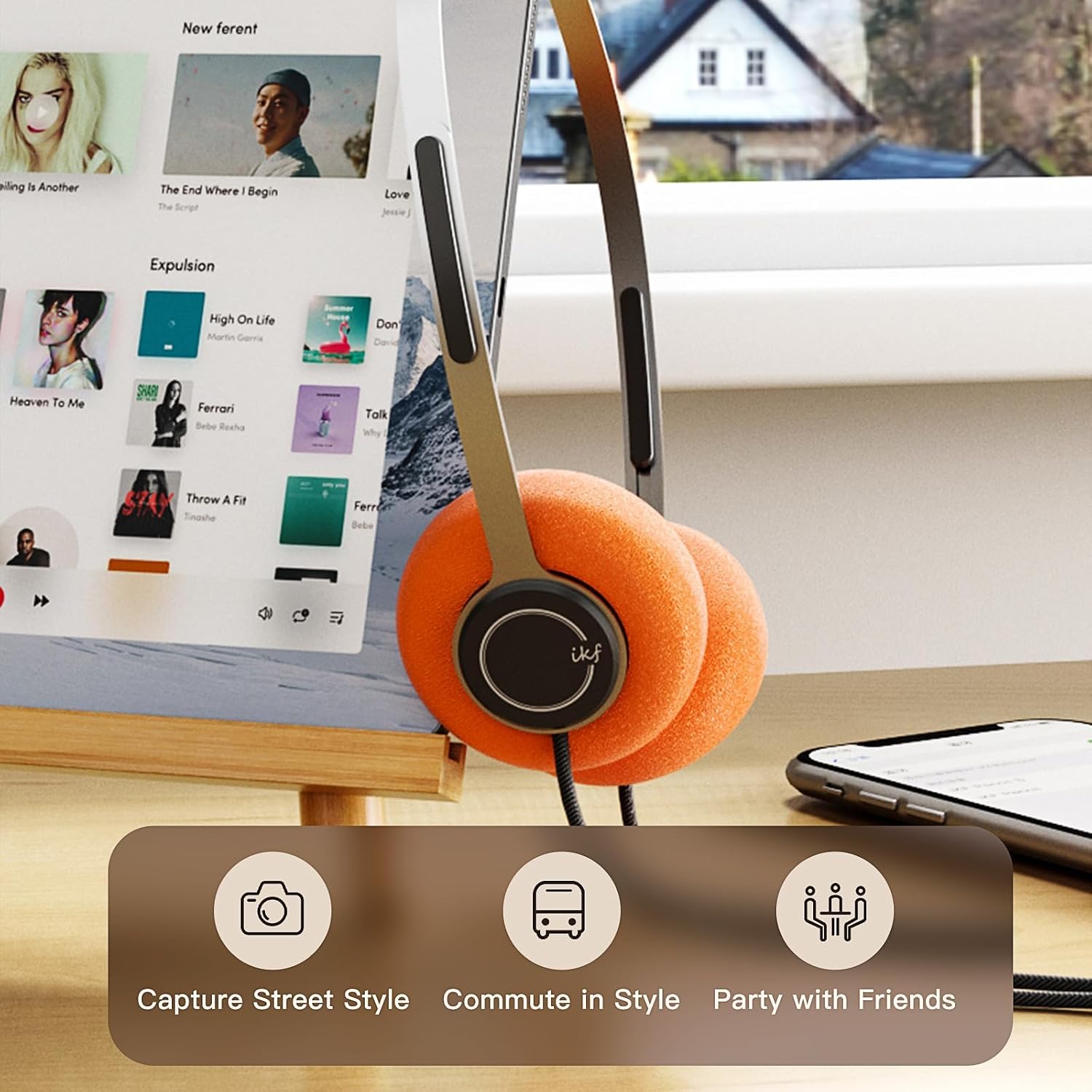
Image: iKF Y3 headphones connected to a tablet, illustrating compatibility with various devices for music and communication.
Istruzioni per l'uso
Controllo del volume
The iKF Y3 headphones feature an inline controller on the cable for convenient volume adjustment:
- Aumenta volume: Slide the volume button upwards.
- Diminuisci volume: Slide the volume button downwards.
Note: The volume level on your connected device (phone, tablet, PC) will also affect the overall sound output. Adjust both for your preferred listening level.
Call and Media Control
The inline controller also allows for basic call and media management:
- Play/Pause Music / Answer/End Call: Single click the central button.
- Rifiuta chiamata: Premere a lungo il pulsante centrale.
- Traccia successiva: Double click the central button.
- Traccia precedente: Triple click the central button.

Image: Close-up of the inline controller on the headphone cable, showing the volume slider and multi-function button for media and call control.
Manutenzione
Pulizia
- Use a soft, dry cloth to wipe the headphones.
- Per i cuscinetti auricolari, strofinare delicatamente con un panno leggermenteamp panno e lasciare asciugare completamente all'aria prima dell'uso.
- Evitare l'uso di prodotti chimici aggressivi, solventi o detergenti abrasivi.
Sostituzione dei cuscinetti auricolari
The iKF Y3 headphones come with detachable sponge ear cushions, allowing for easy replacement:
- Gently pull off the existing ear pad from the earcup.
- Align the new ear pad with the earcup and carefully stretch it over the edge until it is securely fitted.

Image: Illustration of the detachable sponge ear cushions, highlighting the ease of switching between different styles (black and orange).
Magazzinaggio
Store your headphones in a cool, dry place away from direct sunlight and extreme temperatures. Avoid tangling the cable to prevent damage.
Risoluzione dei problemi
| Problema | Possibile causa | Soluzione |
|---|---|---|
| Nessun suono | Headphone plug not fully inserted. Device volume too low. Incorrect audio output selected on device. | Ensure 3.5mm plug is fully inserted. Increase volume on both headphones and connected device. Check device audio settings to ensure headphones are selected as output. |
| Il suono è distorto o poco chiaro | Volume too high. Damaged cable or connector. | Lower the volume. Inspect the cable and 3.5mm plug for any visible damage. Try with another device to isolate the issue. |
| Il microfono non funziona | L'ingresso del microfono non è selezionato sul dispositivo. | Check your device's audio input settings and ensure the headphone microphone is selected. |
Specifiche

Immagine: Un esploso view of the iKF Y3 headphone's internal components, highlighting the 30mm neodymium driver for crystal clear sound.
| Caratteristica | Dettaglio |
|---|---|
| Marca | iKF |
| Nome del modello | iKF Y3 |
| Colore | Marrone |
| Tecnologia di connettività | Cablato |
| Presa per cuffie | 3.5 mm Jack |
| Posizionamento dell'orecchio | Sopra l'orecchio |
| Impedenza | 32 Ohm |
| Insonorizzazione | Isolamento acustico |
| Tipo di driver audio | Dinamico |
| Dimensioni del driver audio | 30 millimetri |
| Gamma di frequenza | Da 20 Hz a 20,000 Hz |
| Peso del prodotto | Circa 50 g |
| Dispositivi compatibili | Computer, portatile, telefono cellulare |
| Caratteristiche del prodotto | Adjustable Headband, Retro Design, Lightweight, HiFi Sound Quality |
| Tipo di controllo | Media Control (Inline Controller) |
| Paese di origine | Cina |
Garanzia e supporto
For warranty information and customer support, please refer to the documentation provided with your purchase or contact iKF customer service through their official websito. Conservare la prova d'acquisto per eventuali reclami in garanzia.