Introduzione
This manual provides comprehensive instructions for the installation, maintenance, and troubleshooting of your McbeAn replacement parts and accessories. These parts are designed for optimal compatibility and performance with MOOSOO Robot Vacuum Cleaner models RT30, RT40, RT50, R3, and R4. Regular replacement of these components ensures your robot vacuum operates at peak efficiency, maintaining a clean home environment.
Contenuto della confezione
Your accessory set (Set C) typically includes the following components:
- Main Brush (1 unit)
- HEPA Filters (multiple units, typically 4-10 depending on set)
- Side Brushes (multiple units, typically 2-4 pairs)
- Mop Pads (multiple units, typically 2-4 depending on set)

Figura 1: Oltreview of the McbeAn replacement parts kit, showing the main brush, side brushes, HEPA filters, and mop pads.
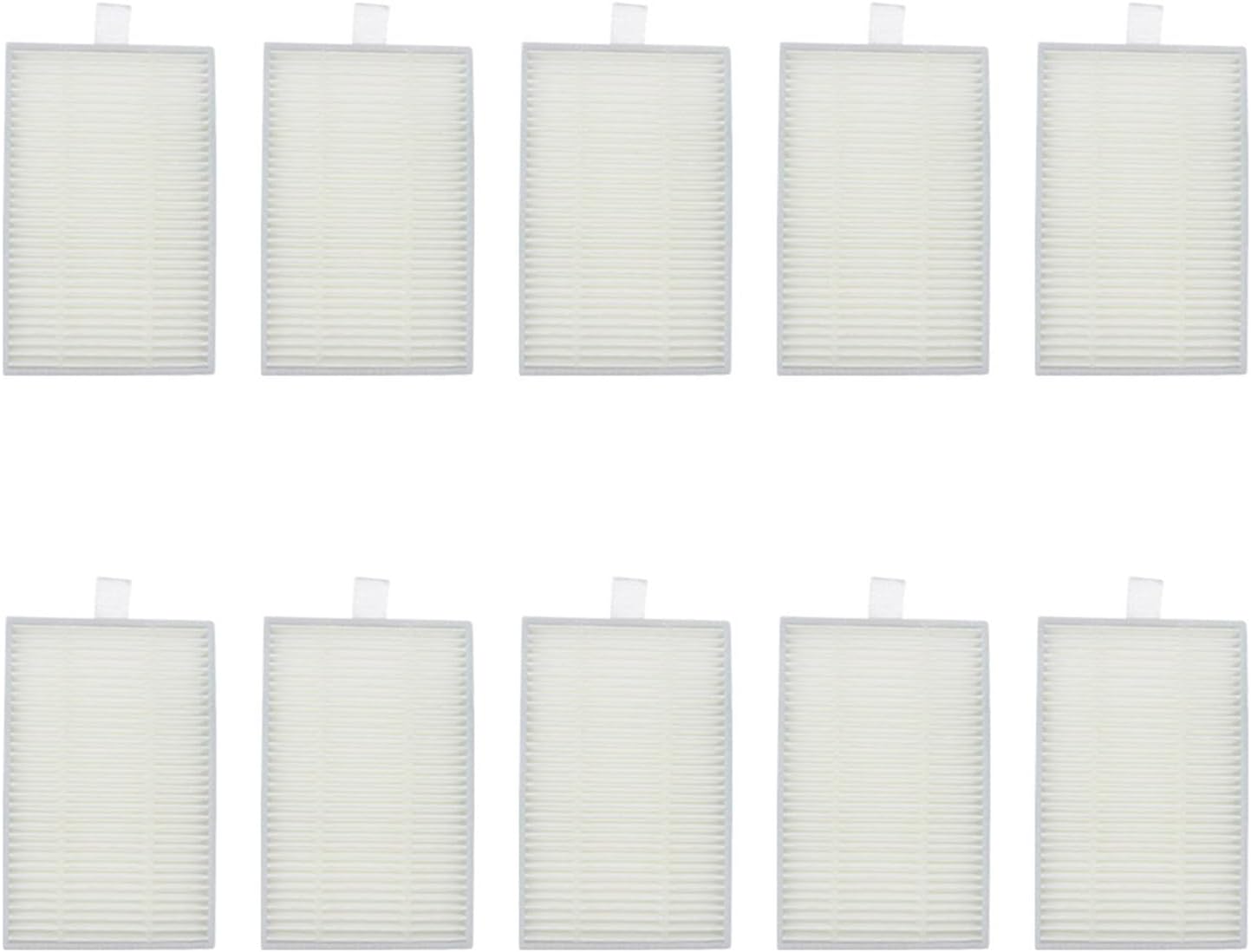
Figure 2: A complete set of McbeAn vacuum cleaner replacement parts, including main brush, HEPA filters, and side brushes.
Configurazione e installazione
Before installing any new parts, ensure your MOOSOO robot vacuum cleaner is powered off and unplugged from its charging base.
1. Installazione della spazzola principale
- Flip the robot vacuum cleaner over to access the brush compartment.
- Locate the main brush cover, usually secured by latches or screws. Open or remove the cover.
- Remove the old main brush. Clean any debris from the brush compartment.
- Insert the new main brush, ensuring it clicks into place correctly.
- Close or re-secure the main brush cover.
2. Installing HEPA Filters
- Aprire il vano del contenitore della polvere del robot aspirapolvere.
- Rimuovere la pattumiera.
- Locate the filter assembly within the dustbin. Remove the old HEPA filter and any pre-filters.
- Inserire il nuovo filtro HEPA nell'apposito alloggiamento, assicurandosi che aderisca perfettamente.
- Reinsert the dustbin into the robot vacuum until it locks into place.

Figure 3: New HEPA filters ready for installation.
3. Installazione delle spazzole laterali
- Capovolgere il robot aspirapolvere.
- Locate the side brushes. They are typically secured by a single screw or snap into place.
- Remove the old side brushes.
- Align the new side brushes with the corresponding posts and press down firmly or secure with the screw until they are properly seated.

Figure 4: New three-arm side brushes.
4. Attaching Mop Pads (if applicable)
- Locate the mop pad attachment plate on your robot vacuum.
- Attach the new mop pad to the plate using the hook-and-loop fasteners or designated slots.
- Ensure the mop pad is securely attached before operating the vacuum in mopping mode.

Figure 5: Stack of blue microfiber mop pads.
Considerazioni operative
Once new parts are installed, your MOOSOO robot vacuum should function as intended. The main brush and side brushes work in conjunction to sweep debris into the vacuum's suction path, while the HEPA filter captures fine dust and allergens. Mop pads are used for wet cleaning on hard floors.
Ensure the dustbin is emptied regularly and mop pads are cleaned after each use for optimal performance.
Manutenzione
Regular maintenance of your vacuum cleaner parts is crucial for extending their lifespan and ensuring efficient cleaning.
Frequenza di pulizia
- Spazzola principale: Pulire settimanalmente, o più spesso se sono presenti animali domestici. Rimuovere peli e detriti aggrovigliati.
- Spazzole laterali: Check weekly for tangled hair or damage. Clean as needed.
- Filtri HEPA: Tap clean weekly to remove dust. Do not wash. Replace every 1-3 months depending on usage.
- Panni per mocio: Wash after each use. Air dry completely before reattaching.
Programma di sostituzione
The lifespan of replacement parts varies based on usage and environment. General recommendations are:
- Spazzola principale: Sostituire ogni 6-12 mesi.
- Spazzole laterali: Replace every 3-6 months, or if visibly worn/damaged.
- Filtri HEPA: Sostituire ogni 1-3 mesi.
- Panni per mocio: Replace every 3-6 months, or if cleaning effectiveness diminishes.
Risoluzione dei problemi
If your robot vacuum's performance declines after replacing parts, consider the following:
| Problema | Possibile causa | Soluzione |
|---|---|---|
| Potenza di aspirazione ridotta | Clogged HEPA filter; full dustbin. | Clean or replace HEPA filter; empty dustbin. |
| Brush Not Rotating | Hair/debris tangled in main brush or side brushes; brush not installed correctly. | Remove debris from brushes; re-install brushes correctly. |
| Poor Mopping Performance | Mop pad dirty or worn out. | Wash or replace mop pad. |
Specifiche
- Marca: McbeAn
- Modelli compatibili: MOOSOO Robot RT30, RT40, RT50, R3, R4
- Material (HEPA Filter): Filtro HEPA
- Item Weight (Set C): Circa 1.76 once
- Package Dimensions (Set C): Circa 0.39 x 0.39 x 0.39 pollici
- Componenti: Main Brush, HEPA Filters, Side Brushes, Mop Pads (specific quantities vary by set)

Figura 6: Dimensionale suview of key replacement components.
Garanzia e supporto
Specific warranty information for this accessory set is not provided within this manual. Please refer to the product listing or contact the seller directly for details regarding warranty coverage and customer support for your McbeAn replacement parts.