
VTech CS2000
Manuale utente del telefono cordless DECT VTech CS2000
Modello: CS2000
Introduzione
This manual provides comprehensive instructions for the setup, operation, and maintenance of your VTech CS2000 DECT Cordless Home Phone. Please read this manual thoroughly before using your phone to ensure proper functionality and to take full advantage delle sue caratteristiche.

Image: The VTech CS2000 cordless phone handset resting in its black base station. The handset features a backlit LCD screen and a numeric keypad with function buttons.
Impostare
1. Contenuto della confezione
Assicurati che tutti gli articoli siano presenti nel pacco:
- Telefono cellulare VTech CS2000
- Unità di base
- Adattatore di alimentazione per unità base
- Cavo della linea telefonica
- Rechargeable NiMH Battery Pack (1 included)
- Manuale dell'utente (questo documento)
2. Installazione della batteria
- Individuare il vano batteria sul retro del ricevitore.
- Aprire il coperchio del vano batterie.
- Collegare il connettore del pacco batteria alla presa all'interno del vano, assicurandosi della corretta polarità.
- Inserire la batteria nel vano.
- Chiudere il coperchio del vano batterie.
Nota: Use only the supplied rechargeable NiMH battery pack. Non-rechargeable batteries or other battery types may damage the handset.
3. Collegamento dell'unità base
- Collegare un'estremità del cavo della linea telefonica alla presa TEL LINE sull'unità base.
- Collegare l'altra estremità del cavo della linea telefonica a una presa telefonica a muro.
- Connect the small end of the power adapter to the DC IN 6V jack on the base unit.
- Collegare l'estremità grande dell'adattatore di alimentazione a una presa elettrica standard.
Importante: Use only the power adapter supplied with this product. Do not use other power adapters as this may damage the unit.
4. Carica iniziale della batteria
Place the handset in the base unit with the display facing forward. The charge indicator on the handset will illuminate, indicating that the battery is charging. For optimal battery performance, charge the handset for at least 16 hours before initial use.
Istruzioni per l'uso
Effettuare chiamate
- Composizione standard: Premere PARLARE or ORATORE, quindi componi il numero di telefono.
- Preselezione: Dial the phone number first, then press PARLARE or ORATORE.
- Ricomposizione: Premere RICOMPOSIZIONE to call the last dialed number. The phone stores the last 10 dialed numbers.

Image: The VTech CS2000 handset screen showing a list of the last 10 dialed numbers, accessible for redialing.
Ricezione di chiamate
Quando il telefono squilla, premere PARLARE or ORATORE per rispondere alla chiamata.
Call Blocking
The VTech CS2000 allows you to block unwanted calls. You can block up to 30 numbers by adding them to the blacklist. Refer to the phone's menu for specific steps to add numbers to the block list.

Image: A person relaxing with a book, while the VTech CS2000 phone is visible on a nearby table, symbolizing the peace of mind provided by the call blocking feature.
Elenco telefonico
Store up to 30 names and numbers in the phonebook for quick dialing. Navigate to the phonebook menu, select "Add New Entry," and follow the on-screen prompts to save contacts.

Image: The VTech CS2000 handset screen showing a graphical representation of its phonebook, capable of storing 30 names and numbers.
ID chiamante
The phone displays the caller's name and number (if available) before you answer. The call log stores up to 20 incoming calls with caller identification.
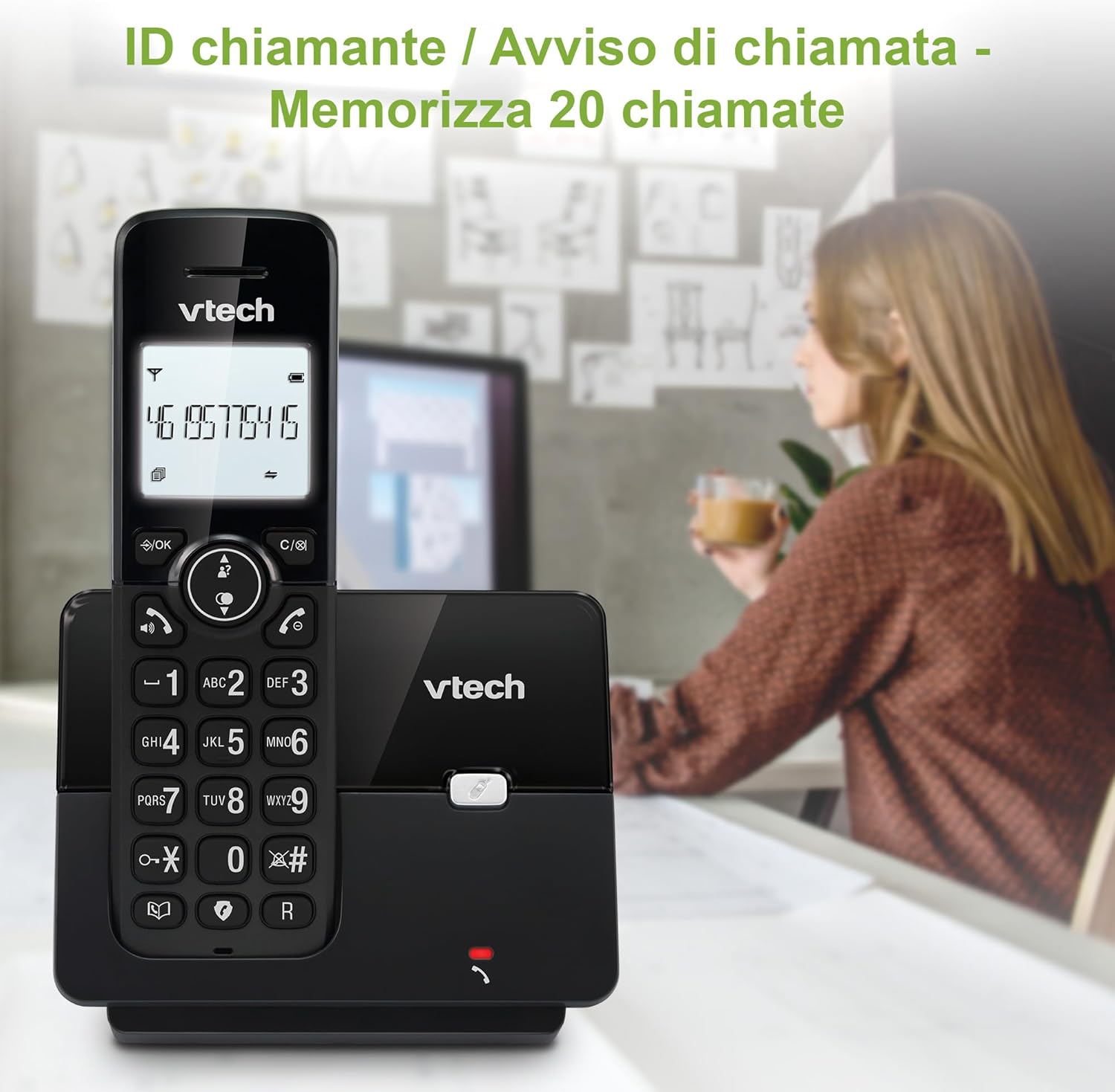
Image: The VTech CS2000 handset screen showing a caller's number, demonstrating the caller ID feature which stores up to 20 calls.
Vivavoce
Per attivare il vivavoce durante una chiamata, premere il tasto ORATORE pulsante. Premerlo di nuovo per tornare all'auricolare del portatile.

Image: The VTech CS2000 phone positioned on a kitchen counter, with a speech bubble graphic, illustrating its hands-free speakerphone capability.
Funzione di allarme
The phone includes an alarm function. Access the menu to set an alarm time and melody.
Ringer Volume and Melody
Adjust the ringer volume and select from various melodies through the phone's settings menu.
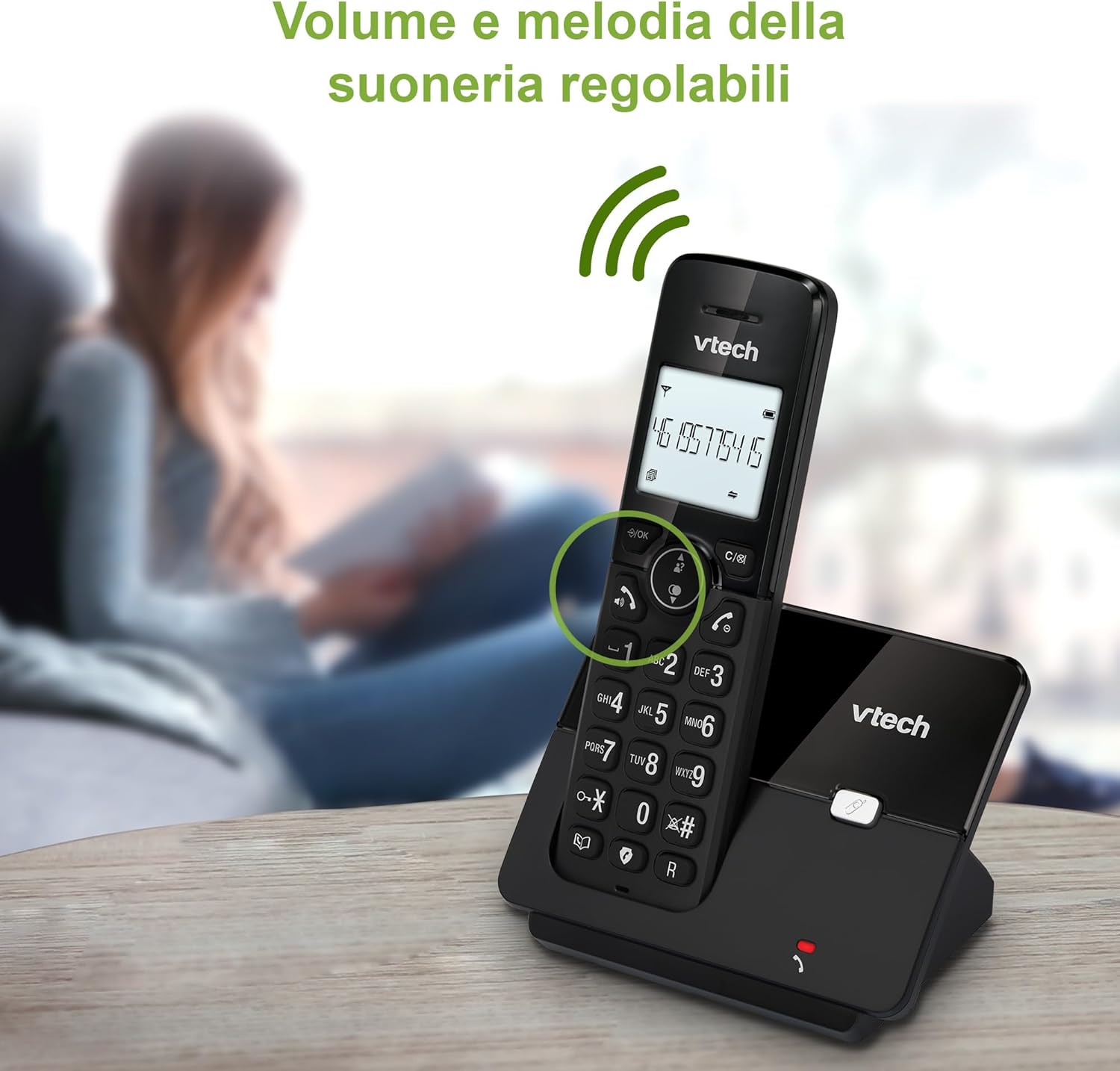
Image: The VTech CS2000 phone on a wooden table, with visual cues of sound waves, highlighting its adjustable ringer volume and melody options.
Modalità ecologica
The phone features ECO DECT technology, which automatically adjusts the radio frequency power based on the distance between the handset and the base unit. This reduces power consumption and is environmentally friendly.

Image: A woman using the VTech CS2000 phone in a spacious home environment, with graphics indicating its reliable long-range DECT signal and energy-saving ECO mode.
Manutenzione
- Pulizia: Pulisci il telefono e l'unità base con un panno morbido eamp panno. Non utilizzare spray detergenti o prodotti chimici aggressivi.
- Cura della batteria: Se si prevede di non utilizzare il telefono per un periodo prolungato, rimuovere la batteria dal portatile.
- Ambiente: Tenere il telefono lontano da fonti di calore, dalla luce solare diretta e dall'umidità.
Risoluzione dei problemi
| Problema | Soluzione |
|---|---|
| Nessun tono di linea |
|
| Il portatile non si carica |
|
| Scarsa qualità del suono |
|
| ID chiamante non visualizzato |
|
Specifiche
| Caratteristica | Dettaglio |
|---|---|
| Marca | VTech |
| Numero di modello | CS2000 |
| Colore | Nero |
| Dimensioni dello schermo | 1.8 pollici |
| Connettività | DECT |
| Caratteristiche speciali | Cordless, Call Blocking, Hands-Free, ECO Mode |
| Dispositivi compatibili | Traditional telephone networks |
| Composizione della batteria | NiMH |
| Tempo di conversazione | Fino a 13 ore |
| Tempo di standby | Fino a 200 ore |
| Capacità della rubrica | 30 nomi e numeri |
| Capacità del registro delle chiamate | 20 names and numbers (with Caller ID) |
| Memoria di ricomposizione | Ultimi 10 numeri |
| Gamma (esterna) | Fino a 300 metri |
| Peso | 300 grammi |
Garanzia e supporto
Le informazioni relative ai termini di garanzia specifici e ai recapiti dell'assistenza clienti non sono disponibili nei dati di prodotto forniti. Fare riferimento alla confezione del prodotto o al manuale d'uso ufficiale del produttore. websito per informazioni sulla garanzia e contatti di supporto.
For general inquiries or technical assistance, you may visit the VTech official websito o contattare il loro servizio clienti.
Ask a question about this manual
Ask about setup, troubleshooting, compatibility, parts, safety, or missing instructions. Manuals+ will review the question and use this page’s manual context to help answer it.