
VTech CS2001
VTech CS2001 DECT Cordless Phone System
Manuale d'uso
Introduzione
Welcome to the VTech CS2001 DECT Cordless Phone System user manual. This guide provides comprehensive instructions for setting up, operating, and maintaining your new phone system. The VTech CS2001 offers clear sound, call blocking, speakerphone functionality, and an ECO mode for energy efficiency, designed to enhance your communication experience at home.
Cosa c'è nella scatola
Si prega di verificare che tutti gli articoli elencati di seguito siano inclusi nel pacchetto:
- 1 Unità di base
- 2 ricevitori cordless
- 2 caricabatterie per cellulari
- 2 adattatori CA
- 2 pacchi batteria
- 1 cavo della linea telefonica
- Guida rapida

Image: The VTech CS2001 DECT Cordless Phone System, showing the main base unit with one handset and a separate charging cradle with the second handset.
Guida all'installazione
1. Collegamento dell'unità base
- Collegare un'estremità del cavo della linea telefonica alla presa TEL LINE sul retro dell'unità base.
- Collegare l'altra estremità del cavo della linea telefonica a una presa telefonica a muro.
- Plug one AC adapter into the POWER jack on the back of the base unit.
- Plug the other end of the AC adapter into a wall outlet not controlled by a wall switch.
2. Installazione delle batterie del telefono
- Aprire il coperchio del vano batteria sul retro di ciascun telefono.
- Collegare saldamente la spina del pacco batteria alla presa all'interno del vano.
- Posizionare il pacco batteria con l'etichetta rivolta verso l'ALTO e infilare ordinatamente i cavi all'interno del vano.
- Chiudere il coperchio del vano batterie.
3. Ricarica dei cellulari
- Place each handset face forward in its respective charging cradle (one on the base unit, one on the separate charger).
- The charge light on the handset (or base/charger) will illuminate, indicating proper charging.
- Lasciare caricare i telefoni per almeno 16 ore prima del primo utilizzo per garantire la piena capacità della batteria.
Istruzioni per l'uso
Effettuare e ricevere chiamate
To make a call, pick up a handset, dial the number, and press the Chiamata button. To answer a call, simply pick up the handset or press any key (except OFF).
Funzione vivavoce

The VTech CS2001 features a convenient speakerphone function, allowing you to talk hands-free. Simply press the Vivavoce button during a call to activate or deactivate it. This is ideal for multitasking or group conversations.
Call Blocking

Block unwanted and nuisance calls with the integrated call blocking feature. You can add up to 30 numbers to a blacklist to prevent them from ringing your phone. Refer to the menu options on your handset to manage your blocked numbers list.
Phonebook (30 Entries)

Store up to 30 names and numbers in the phonebook for quick and easy dialing. Navigate to the phonebook menu on your handset to add, edit, or delete entries. Entries are sorted alphabetically.
Caller ID and Call Log (20 Entries)
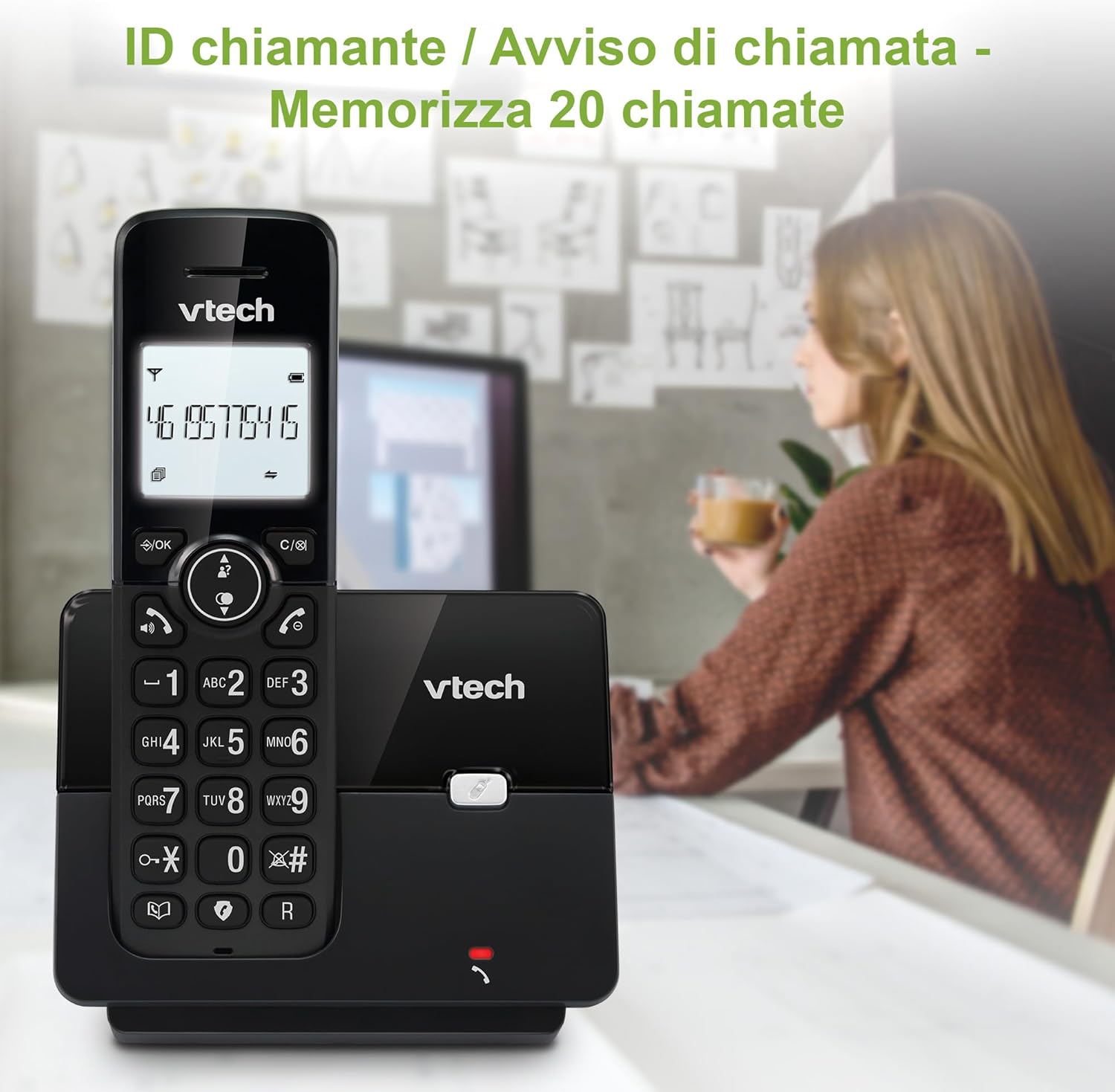
The phone displays the caller's name and number (if available and subscribed to Caller ID service). The call log stores information for the last 20 incoming calls, allowing you to review missed calls and redial directly from the log.
Redial (Last 10 Numbers)

Quickly redial any of the last 10 numbers called. Press the Ricomposizione button on the handset to access the list and select the desired number.
Adjustable Ringer Volume and Melodies
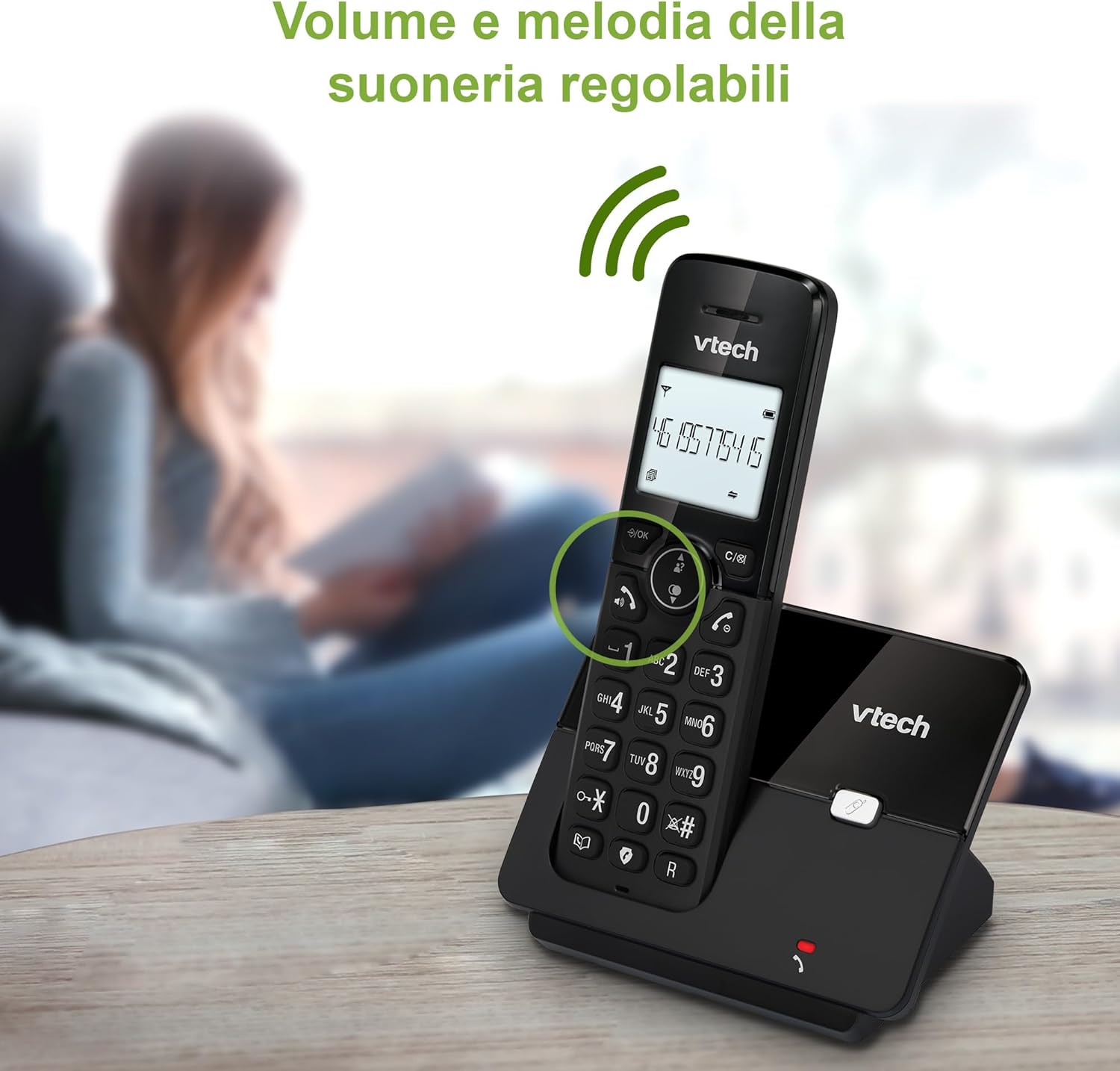
Customize your phone's ringing experience. You can adjust the ringer volume to your preference and choose from a selection of melodies available in the handset settings.
Alarm and Mute Functions

The phone includes an alarm function for reminders and a mute function to temporarily silence your microphone during a call, allowing for private conversations without the other party hearing you.
Modalità ecologica
The ECO DECT technology automatically adjusts the radio frequency power based on the distance between the handset and the base unit. This environmentally friendly feature ensures reduced energy consumption and extended battery life.
Display retroilluminato

The 1.8-inch backlit display ensures clear visibility of numbers and menu options, even in low-light conditions, making it easy to use at any time of day.
Manutenzione
Pulizia del telefono
Pulisci il telefono e l'unità base con un panno morbido e leggermente abrasivo.amp cloth. Do not use cleaning sprays or abrasive cleaners as they can damage the finish or electrical components.
Cura della batteria
To prolong battery life, avoid exposing the handsets to extreme temperatures. If the phone will not be used for an extended period, remove the batteries from the handsets.
Risoluzione dei problemi
| Problema | Soluzione |
|---|---|
| Nessun segnale di linea. |
|
| Scarsa qualità audio / Disturbo statico. |
|
| Il telefono non si carica. |
|
| Il display è vuoto. |
|
Specifiche
| Caratteristica | Dettaglio |
|---|---|
| Numero di modello | CS2001 |
| Marca | VTech |
| Tipo di telefono | Telefono DECT senza fili |
| Colore | Nero |
| Materiale | Plastica |
| Fonte di alimentazione | Battery Powered (AC Adapter for Base/Chargers) |
| Numero di batterie | 2 (incluso) |
| Tempo di conversazione | Fino a 13 ore |
| Tempo di standby | Fino a 200 ore |
| Capacità della rubrica | 30 nomi e numeri |
| Capacità del registro delle chiamate | 20 nomi e numeri |
| Capacità di blocco delle chiamate | Up to 30 Numbers |
| Display | Display retroilluminato da 1.8 pollici |
| Dimensioni (confezione) | Dimensioni: 17.6 x 15 x 10.5 cm |
| Peso dell'articolo | 500 grammi |
| Paese di origine | Cina |
Garanzia e supporto
Per informazioni sulla garanzia e supporto tecnico, fare riferimento alla documentazione fornita con l'acquisto o visitare il sito ufficiale VTech websito. Conservare la prova d'acquisto per eventuali reclami in garanzia.
For general inquiries or troubleshooting assistance, you may also contact your retailer or the VTech customer service department.
Ask a question about this manual
Ask about setup, troubleshooting, compatibility, parts, safety, or missing instructions. Manuals+ will review the question and use this page’s manual context to help answer it.