
1. Introduzione
The ELECOM EX-G Left Hand Wired USB Ergonomic Mouse (M-XGL31UBSKBK) is designed to provide comfort and efficiency for left-handed users. Its unique ergonomic shape supports a natural hand posture, reducing strain during extended use. This manual provides essential information for setting up, operating, and maintaining your mouse.

Image: A person's left hand resting comfortably on the ELECOM ergonomic mouse, demonstrating its left-handed design.

Image: Diagram illustrating the ergonomic shape of the mouse, highlighting the concave nest for fingers and angled shape to reduce wrist stress.

Image: Comparison image showing the difference in hand posture between a vertical mouse and the EX-G Half-Vertical mouse, emphasizing easier clicking with gravity.
2. Caratteristiche principali
- Forma ergonomica: Designed with a specific height and angle to allow for a relaxed posture from the palm to the wrist and arm.
- Left-Handed Design: Exclusively crafted for left-handed users, with the left click button positioned on the right side for primary index finger operation.
- Interruttore a scatto silenzioso: Equipped with a silent switch to eliminate clicking sounds, ideal for quiet environments like meetings or late-night work.
- Pulsanti personalizzabili: Utilize the ELECOM Mouse Assistant software (available for download) to assign preferred functions to the mouse buttons.
- Sensore ottico ad alta precisione: Features a 2000 DPI optical sensor with BlueLED technology, ensuring comfortable operation and accurate tracking on various surfaces.
- Connessione USB cablata: Provides a reliable plug-and-play connection without concerns about radio interference.

Image: A hand fitment chart with measurements to help users determine the correct mouse size.

Image: Close-up of the Panasonic silent click switch components and a user operating the mouse quietly.

Image: A hand on the mouse with a DPI gauge, indicating 2000 DPI for comfortable operation.
3. Impostazione
The ELECOM EX-G mouse is a plug-and-play device, requiring no additional driver installation for basic functionality.
- Locate an available USB port on your computer (PC, Mac, or Laptop).
- Collegare il connettore USB del cavo del mouse alla porta USB.
- Your operating system will automatically detect and install the necessary drivers. The mouse will be ready for use within a few moments.

Image: The wired USB connection of the mouse to a laptop, with a coiled 1.5m USB cable shown next to it.
4. Istruzioni per l'uso
Funzioni dei pulsanti
- Left Click (Primary Button): Located on the right side of the mouse, operated by the index finger. Performs primary selection and activation functions.
- Right Click (Secondary Button): Located on the left side of the mouse, typically operated by the thumb. Accesses contextual menus and secondary functions.
- Rotella di scorrimento: Located on the top surface. Scroll up or down to navigate documents and web pages. Can also be pressed for middle-click functionality (e.g., opening links in new tabs).
- Pulsanti laterali: Two additional buttons are located on the side for customizable functions, often used for 'forward' and 'back' navigation in web browser.
Regolazione DPI
The mouse operates at 2000 DPI, providing a balance of speed and precision for most tasks. No manual DPI adjustment button is present on this model, as it is optimized for consistent performance.
Software di personalizzazione
For advanced customization of button functions and other settings, download the ELECOM Mouse Assistant software from the official ELECOM website (elecomusa.com).
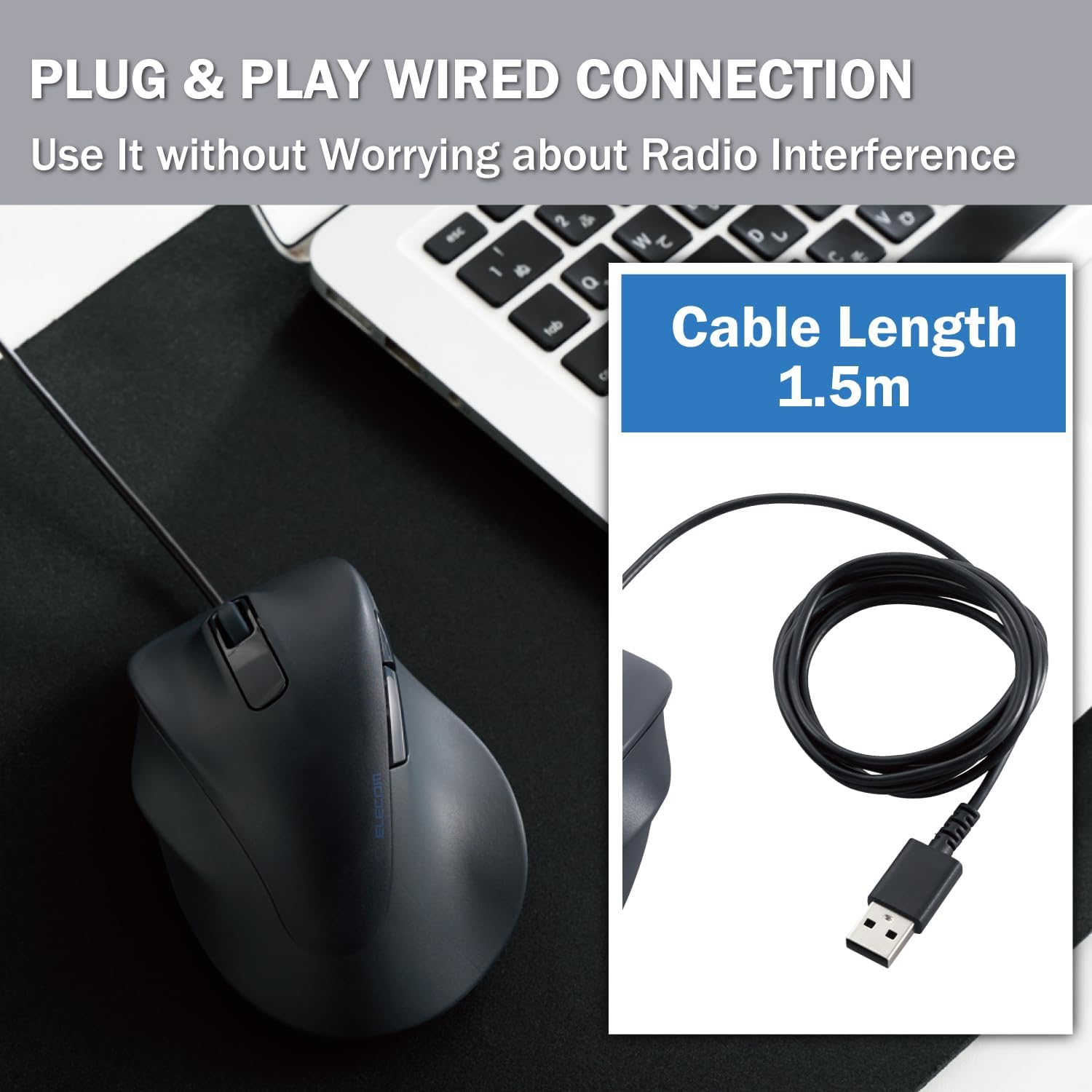
Image: Screenshot of the ELECOM Mouse Assistant software interface on a laptop, showing customization options for buttons and cursor speed.
5. Manutenzione
- Pulizia: Regularly wipe the mouse surface with a soft, dry cloth. For stubborn dirt, use a slightly damp panno e sapone neutro, quindi asciugare accuratamente. Evitare prodotti chimici aggressivi o materiali abrasivi.
- Cura del sensore: Mantenere pulito e libero da polvere o detriti il sensore ottico sul lato inferiore del mouse per garantire un tracciamento accurato.
- Gestione dei cavi: Per evitare danni, evitare di piegare bruscamente o tirare eccessivamente il cavo USB.
- Magazzinaggio: Quando non lo si utilizza, conservare il mouse in un ambiente pulito e asciutto, lontano da temperature estreme.
6. Risoluzione Dei Problemi
- Il mouse non risponde:
- Assicurarsi che il cavo USB sia collegato saldamente a una porta USB funzionante.
- Prova a collegare il mouse a una porta USB diversa o a un computer diverso per escludere problemi di porta o di sistema.
- Riavvia il computer.
- Movimento irregolare del cursore:
- Pulisci il sensore ottico nella parte inferiore del mouse.
- Assicurati di utilizzare il mouse su una superficie adatta. Superfici altamente riflettenti o trasparenti possono influire sul tracciamento. Si consiglia l'uso di un tappetino per mouse.
- Pulsanti non funzionanti:
- Check if the ELECOM Mouse Assistant software is installed and configured correctly. Reset settings to default if necessary.
- Test the mouse on another computer to determine if it's a hardware or software issue.
7. Specifiche
| Dimensioni del prodotto | 4.72 x 3.11 x 2.28 pollici |
| Peso dell'articolo | 4.1 once |
| Numero modello articolo | M-XGL31UBSKBK |
| Marca | ELECOM |
| Colore | Left-Hand Black |
| Tecnologia di connettività | USB (cablato) |
| Caratteristica speciale | Interruttore silenzioso |
| Tecnologia di rilevamento del movimento | Ottico |
8. Garanzia e supporto
This ELECOM product comes with a Garanzia di 2 anno. In the unlikely event of a product defect, ELECOM offers a product warranty for quality issues. Within 2 years of purchase, you may be eligible for a replacement of the defective product by applying for a return or exchange through the return/exchange request form on the official ELECOM USA website (elecomusa.com).
For more information regarding warranty terms, product support, or to download the ELECOM Mouse Assistant software, please visit the official ELECOM USA websito.