
Sharp 4TC55FS1UR
Sharp Roku TV 55" Class (54.5" Diag.) OLED 4K Ultra HD with HDR10 User Manual
Model: 4TC55FS1UR
Introduzione
This manual provides essential information for the setup, operation, and maintenance of your Sharp Roku TV 55" Class (54.5" Diag.) OLED 4K Ultra HD with HDR10. Please read this manual thoroughly before using your television to ensure proper and safe operation.
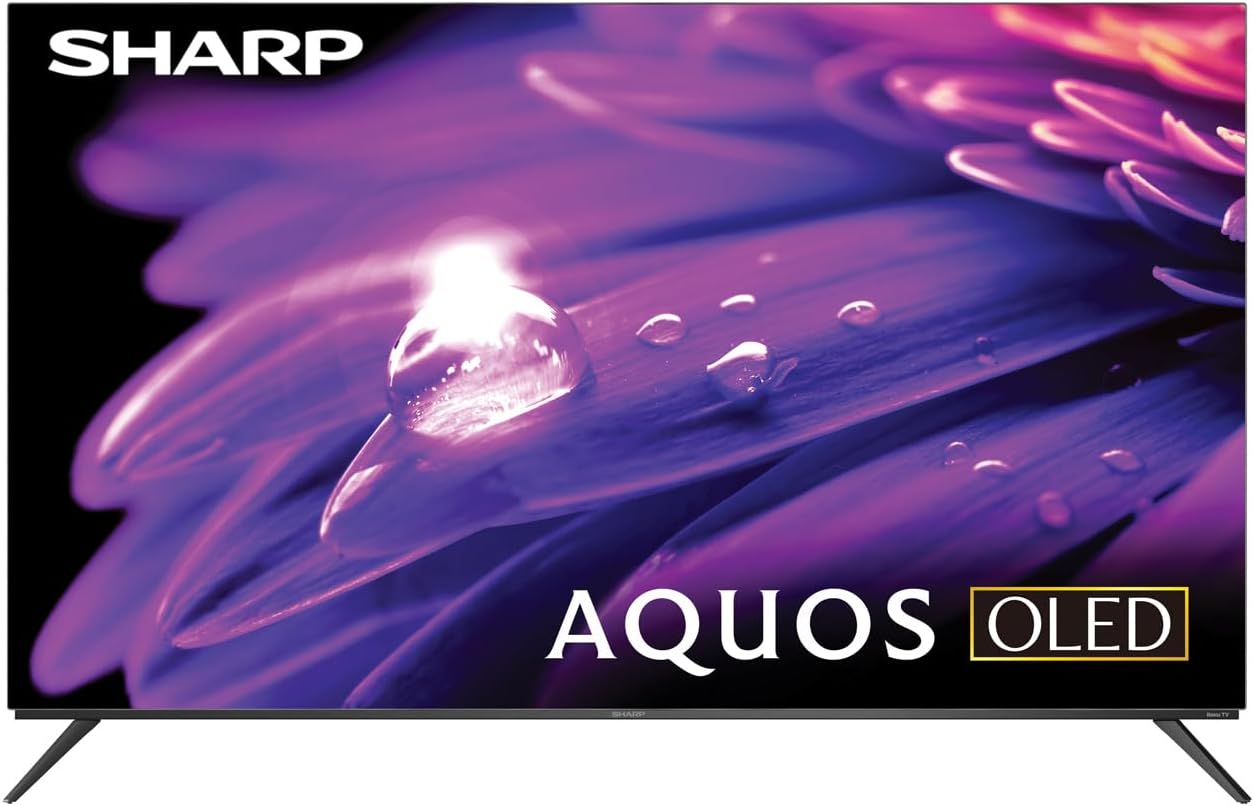
Figura 1: Fronte view of the Sharp AQUOS OLED TV, showcasinil suo design elegante e il display vibrante.
Impostare
1. Disimballaggio e ispezione
Carefully remove the television and all accessories from the packaging. Inspect for any signs of damage. Retain the packaging for future transport or service needs.
2. Installazione su supporto o montaggio a parete
Installazione del supporto: Place the TV screen-down on a soft, flat surface. Attach the included stands to the designated slots on the bottom of the TV using the provided screws. Ensure they are securely fastened.
Montaggio a parete: This television supports VESA 200x300 mounting. Use a compatible wall mount kit (sold separately) and follow the instructions provided with the wall mount. Ensure the wall can support the weight of the television (approximately 38.5 pounds / 17.5 kg) and the mount.

Figura 2: Prospettiva lateralefile of the television, demonstrating its slim design suitable for wall mounting.
3. Collegamento dei dispositivi
Connect your external devices to the appropriate ports on the back of the television. The Sharp Roku TV features multiple connectivity options:
- Porte HDMI (4): For connecting Blu-ray players, game consoles, cable/satellite boxes, etc. One HDMI port supports eARC for enhanced audio return channel functionality.
- Porte USB (2): Per collegare dispositivi di archiviazione USB.
- Ingresso antenna/cavo: Per collegare un'antenna per trasmissioni via etere o una connessione TV via cavo.
- Ingresso AV: Per collegare dispositivi più vecchi utilizzando cavi video composito e audio stereo.
- Ethernet (LAN): Per una connessione Internet cablata.
- Uscita audio digitale: Per il collegamento a sistemi audio esterni.

Figure 3: Rear panel of the television, illustrating the arrangement of HDMI, USB, Antenna, AV, and Ethernet ports.
4. Accensione iniziale e configurazione Roku
Plug the power cord into an electrical outlet. The TV will power on and guide you through the initial Roku setup process. This includes connecting to your Wi-Fi network (or using Ethernet), signing in to or creating a Roku account, and scanning for channels if an antenna is connected. Follow the on-screen prompts for a quick guided setup.
Istruzioni per l'uso
1. Roku TV Interface Navigation
The Sharp Roku TV features a simple home screen that centralizes your streaming favorites, inputs, and free live TV. Use the Roku remote to navigate through menus and select options. The directional pad and 'OK' button are used for selection, while the 'Home' button returns you to the main screen.

Figure 4: The Roku TV home screen, showing easy access to streaming channels and input selections.
2. Streaming and Content Access
Access a wide selection of streaming services and free live TV channels through The Roku Channel. You can add or remove channels from the Roku Channel Store. Organize and sort your home screen for a personalized experience.
3. Picture and Audio Enhancements
- Dolby Vision IQ & HDR10/HLG: The TV supports Dolby Vision IQ, HDR10, and HLG for enhanced picture performance with compatible content. Dolby Vision IQ intelligently adjusts picture settings based on ambient light conditions.
- Dolby Atmos: The integrated 30W (15W+15W) speaker system with Dolby Atmos delivers immersive sound with clarity and depth.
- Frequenza di aggiornamento variabile (VRR): For optimized gaming, the TV features Variable Refresh Rate (VRR) with low latency, providing smoother gameplay.
4. Compatibilità con l'assistente vocale
The Sharp Roku TV works with popular voice assistants, allowing you to control your TV using voice commands through compatible devices (sold separately).
Manutenzione
1. Cleaning the Television
Per pulire lo schermo, strofinare delicatamente con un panno morbido e privo di lanugine. Per macchie ostinate, strofinare leggermenteampen the cloth with water or a screen-specific cleaning solution. Do not spray liquid directly onto the screen. For the TV casing, utilizzare un panno morbido e asciutto. Evitare detergenti abrasivi o solventi.
2. Aggiornamenti software
The Roku TV automatically receives software updates, ensuring you always have the newest channels and latest features. Ensure your TV is connected to the internet for these updates to download and install.
Risoluzione dei problemi
If you encounter issues with your Sharp Roku TV, refer to the following common troubleshooting steps:
- Nessun potere: Assicurati che il cavo di alimentazione sia collegato saldamente sia al televisore che a una presa elettrica funzionante. Prova una presa diversa.
- Nessuna immagine/suono: Verify that the correct input source is selected. Check all cable connections to external devices. For no sound, check TV volume and external audio system volume.
- Problemi di connessione di rete: Riavvia il router e il modem. Sulla TV, vai a Impostazioni > Rete > Verifica connessione to diagnose. Try connecting via Ethernet if using Wi-Fi.
- Il telecomando non risponde: Sostituisci le batterie del telecomando. Assicurati che non ci siano ostacoli tra il telecomando e il sensore IR del televisore.
- Problemi di qualità dell'immagine: Adjust picture settings (brightness, contrast, color) in the TV's menu. Ensure you are viewcontenuti 4K per una risoluzione ottimale.
For more detailed troubleshooting or persistent issues, visit the official Sharp support websito o la pagina di supporto Roku.
Specifiche
| Caratteristica | Descrizione |
|---|---|
| Numero di modello | Modello 4TC55FS1UR |
| Dimensioni dello schermo (diagonale) | 55" Class (54.5" Diag.) |
| Tecnologia di visualizzazione | OLED |
| Risoluzione | 4K Ultra HD (3840 x 2160p) |
| Frequenza di aggiornamento | 120Hz (Native), 60Hz (Roku TV interface) |
| Supporto HDR | Dolby Vision IQ, HDR10, HLG |
| Uscita audio | 30W (15W+15W) Speaker System, Dolby Atmos, Dolby Digital Audio |
| Connettività | 4 HDMI (1 eARC), 2 USB, Wi-Fi, Ethernet, AV In, Antenna In |
| Caratteristiche speciali | Roku Streaming Built-In, Variable Refresh Rate (VRR), Low Latency, Voice Assistant Compatible |
| Dimensioni del prodotto (L x P x A) | 48.27" x 11.57" x 30.43" (con supporto) |
| Peso dell'articolo | 38.5 libbre (17.5 kg) |
| Standard di montaggio VESA | 200x300 |

Figure 5: Dimensional diagram of the television, including width and height measurements.
Garanzia e supporto
For warranty information and detailed support, please refer to the documentation included with your purchase or visit the official Sharp website. You can also find additional resources and FAQs on the Roku support websito.
Ask a question about this manual
Ask about setup, troubleshooting, compatibility, parts, safety, or missing instructions. Manuals+ will review the question and use this page’s manual context to help answer it.