
1. Introduzione
Grazie per l'acquistoasing the JVC XS-N3123PB Party Bluetooth Speaker. This speaker is designed to deliver powerful audio with an 8-inch woofer, 40W RMS output, and a built-in RGB light show. It features a rechargeable battery for portability and multiple connectivity options. This manual provides essential information for safe and optimal use of your speaker.

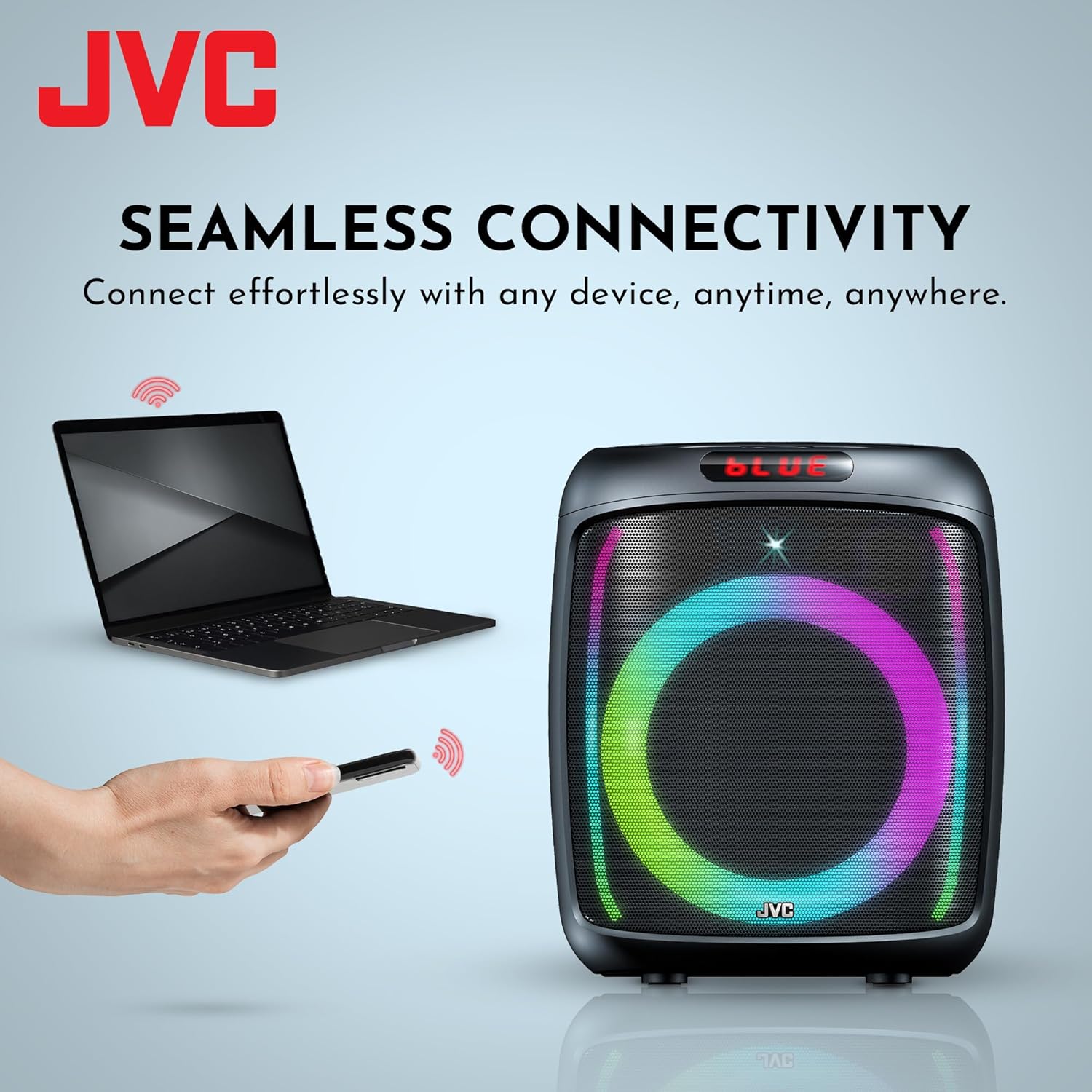
Davanti view of the JVC XS-N3123PB Party Bluetooth Speaker, showcasing its design and active RGB lighting.
2. Informazioni sulla sicurezza
Leggere attentamente tutte le istruzioni di sicurezza prima di utilizzare questo prodotto. Conservare il presente manuale per riferimento futuro.
- Non esporre l'altoparlante a temperature estreme, umidità o luce solare diretta.
- Evitare di far cadere o di sottoporre l'altoparlante a forti urti.
- Non smontare, riparare o modificare l'unità autonomamente. Per qualsiasi intervento di assistenza, rivolgersi a personale qualificato.
- Keep the speaker away from water or other liquids to prevent electric shock.
- Utilizzare esclusivamente il cavo di ricarica fornito o raccomandato dal produttore.
- Ensure proper ventilation around the speaker during use and charging.
- Do not operate the speaker at excessively high volumes for prolonged periods to avoid hearing damage.
3. Contenuto della confezione
Verificare che tutti gli articoli siano presenti nel pacco:
- JVC XS-N3123PB Party Bluetooth Speaker
- Charging Cable (AC adapter not included)
- Manuale d'uso
4. Prodotto finitoview
Familiarizzare con i componenti e i controlli dell'altoparlante.
Pannello frontale

The front of the speaker features the main 8-inch woofer with integrated RGB lighting and a display panel at the top.
Pannello di controllo superiore

The top panel includes buttons for LED control, EQ, Record, TWS pairing, Menu, Mode/Next, Play/Pause, Scan, and Volume controls.
Pannello posteriore e porte
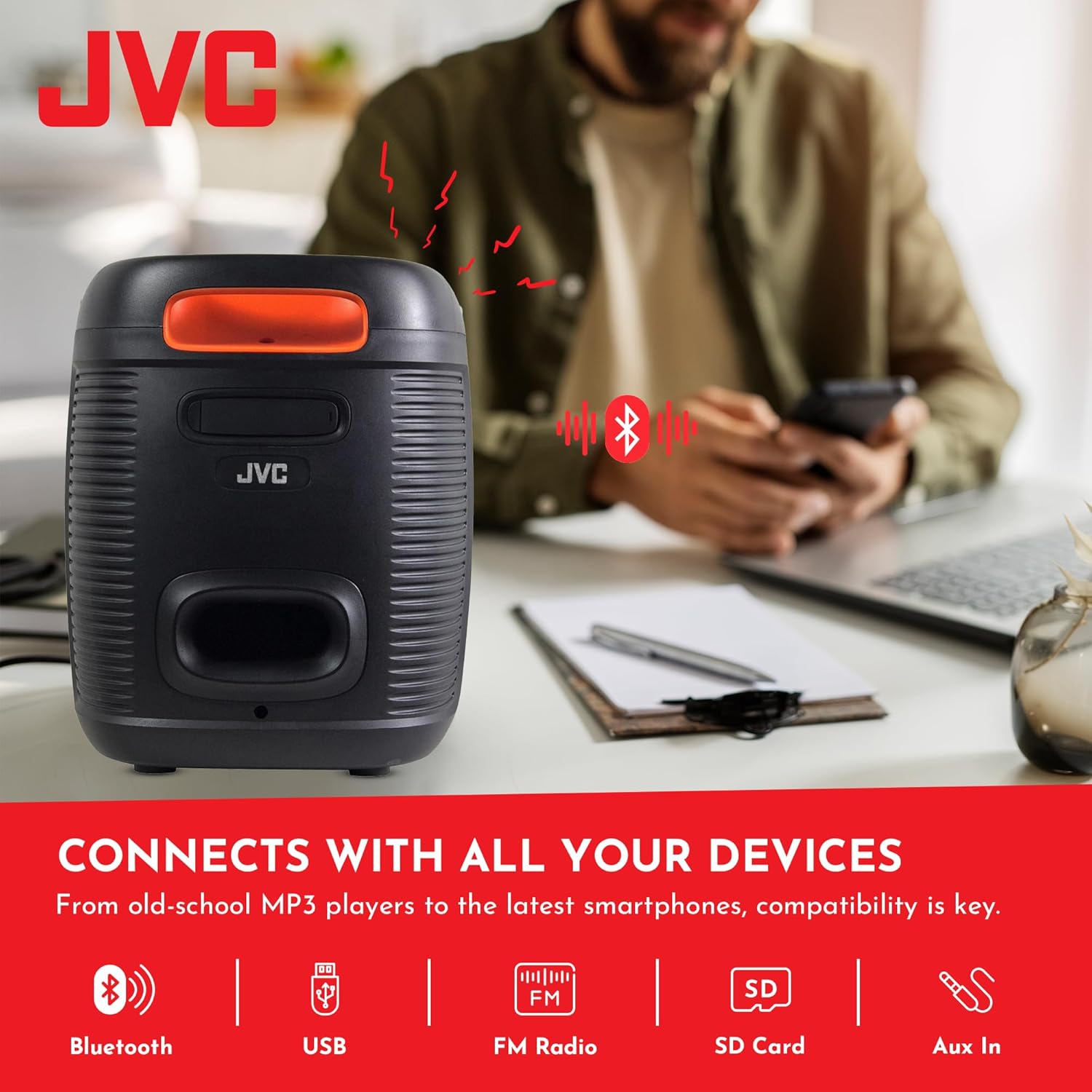
The rear panel provides ports for USB, SD card, AUX input, and microphone input.
5. Impostazione
5.1 Ricarica dell'altoparlante
Before first use, fully charge the speaker. Connect the charging cable to the speaker's charging port and to a suitable power source (e.g., USB wall adapter, computer USB port). The charging indicator will illuminate. Once fully charged, the indicator may change color or turn off. A full charge provides up to 6 hours of playback.
The speaker features a 4000mAh rechargeable battery for extended use.
5.2 Accensione/Spegnimento
Tieni premuto il pulsante di accensione (U) on the top control panel for a few seconds to turn the speaker on or off.
6. Istruzioni per l'uso
6.1 Associazione Bluetooth
- Accendi l'altoparlante. Entrerà automaticamente in modalità di associazione Bluetooth, indicata da un 'BLU' lampeggiante sul display e da un messaggio acustico.
- Abilita il Bluetooth sul tuo dispositivo mobile (smartphone, tablet, ecc.).
- Cercare available Bluetooth devices and select "JVC XS-N3123PB" from the list.
- Once paired, the speaker will emit an audible confirmation, and 'BLUE' on the display will stop flashing.
- Ora puoi riprodurre l'audio dal tuo dispositivo tramite l'altoparlante.
6.2 Riproduzione tramite USB e scheda SD
Inserire una chiavetta USB o una scheda SD (con audio MP3 files) into the respective port on the rear panel. The speaker will automatically switch to USB/SD mode and begin playing music. Use the control buttons on the top panel to navigate tracks (Previous/Next) and control playback (Play/Pause).
6.3 Radio FM
- Premere il tasto MODALITÀ pulsante per passare alla modalità Radio FM.
- Premere il tasto SCANSIONE pulsante per eseguire la scansione automatica e salvare le stazioni FM disponibili.
- Utilizzare i pulsanti Precedente/Successivo per passare da una stazione salvata all'altra.
6.4 Ingresso AUX
Connect an external audio device (e.g., MP3 player, laptop) to the AUX IN port on the rear panel using a 3.5mm audio cable. The speaker will automatically switch to AUX mode. Control playback from your connected device.
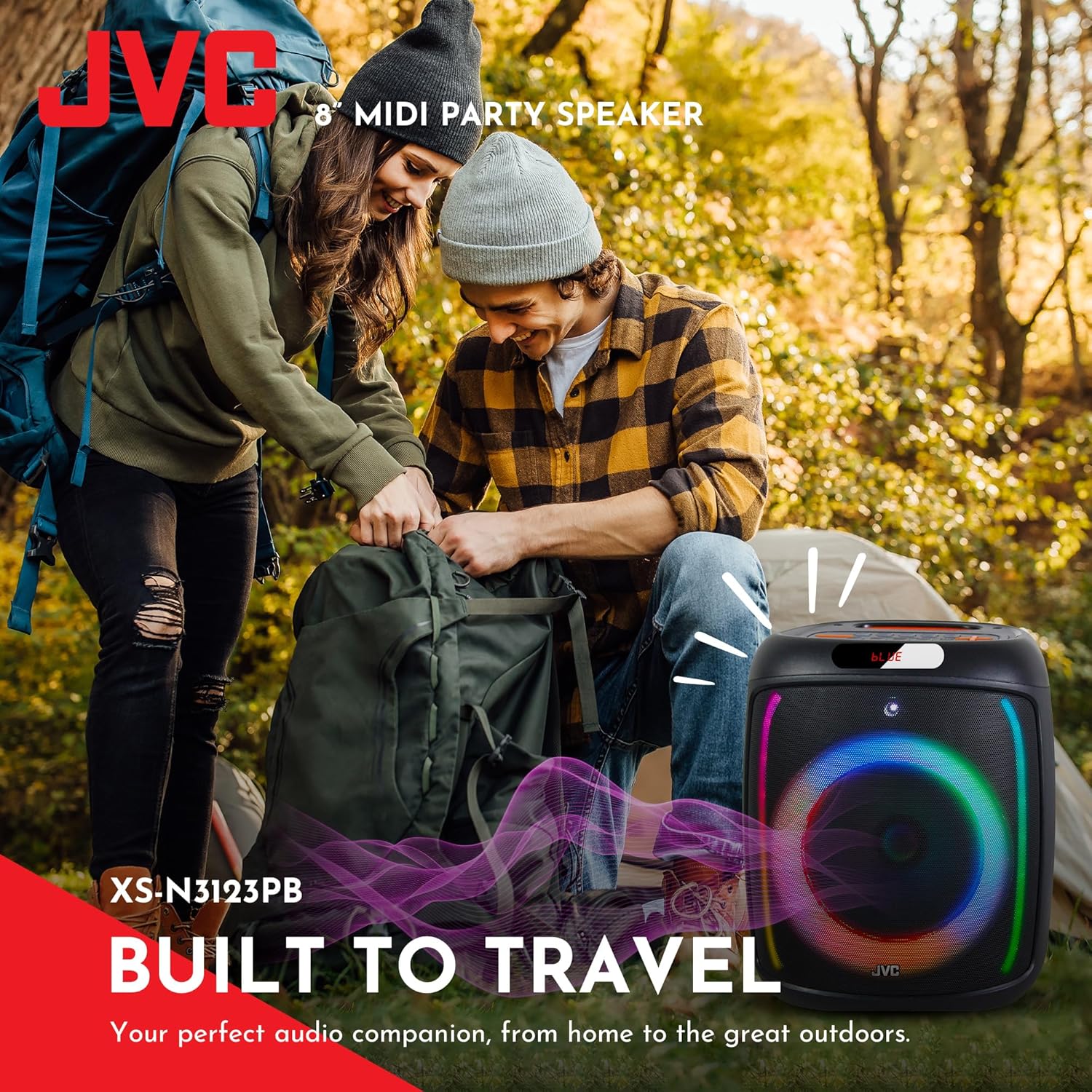
The speaker offers versatile connectivity including Bluetooth, USB, FM Radio, SD Card, and Aux In.
6.5 Funzione microfono e karaoke
Connect a microphone to the MIC IN port on the rear panel. You can use the microphone for announcements or karaoke. The speaker supports recording functionality (REC button) when a USB drive or SD card is inserted.

The speaker includes built-in karaoke and recording capabilities.
6.6 Spettacolo di luci RGB
The speaker features an integrated RGB light show that pulses with the music. Press the GUIDATO button on the top control panel to cycle through different light modes or turn the lights off.
6.7 Funzione True Wireless Stereo (TWS)
If you have two JVC XS-N3123PB speakers, you can pair them together for a True Wireless Stereo experience. Refer to the TWS pairing instructions in the full manual for detailed steps.
7. Manutenzione
7.1 Pulizia
Wipe the speaker with a soft, dry cloth. Do not use abrasive cleaners, waxes, or solvents. Ensure no liquids enter the speaker openings.
7.2 Conservazione
When not in use for extended periods, store the speaker in a cool, dry place, away from direct sunlight and extreme temperatures. It is recommended to charge the battery periodically to maintain its lifespan.
8. Risoluzione Dei Problemi
Se riscontri problemi con l'altoparlante, fai riferimento ai seguenti problemi comuni e alle relative soluzioni:
| Problema | Possibile causa | Soluzione |
|---|---|---|
| L'altoparlante non si accende | La batteria è scarica | Caricare completamente l'altoparlante. |
| Nessun suono | Volume is too low or muted; Incorrect input mode; Device not connected properly | Aumentare il volume; Selezionare la modalità di ingresso corretta (Bluetooth, USB, AUX); Ricollegare il dispositivo. |
| L'associazione Bluetooth non riesce | Altoparlante non in modalità di associazione; Bluetooth del dispositivo disattivato; Altoparlante troppo lontano dal dispositivo | Assicurarsi che l'altoparlante sia in modalità di associazione; attivare il Bluetooth del dispositivo; avvicinare l'altoparlante al dispositivo (entro 10 metri). |
| La ricezione della radio FM è scarsa | Segnale debole; Interferenza | Relocate the speaker; Extend the antenna if available (not explicitly mentioned for this model, but general advice). |
9. Specifiche
| Caratteristica | Specificazione |
|---|---|
| Numero di modello | AP-G278 |
| Marca | JVC |
| Potenza massima in uscita dell'altoparlante | 40 Watt RMS |
| Tecnologia di connettività | Bluetooth |
| Modalità di uscita audio | Mono (Stereo encoding for audio) |
| Ingresso volumetage | 9 Volt |
| Tipo di montaggio | Supporto da tavolo |
| Materiale | Plastica |
| Tipo di altoparlante | All'aperto |
| Colore | Nero |
| Dimensioni dell'altoparlante | 8 pollici |
| Dimensioni dell'articolo (P x L x A) | 28P x 28.5L x 33.5A centimetri |
| Numero di batterie | 2 batterie agli ioni di litio (incluse) |
| Conteggio unità | 1 Conteggio |

Lato view dell'altoparlante, che ne illustra il design compatto e portatile.
10. Garanzia e supporto
10.1 Informazioni sulla garanzia
This JVC XS-N3123PB Party Bluetooth Speaker comes with a Garanzia di 1 anni dalla data di acquisto. La presente garanzia copre i difetti di fabbricazione. Non copre danni causati da uso improprio, incidenti, modifiche non autorizzate o normale usura. Si prega di conservare la prova d'acquisto per eventuali reclami in garanzia.
10.2 Assistenza clienti
For technical assistance, warranty claims, or further inquiries, please contact JVC customer support through their official website or the retailer where the product was purchased. Provide your model number (XS-N3123PB) and proof of purchase when contacting support.