
1. Introduzione
The Lexar JumpDrive S80 USB 3.2 Gen 1 Flash Drive is designed for high-speed data transfer and secure storage. This manual provides instructions for setting up, operating, and maintaining your flash drive, along with important specifications and troubleshooting tips.
2. Caratteristiche del prodotto
- Prestazioni ad alta velocità: Utilizes USB 3.2 Gen 1 technology for read speeds up to 150MB/s and write speeds up to 60MB/s, enabling quick transfer of large files.
- Sicurezza avanzata: Features 256-bit AES encryption software to protect your sensitive data from unauthorized access.
- Design retrattile: A protective, retractable cover safeguards the USB connector when not in use.
- Ampia compatibilità: Backward-compatible with USB 3.0 and USB 2.0 devices, ensuring versatility across various systems.
- Multiple Capacities: Available in various storage capacities, including 512GB, to suit different user needs.
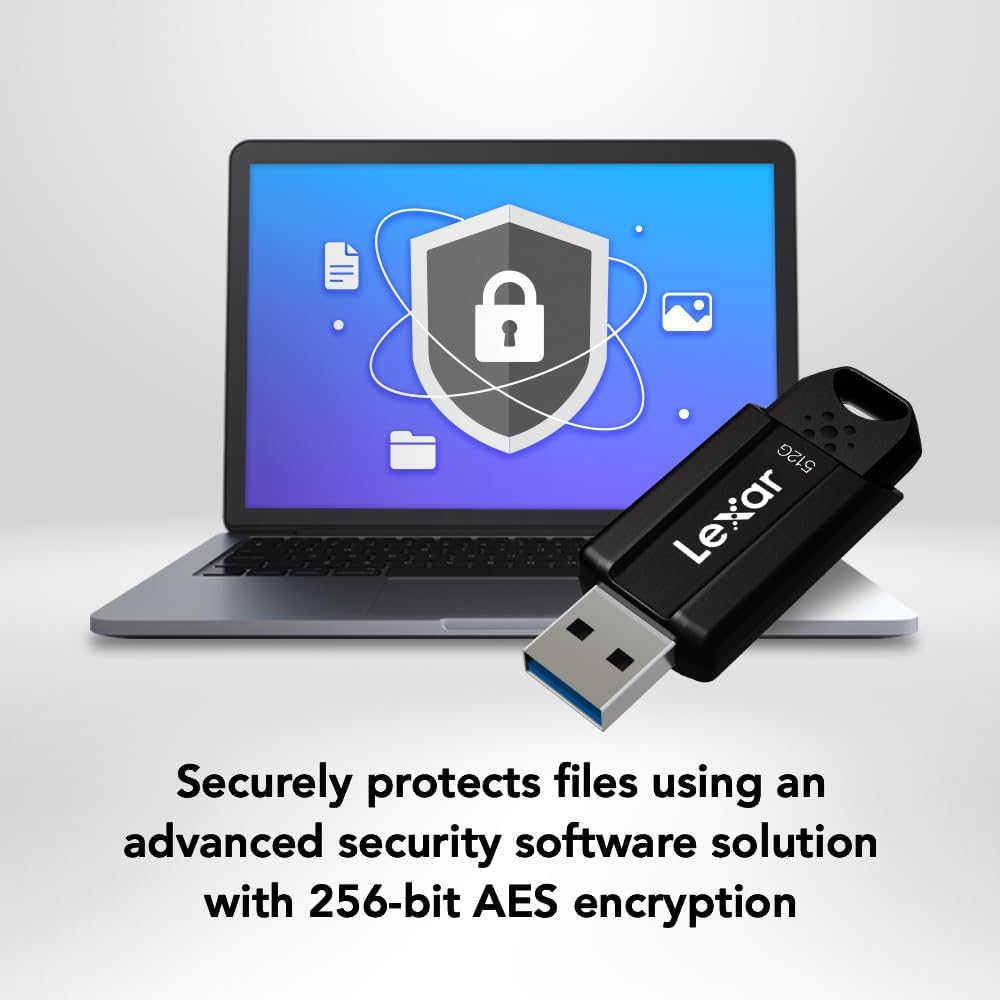
Image: The Lexar JumpDrive S80 connected to a laptop, highlighting its USB 3.2 Gen 1 performance for fast content transfer.
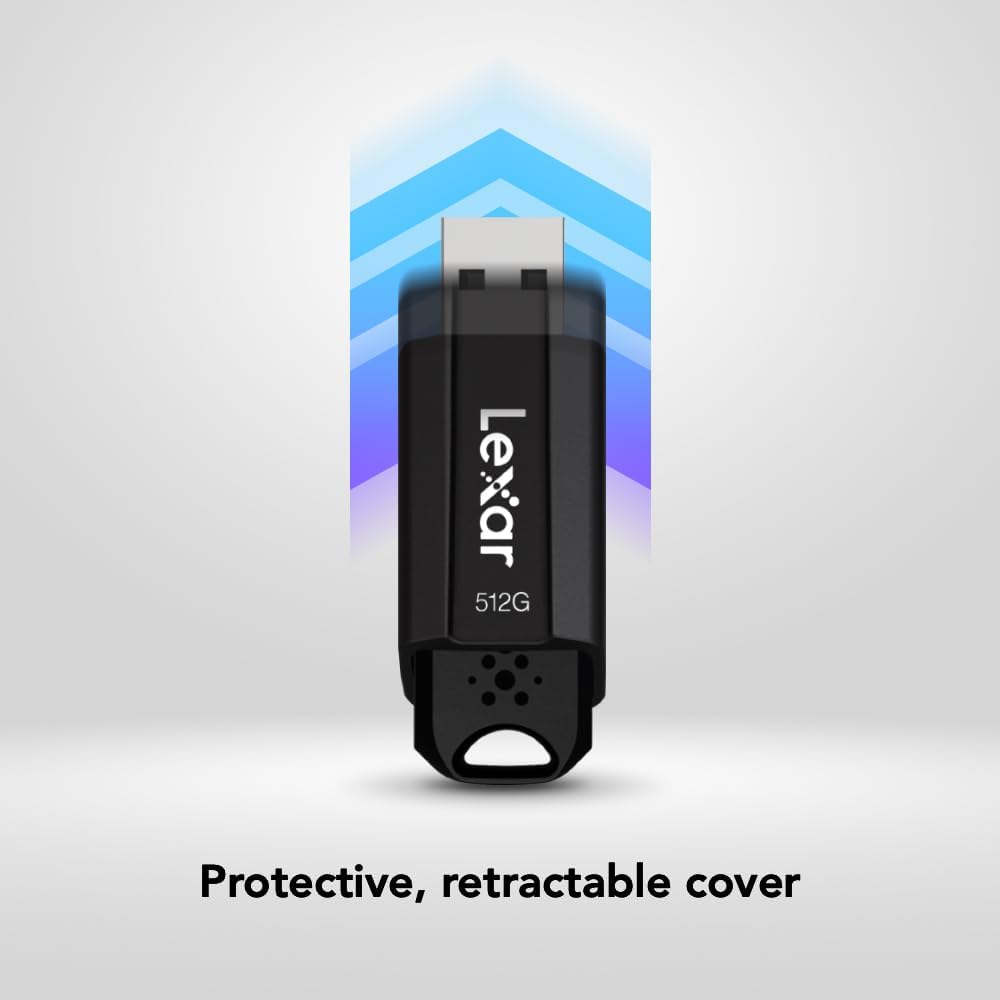
Image: The JumpDrive S80 with a laptop, emphasizing its advanced security software and 256-bit AES encryption.

Immagine: Un dettaglio view of the JumpDrive S80's protective retractable cover.

Image: A display of Lexar JumpDrive S80 models showcasing the wide range of available storage capacities.

Image: The JumpDrive S80, highlighting that Lexar products undergo rigorous testing in Lexar Quality Labs for performance and reliability.
3. Impostazione
- Disimballare l'unità: Carefully remove the Lexar JumpDrive S80 from its packaging.
- Identifica la porta USB: Locate an available USB port on your computer (PC or Mac). For optimal performance, use a USB 3.2 Gen 1 (or USB 3.0) compatible port, often identified by a blue insert. The drive is also compatible with USB 2.0 ports.
- Collegare l'unità: Extend the retractable USB connector by sliding the mechanism. Insert the flash drive firmly into the USB port. The drive should be automatically recognized by your operating system.
- Riconoscimento iniziale: Your computer may display a notification indicating that a new device has been detected and is ready for use. The drive will appear as a removable storage device in your file Explorer (Windows) o Finder (Mac).
Video: Un oltreview of the Lexar JumpDrive S80, demonstrating its connection to a laptop and highlighting key features like speed and security.
4. Istruzioni per l'uso
4.1. Trasferimento Files
- Accedi all'unità: Open "This PC" or "My Computer" (Windows) or "Finder" (Mac) and locate the Lexar JumpDrive S80. Double-click to open it.
- Copia Files: Trascina e rilascia files or folders from your computer to the JumpDrive S80, or copy and paste them into the drive's folder.
- Impasto Files: Per trasferire files from the JumpDrive S80 to your computer, drag and drop or copy and paste them from the drive's folder to your desired location on the computer.
- Monitorare i progressi: A progress bar will indicate the transfer status. For large files, transfer times will vary based on file size and the USB port speed.
4.2. Rimozione sicura dell'unità
To prevent data corruption, always safely remove the flash drive before physically disconnecting it from your computer.
- Finestre: Click the "Safely Remove Hardware and Eject Media" icon in the system tray (bottom-right corner), then select the Lexar JumpDrive S80. Wait for the "Safe to Remove Hardware" message before unplugging.
- Per Mac: Drag the JumpDrive S80 icon from your desktop or Finder sidebar to the Trash icon, or right-click (Control-click) the drive icon and select "Eject." Wait for the icon to disappear before unplugging.
5. Funzionalità di sicurezza
The Lexar JumpDrive S80 includes advanced security software with 256-bit AES encryption to protect your confidential files. This software allows you to create a password-protected safe that automatically encrypts data. Files deleted from this safe are securely erased and cannot be recovered.
Refer to the pre-loaded security software documentation on the drive for detailed instructions on setting up and managing your encrypted safe.
6. Specifiche
| Caratteristica | Dettaglio |
|---|---|
| Nome del modello | JumpDrive S80 USB 3.1 |
| Numero modello articolo | LJDS080512G-BNBNU |
| Capacità di archiviazione della memoria | 512 GB |
| Interfaccia Hardware | USB 3.2 di prima generazione |
| Velocità di lettura | Fino a 150 MB/s |
| Velocità di scrittura | Fino a 60 MB/s |
| Tecnologia di connettività | USB |
| Colore | Nero |
| Caratteristica speciale | Protective, retractable cover |
| Peso dell'articolo | 0.288 once |
| Dimensioni del prodotto | 5.5 x 0.54 x 4 pollici |
| Produttore | Lexar International |
| Codice UPC | 843367130870 |
7. Manutenzione
- Cura fisica: Keep the flash drive clean and free from dust and debris. Use a soft, dry cloth for cleaning. Avoid exposing the drive to extreme temperatures, moisture, or direct sunlight.
- Proteggere il connettore: Always retract the USB connector when the drive is not in use to prevent damage.
- Backup dei dati: Regularly back up important data stored on the flash drive to another storage medium to prevent data loss.
- Aggiornamenti software: Periodically check the Lexar website for any available firmware or security software updates for your JumpDrive S80.
8. Risoluzione Dei Problemi
- Unità non riconosciuta:
- Assicurarsi che l'unità sia completamente inserita nella porta USB.
- Prova una porta USB diversa sul tuo computer.
- Provare l'unità su un altro computer per escludere un problema specifico del computer.
- Check Device Manager (Windows) or System Information (Mac) to see if the drive is listed, even if not assigned a drive letter.
- Riavvia il computer.
- Velocità di trasferimento lente:
- Ensure you are using a USB 3.2 Gen 1 (or USB 3.0) compatible port. USB 2.0 ports will result in significantly slower speeds.
- Evitare di trasferire molti piccoli filecontemporaneamente; comprimerli in un unico archivio può talvolta migliorare la velocità.
- Chiudere le altre applicazioni che potrebbero utilizzare risorse di sistema o accedere all'unità.
- Assicurati che i driver USB del tuo computer siano aggiornati.
- Corruzione o errori dei dati:
- Espellere sempre l'unità in modo sicuro prima di rimuoverla.
- Run a disk check utility (e.g., Error Checking in Windows, Disk Utility in Mac) on the drive.
- If issues persist, consider reformatting the drive (this will erase all data).
9. Garanzia e supporto
The Lexar JumpDrive S80 USB 3.2 Gen 1 Flash Drive comes with a garanzia limitata di tre anniLa presente garanzia copre i difetti di materiali e fabbricazione in condizioni di normale utilizzo. Si prega di conservare la prova d'acquisto per eventuali reclami in garanzia.
For detailed warranty terms, technical support, or to register your product, please visit the official Lexar websito: www.lexar.com/support.