
XREXS W0088B
Manuale utente dell'orologio da parete digitale grande XREXS
Modello: W0088B
1. Introduzione
Grazie per l'acquistoasing the XREXS Large Digital Wall Clock. This manual provides detailed instructions for setting up, operating, and maintaining your new clock. Please read this manual thoroughly before use to ensure optimal performance and longevity of your device.
This digital wall clock features a large 16.5-inch LED display, offering clear visibility of time, date, month, day, and temperature. It includes automatic dimming, WiFi synchronization for accurate timekeeping, and multiple functional modes including a timer and alarm clock. Its versatile design allows for both tabletop placement and wall mounting.

Image 1.1: XREXS Large Digital Wall Clock with included remote control and WiFi symbol.
2. Impostazione
2.1 Disimballaggio e ispezione iniziale
- Rimuovere con attenzione tutti i componenti dalla confezione.
- Verificare che tutti gli articoli elencati nel contenuto della confezione siano presenti e integri.
- Conservare l'imballaggio per un eventuale stoccaggio o trasporto futuro.
2.2 Collegamento di alimentazione
The XREXS Digital Wall Clock is a plug-in device and does not rely on batteries for primary operation, eliminating the need for frequent battery changes.
- Collegare l'adattatore di alimentazione in dotazione alla porta di ingresso dell'orologio.
- Collega l'alimentatore a una presa elettrica standard.
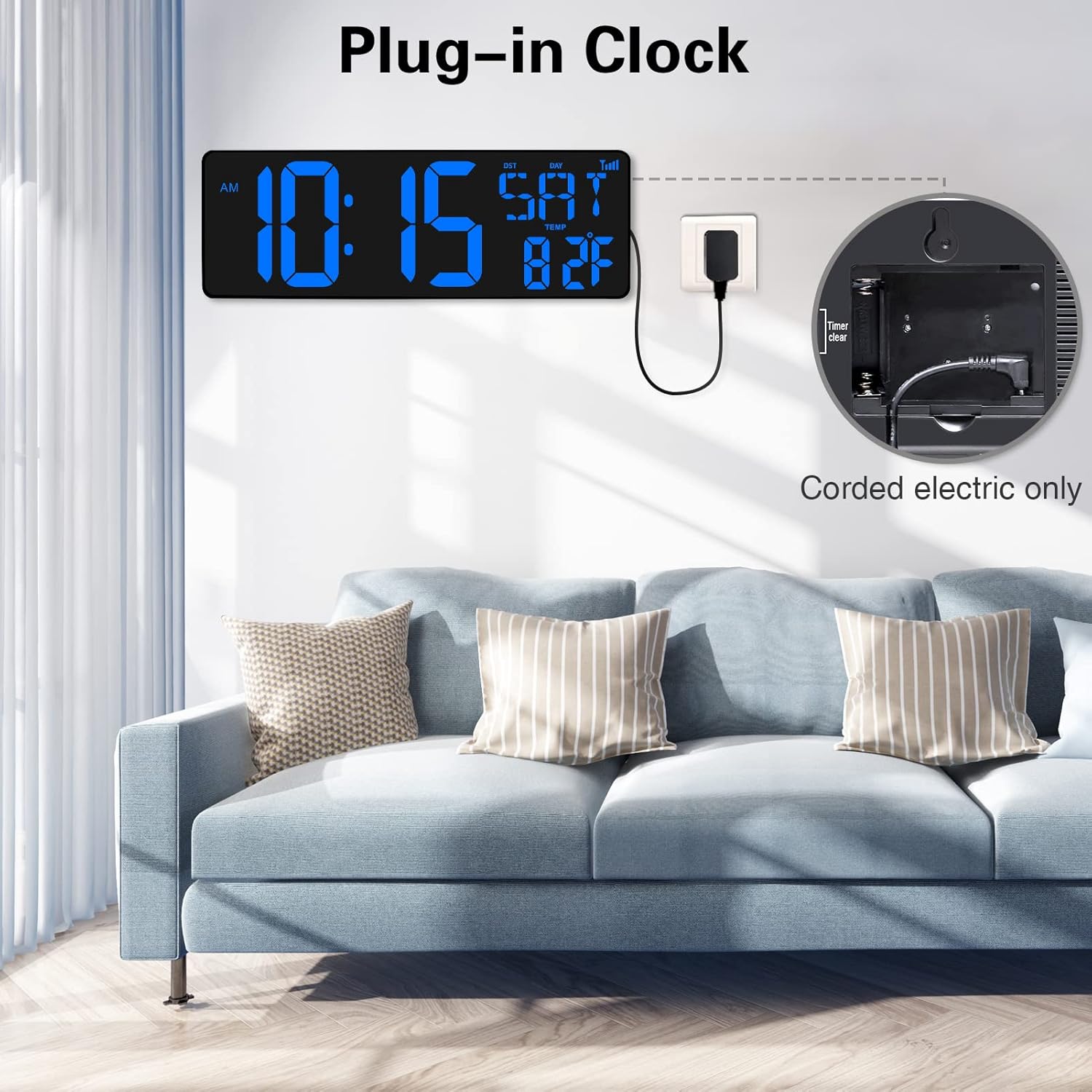
Image 2.1: The clock is powered via a corded electric connection, ensuring continuous operation without battery replacement.
2.3 Sincronizzazione WiFi
The clock features automatic time synchronization via WiFi, ensuring highly accurate timekeeping and automatic adjustment for Daylight Saving Time.
- Upon initial power-on, the clock will attempt to connect to an available WiFi network.
- Follow the on-screen prompts or use the remote control to select your WiFi network and enter the password.
- Once connected, select your local city code. The clock will automatically update its time.
- Time updates automatically, ensuring extreme accuracy.
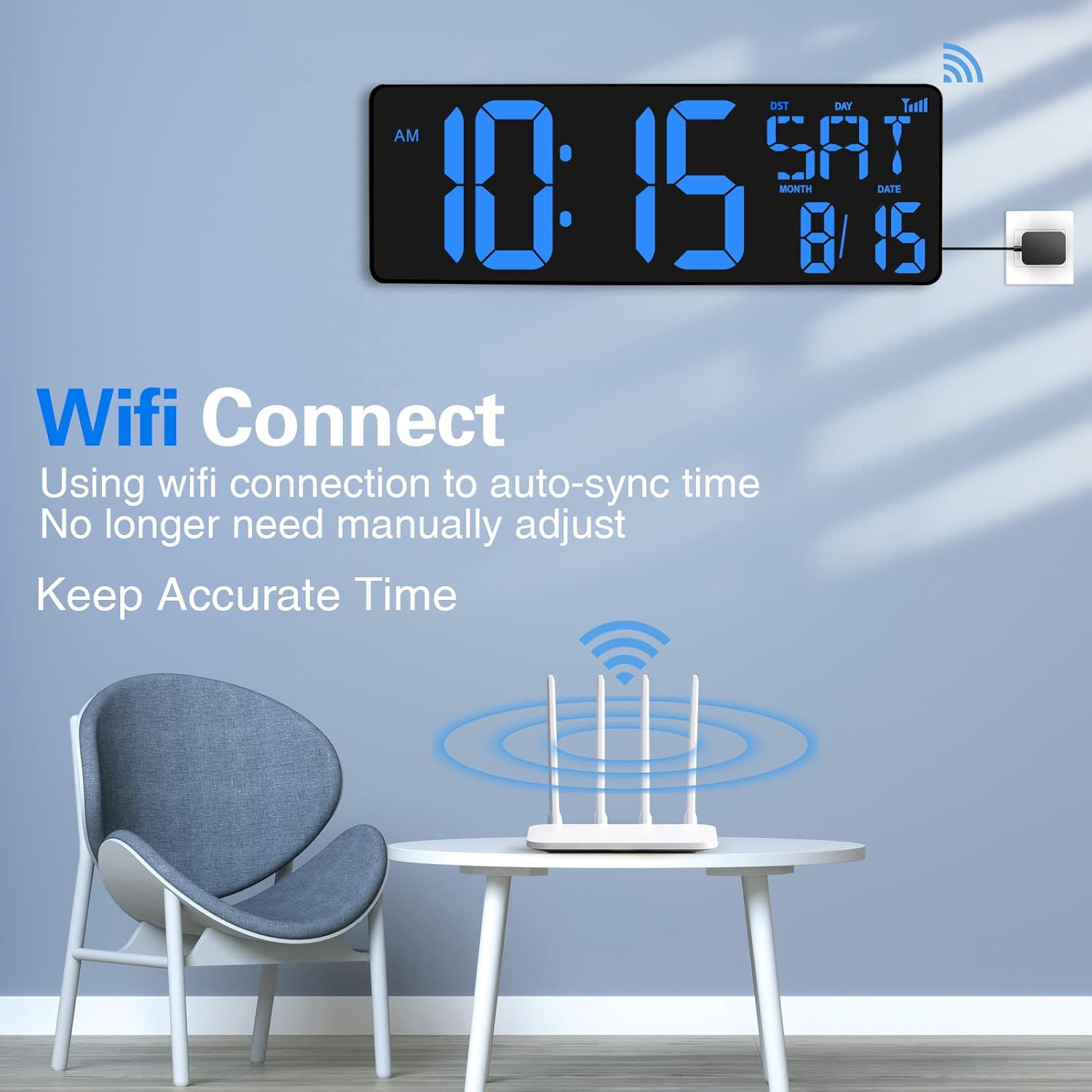
Image 2.2: The clock connects to WiFi for automatic time synchronization, eliminating manual adjustments.
2.4 Opzioni di montaggio
L'orologio offre versatili possibilità di posizionamento:
- Posizionamento sul tavolo: Utilize the foldable stand on the back of the clock to place it on any flat surface such as a desk, shelf, or nightstand.
- Montaggio a parete: The clock features two hanging holes for secure wall installation. Use appropriate screws and wall anchors (not included) for mounting.
3. Istruzioni per l'uso
3.1 Funzionalità di visualizzazione
The large 16.5-inch LED screen provides clear visibility of various information:
- Visualizzazione dell'ora: Mostra l'ora corrente nel formato 12 o 24 ore.
- Visualizzazione della data: Shows month and date.
- Giorno della settimana: Visualizza il giorno corrente.
- Visualizzazione della temperatura: Shows indoor temperature in Celsius or Fahrenheit.
- Oscuramento automatico: The display brightness adjusts automatically based on ambient light levels, ensuring readability without being overly bright at night.

Immagine 3.1: Dettagliata view of the clock's extra-large LED screen displaying time, date, and temperature, along with dimensions.

Image 3.2: The clock features automatic dimming for comfortable viewing in various lighting conditions, including manual brightness control.
3.2 Funzionamento del telecomando
The clock is easily controlled using the included remote control.

Image 3.3: The remote control allows for easy adjustment of settings from a distance of up to 32 feet.
- Pulsante Modalità: Press to cycle through the three main modes: Timer, Alarm Clock, and Clock.
- Pulsante IMPOSTA: Used to enter settings mode for time, date, or alarm.
- +/- Pulsanti: Adjust values during setting.
- Pulsante °C/°F: Toggle between Celsius and Fahrenheit for temperature display.
- Controllo della luminosità: Adjust display brightness manually if auto-dimming is not preferred.
3.3 Multi-functional Modes
The clock offers three distinct operational modes:

Image 3.4: The clock supports three modes: Timer, Clock, and Alarm Clock, providing versatile functionality.
- Modalità orologio: The default mode displaying time, date, day, and temperature.
- Modalità timer: Features both count-up and count-down functions.
- Conto alla rovescia: Set a duration from 0-29 hours, 59 minutes, 59 seconds. A 90-second 'didi' ring will sound when the countdown ends.
- Funzione di memoria: The timer remembers the last setting if not powered off, ideal for repetitive tasks.
- Ideal for kitchen cooking, beauty routines, exercise, classroom teaching, and managing children's time.
- Modalità sveglia: Imposta degli allarmi per i promemoria.
4. Manutenzione
To ensure the longevity and proper functioning of your XREXS Digital Wall Clock, follow these simple maintenance guidelines:
- Pulizia: Use a soft, dry cloth to wipe the display and casing. Evitare detergenti abrasivi o solventi che potrebbero danneggiare la superficie.
- Posizionamento: Place the clock in a location away from direct sunlight, extreme temperatures, and high humidity to prevent damage to electronic components.
- Energia: Always use the original power adapter provided with the clock.
- Gestione: Handle the clock with care to avoid dropping or impacting it, which could damage the internal components or the display.
5. Risoluzione Dei Problemi
If you encounter any issues with your XREXS Digital Wall Clock, please refer to the following troubleshooting tips:
| Problema | Possibile causa | Soluzione |
|---|---|---|
| Il display dell'orologio è vuoto. | Nessuna corrente elettrica. | Ensure the power adapter is securely plugged into the clock and the electrical outlet. Check if the outlet is functional. |
| L'ora non è corretta. | WiFi not connected or incorrect time zone. | Verify WiFi connection. Re-enter WiFi credentials if necessary. Check and set the correct local city code/time zone using the remote control. |
| Telecomando non funzionante. | Battery low or line of sight blocked. | Replace the remote control battery. Ensure there are no obstructions between the remote and the clock's sensor. |
| Schermo troppo luminoso/scurato. | Auto-dimming issue or manual setting. | Check ambient light conditions. Use the remote control to manually adjust brightness or toggle auto-dimming. |
Se il problema persiste dopo aver provato queste soluzioni, contattare l'assistenza clienti per ulteriore assistenza.
6. Specifiche
| Caratteristica | Dettaglio |
|---|---|
| Marca | XREX |
| Numero di modello | W0088B |
| Colore | Blu |
| Dimensioni del prodotto | 6.81 x 3.81 x 6.81 cm; 1.09 chilogrammi |
| Materiale | Acrilonitrile Butadiene Stirene (ABS) |
| Caratteristiche speciali | Jumbo Display, Automatic Dimming, Internet Time Sync, Count Up/Down Timer, Temperature Display |
| Peso dell'articolo | 1.09 chilogrammi |
| Tipo di visualizzazione | Digitale |
| Stile | Moderno |
| Fonte di alimentazione | Elettrico con cavo |
| Fascia d'età (descrizione) | Bambino |
| Tipologia di camera | Ufficio di casa |
| Forma | Rettangolare |
7. Garanzia e supporto
Specific warranty information for the XREXS Large Digital Wall Clock is not provided in this manual. Please refer to the product packaging or the retailer's websito per i dettagli riguardanti la copertura e i termini della garanzia.
For technical support, troubleshooting assistance beyond what is covered in this manual, or inquiries about replacement parts, please contact XREXS customer service through the contact information provided on the product packaging or the official XREXS websito.
Ask a question about this manual
Ask about setup, troubleshooting, compatibility, parts, safety, or missing instructions. Manuals+ will review the question and use this page’s manual context to help answer it.