
1. Introduzione
Thank you for choosing the Bewinner Mini Body Camera 1080P. This portable and wearable video recorder is designed for various applications, including walking, riding, outdoor activities, and home monitoring. It features 1080P HD video recording, night vision, a 180° rotatable lens, and Wi-Fi connectivity for real-time monitoring. Please read this manual carefully to ensure proper use and optimal performance of your device.
2. Caratteristiche del prodotto
- Multifunzionalità: Supports video recording, photo capture, noise reduction recording, night vision mode, and motion detection.
- Lente girevole a 180°: The lens can rotate 180 degrees, offering flexible recording angles and allowing use as a car dash camera.
- Registrazione diretta: Insert a memory card (up to 256GB, not included) to begin recording immediately.
- Connessione Wi-Fi: Enables real-time monitoring and video viewing directly on your smartphone via a dedicated app.
- Altoparlante stereo incorporato: Provides synchronized audio and video playback for an enhanced viewesperienza di acquisizione.

Figura 2.1: Oltreview of Bewinner Mini Body Camera features.
3. Impostazione
3.1 Ricarica del dispositivo
Before first use, fully charge the camera. Connect the camera to a USB power source using the provided USB cable. The charging indicator light will show the charging status and turn off when fully charged.
3.2 Inserimento di una scheda di memoria
This camera supports a Micro SD card (TF card) up to 256GB. Ensure the camera is powered off before inserting or removing the memory card. Insert the card into the designated slot until it clicks into place.
3.3 Accensione/Spegnimento
- Accensione: Tenere premuto il pulsante di accensione per alcuni secondi finché lo schermo non si illumina.
- Spegni: Tenere premuto il pulsante di accensione per alcuni secondi finché lo schermo non si spegne.
4. Istruzioni per l'uso
4.1 Registrazione video
To start video recording, ensure a memory card is inserted. Press the Video Record button once. The recording indicator will illuminate or flash. Press the button again to stop recording. Videos are saved to the memory card.
4.2 Acquisizione foto
To take a photo, press the Photo button once. The camera will capture an image and save it to the memory card.

Figure 4.1: Simple operation with dedicated buttons for recording modes.
4.3 Lente girevole a 180°
The camera's lens can be manually rotated 180 degrees to adjust the recording angle as needed. This allows for versatile placement and capture from different perspectives.

Figure 4.2: The camera's lens can be rotated 180 degrees for flexible recording.
4.4 Modalità di visione notturna
The camera is equipped with 4 LED fill lights for night vision. To activate night vision, locate the dedicated night vision button or setting in the menu. This feature allows for clear recording in low-light conditions.
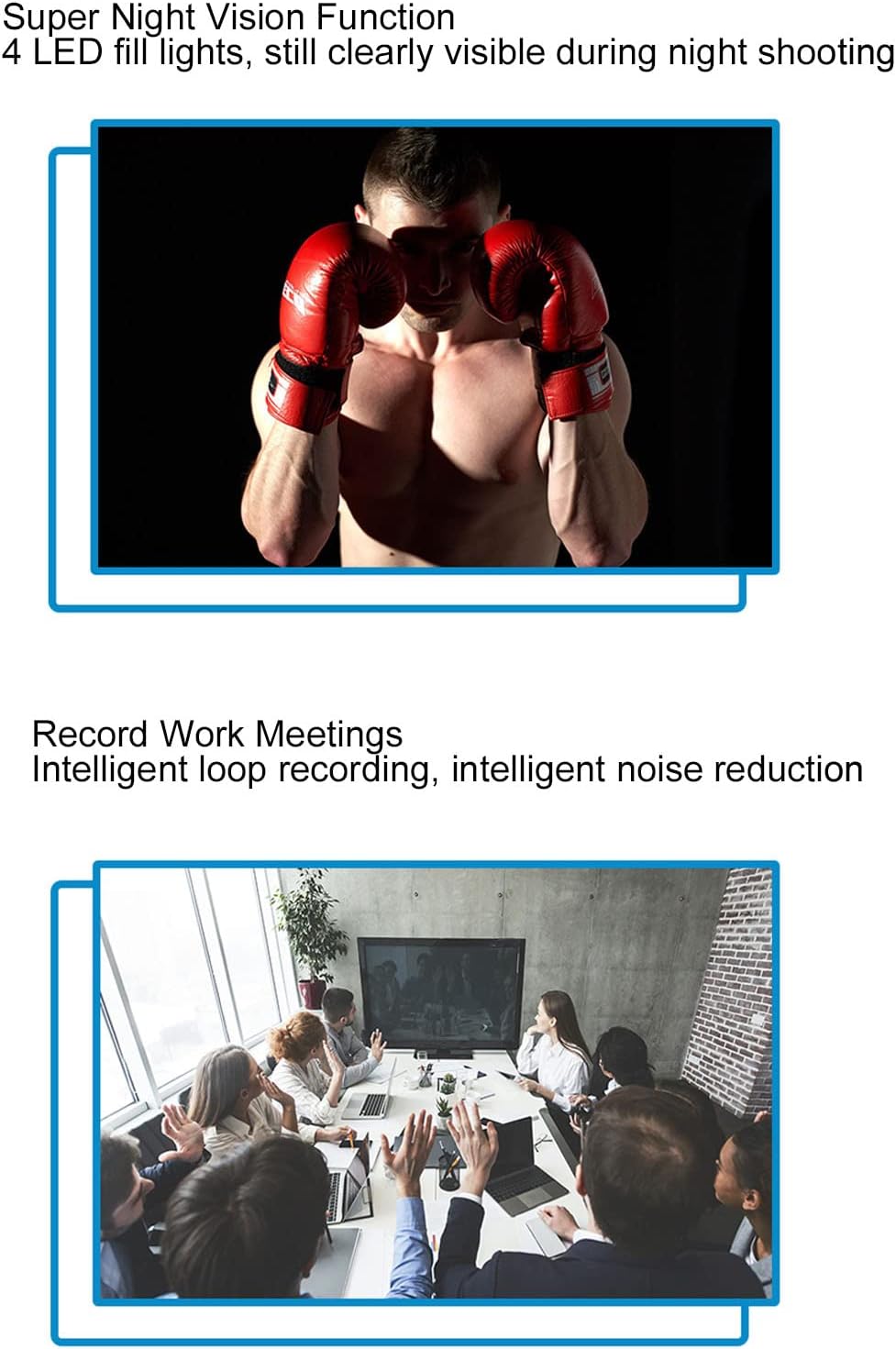
Figure 4.3: Night vision capability for clear recording in the dark.
4.5 Rilevamento del movimento
When motion detection is enabled, the camera will automatically begin recording when it detects movement within its field of view. This helps conserve memory and battery life by only recording relevant events.

Figure 4.4: Motion detection feature for automatic recording upon movement.
4.6 Wi-Fi Connection and Real-time Monitoring
The camera supports Wi-Fi connectivity, allowing you to connect it to your smartphone for real-time monitoring. Download the dedicated app (refer to the quick start guide for app name and download instructions). Once connected, you can view cibo vivotage, adjust settings, and review registrato filedirettamente sul tuo telefono.

Figure 4.5: Real-time monitoring via smartphone app using Wi-Fi connection.
4.7 Synchronized Audio and Video Playback
The built-in stereo external speaker ensures that audio is synchronized with video playback, providing a complete recording experience.
Video 4.1: Demonstration of the Bewinner Mini Body Camera's features and operation, including its 1080P HD recording capability.
5. Manutenzione
- Pulizia: Per pulire il corpo macchina, utilizzare un panno morbido e asciutto. Per l'obiettivo, utilizzare un panno specifico e una soluzione detergente per evitare graffi.
- Magazzinaggio: Conservare la fotocamera in un luogo fresco e asciutto, lontano dalla luce solare diretta e da temperature estreme.
- Cura della batteria: Per prolungare la durata della batteria, evitare di scaricarla completamente frequentemente. Caricare la fotocamera regolarmente, anche se non viene utilizzata per lunghi periodi.
- Scheda di memoria: Periodically format the memory card to maintain optimal performance and prevent data corruption. Back up important files prima della formattazione.
6. Risoluzione Dei Problemi
| Problema | Possibile causa | Soluzione |
|---|---|---|
| La fotocamera non si accende. | Batteria scarica; malfunzionamento del dispositivo. | Charge the camera fully. If problem persists, contact support. |
| Impossibile registrare video/scattare foto. | Nessuna scheda di memoria; scheda di memoria piena; errore della scheda di memoria. | Insert a memory card. Delete old files or replace the card. Format the memory card. |
| La connessione Wi-Fi non funziona. | Incorrect app; Wi-Fi signal weak; camera Wi-Fi off. | Ensure correct app is installed. Move closer to the camera. Activate Wi-Fi on the camera. |
| Qualità dell'immagine scadente. | Dirty lens; low light conditions (night vision off). | Pulisci la lente. Attiva la visione notturna in condizioni di scarsa illuminazione. |
7. Specifiche
| Caratteristica | Dettaglio |
|---|---|
| Marca | Vincitore |
| Nome del modello | Bewinner8io91n6b0z |
| Tecnologia di connettività | Wifi |
| Uso interno/esterno | Interno, Esterno |
| Dispositivi compatibili | Smartphone |
| Tipo di controllore | Android |
| Colore | Nero |
| Tipo di avviso | Solo movimento |
| Grado di impermeabilità | Grado di protezione IP54 |
| Risoluzione di acquisizione video | Formato: 1080p |
| Formato di acquisizione video | Movimento |
| Fonte di alimentazione | Alimentato a batteria |
| Capacità della batteria | 1400 mAh |
| Tipo di messa a fuoco | Messa a fuoco manuale |
8. Garanzia e supporto
For warranty information and technical support, please refer to the product packaging or contact Bewinner customer service directly. Keep your purchase receipt for warranty claims.