
Introduzione
The Logitech Signature M550 L Wireless Mouse is designed for enhanced comfort and productivity, especially for users with larger hands. It features an adaptive SmartWheel for precise or hyper-fast scrolling, SilentTouch technology for quiet clicks, and versatile connectivity options. This manual provides detailed instructions for setup, operation, and maintenance of your device.
Contenuto della confezione
- Logitech Signature M550 L Wireless Mouse
- 1 batteria AA (preinstallata o inclusa)
- Logi Bolt USB Receiver (may be stored inside the mouse battery compartment)
- Documentazione utente (questo manuale)
Prodotto finitoview
Familiarize yourself with the key components of your Logitech Signature M550 L mouse.

Immagine: parte superiore e laterale view of the Logitech Signature M550 L mouse, highlighting its features including the SmartWheel, silent clicking buttons, Bluetooth connectivity, ergonomic shape, and 24-month battery life.
- Pulsanti clic sinistro/destro: Feature SilentTouch technology for reduced clicking noise.
- Ruota intelligente: Adaptive scroll wheel for line-by-line precision or super-fast free-spin scrolling.
- Indicatore LED: Shows battery status and connection mode.
- Interruttore On/Off: Situato nella parte inferiore del mouse.
- Vano batteria: Contiene la batteria AA e il ricevitore USB Logi Bolt.
- Design ergonomico: Contoured shape with soft thumb area and rubber side grips for comfort.
Impostare
1. Installare la batteria
- Aprire il coperchio del vano batterie sul lato inferiore del mouse.
- Inserire la batteria AA inclusa, assicurandosi della corretta polarità (+/-).
- Close the battery compartment cover. The LED indicator on the mouse may flash briefly.
2. Connettiti al tuo dispositivo
The Signature M550 L offers two connection methods: Logi Bolt USB Receiver or Bluetooth Low Energy.
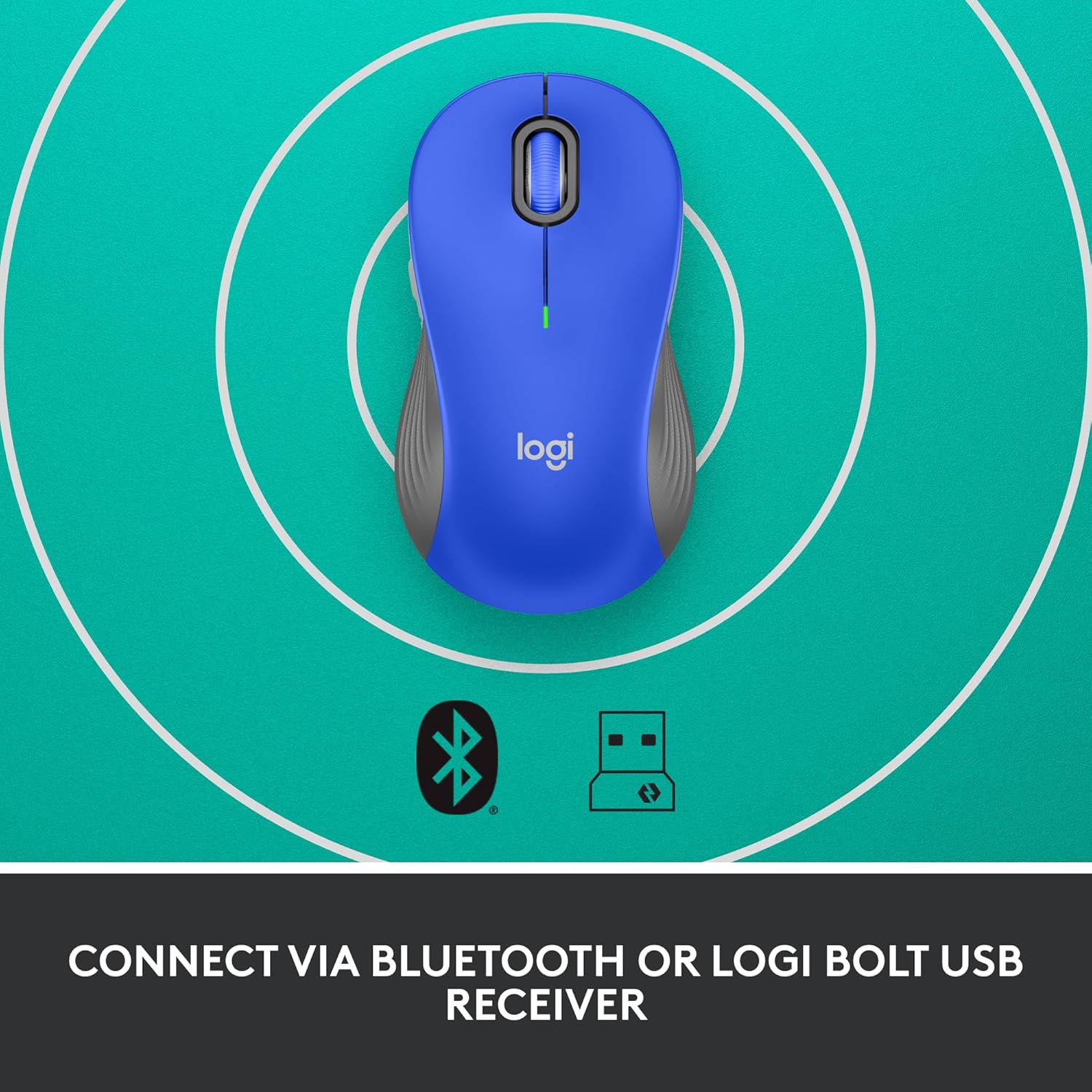
Image: The Logitech Signature M550 L mouse shown with icons representing Bluetooth and Logi Bolt USB receiver connectivity options.
Opzione A: Ricevitore USB Logi Bolt
- Locate the Logi Bolt USB receiver, typically stored inside the mouse's battery compartment.
- Collegare il ricevitore USB Logi Bolt a una porta USB disponibile sul computer.
- Turn on the mouse using the On/Off switch on the bottom. Your computer should automatically detect the mouse.
Opzione B: Bluetooth Low Energy
- Accendi il mouse utilizzando l'interruttore On/Off nella parte inferiore.
- Press and hold the Easy-Switch button (usually on the bottom or side, refer to product diagram if available) for 3 seconds until the LED indicator starts blinking rapidly. This indicates pairing mode.
- Sul tuo computer o dispositivo, apri le impostazioni Bluetooth.
- Select "Logitech M550 L" from the list of available devices and follow any on-screen prompts to complete pairing.
The mouse is compatible with Windows, macOS, Linux, Chrome OS, iPadOS, and Android operating systems.
Istruzioni per l'uso
Scorrimento SmartWheel
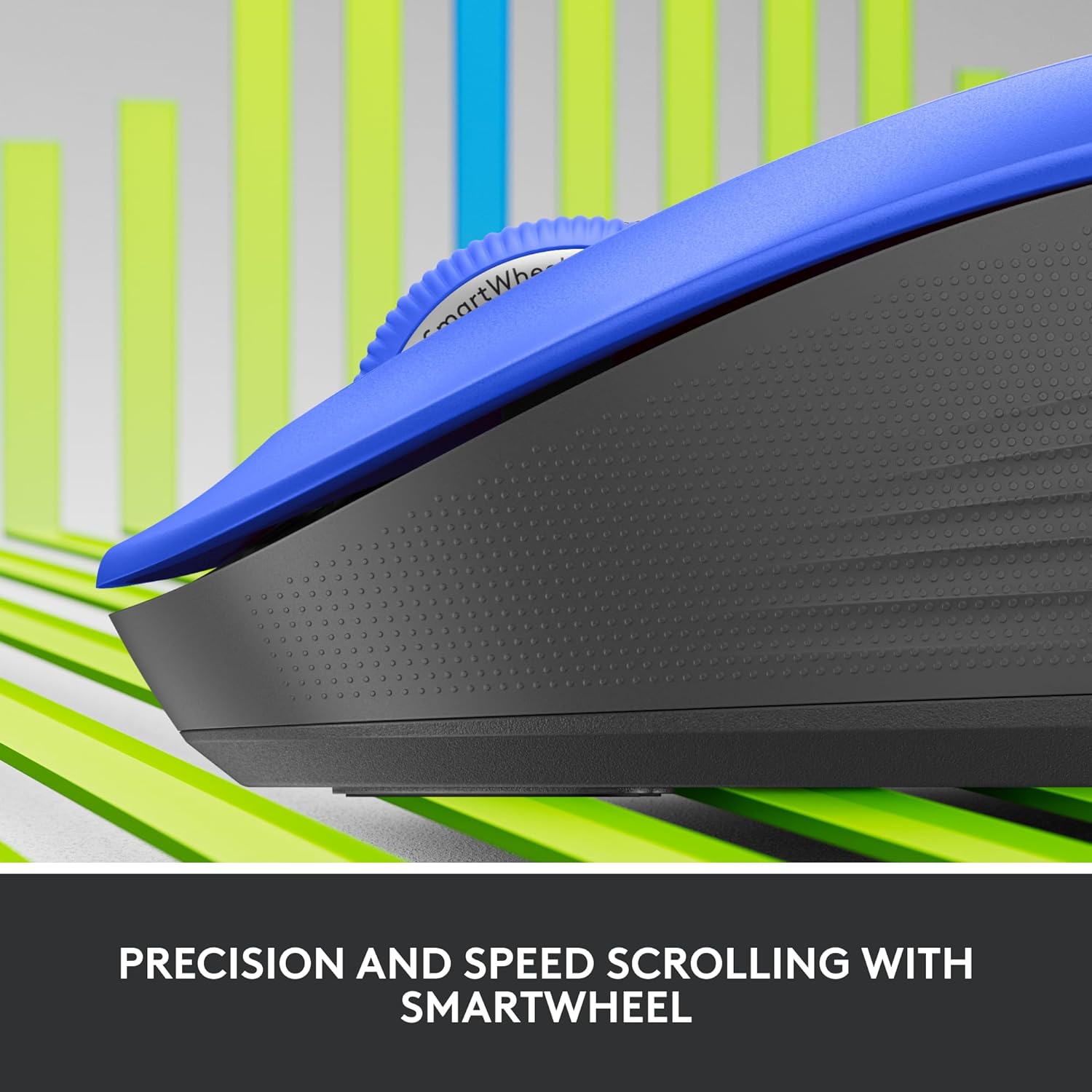
Immagine: un primo piano view of the Logitech SmartWheel, demonstrating its precision and speed scrolling capabilities.
The SmartWheel automatically switches between two modes:
- Precisione riga per riga: Ideal for detailed work and navigating documents. Scroll slowly for precise control.
- Super-Fast Free-Spin: For quickly navigating long web pages or documents. Flick the wheel to activate.
Clic silenziosi

Image: A person using the Logitech Signature M550 L mouse at a desk, illustrating the benefit of 90% less clicking noise for a focused work environment.
The mouse features Logitech's SilentTouch technology, reducing click noise by over 90% compared to traditional mice. This allows for a quieter work environment without compromising click feel.
Compatibilità multi-dispositivo
The Signature M550 L can be paired with multiple devices and switched between them using the Easy-Switch button. This feature is ideal for users who work across several computers or tablets.
Manutenzione
Sostituzione della batteria
The mouse operates on a single AA battery, offering up to 24 months of battery life depending on usage. When the battery is low, the LED indicator will turn red. To replace:
- Spegni il mouse.
- Aprire il coperchio del vano batterie sul lato inferiore.
- Remove the old AA battery and insert a new one, observing correct polarity.
- Close the cover and turn the mouse back on.
Pulizia
Per pulire il mouse, utilizzare un panno morbido e privo di lanugine, leggermente dampened with water or a mild cleaning solution. Avoid harsh chemicals or abrasive materials. Ensure no liquid enters the mouse's openings.
Risoluzione dei problemi
- Il mouse non risponde:
- Assicurati che il mouse sia acceso.
- Controllare il livello della batteria e sostituirla se necessario.
- If using the Logi Bolt receiver, try plugging it into a different USB port or a different computer to rule out port issues.
- Se utilizzi il Bluetooth, assicurati che il Bluetooth sia abilitato sul tuo dispositivo e che il mouse sia correttamente associato. Prova a riassociare il mouse.
- Move the mouse closer to the receiver or Bluetooth-enabled device to ensure it's within range.
- Movimento irregolare del cursore:
- Pulisci il sensore ottico nella parte inferiore del mouse.
- Assicurati di utilizzare il mouse su una superficie adatta. Evita superfici altamente riflettenti o trasparenti.
- Connectivity issues after system update:
- Riavvia il computer.
- Check for updated drivers for your mouse or Bluetooth adapter.
Specifiche
| Marca | Logitech |
| Numero di modello | 910-006794 |
| Tecnologia di connettività | Ricevitore USB Logi Bolt a basso consumo energetico |
| Rilevamento del movimento | Ottico |
| Caratteristiche speciali | Lightweight, Portable, Silent Clicks (SilentTouch), SmartWheel, Wireless |
| Tipo di batteria | 1 batteria AA |
| Durata della batteria | Fino a 24 mesi (può variare in base all'utilizzo) |
| Compatibilità del sistema operativo | Windows, macOS, Linux, Chrome OS, iPadOS, Android |
| Peso dell'articolo | 3.92 once |
| Colore | Blu (per questa variante) |
Informazioni sulla garanzia
I prodotti Logitech sono realizzati secondo elevati standard qualitativi e sono coperti da una garanzia hardware limitata. Per i termini e le condizioni di garanzia specifici applicabili alla tua area geografica e al tuo prodotto, consulta il sito ufficiale Logitech. websito o sulla scheda di garanzia inclusa nell'acquisto.
Supporto
For further assistance, technical support, or to download the latest software and drivers for your Logitech Signature M550 L Wireless Mouse, please visit the official Logitech support websito:
Sul sito di supporto puoi trovare anche le FAQ e i forum della community.