
symcode 1D Laser Yellow
Symcode USB 1D Barcode Scanner User Manual
Model: 1D Laser Yellow
Introduzione
Thank you for choosing the Symcode USB 1D Barcode Scanner. This manual provides comprehensive instructions for setting up, operating, and maintaining your new barcode scanner. Please read this manual thoroughly before use to ensure optimal performance and longevity of the device.
Informazioni sulla sicurezza
Per evitare lesioni o danni al dispositivo, attenersi alle seguenti norme di sicurezza:
- Do not stare directly into the laser beam. The laser light is visible and can cause eye damage.
- Tenere il dispositivo lontano dall'acqua o da altri liquidi per evitare scosse elettriche o danni.
- Non tentare di smontare o riparare lo scanner da soli. Per qualsiasi intervento di assistenza, rivolgersi a personale qualificato.
- Use the scanner within the specified operating temperature and humidity ranges.
- Avoid dropping the scanner from excessive heights, although it is designed for durability, extreme impacts can cause damage.
Contenuto della confezione
Verificare che tutti gli articoli siano presenti nel pacco:
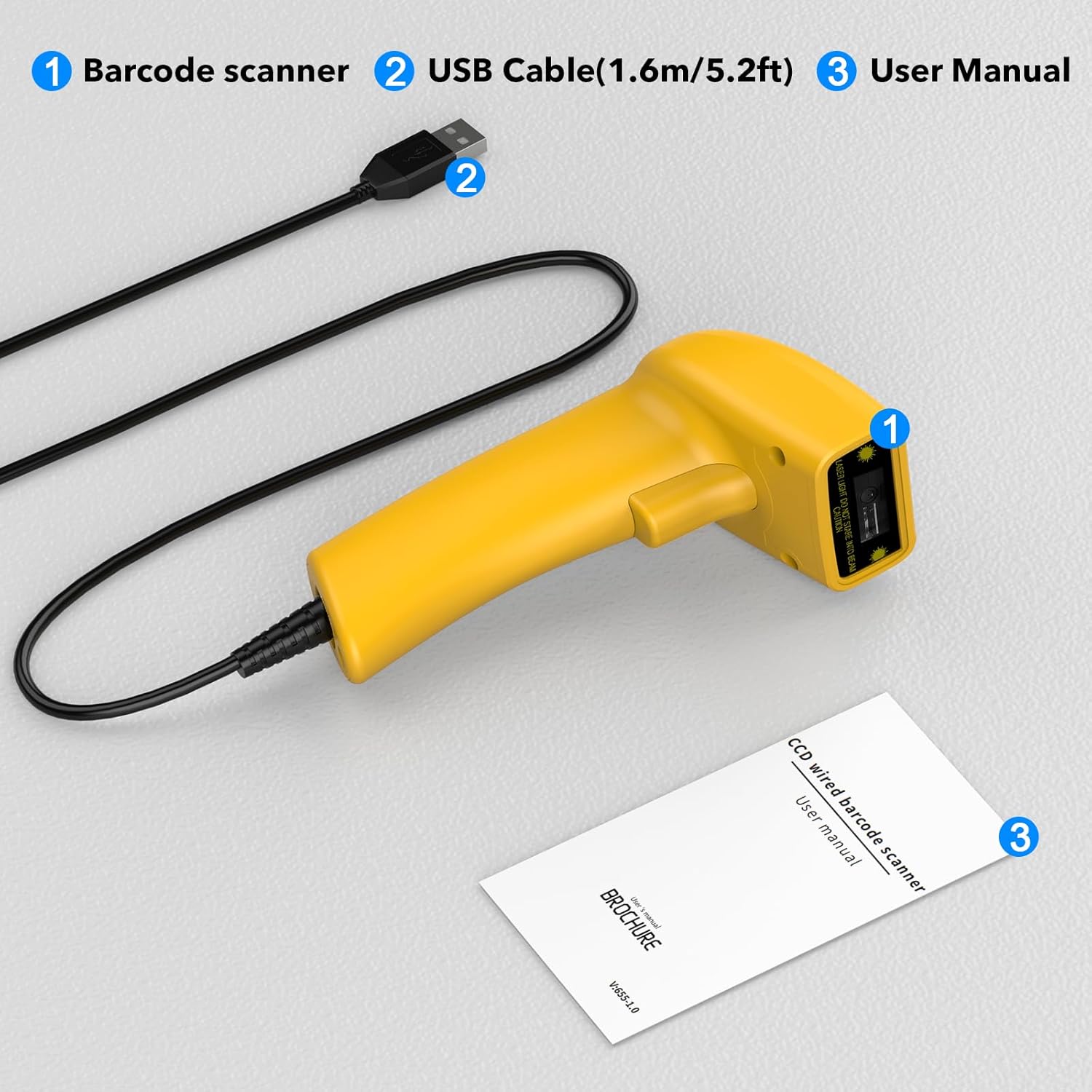
Image showing the Symcode 1D Barcode Scanner, its USB cable, and the included user manual, indicating the complete package contents.
- 1 x Symcode CCD Barcode Scanner
- 1 x USB Cable (1.6m / 5.2ft)
- 1 x Manuale utente
Prodotto finitoview
The Symcode 1D Barcode Scanner features a compact and ergonomic design for comfortable handheld use. It is equipped with a CCD sensor for efficient barcode reading.
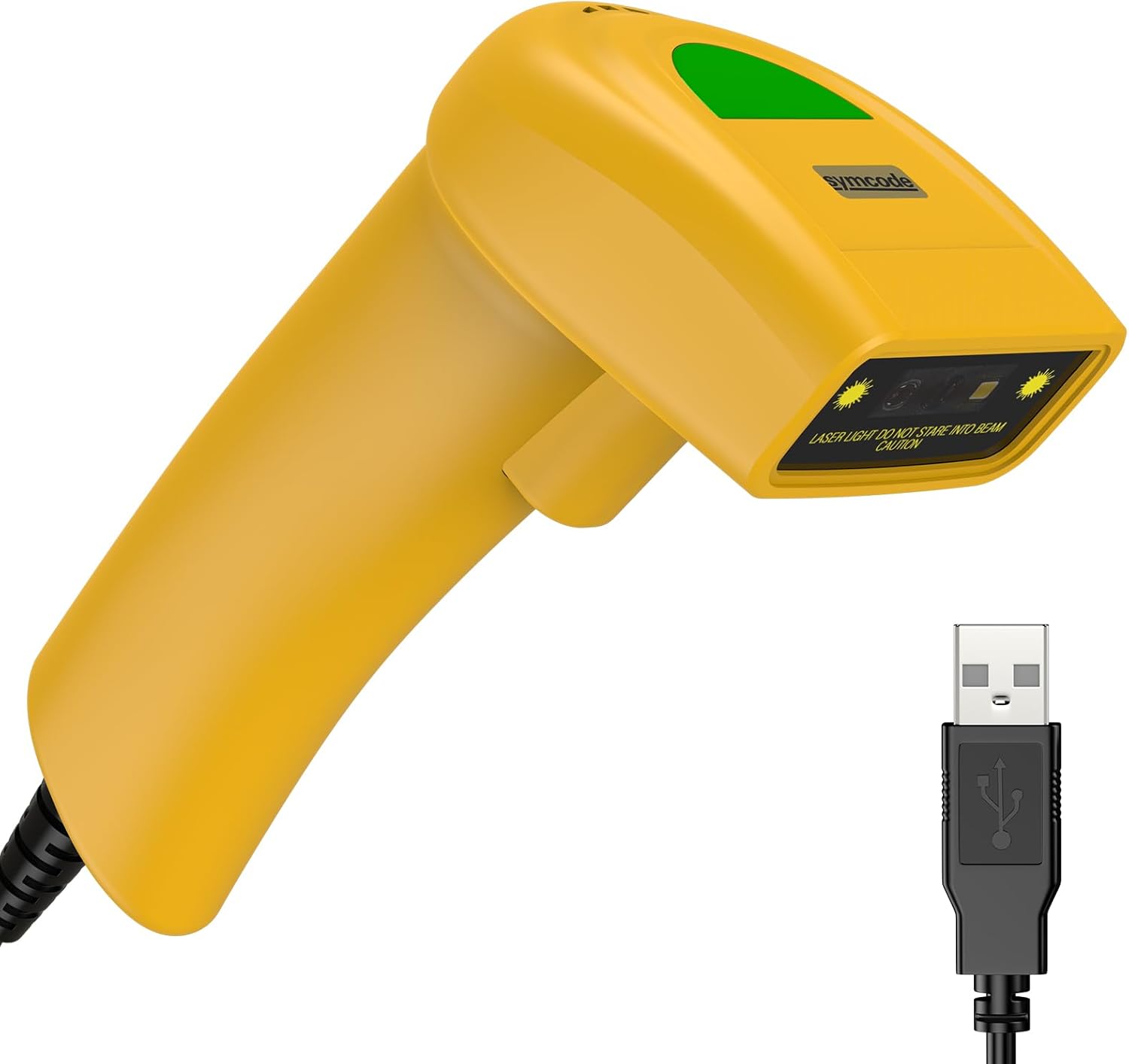
Un dettagliato view of the Symcode 1D Barcode Scanner in yellow, highlighting its ergonomic shape and the attached USB cable for connectivity.
Istruzioni di installazione
The Symcode barcode scanner is designed for simple plug-and-play operation.
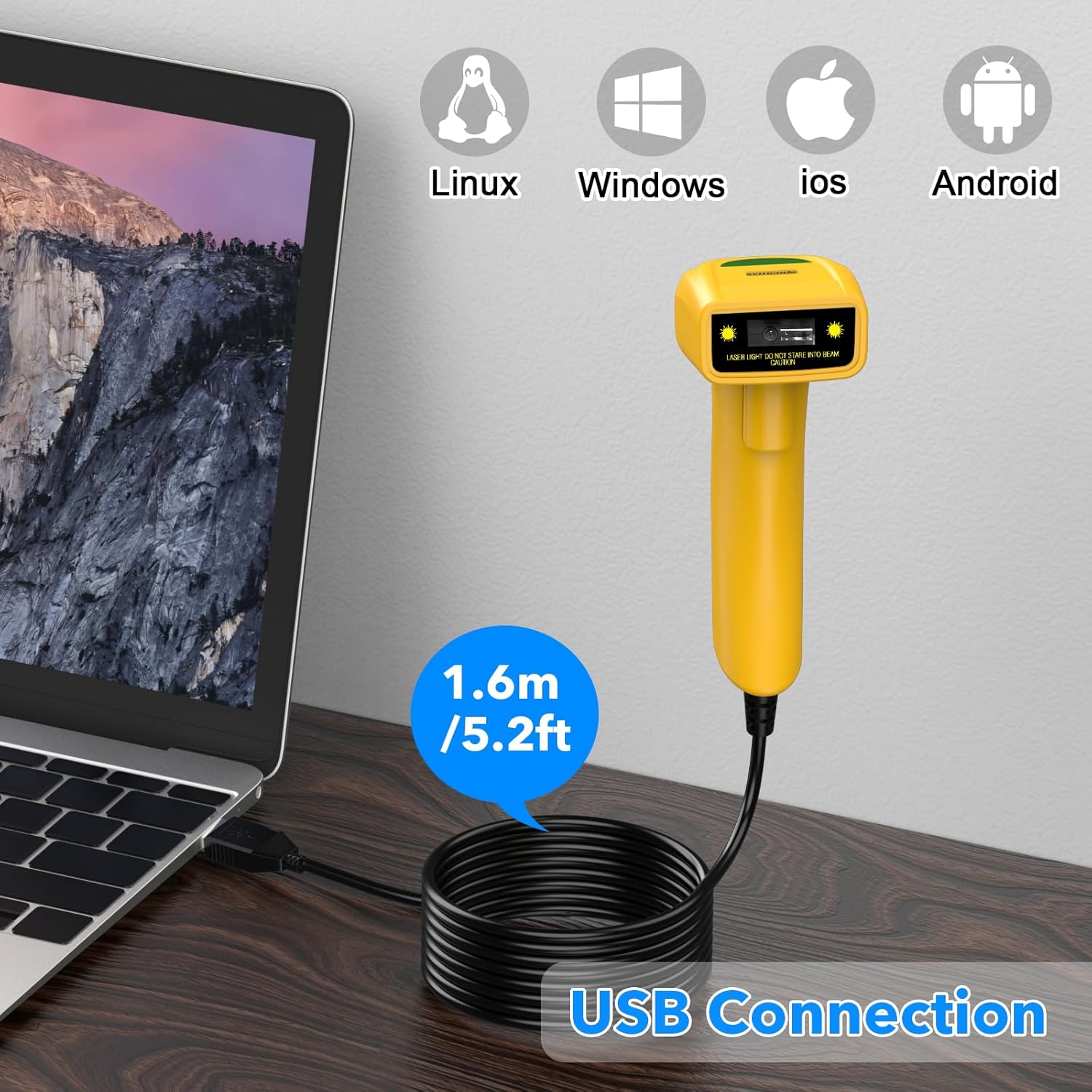
The Symcode barcode scanner connected to a laptop via its USB cable, illustrating its compatibility with Linux, Windows, iOS, and Android operating systems.
- Connect the USB cable from the scanner to an available USB port on your computer (Laptop or Desktop).
- The scanner is compatible with various operating systems including Linux, Windows, iOS, and Android. No additional drivers are typically required.
- Once connected, the scanner will be recognized as a keyboard input device. You can open any text editor, spreadsheet, or POS application and scan a barcode to test. The scanned data will appear as if typed by a keyboard.
Modalità operative
The scanner supports three primary scanning modes to suit different operational needs:
- Modalità di attivazione chiave: Press the trigger button to activate the scan beam and read a barcode. The beam will turn off when the button is released.
- Modalità di autoinduzione: The scanner automatically detects a barcode within its scanning range and activates the beam to read it without requiring a trigger press.
- Modalità continua: The scan beam remains continuously active, allowing for rapid scanning of multiple barcodes without individual trigger presses.
Refer to the included user manual (physical copy) for specific barcode configurations to switch between these modes.
Funzionalità avanzate
Prefix and Suffix Customization
The scanner allows for customization of prefixes and suffixes to be added to the scanned data, providing flexibility for various applications.
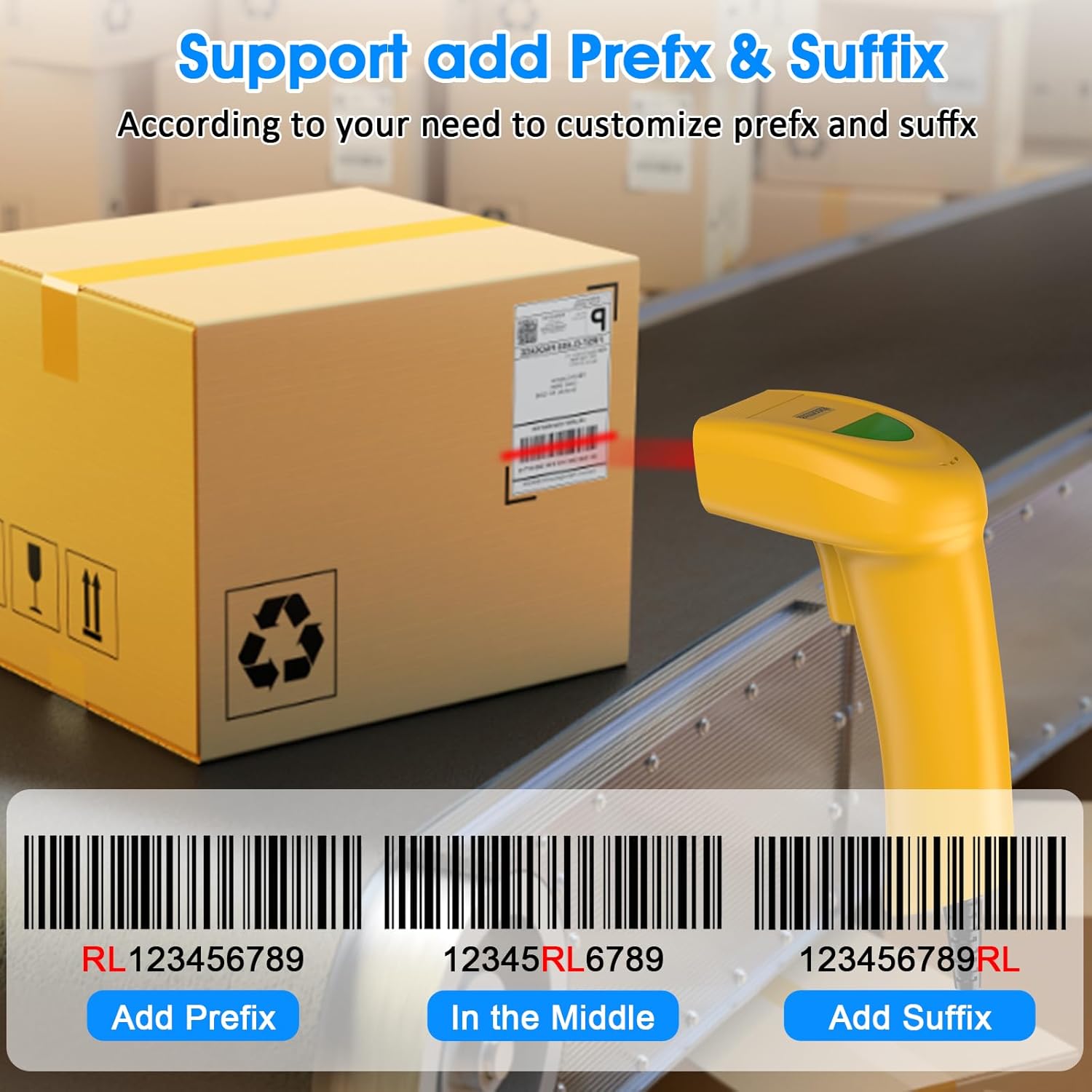
An illustration demonstrating how the Symcode barcode scanner can add custom prefixes (e.g., RL123456789), suffixes (e.g., 123456789RL), or insert characters in the middle (e.g., 12345RL6789) of scanned barcode data.
This feature is useful for integrating scanned data into specific software systems or for data organization. Consult the physical user manual for programming barcodes to configure these options.
Impostazioni audio
The scanner provides audible feedback upon successful scans. The sound can be turned on or off according to your preference and working environment.
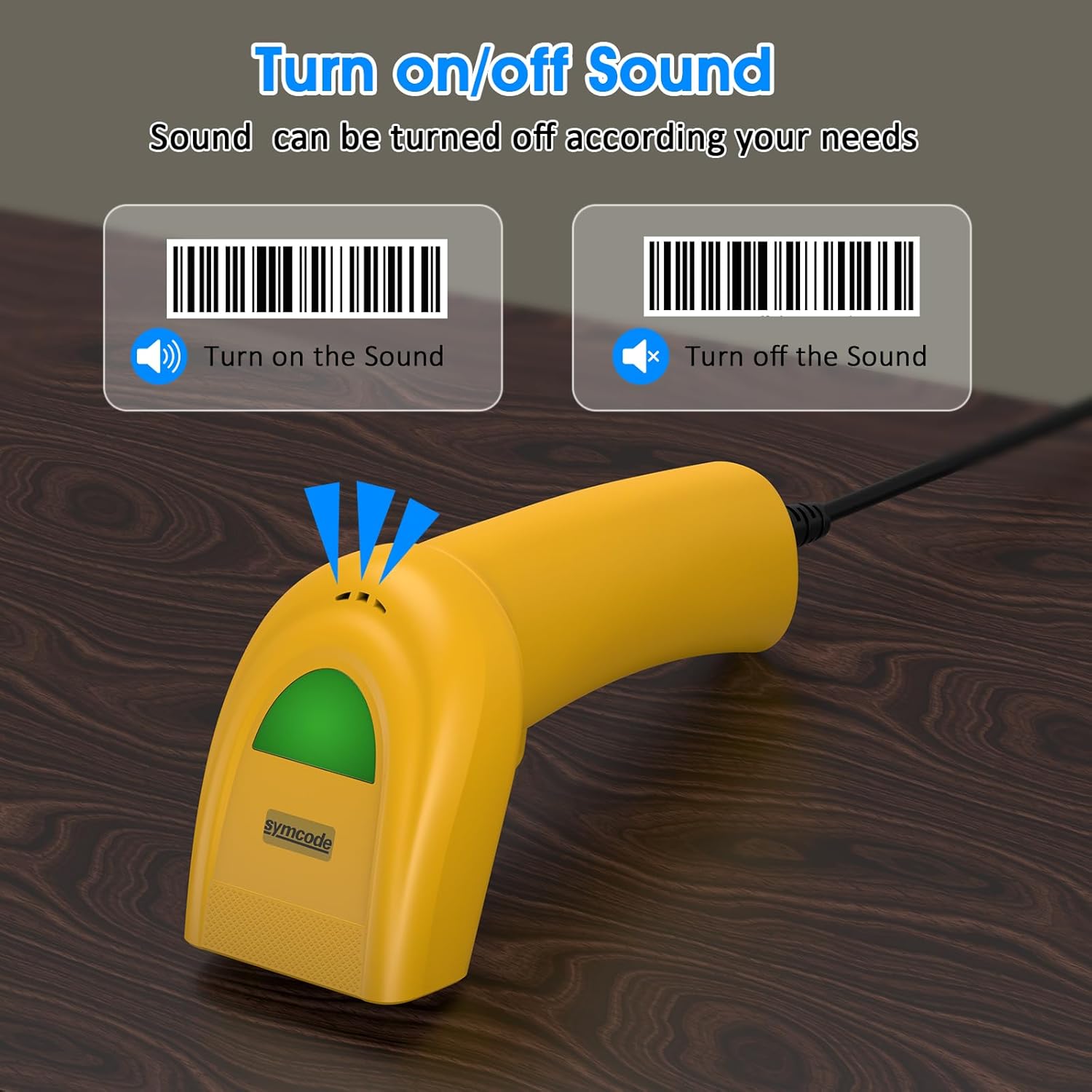
An image illustrating the option to turn the scanner's sound on or off, with visual cues for both states, allowing users to customize audible feedback.
Scan the appropriate configuration barcode from the user manual to toggle the sound feature.
Codici a barre supportati
The Symcode 1D Barcode Scanner is equipped with advanced CCD sensor technology, enabling it to accurately read a wide range of 1D barcodes from both paper and digital screens. It can even decode smudged, damaged, fuzzy, or reflective barcodes.
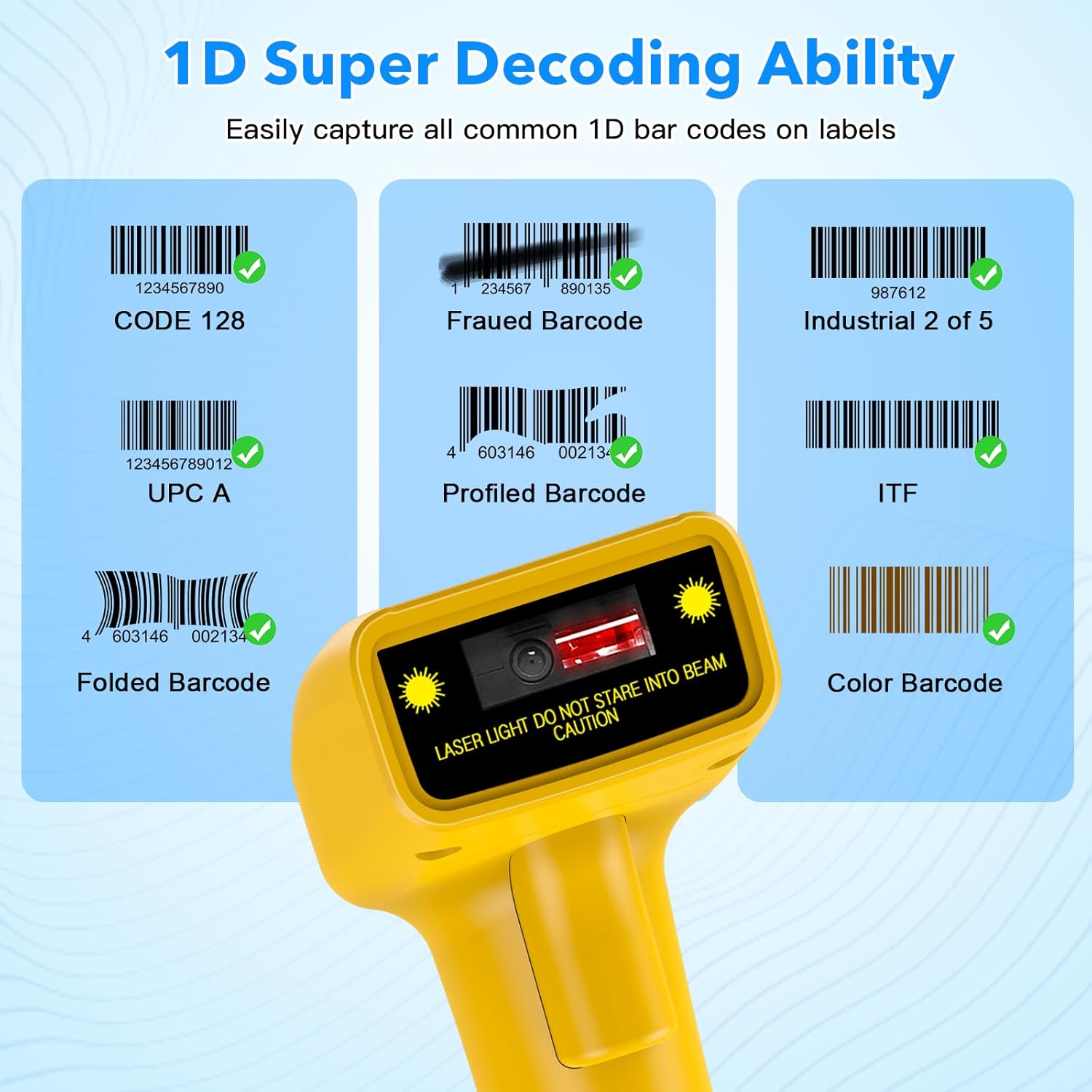
Espressione visivaamples of various 1D barcodes that the Symcode scanner can decode, including CODE 128, Frauded Barcode (e.g., 1234567890135), Industrial 2 of 5, UPC A (e.g., 0123456789012), Profiled Barcode (e.g., 4603146002134), ITF, Folded Barcode (e.g., 6234567890178), and Color Barcode, demonstrating its super decoding ability.
Supported 1D Barcode Symbologies include:
- EAN-8 / EAN-13
- UPC-A / UPC-E
- Code 39 / Code 93 / Code 128
- -128 EAN
- Codabar
- Industriale 2 di 5
- Interfoglio 2 di 5
- Matrice 2 di 5
- MSI
- Codice 11
- varianti RSS
- Cinese 2 di 5
The scanner also supports 180 configurable options for prefix, suffix, and termination strings.
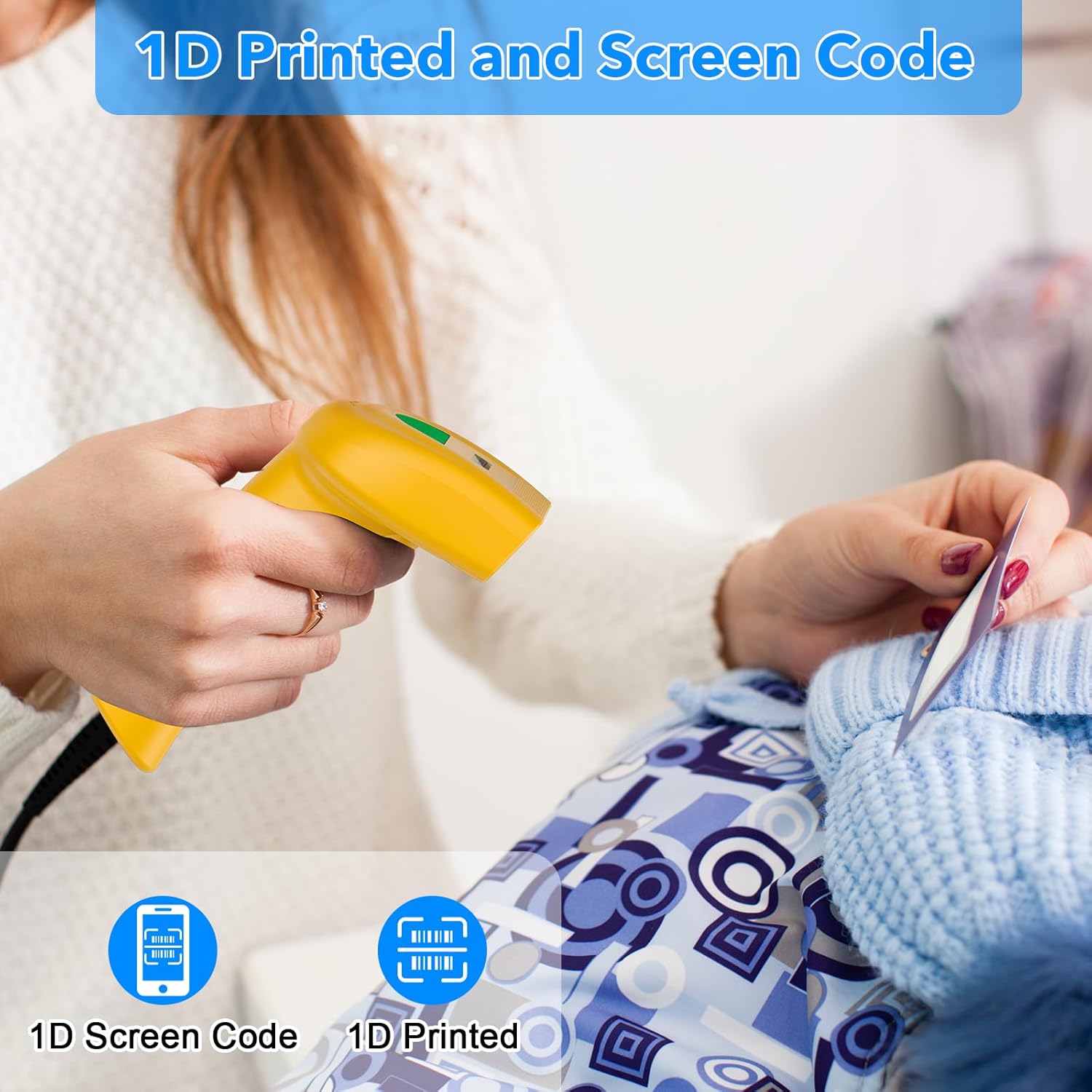
The Symcode barcode scanner in use, demonstrating its capability to scan both 1D printed barcodes and 1D barcodes displayed on screens, highlighting its versatility.
Manutenzione
Una corretta manutenzione garantisce la longevità e le prestazioni ottimali del tuo scanner per codici a barre.
- Pulizia: Utilizzare un panno morbido e asciutto per pulire l'esterno dello scanner. Per la finestra di scansione, utilizzare un panno per la pulizia delle lenti o un panno morbido leggermente imbevuto di acqua.ampened with a non-abrasive cleaner. Do not use harsh chemicals or abrasive materials.
- Magazzinaggio: Conservare lo scanner in un luogo fresco e asciutto, lontano dalla luce solare diretta e da temperature estreme.
- Cura del cavo: Evitare di piegare o torcere eccessivamente il cavo USB, poiché ciò potrebbe danneggiare i fili interni.
Risoluzione dei problemi
If you encounter issues with your scanner, refer to the table below for common problems and solutions.
| Problema | Possibile causa | Soluzione |
|---|---|---|
| Lo scanner non si accende. | Cavo USB non collegato correttamente o porta USB difettosa. | Assicurati che il cavo USB sia collegato saldamente sia allo scanner che al computer. Prova una porta USB diversa. |
| Lo scanner non legge i codici a barre. | Modalità di scansione errata, tipo di codice a barre non supportato o codice a barre danneggiato. | Check the scanning mode (trigger, auto-induction, continuous). Ensure the barcode symbology is supported. Try scanning a known good barcode. Clean the scanning window. |
| I dati scansionati vengono visualizzati in modo errato. | Keyboard language settings mismatch or incorrect prefix/suffix settings. | Ensure your computer's keyboard language matches the scanner's default. Reset prefix/suffix settings if recently changed. |
| Nessun feedback sonoro. | Sound feature is turned off. | Scan the 'Turn on Sound' configuration barcode from the user manual. |
Specifiche tecniche
| Caratteristica | Specificazione |
|---|---|
| Dimensioni | Dimensioni: 165 x 63 x 87 mm |
| Peso | 156 g (6.4 once) |
| Sorgente luminosa | 650nm~670nm visible laser |
| Velocità di scansione | 100 scansioni/sec |
| Read Preciseness | 0.1 mm (4 mil) |
| Contrasto di stampa | 30% minimo |
| Profondità di campo | 0~600mm (0.33mm, PCS 90%) |
| Ambito di scansione | 10mm~250mm |
| Distanza di lettura | 2.5~600mm (100% UPC/EAN) |
| Tasso di errore di bit | 1 / 5 milioni |
| Attuale | 85mA (working), 36mA (storage) |
| Interfaccia | USB |
| Temperatura di esercizio | 0 ~45 (32 ~113 ) |
| Temperatura di conservazione | -20 ~60 (-4 ~140 ) |
| Umidità | 5%~95% senza condensa |
| Materiale | ABS+PC |
| Tecnologia di connettività | Cavo USB |
| Dispositivi compatibili | Computer portatile, desktop |
| Fonte di alimentazione | Elettrico con cavo |
Garanzia e supporto
Symcode products are manufactured to high-quality standards. For warranty information and technical support, please refer to the documentation included with your purchase or visit the official Symcode store.
For further assistance, you may contact Symcode support directly through their official store page: Symcode Official Store
Ask a question about this manual
Ask about setup, troubleshooting, compatibility, parts, safety, or missing instructions. Manuals+ will review the question and use this page’s manual context to help answer it.